Chapter 1 Introduction To Odoo
Odoo is a suite of business applications. It is not only inventory software, and it is not only accounting software. It is a business platform made of many application modules.
For beginners, it is useful to understand Odoo as a set of enterprise management tools that can be enabled gradually: start with Sales, Purchase, Inventory, and Accounting, then extend to Website, POS, Manufacturing, Project, HR, approvals, and integrations as the business requires.
What Odoo Can Do
After entering Odoo, users usually see the application home page.
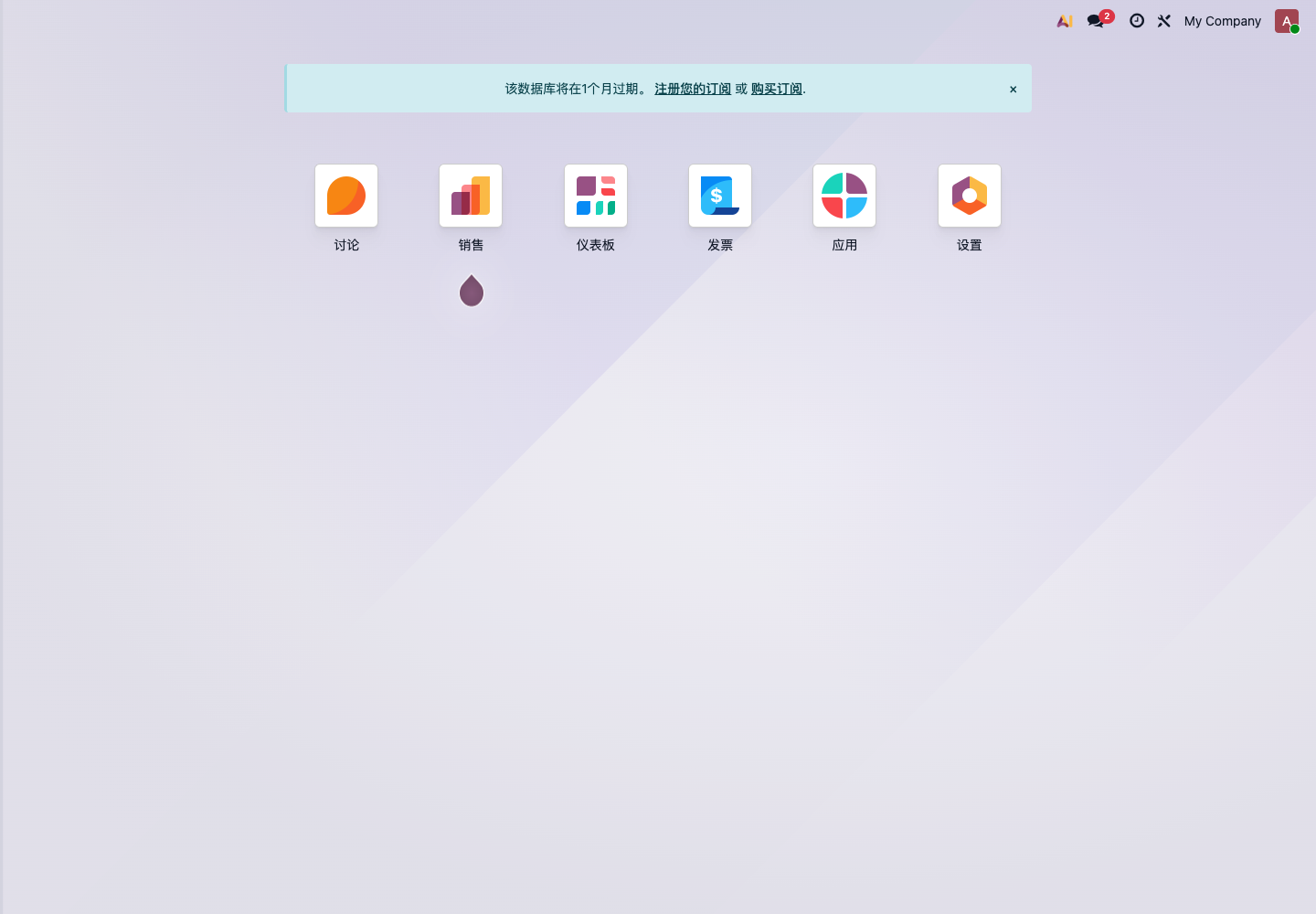
Common applications include:
| Application | Main Usage |
|---|---|
| Sales | Quotations, sales orders, customer management, sales reports |
| Purchase | Requests for quotation, purchase orders, vendor management |
| Inventory | Receipts, deliveries, internal transfers, inventory counts, lots and serial numbers |
| Invoicing / Accounting | Customer invoices, vendor bills, payments, bank reconciliation |
| CRM | Leads, opportunities, sales follow-up |
| POS | Store checkout, returns, session closing, membership and discounts |
| Manufacturing | BOMs, manufacturing orders, work orders, material consumption |
| Project | Tasks, timesheets, project delivery |
| Website / eCommerce | Website, online shop, customer portal |
| Employees | Employee records, time off, recruitment, payroll, and related HR functions |
Companies do not need to install every application on the first day. For a first implementation, choose the smallest set of modules around the main business process.
Three Keywords Of Odoo
Modular
Odoo features are organized by applications. Sales, Purchase, Inventory, and Accounting can be used independently, but they can also connect into a complete flow.
For example, a trading company often uses this flow:
Customer quotation -> Sales order -> Purchase replenishment -> Receipt -> Delivery -> Invoice -> Payment
This flow uses Sales, Purchase, Inventory, and Accounting at the same time.
Integrated
Odoo modules are not isolated. One product record can be used by Sales, Purchase, Inventory, POS, and Manufacturing. One customer record can be used by quotations, invoices, the portal, and after-sales service.
This is why basic data is so important. If basic data is clean, later modules will run smoothly. If basic data is messy, every module will suffer.
Extensible
Odoo supports configuration, third-party modules, and custom development. Many requirements can be solved with native settings. A smaller number of industry-specific differences can be handled through modules or custom development.
For self-implementation, follow this order:
- Use native Odoo to run the main process first;
- Then identify which parts truly do not fit;
- Finally consider custom development or integrations.
Do not require Odoo to be exactly the same as the old system from the beginning. That usually drags the project into a large amount of low-value customization.
Odoo Editions
Odoo is usually divided into Community Edition and Enterprise Edition.
| Edition | Characteristics |
|---|---|
| Community Edition | Open source and free, suitable for basic business and teams that can maintain it themselves |
| Enterprise Edition | Official paid edition with more advanced features, mobile apps, official upgrade service, and enterprise applications |
If the company needs complete accounting, mobile apps, Studio, Odoo.sh, official upgrade services, or certain enterprise applications, it will usually consider Enterprise Edition.
Odoo pricing may change according to official policy. Before quoting, always refer to the official Odoo website or a formal contract.
Odoo Deployment Options
Common deployment options include:
| Deployment | Suitable Scenario |
|---|---|
| Odoo Online | Official standard SaaS, no third-party modules, suitable for standardized requirements |
| Odoo.sh | Official hosted development platform, suitable for Enterprise Edition with custom modules |
| Self-hosted | Deployed on your own server, suitable for deep control, third-party modules, or localized operations |
For customers in China, also consider network access, email, SMS, payments, logistics, ICP filing, server operations, and backup strategy. Deployment should not be evaluated only by software cost; long-term maintenance cost matters too.
Where To Start The First Implementation
Do not start the first implementation with "which modules should I install?" Start with the main business flow.
| Company Type | Priority Flow |
|---|---|
| Trading and wholesale | Sales, Purchase, Inventory, Accounting |
| Retail stores | POS, Products, Inventory, Payments |
| Manufacturing | Products, BOMs, Inventory, Purchase, Manufacturing |
| Service company | CRM, Sales, Project, Timesheets, Invoicing |
| eCommerce | Products, Orders, Inventory, Logistics, Reconciliation |
The goal of phase one should be a usable main process, not perfect details everywhere.
Recommended Learning Sequence
Learn Odoo in this sequence:
- Basic data: company, users, customers, products;
- Sales process: quotations, orders, delivery, invoicing;
- Purchase process: RFQs, purchase orders, receipts, vendor bills;
- Inventory process: warehouses, locations, transfers, inventory counts;
- Finance process: invoices, payments, bank reconciliation, reports;
- Permissions and reports: role permissions, management reports, department statistics;
- Phase-two optimization: automation, integrations, and industry customization.
This manual follows the same logic: build the foundation first, run the business next, and optimize later.
Common Mistakes
- Installing every module on the first day;
- Importing customer and product data before cleaning it;
- Testing only with the administrator account, not with real role accounts;
- Starting customization before the native process has been tested;
- Confusing Chinese tax-control invoices with Odoo accounting invoices;
- Keeping the old system and Odoo entering the same type of business for a long time;
- Having no backup or go-live cutover plan.
Odoo is flexible, but flexibility does not mean implementation order can be skipped. For beginners, the safest approach is to make a small scope work first, then expand gradually.
About Us
This manual is organized and maintained by Qingdao Ohm Network Technology. We have focused on Odoo implementation and development for more than ten years, serving trading, retail, manufacturing, eCommerce, store, foreign trade, and service businesses in China and overseas.
The goal of this manual is simple: help first-time Odoo users understand the system and test it by themselves, while also helping experienced customers evaluate Odoo's native capabilities, implementation boundaries, and customization options.
Our implementation philosophy is:
- Native first: if a standard Odoo feature can solve the problem, do not rush into customization;
- Process first: make the main Sales, Purchase, Inventory, and Accounting flow work first;
- Data first: clean customer, product, inventory, and accounting master data first;
- Long-term maintenance: consider upgrades, operations, backups, and phase-two optimization;
- High value for money: provide cost-effective Odoo solutions for SMEs while keeping delivery professional.
If you only want to understand Odoo, follow this manual step by step. If you are already in a real project and encounter multi-company, complex inventory, domestic email, payment and logistics integrations, financial reporting definitions, permission isolation, or industry customization, treat those topics as key points for implementation evaluation. Odoo is flexible, but stable delivery requires understanding business, native features, and development boundaries.