QuickBooks
QuickBooks is accounting and financial management software developed by Intuit. It is widely used by small and medium businesses for bookkeeping, tax filing, invoicing, payroll, and other financial operations. QuickBooks provides both Desktop and Online versions and is especially popular in North America.
This chapter explains how to use our QuickBooks plugin to connect Odoo with common QuickBooks workflows.
QuickBooks-Side Setup
Like Xero, QuickBooks uses OAuth 2.0. Create an application in the Intuit Developer Center.
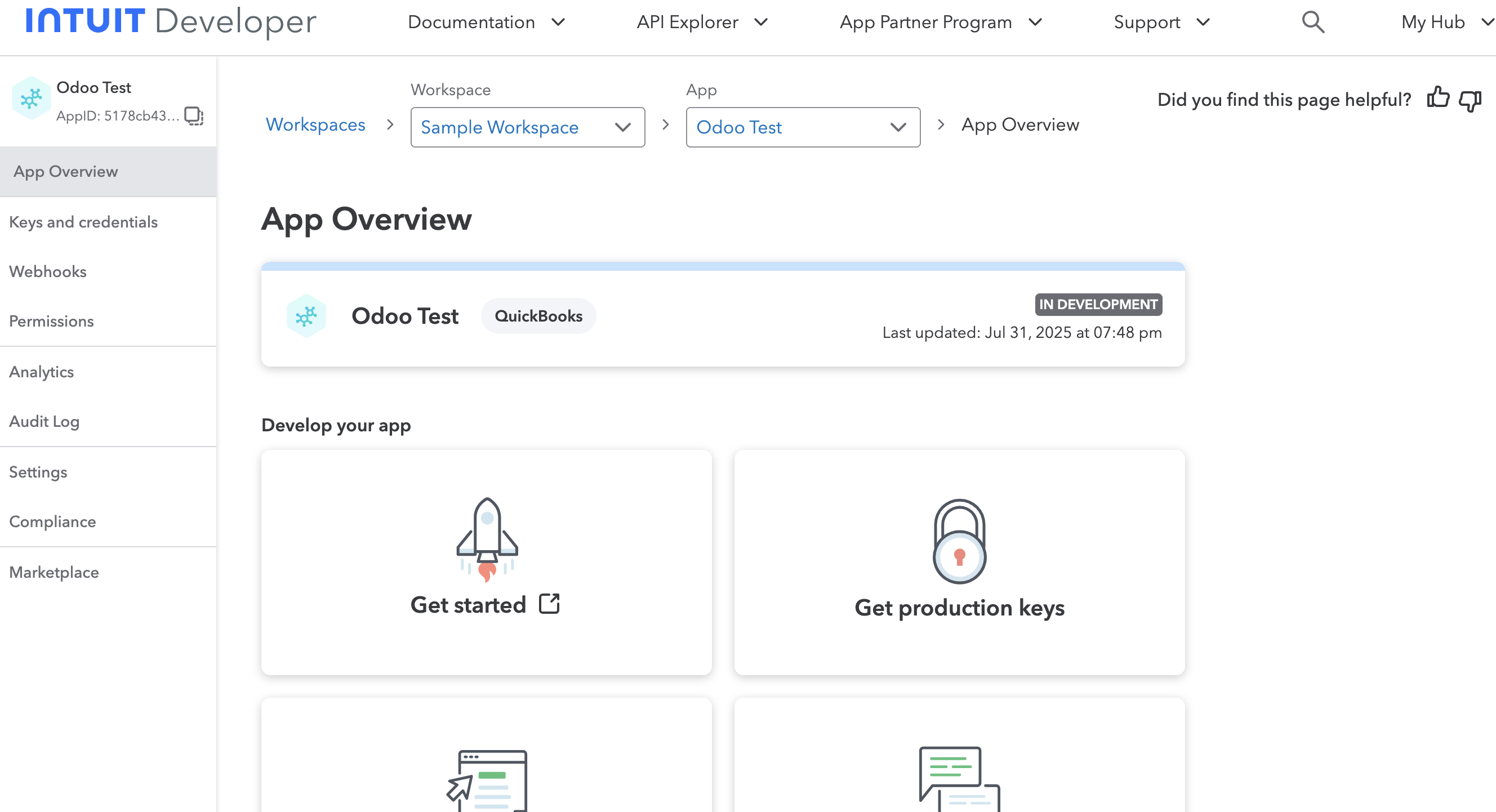
Obtain these parameters:
| Parameter | Description |
|---|---|
| Client ID | Application ID. |
| Client Secret | Application secret. |
Also obtain the QuickBooks company ID.
Set Scopes
Authorize the application to access the required data.
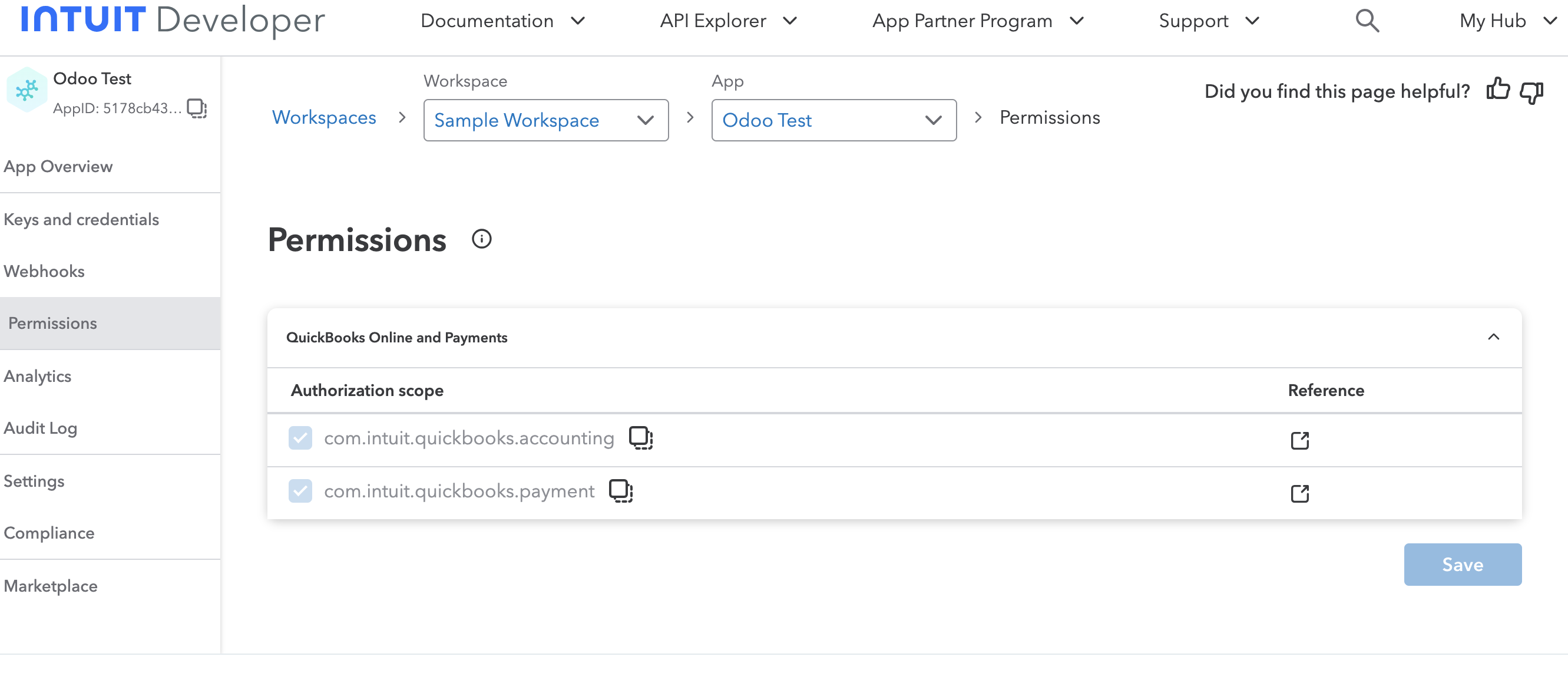
Set Redirect URI
Configure the redirect URI whitelist for the application.
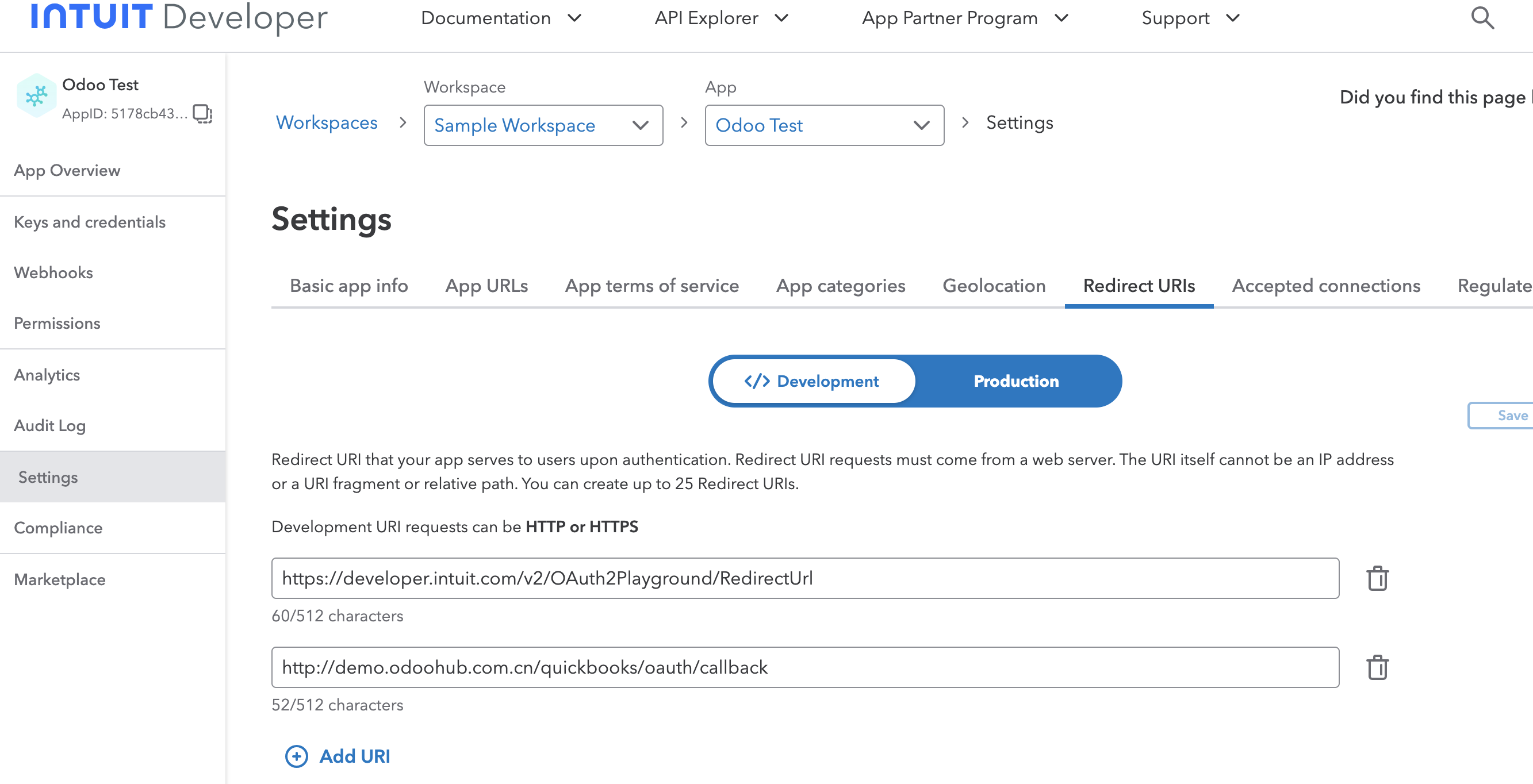
The QuickBooks-side setup is complete.
Odoo-Side Setup
Install the mommy_quickbooks module.
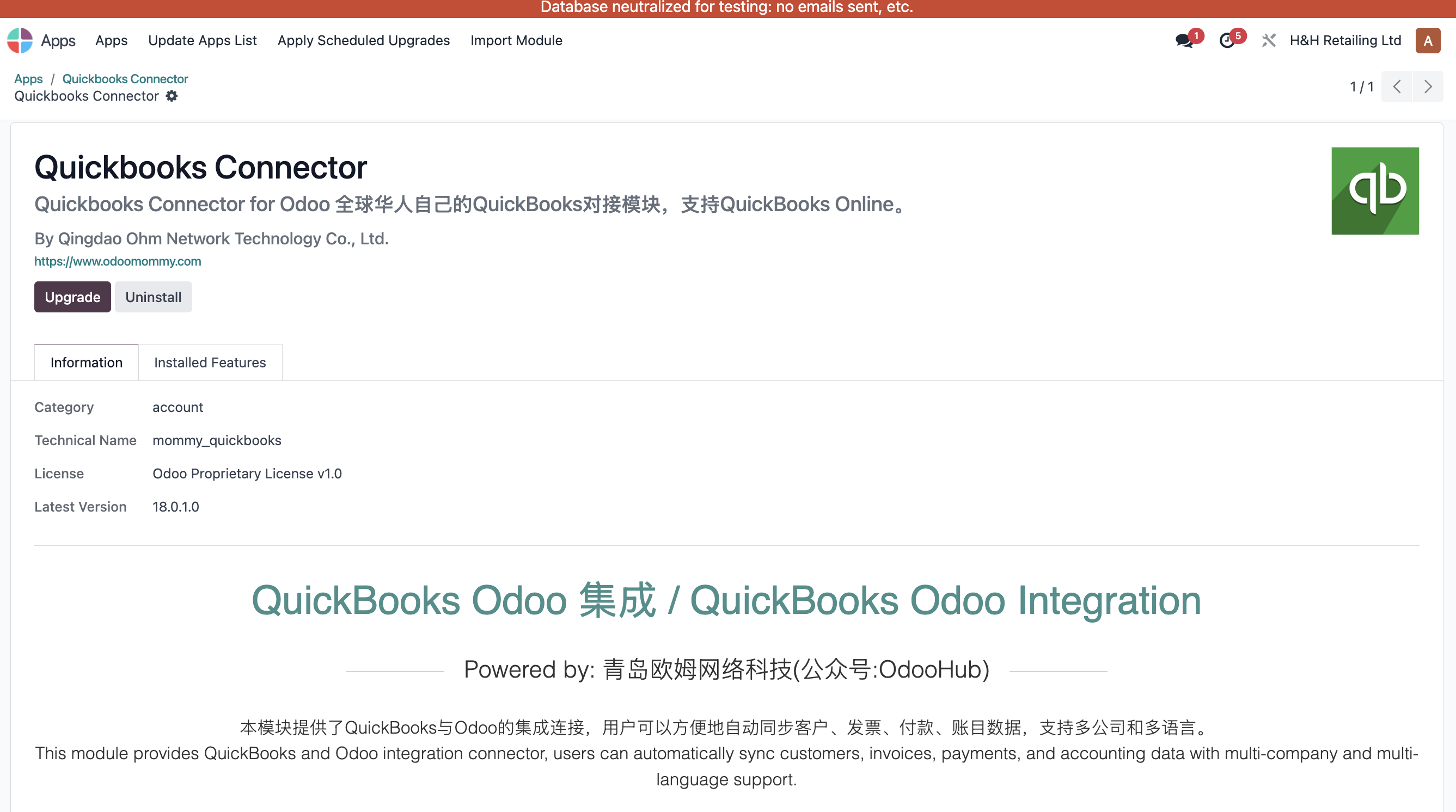
Open the QuickBooks app in Odoo and create an Odoo QuickBooks application.
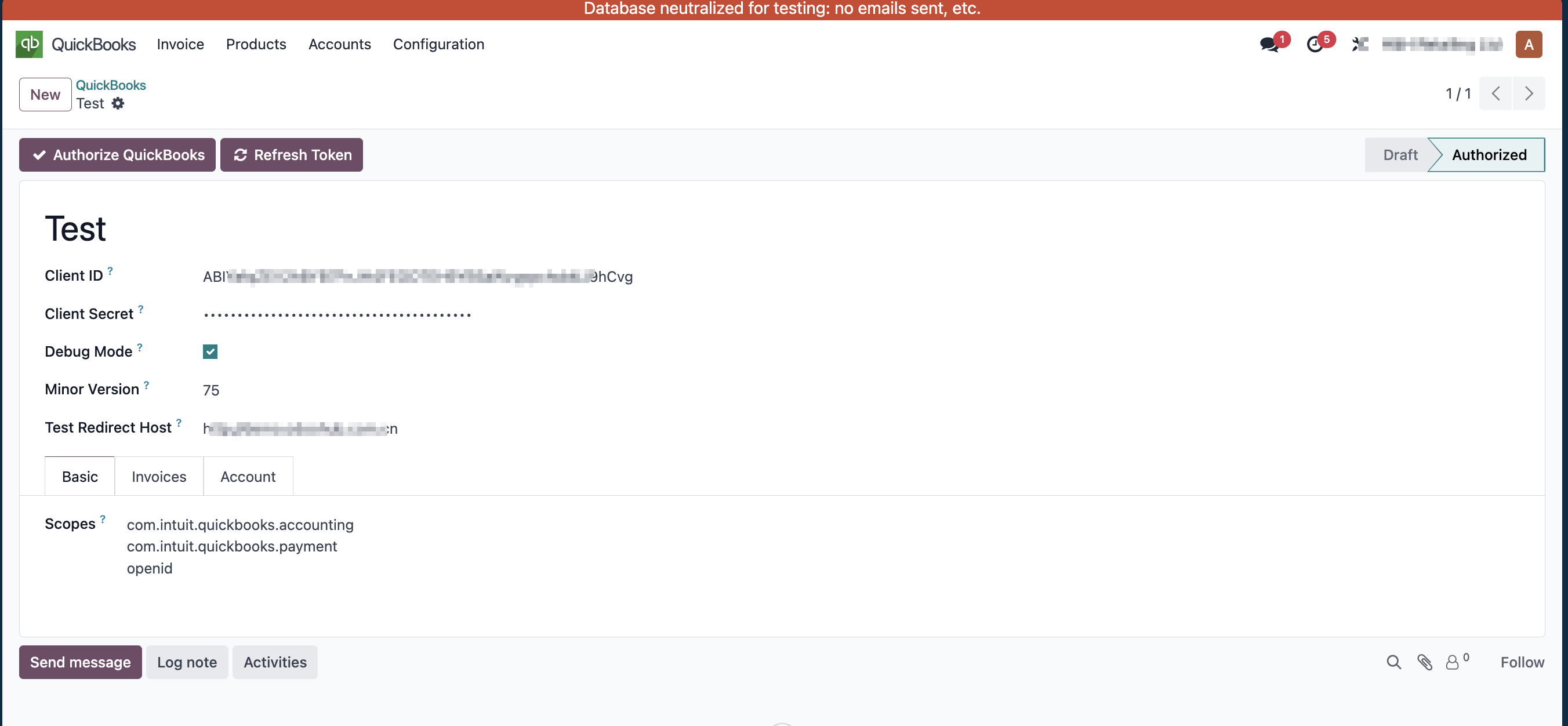
Enter Client ID and Client Secret, then configure the related parameters:
| Parameter | Description |
|---|---|
| Debug Mode | Test mode. |
| Minor Version | QuickBooks minor version. |
| Test Redirect Host | Redirect host used in test mode. |
| Scopes | Authorization scope list. |
If unsure, keep defaults or contact support.
Bind Company
Bind the QuickBooks app to the relevant company and enter the company's QuickBooks company ID.
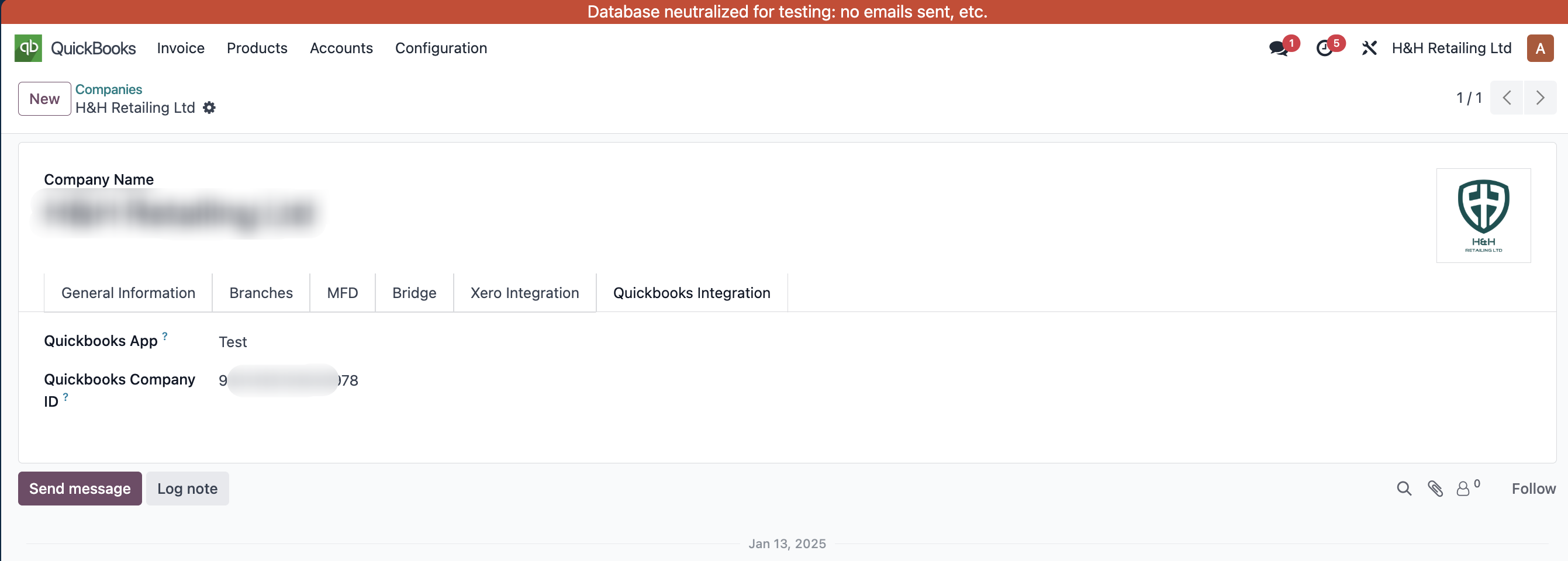
Authorization
Click the authorization button. Odoo redirects to QuickBooks for authentication.
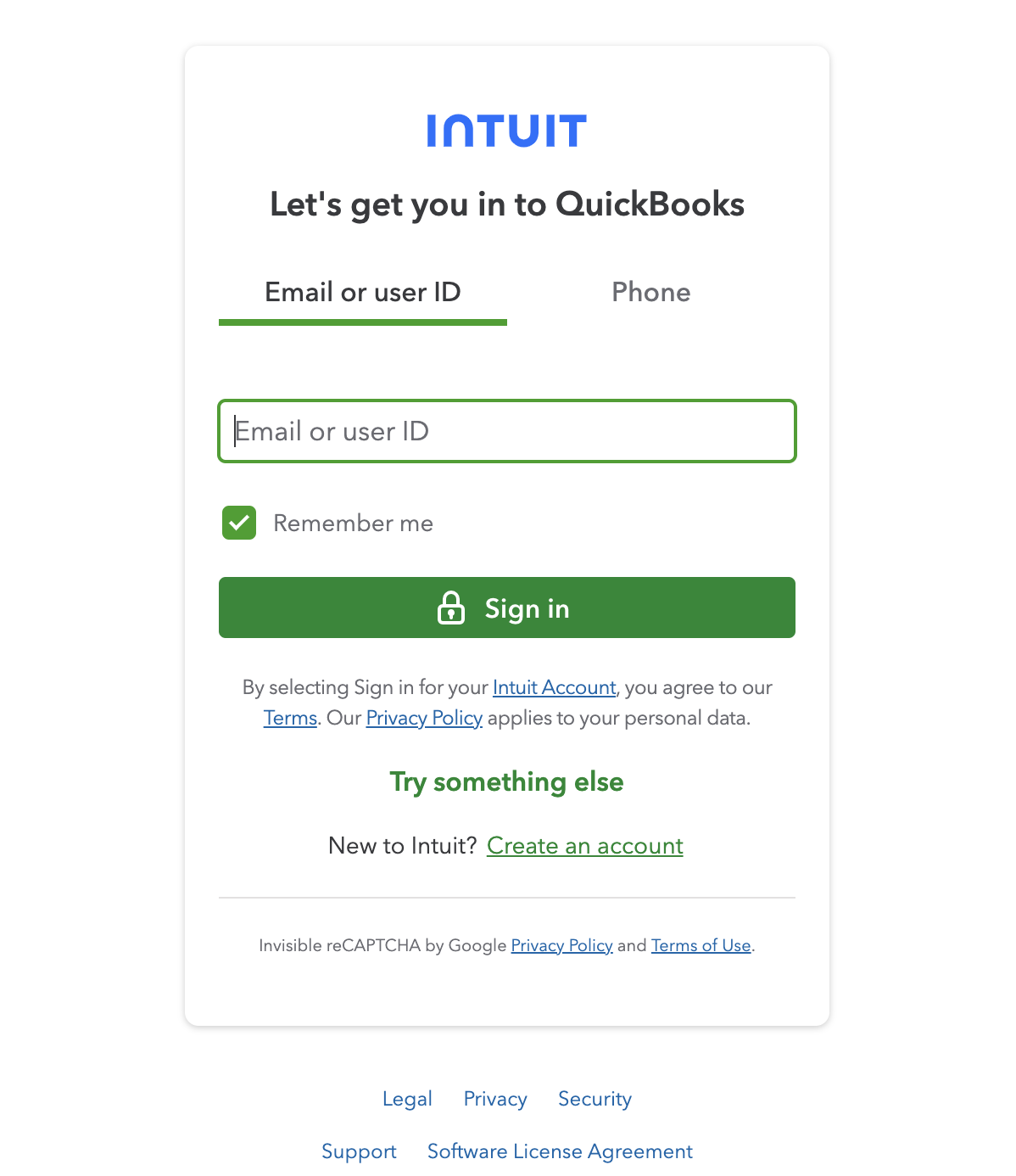
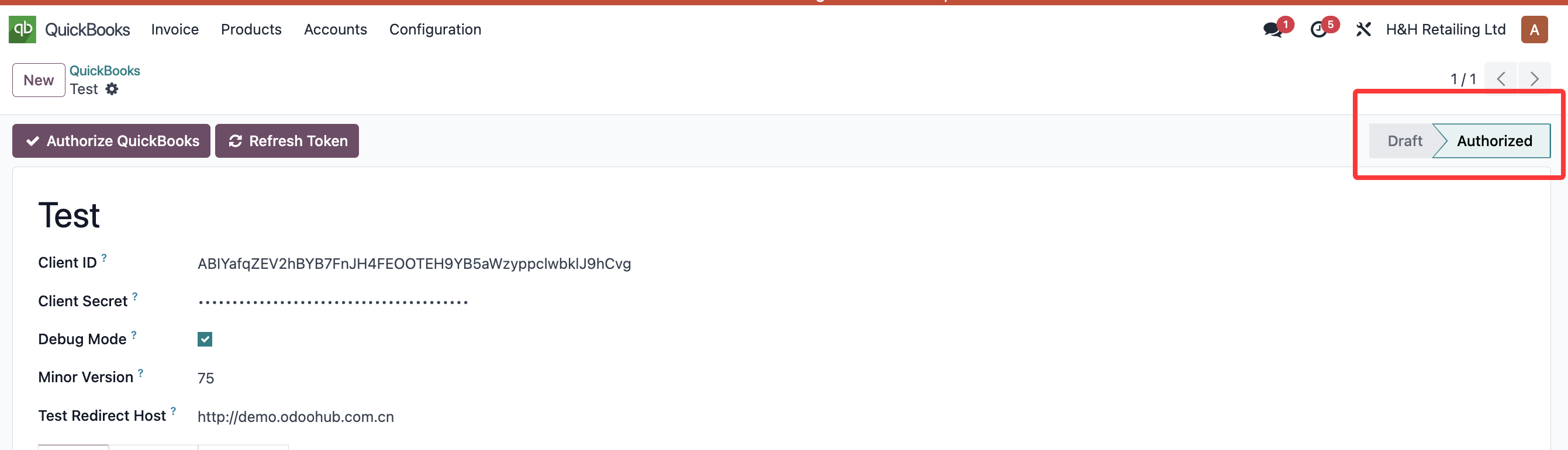
After authorization, the page returns to Odoo and the app state becomes authorized.
Data Synchronization
Account Synchronization
Because Odoo and QuickBooks account structures differ, the module provides a mapping table for account type matching.
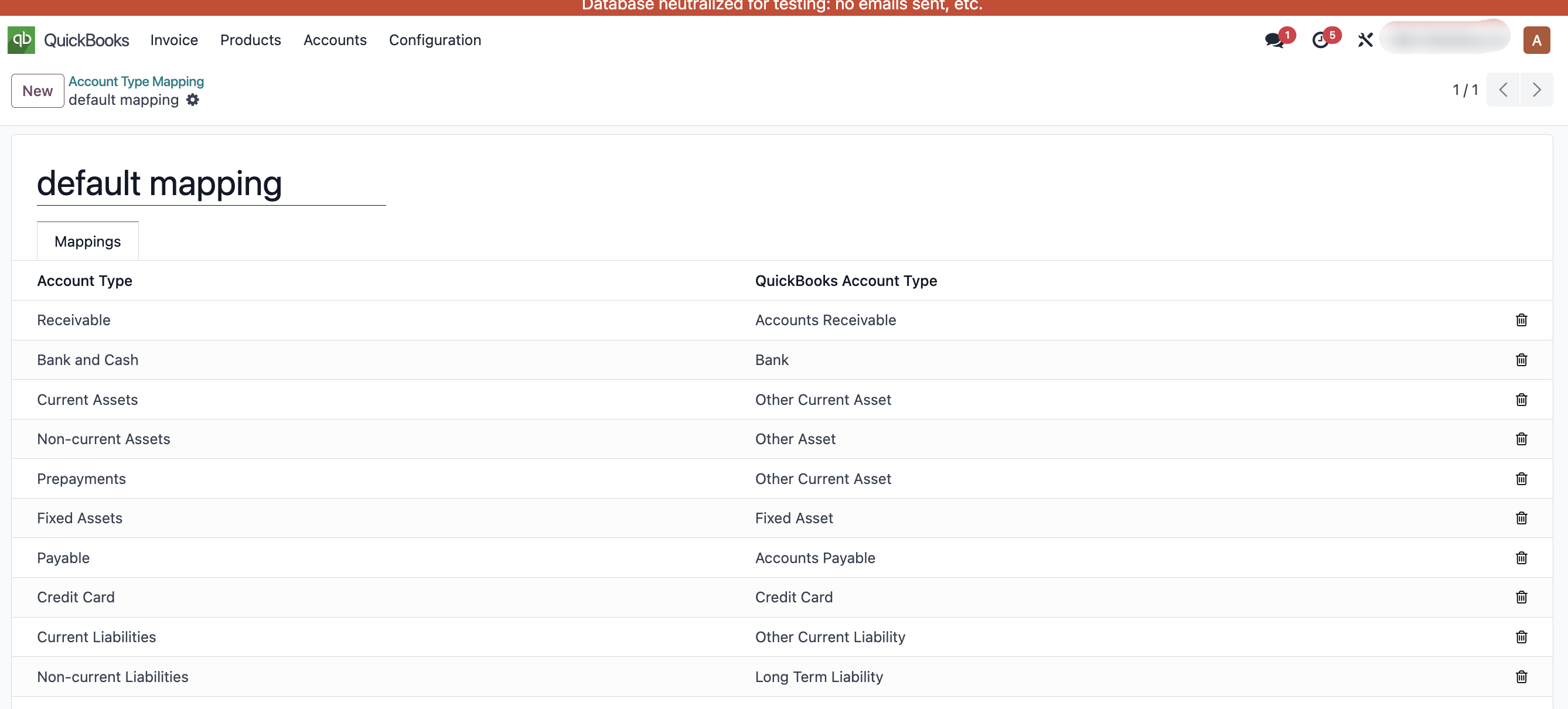
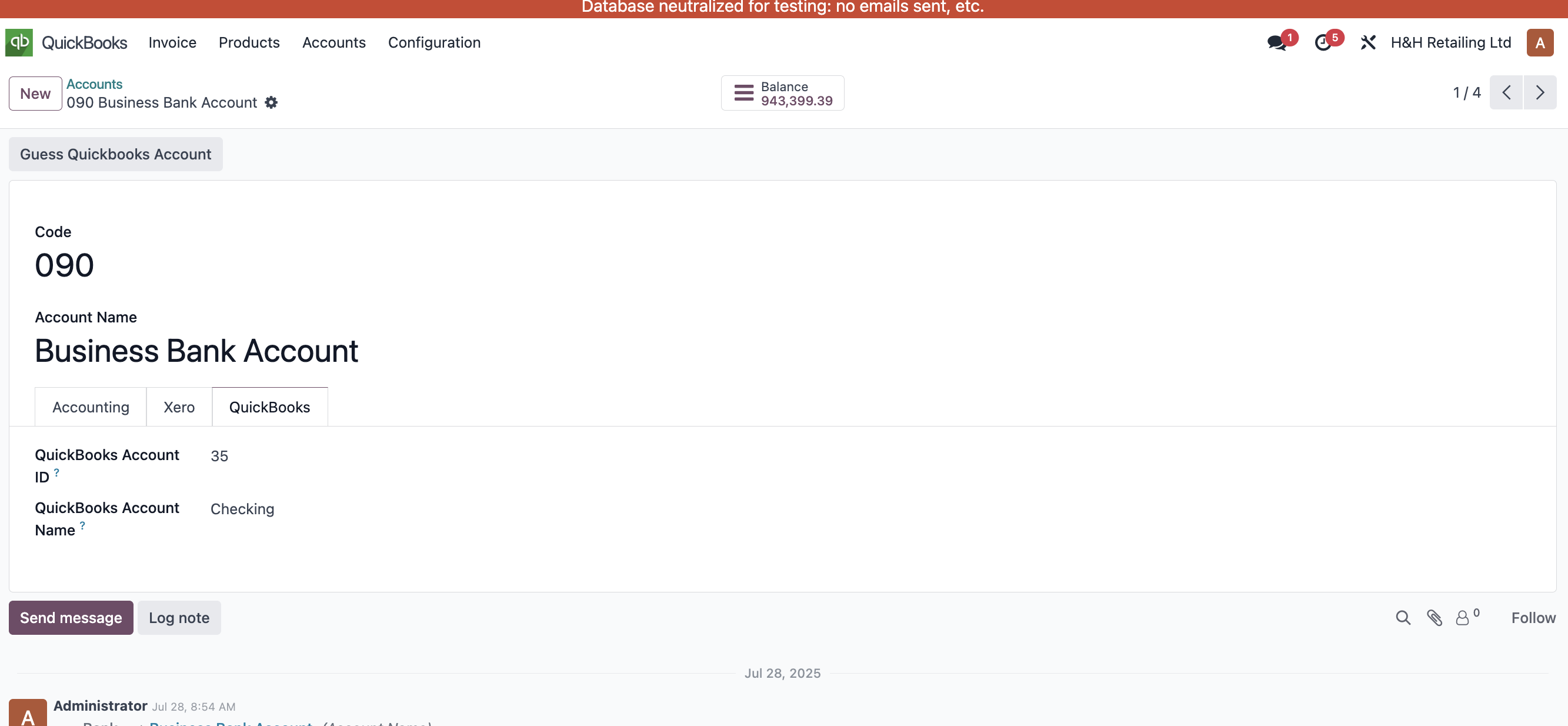
Then synchronize the target accounts.
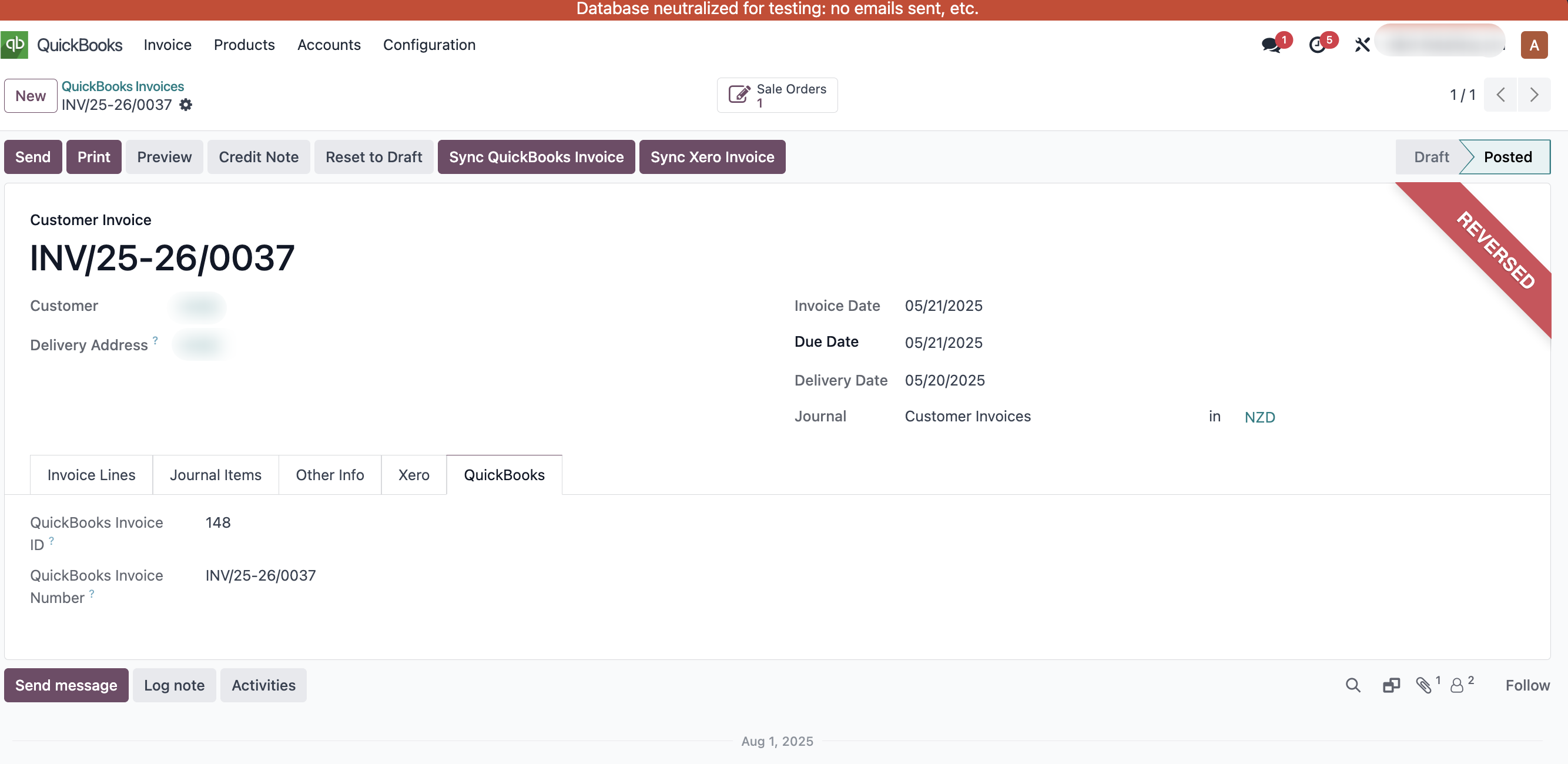
Invoice And Refund Synchronization
Invoices and refunds can be synchronized from the invoice and refund screens.
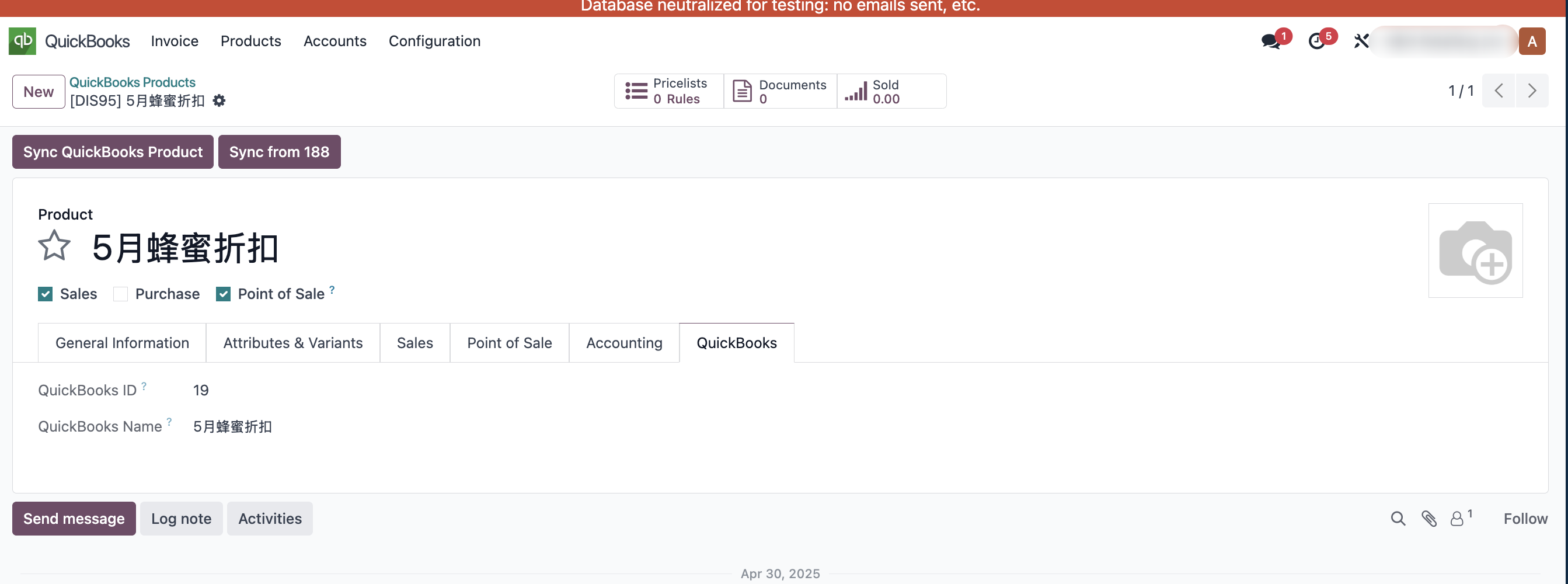
Product Synchronization
Products can be synchronized from the product interface.
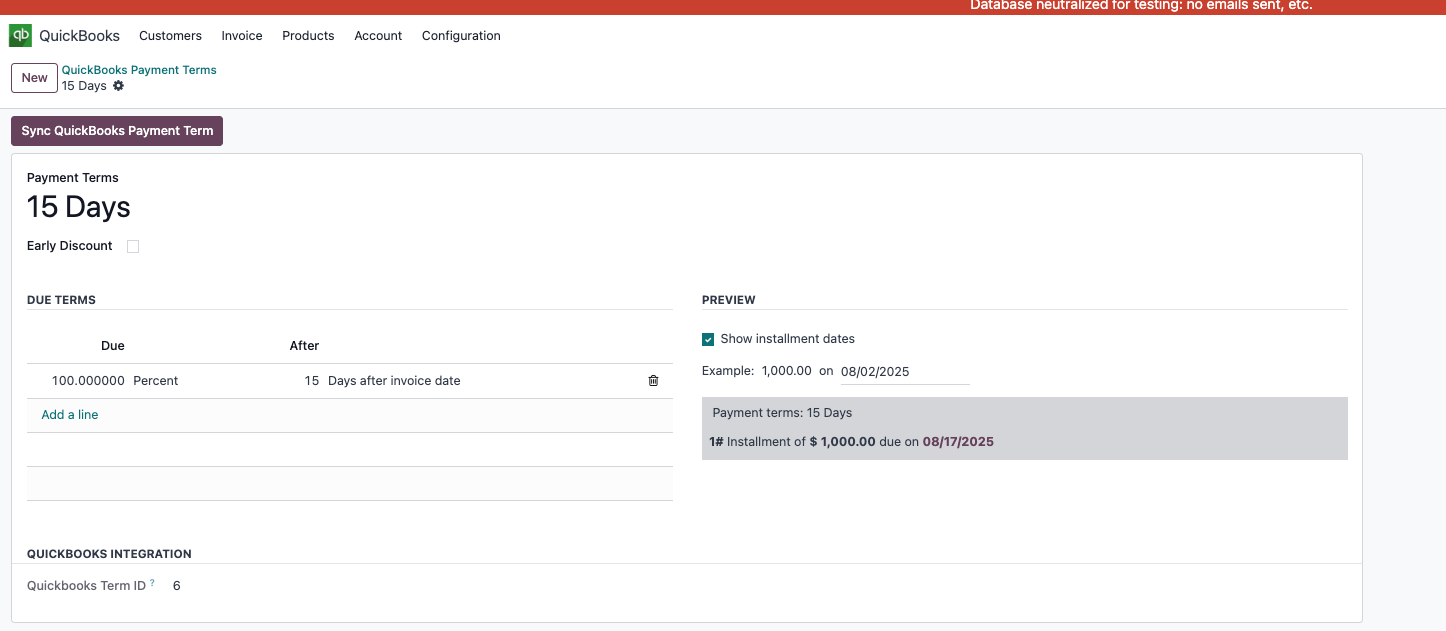
Payment Term Synchronization
Payment terms can also be synchronized to QuickBooks.
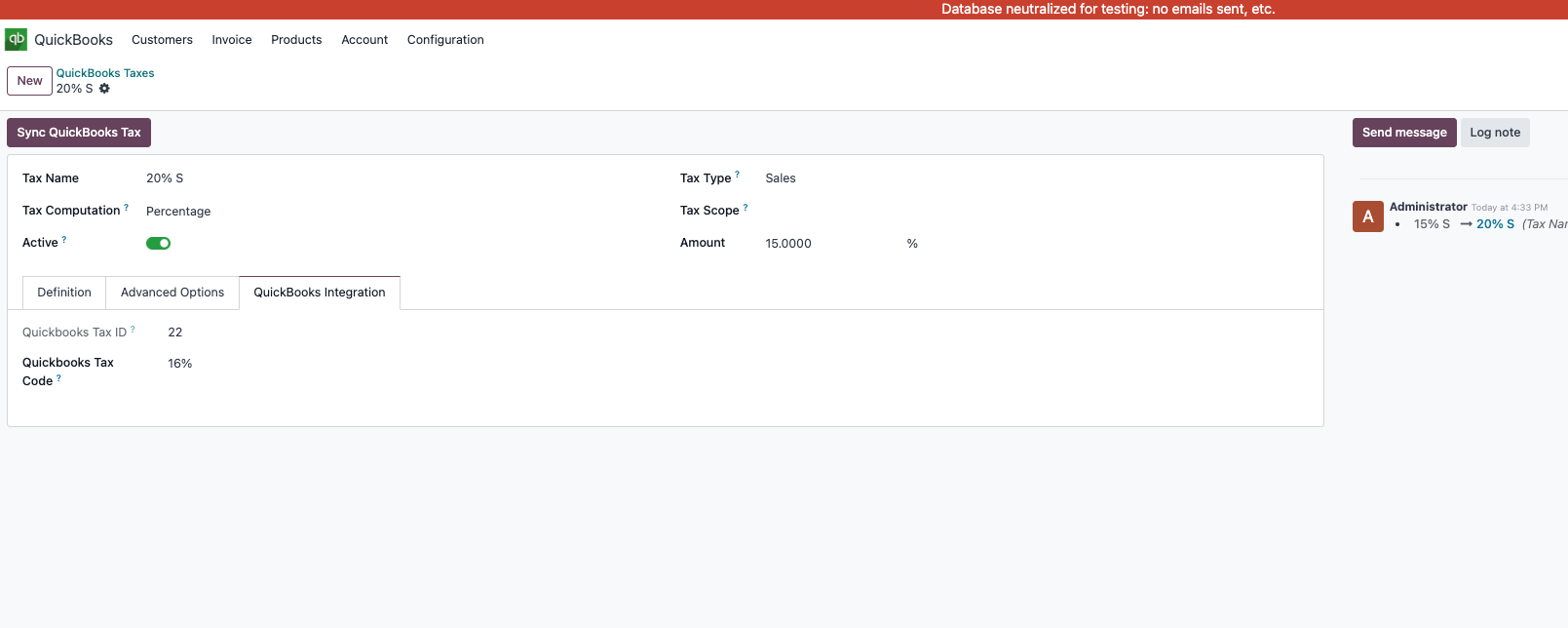
Tax Synchronization
Taxes can be synchronized as well.
This chapter introduced the basic QuickBooks integration workflow. More settings can be expanded according to customer needs.