Chapter 1 Preparation Before Implementation
Many companies start an Odoo project by asking, "Which modules should we install?" This is not a bad question, but it is not enough. What really determines whether the project succeeds is often not where a button is located, but whether the business scope, data, and people are ready before go-live.
This chapter does not discuss complex configuration yet. It focuses on the key things a company must clarify before starting a self-implementation.
Understand The Role Of A Test Database
A test database is not only for technical people. It is where business users can safely make mistakes. Every process should be tested in the test database before the company considers using Odoo as the production system.
After entering Odoo, users usually see an application home page similar to the following:
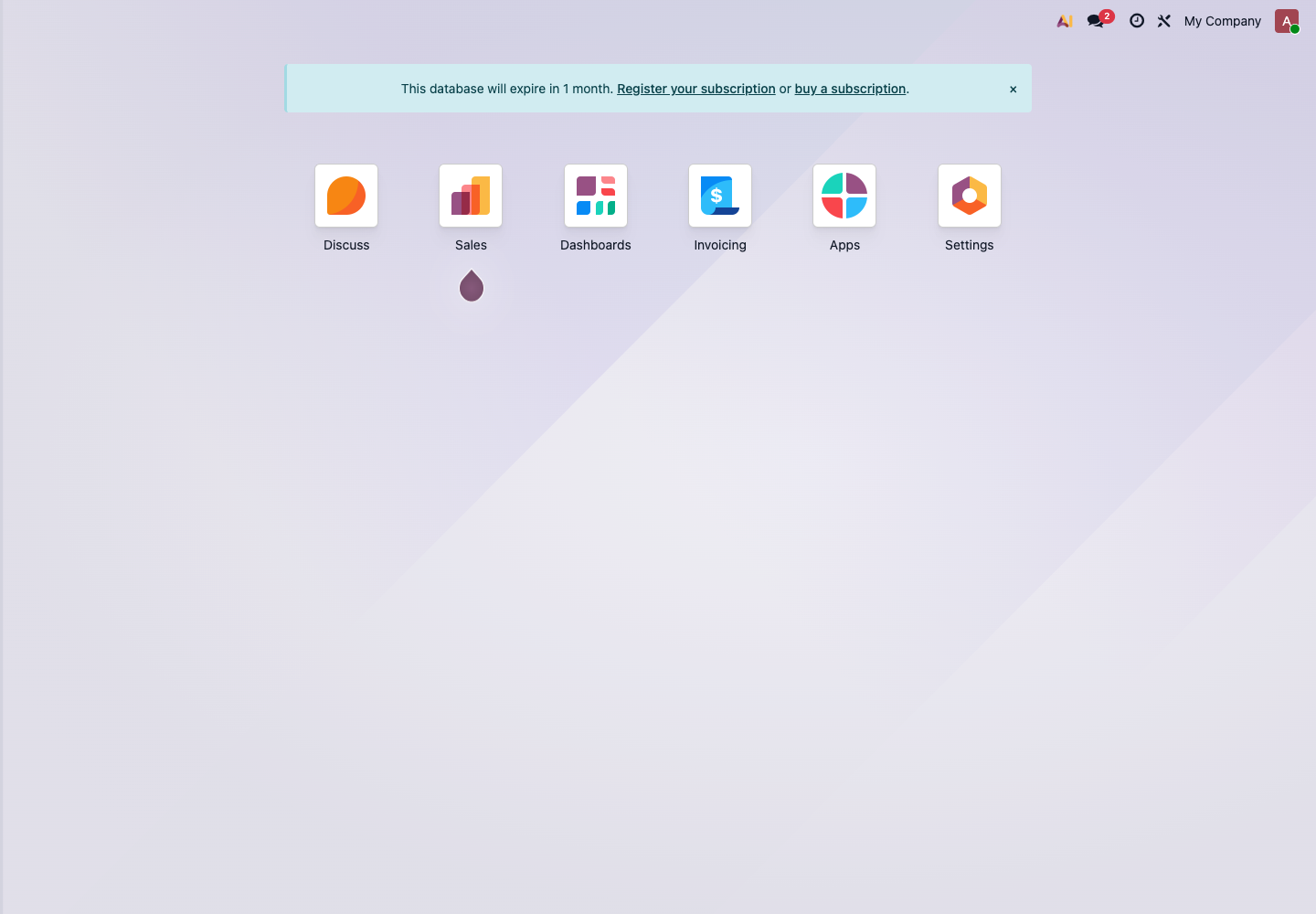
This page shows the installed applications, such as Sales, Invoicing, Apps, and Settings. During a self-implementation, do not enable every application immediately. Start with the smallest set of modules required by the company's main business flow.
Step 1: Define The Go-Live Objective
The go-live objective should be specific. Avoid broad statements such as "achieve digital management." For a small company implementing Odoo for the first time, the first objective can be simple.
Good examples:
- Sales orders, delivery, and invoicing are completed in Odoo;
- The warehouse can see real-time inventory and pending deliveries;
- Purchase orders and vendor bills can be linked;
- Finance can perform bank reconciliation once a week;
- Management can view sales revenue, receivables, and inventory value.
Objectives that are not recommended for phase one:
- Automating every process at once;
- Eliminating every Excel file immediately;
- Rebuilding every old report exactly as it was;
- Starting with a large number of customized pages.
The purpose of phase one is not perfection. It is to make the main process work.
Step 2: Confirm The Main Business Flow
Different companies have different core flows. Before implementation, first identify which type of company you are.
| Company Type | First Main Flow | Priority Modules |
|---|---|---|
| Trading and wholesale | Quotation -> Sales Order -> Purchase -> Receipt -> Delivery -> Invoice | Sales, Purchase, Inventory, Accounting |
| Retail stores | Product -> POS checkout -> Inventory deduction -> Payment | POS, Inventory, Accounting |
| Manufacturing | Sales forecast/order -> Bill of Materials -> Manufacturing -> Receipt -> Delivery | Sales, Inventory, Manufacturing, Purchase |
| Service company | Customer -> Quotation -> Project/task -> Timesheet/expenses -> Invoice | CRM, Sales, Project, Timesheets, Accounting |
| Cross-border eCommerce | Platform order -> Inventory -> Delivery -> Payment -> Reconciliation | Sales, Inventory, logistics integrations, Accounting |
If the company has multiple business models, do not implement all of them at once. Start with the flow that contributes the most revenue and is the most stable.
Step 3: Prepare Master Data
Master data is often underestimated before an Odoo go-live. The system itself can be configured quickly, but dirty data will make every later step painful.
At minimum, prepare these lists:
- Company data: company name, address, tax number, phone, email, bank accounts;
- User data: each user's name, email, position, and required modules;
- Customer data: customer name, contacts, phone, email, invoice address, delivery address;
- Vendor data: vendor name, contacts, payment terms, purchase currency;
- Product data: product name, internal reference, barcode, unit of measure, sales price, cost, product category;
- Inventory data: warehouses, locations, current stock quantity, lots or serial numbers;
- Accounting data: opening receivables, opening payables, bank balances, taxes, chart of accounts.
Do not move every field from the old system into Odoo. Keep the fields required by the business first. Additional fields can be added after the main process is stable.
Step 4: Install The Minimum Required Modules First
In Odoo, applications are installed from Apps.
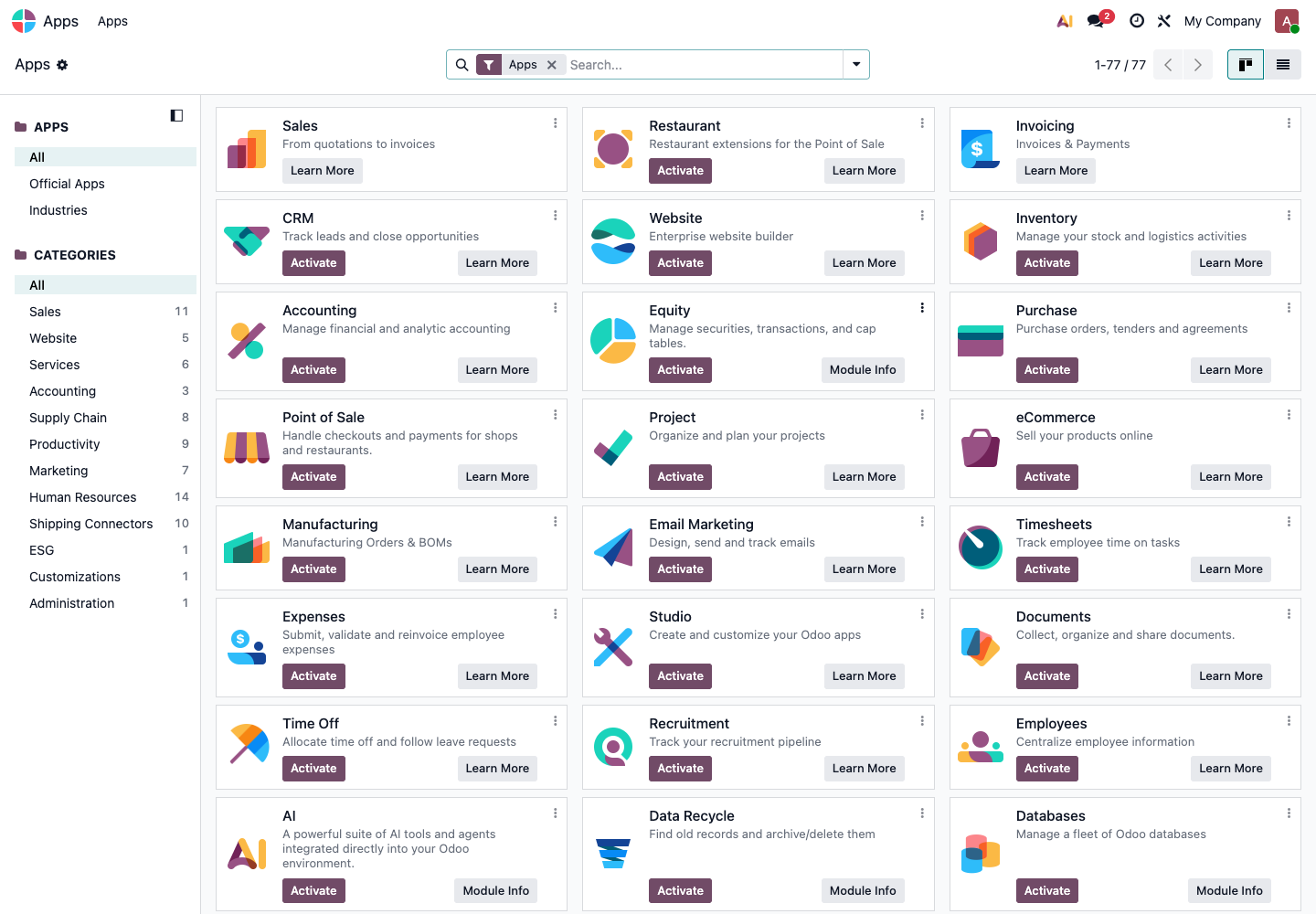
The test database may show many applications, such as CRM, Website, Inventory, Purchase, Point of Sale, Manufacturing, and Employees. New users often want to install everything they see. This usually makes the system more complicated, not more useful.
Recommended phase-one modules:
- If there is a sales process, install Sales;
- If there is a purchase process, install Purchase;
- If inventory must be managed, install Inventory;
- If payments and invoicing are needed, install Invoicing or Accounting;
- If there are retail stores, install Point of Sale;
- If production or assembly is required, install Manufacturing.
For phase one, avoid installing too many marketing, HR, website, or automation modules unless they are part of the current main business flow.
Step 5: Set Company, Users, And Language
Basic configuration usually starts from Settings.
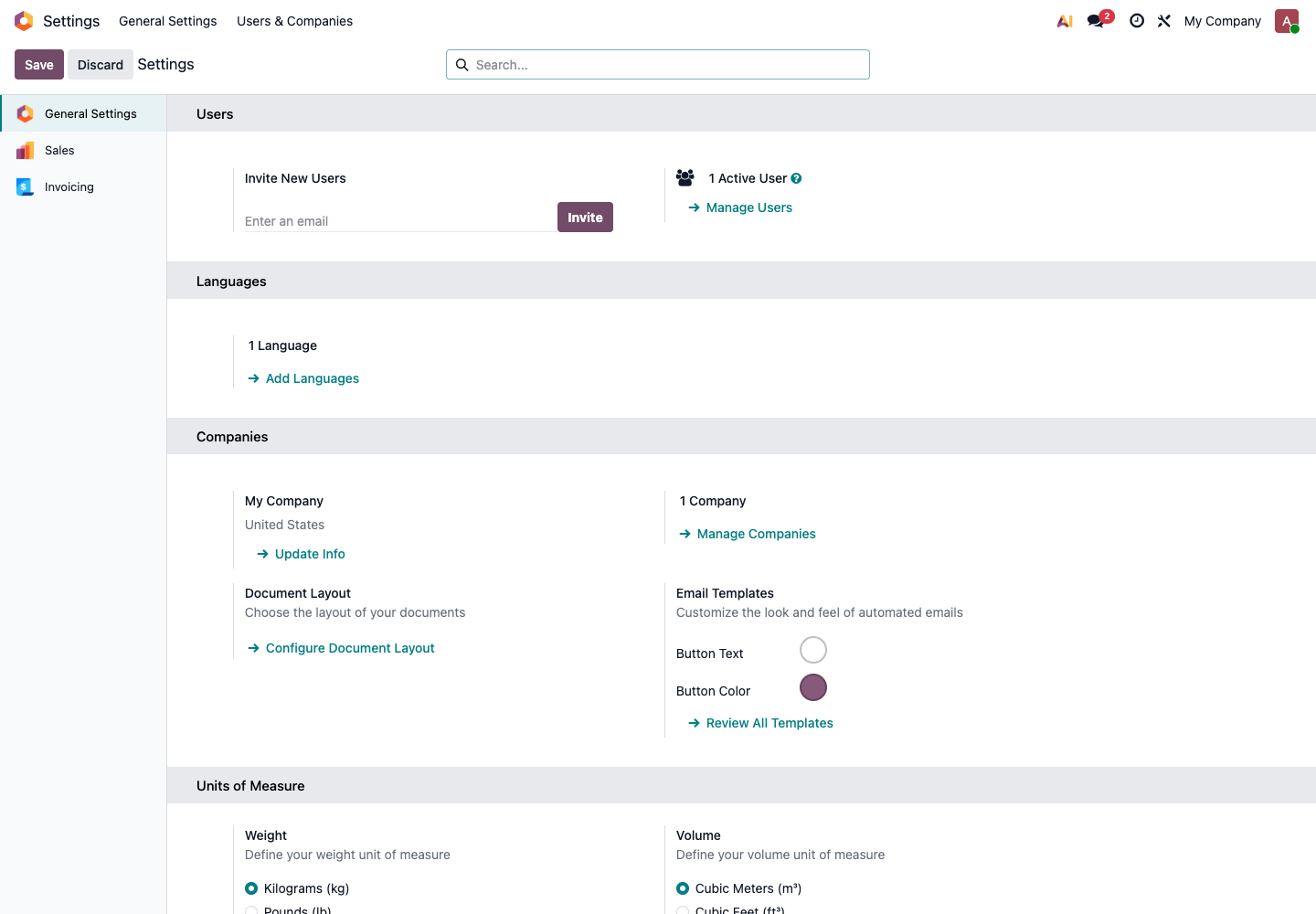
Handle these items first:
- Is the company information correct?
- Has the document layout been configured?
- Does the system language match user habits?
- Have users been invited?
- Are permissions assigned by job role?
- Do units of measure, currencies, and taxes match the business?
Do not let every employee use the administrator account. The administrator account should be used for configuration and maintenance. Daily business testing should be done with normal user accounts.
Step 6: Define Permission Roles
Permissions should be designed by job role, not assigned randomly by individual.
Common roles can be separated as follows:
- Owner or manager: views reports and approvals, but may not enter daily documents;
- Sales: customers, quotations, sales orders;
- Purchase: vendors, requests for quotation, purchase orders;
- Warehouse: receipts, deliveries, internal transfers, inventory adjustments;
- Finance: invoices, payments, reconciliation, reports;
- Store staff: POS checkout, returns, session closing;
- Administrator: system settings, application installation, user permissions.
The principle is simple: enough permission to do the job, but not more than necessary. Too much access increases the risk of accidental deletion or incorrect changes. Too little access prevents the process from running.
Step 7: Prepare Test Cases
Test cases do not need to be complicated, but they must reflect real business.
Each module should have at least three types of tests:
- Normal process: for example, create a quotation, confirm the order, deliver, invoice, and receive payment;
- Exception process: for example, cancel an order, partially deliver, return goods, or refund;
- Permission process: verify what normal employees can and cannot do.
If all testing is done only by the administrator, it is not real testing.
Pre-Go-Live Check
Before formal go-live, confirm at least the following:
- Company information, taxes, currencies, and bank accounts are configured;
- Customers, vendors, and products have been imported and spot-checked;
- Opening inventory and opening accounting balances are confirmed;
- Key users have logged in and completed their own process tests;
- At least one complete Sales, Purchase, Inventory, and Accounting chain has been tested;
- Important reports are understandable and the data definitions are confirmed;
- Administrator account, backup method, and email sending are confirmed;
- The cutover date between the old system and Odoo is clear.
Common Pitfalls
- Trying to make Odoo exactly the same as the old system from day one, causing unnecessary customization;
- Importing uncleansed data, resulting in many duplicate products, customers, and vendors;
- Finance joining the project too late, causing reconciliation and reporting definitions to be inconsistent;
- Testing only with the administrator account and not with real employee permissions;
- Not testing returns, refunds, cancellations, partial receipts, or partial deliveries in the test database;
- Not defining the exact date when Odoo becomes the official system.
When To Ask For A Consultant
For standard Sales, Purchase, Inventory, and Accounting flows, customers can first follow this manual and test by themselves. However, the following situations should be evaluated with a consultant or developer:
- Multi-company, multi-warehouse, and multi-currency are implemented at the same time;
- Integrations are required with eCommerce platforms, logistics providers, payment systems, or external accounting systems;
- A large amount of historical data must be migrated;
- Complex approvals, price calculations, commissions, or rebates are needed;
- Native reports cannot satisfy management or finance reporting definitions;
- Permissions must be extremely detailed, such as field-level or store-level restrictions.
Odoo is flexible, but flexibility does not mean every requirement should be customized on the first day. The first principle of self-implementation is: make the native flow work first, then decide where optimization is truly worthwhile.