Windcave Payment
Windcave is a leading payment technology company in New Zealand. Formerly known as Payment Express, it was renamed Windcave in 2020. It helps businesses accept electronic payments through a range of payment solutions and technologies.
This chapter explains how to integrate Windcave payment with Odoo 18 POS for retail customers in New Zealand.
Install The Windcave Module
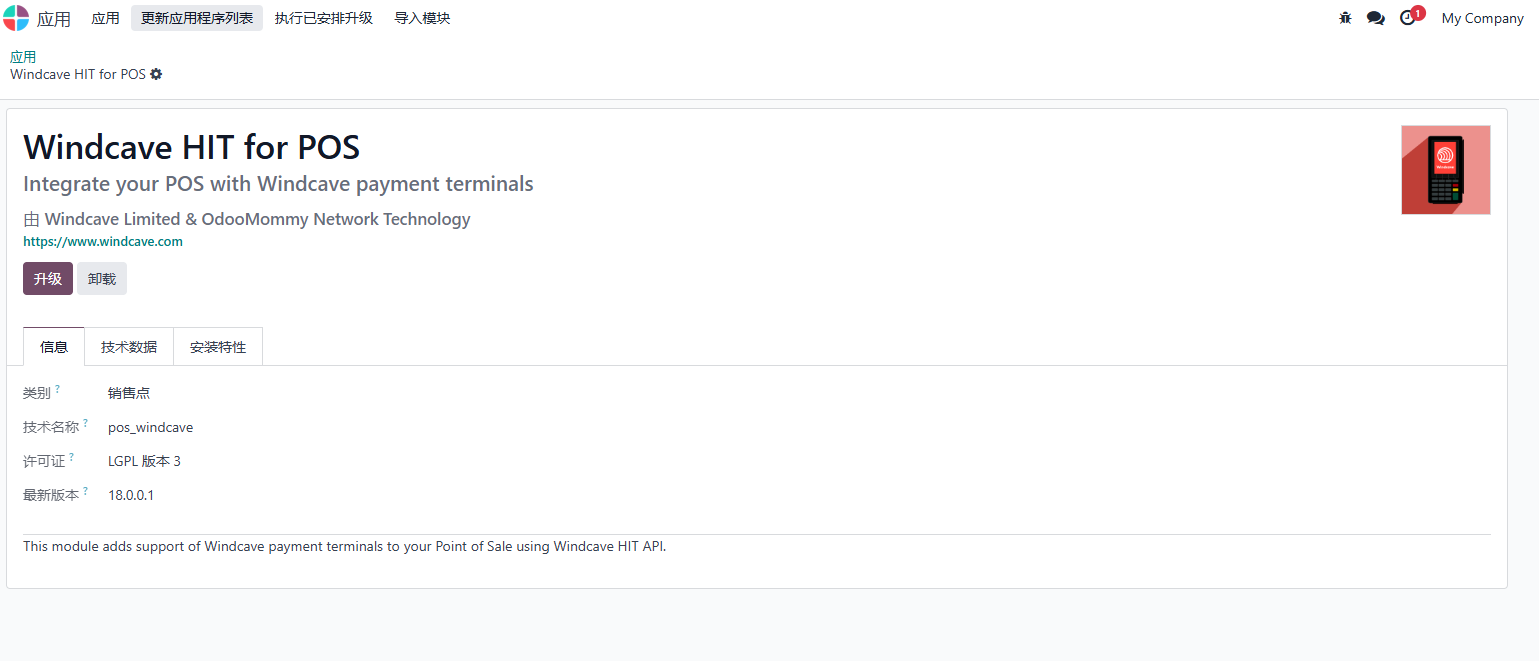
After installation, configure Windcave in Odoo.
Configuration
Create a Windcave payment method under POS > Configuration > Payment Methods.
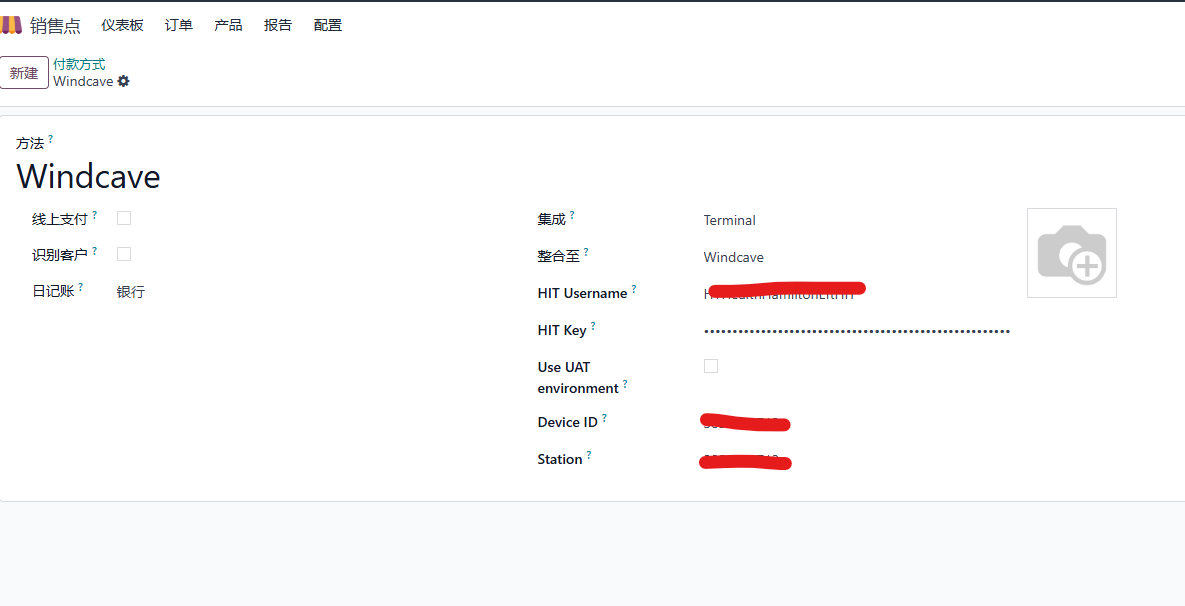
Choose a bank journal, select Windcave as the payment terminal, and enter the payment credentials obtained from Windcave.
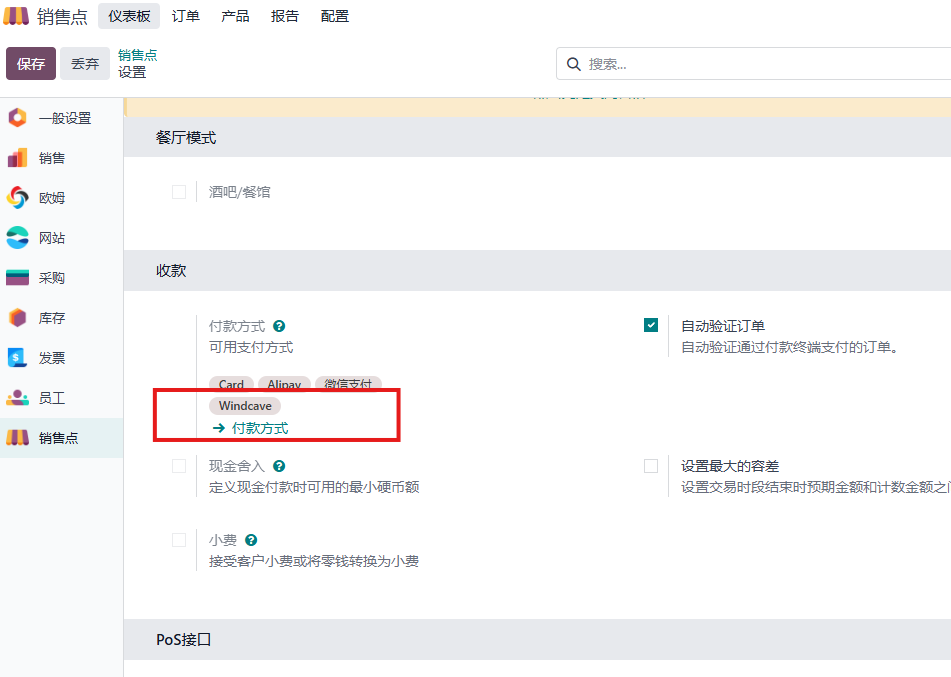
Then add the Windcave payment method to the POS store.
Receive Payment In POS
After configuration, open a new POS session and create an order.
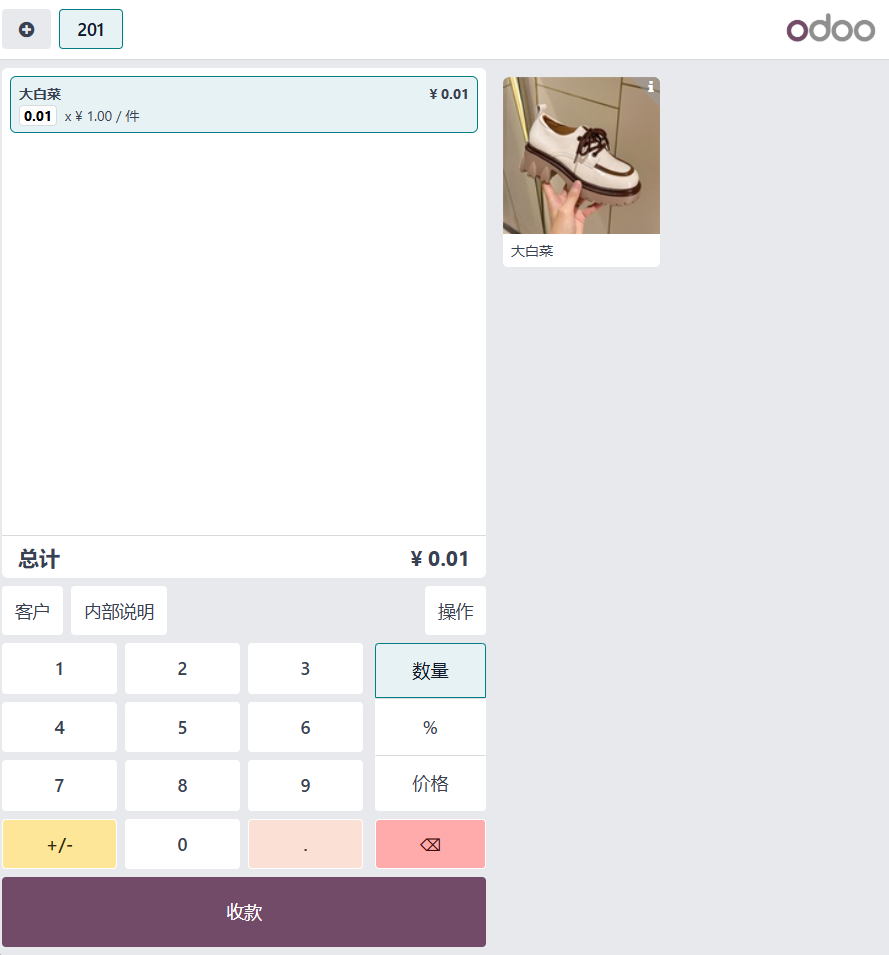
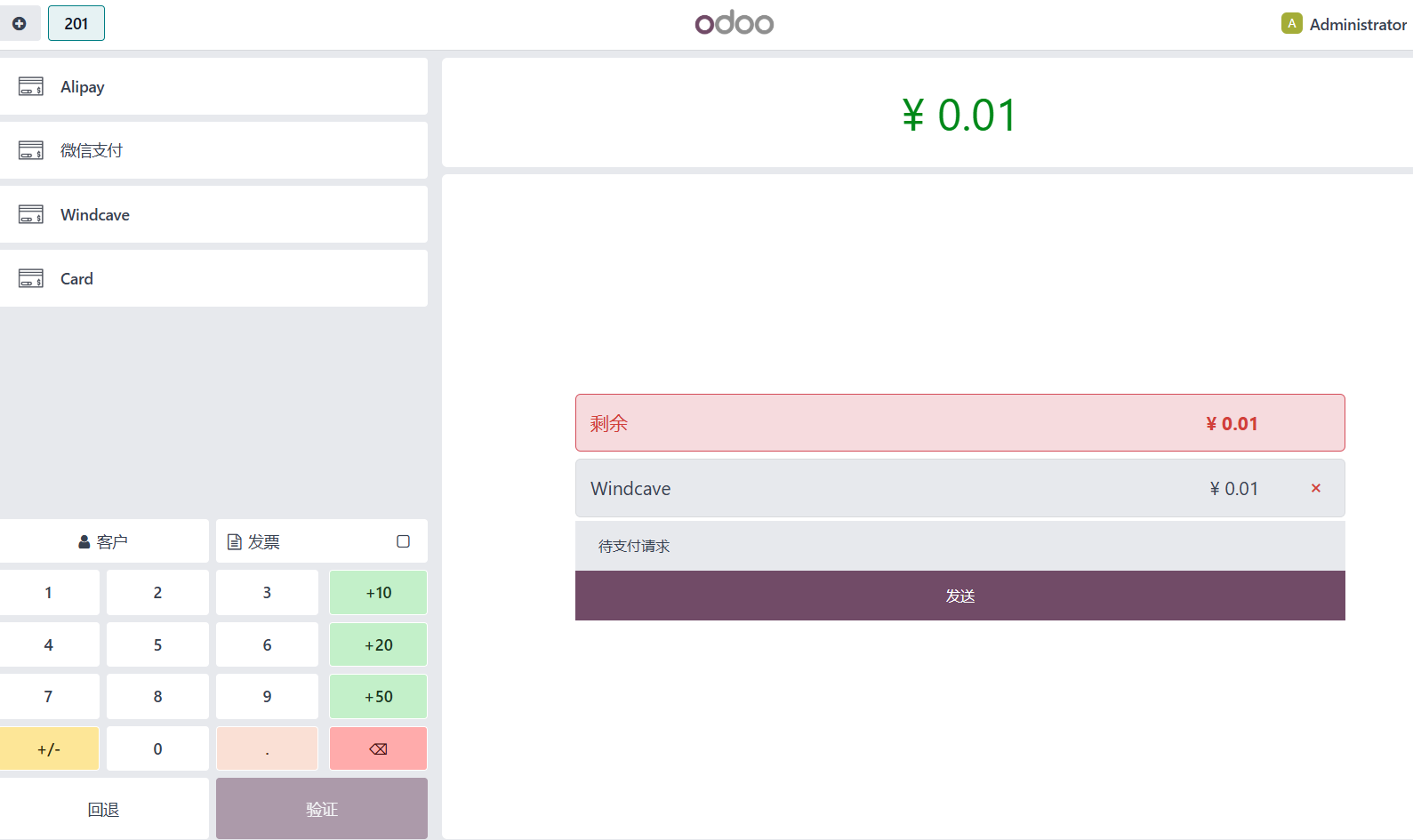
Click the send button. The payment amount is displayed on the HIT device in the store. The customer pays by scanning or using a bank card. After payment, Odoo POS completes the order automatically.
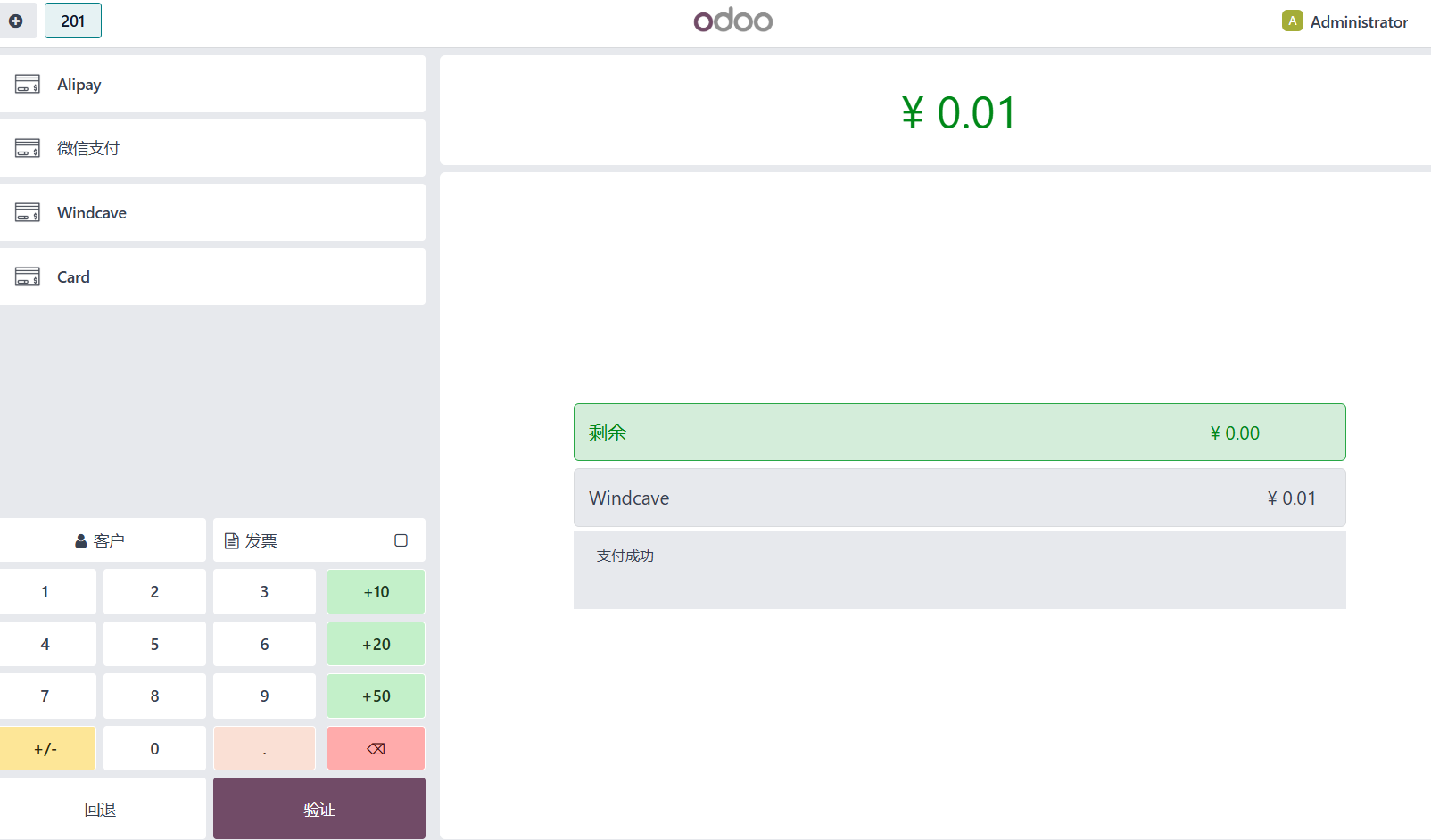
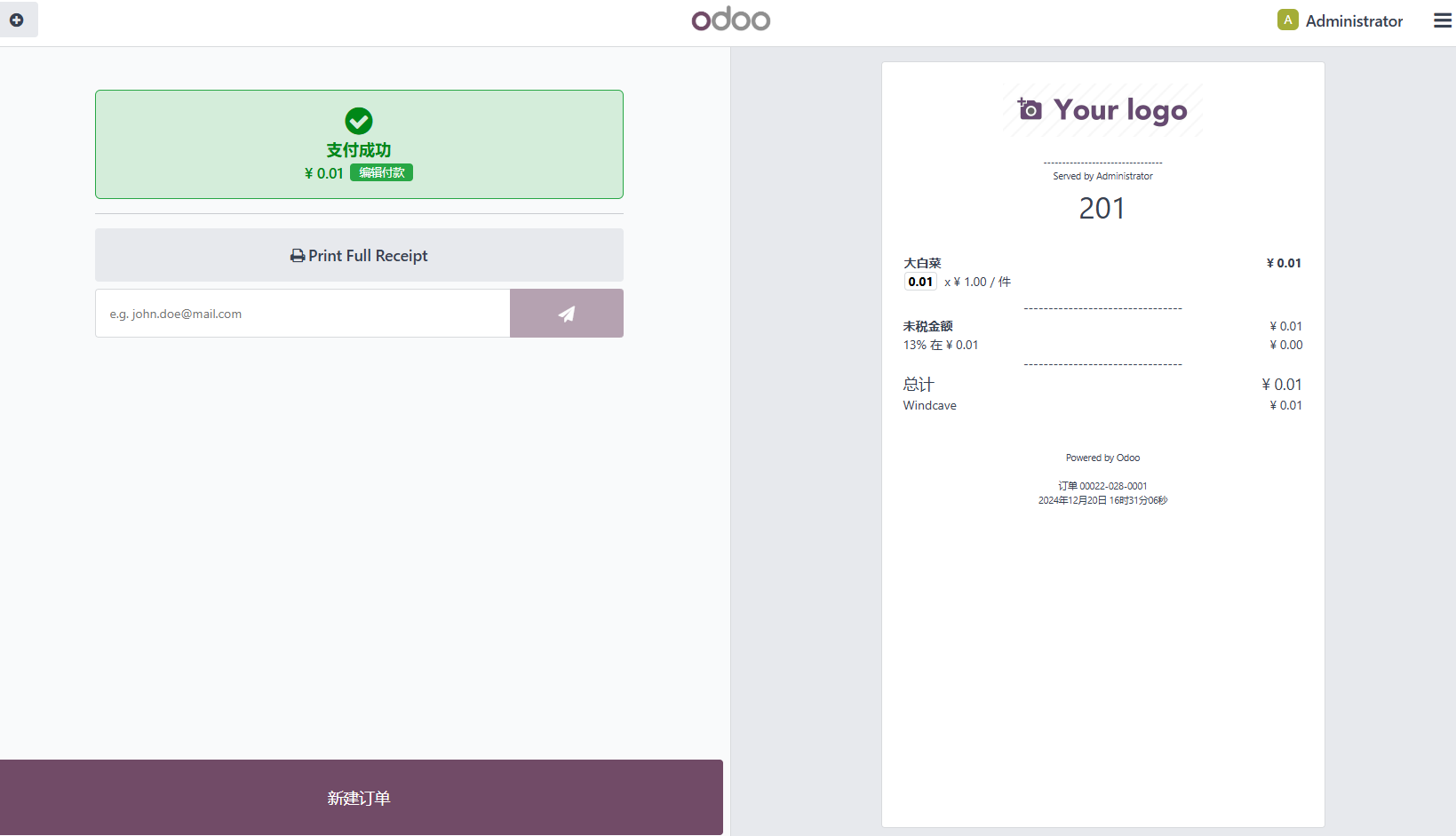
After the customer pays, click validate and print the receipt.
Conclusion
Odoo 18 POS frontend changed significantly compared with Odoo 17, so many payment plugins need adaptation. This Windcave integration provides a practical payment path for New Zealand POS deployments.