POS Line Pay
Line is a popular social application in Japan, Thailand, and Taiwan. Similar to WeChat, Line also provides its own payment service: Line Pay.
This chapter introduces how to use Line Pay for payment and refund in Odoo 16 POS.
Register As A Line Pay Merchant
To receive payment through Line Pay, first register as a Line Pay merchant. The registration process is straightforward and can be completed through Line Pay's merchant channels.
Get Channel ID And Secret
After successful registration, the merchant account and password are sent by email. Log in to the merchant backend to obtain the Channel ID and Secret.
Install The POS Line Pay Module
After obtaining the ID and Secret, install the POS Line Pay module from Odoo Apps.
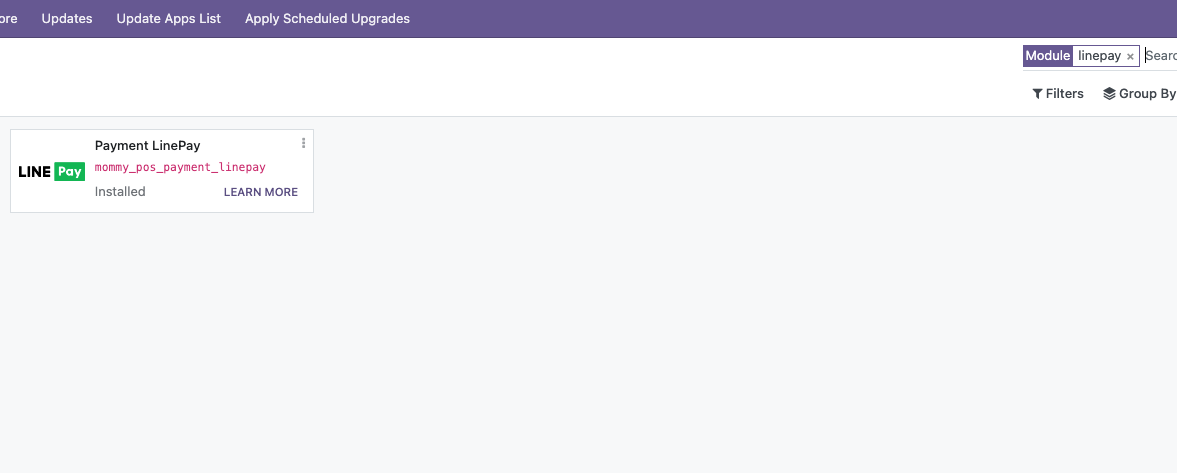
After installation, go to POS Settings > Payment Methods, find Line Pay, and enter the Channel ID and Secret.
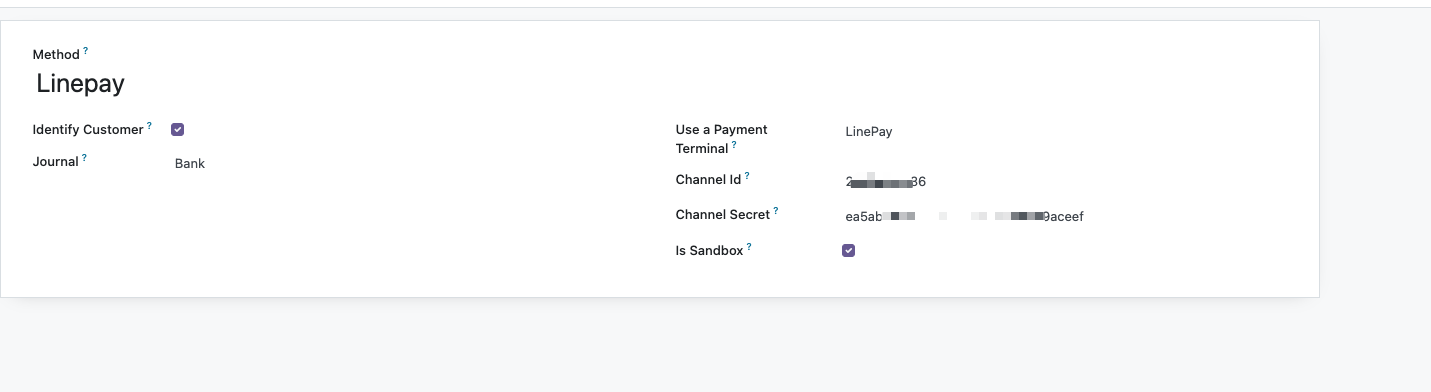
Use Line Pay For Payment And Refund
The payment and refund flow is similar to the POS WeChat Pay and POS Alipay flows introduced earlier. Cashiers select Line Pay on the payment screen, scan or process the customer's payment code, confirm the transaction, and validate the POS order.
For a detailed demonstration, refer to the video:
This chapter introduced POS Line Pay. The next chapter moves from payments to WeCom, where Odoo connects with enterprise communication, login, menus, notifications, and internal collaboration.