Revolut Pay Integration
Revolut Pay is an online payment method from Revolut. It allows users to pay directly with their Revolut account without entering bank card information. Integrating Revolut Pay gives customers a convenient and secure payment option and can improve checkout conversion.
This chapter explains how to configure and use Revolut Pay in Odoo.
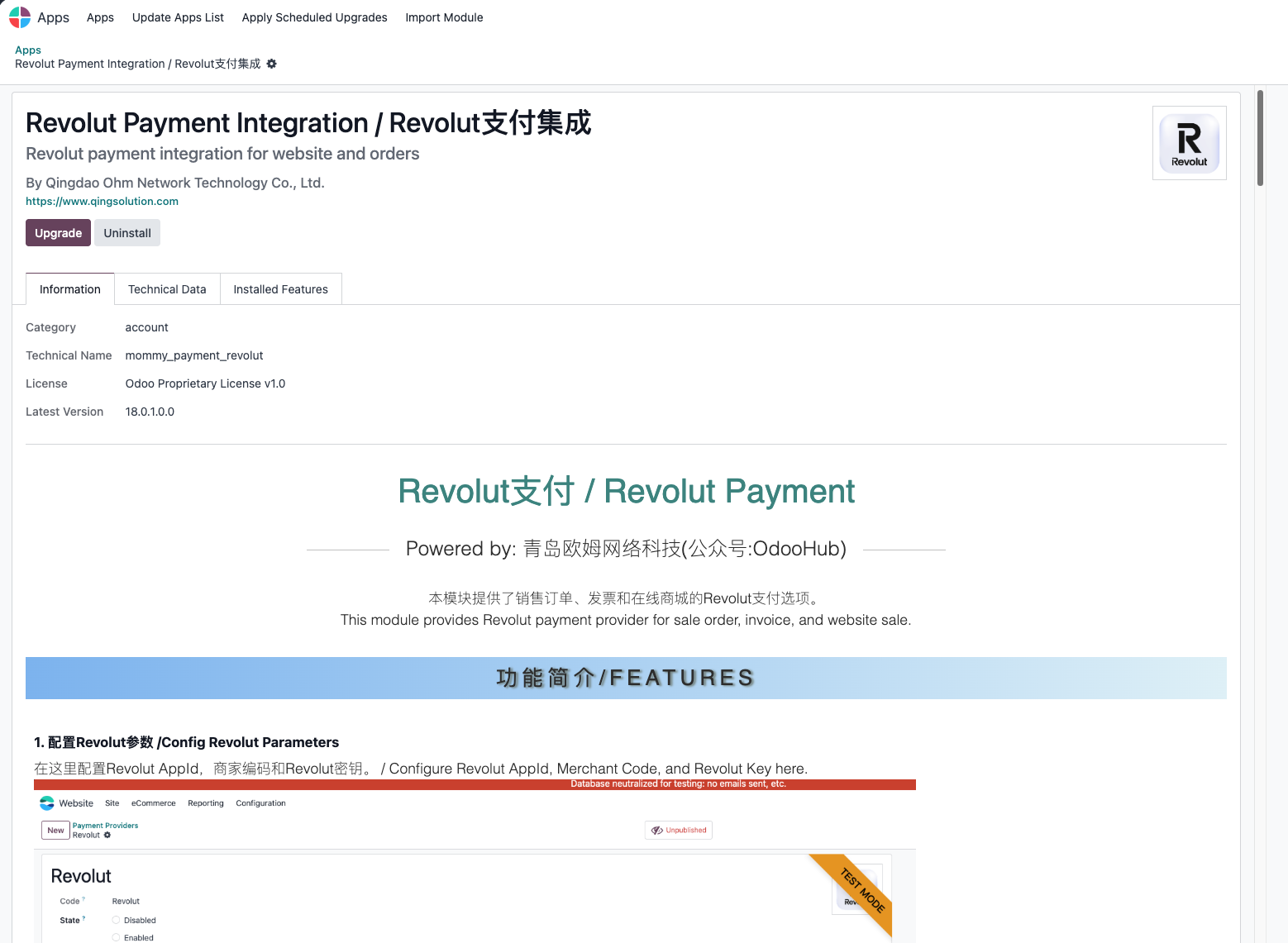
Install The Revolut Pay Module
The Revolut Pay module is developed by Qingdao Ohm Network Technology Co., Ltd. Install it from the Odoo Apps menu.
Configure Revolut Pay
After installation:
- Go to Settings > Payment Providers.
- Find Revolut Pay and edit it.
- Enter the merchant ID from your Revolut merchant account.
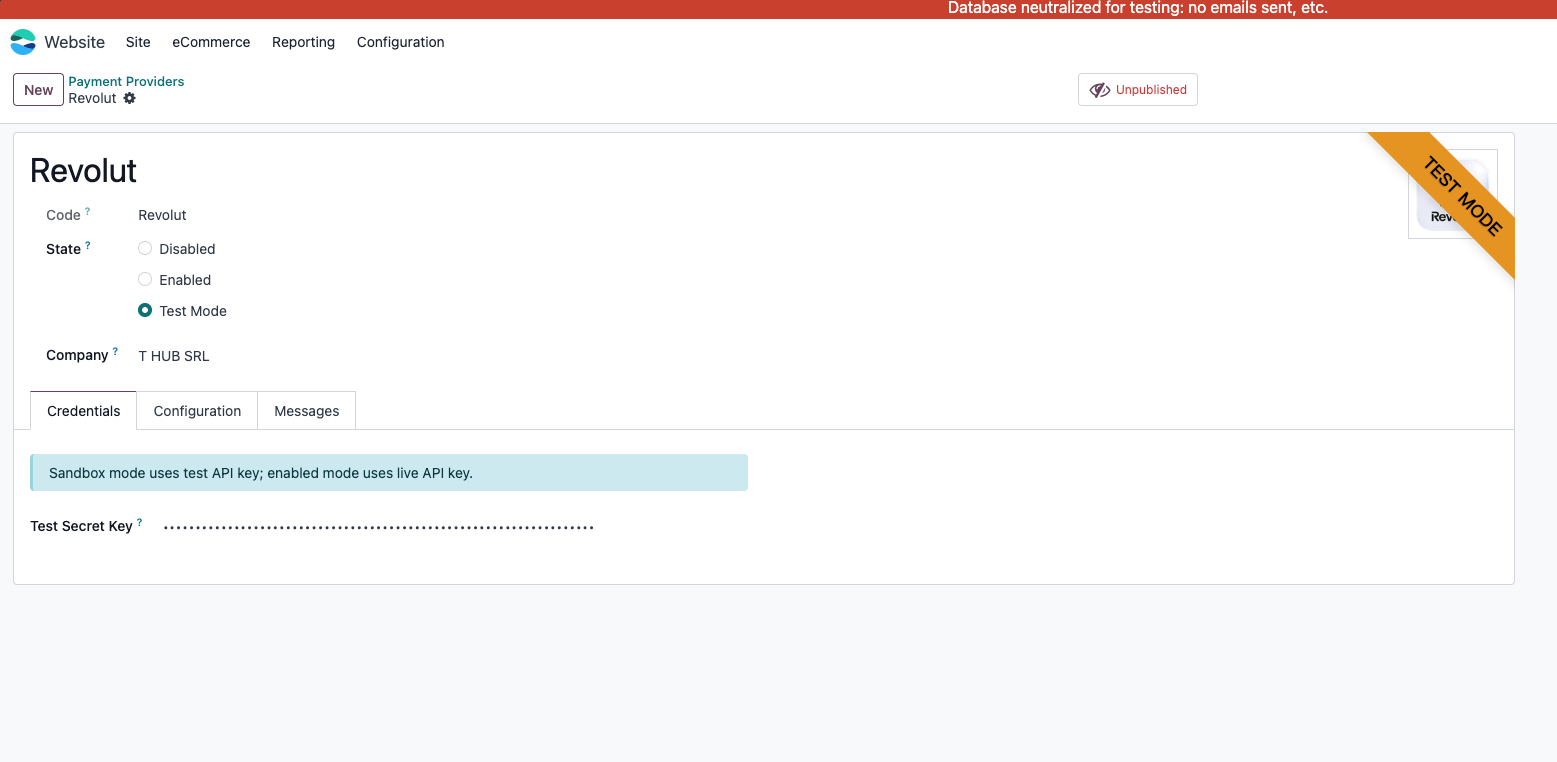
Save the configuration.
Use Revolut Pay
Sales Order Payment
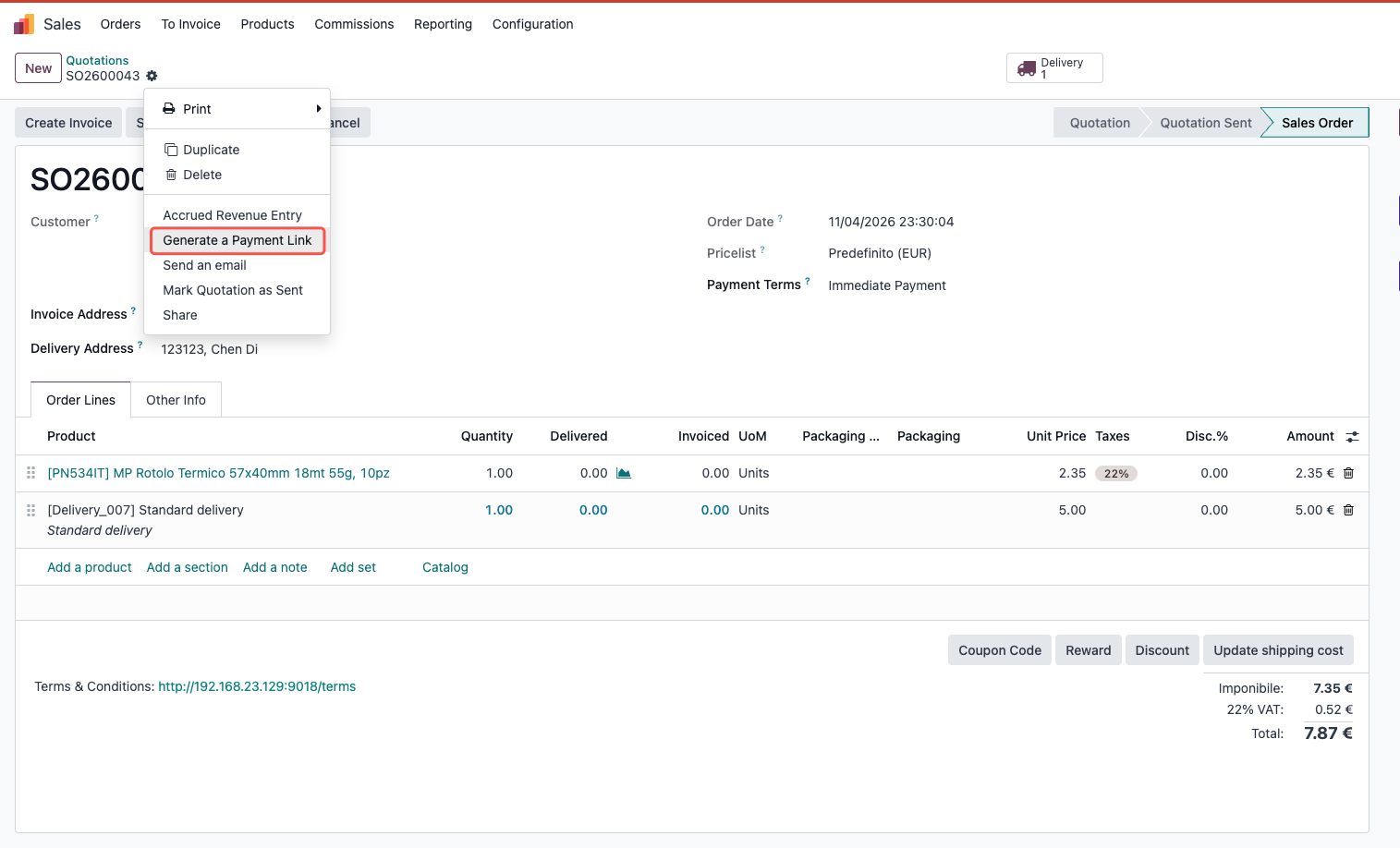
When a customer receives a sales order payment link, Odoo guides the customer through the Revolut payment flow.
Select Revolut Pay.
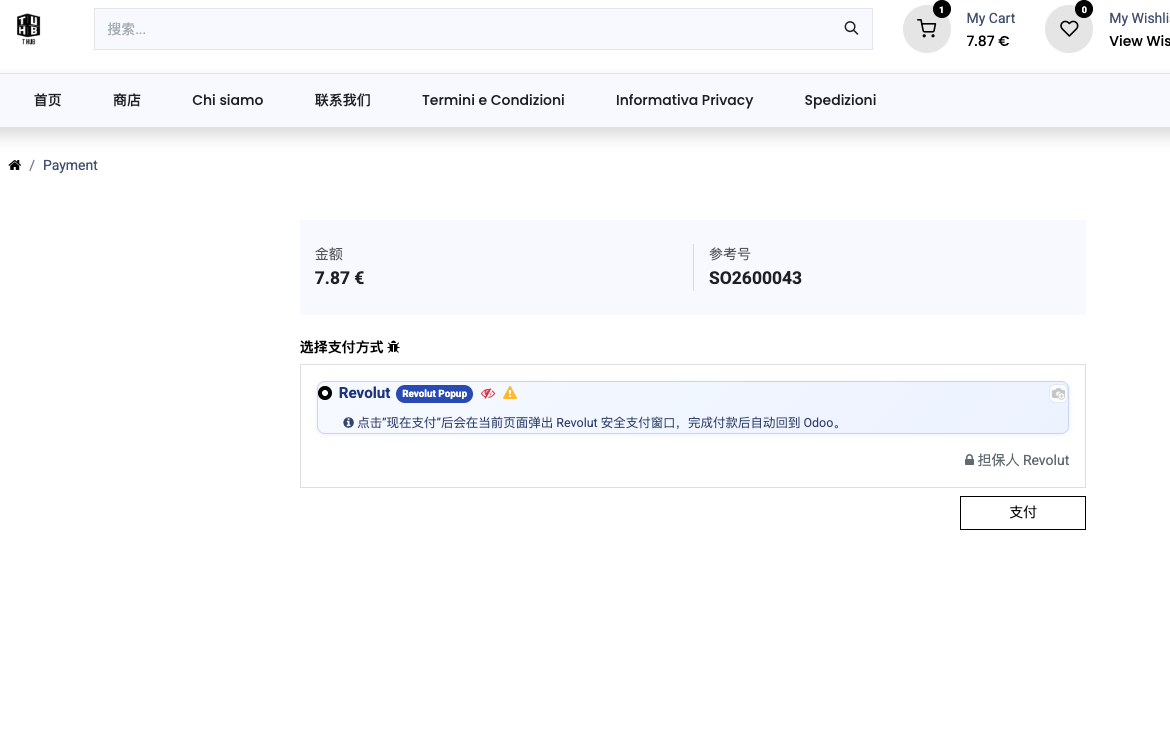
The payment interface appears and the customer completes payment.
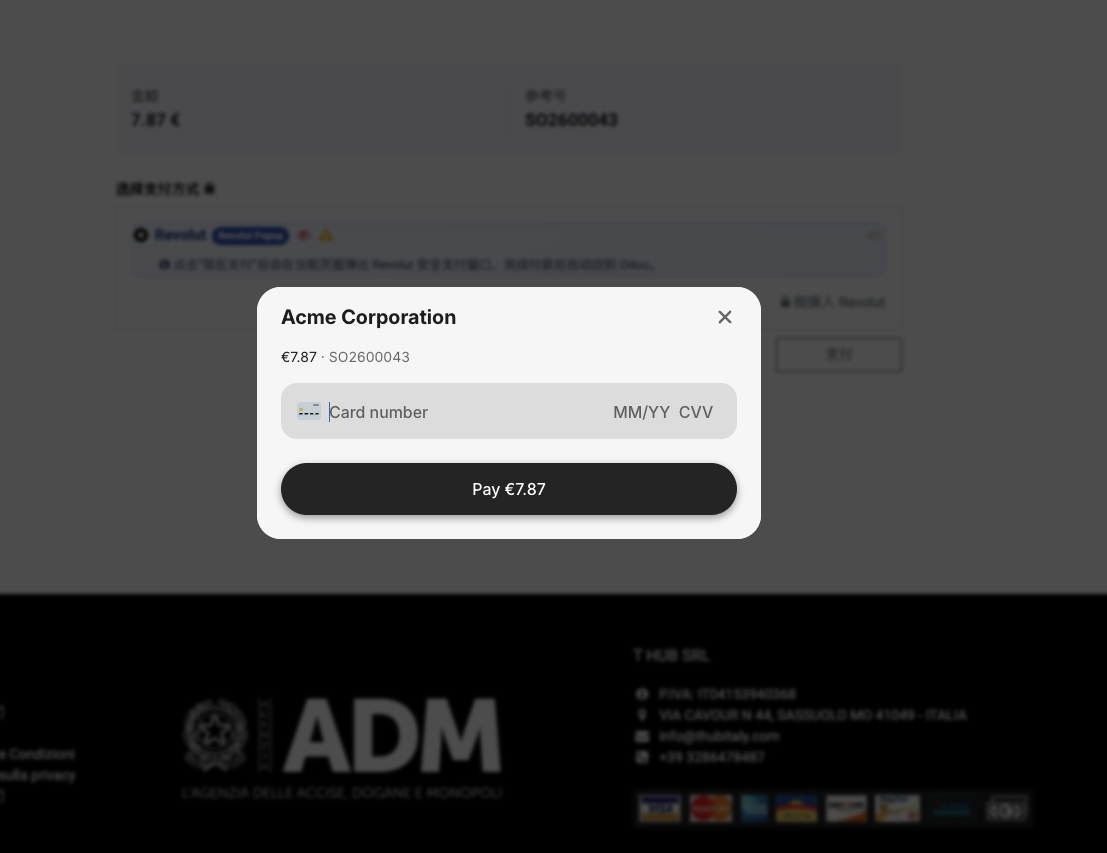
Payment completed:
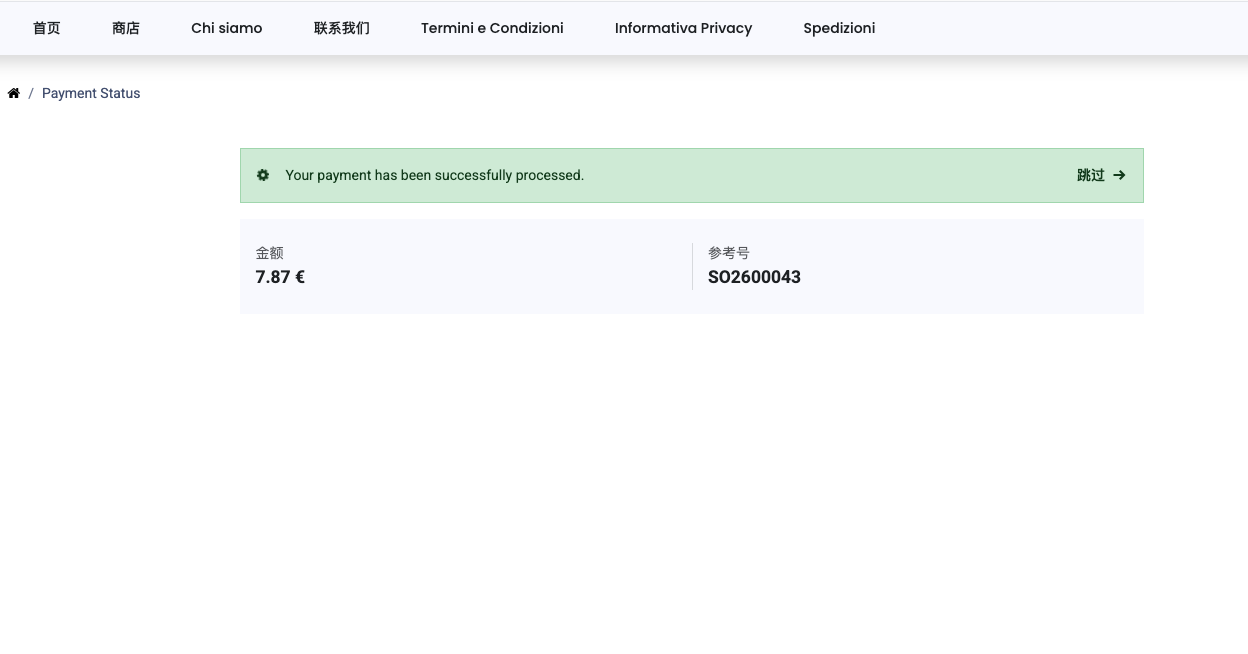
Invoice Payment
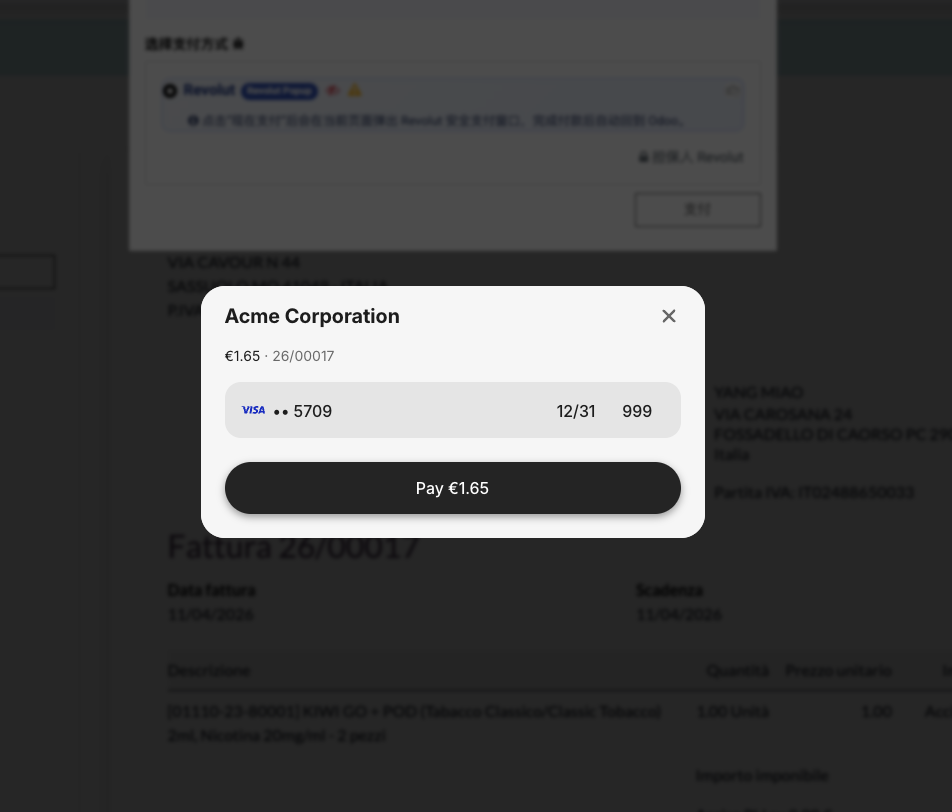
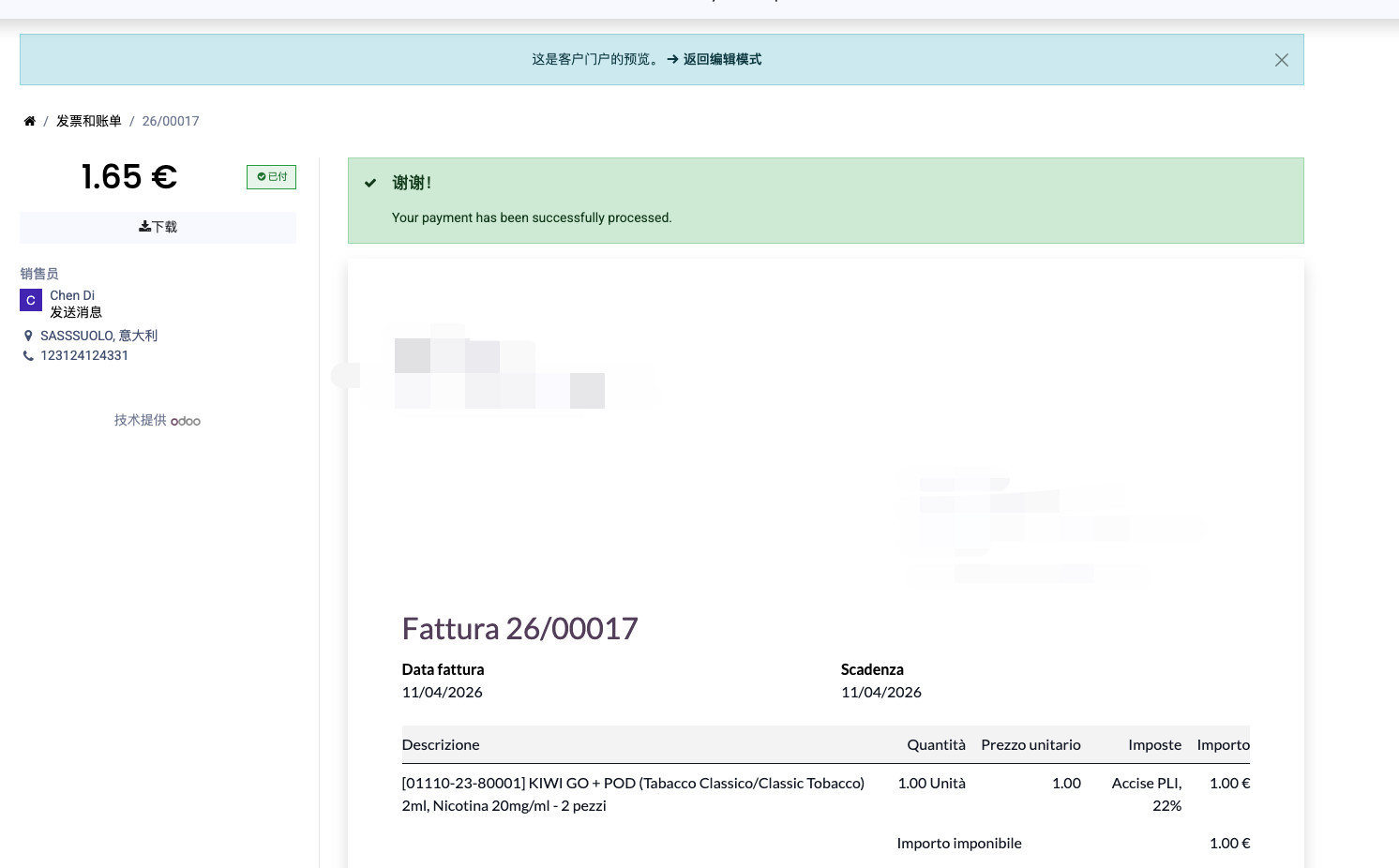
Customers can also choose Revolut Pay from an invoice portal page. The process is similar to sales order payment.
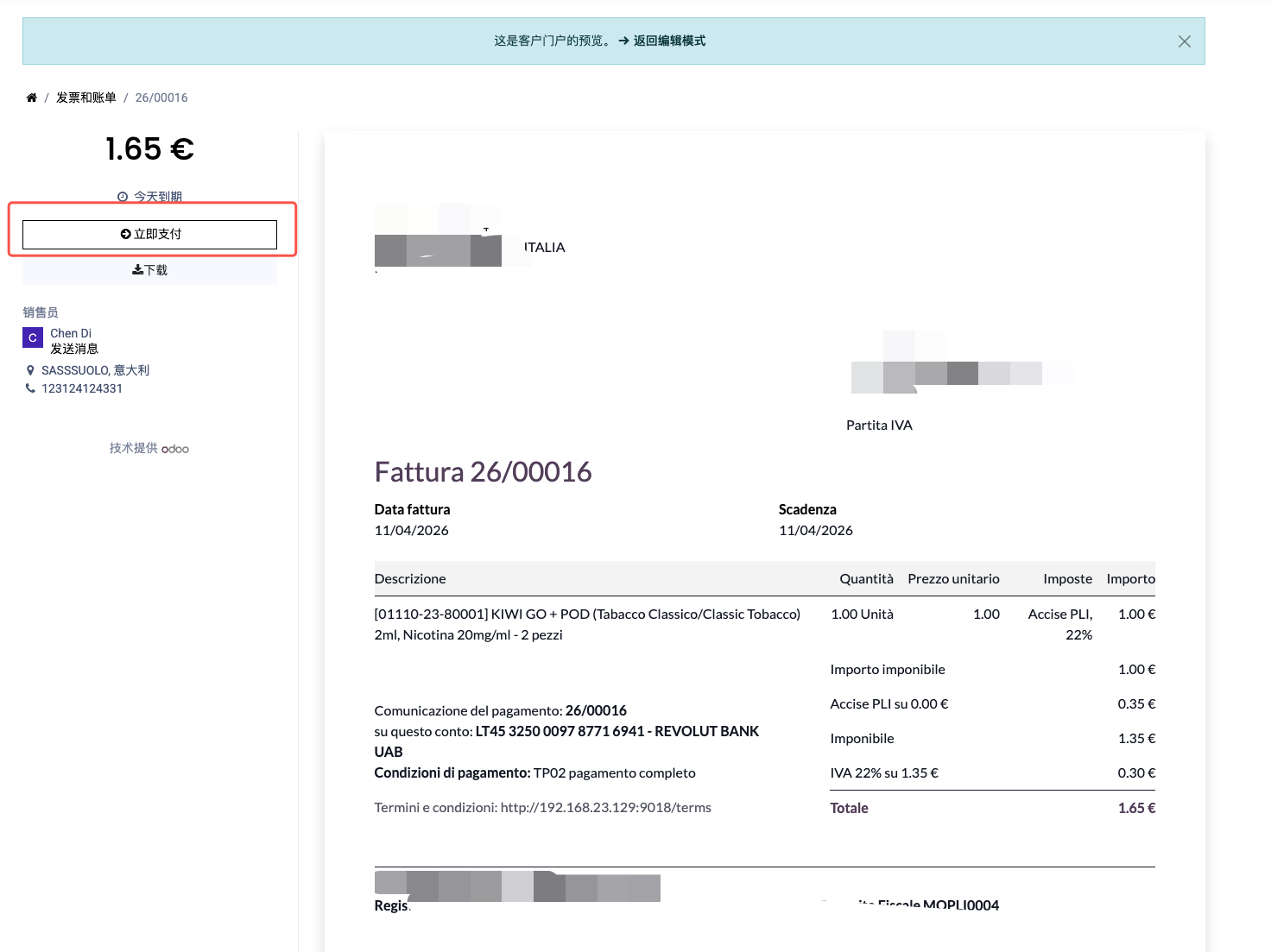
Select Revolut Pay.
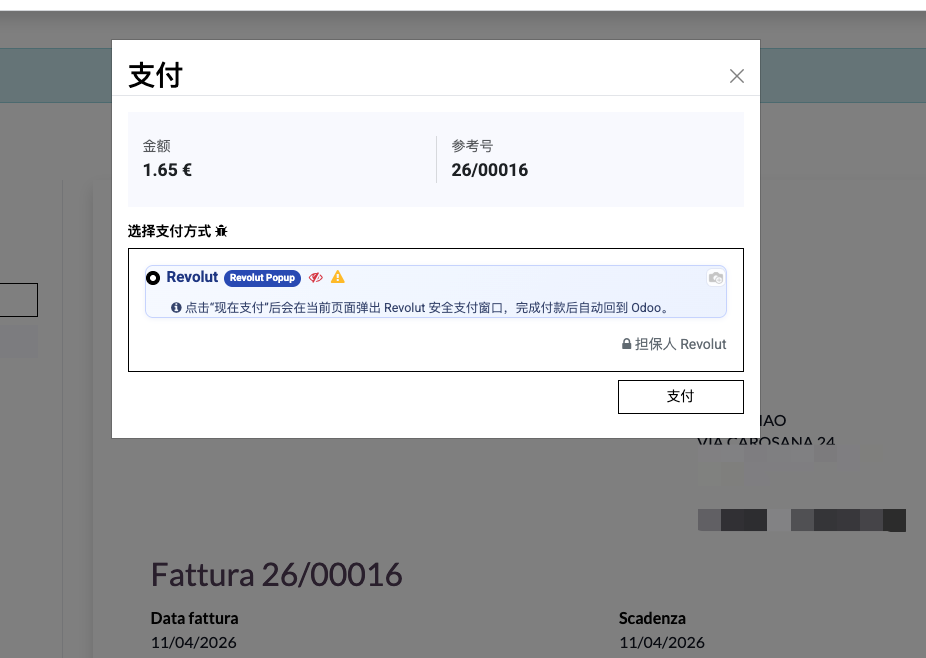
Odoo guides the customer through the Revolut payment flow.
Payment completed:
eCommerce Payment
Customers can also choose Revolut Pay during online shop checkout.
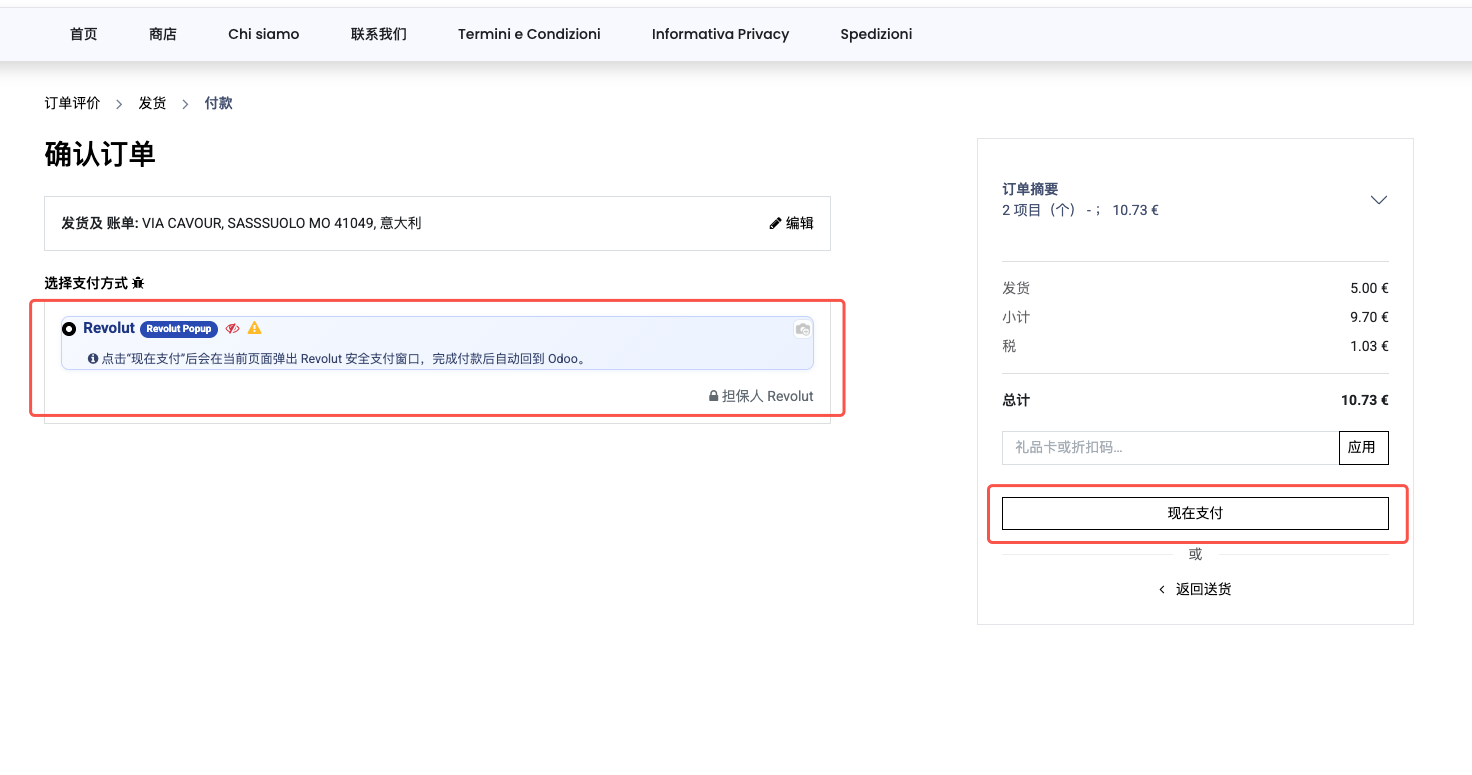
Enter the required information in the pop-up and complete payment.
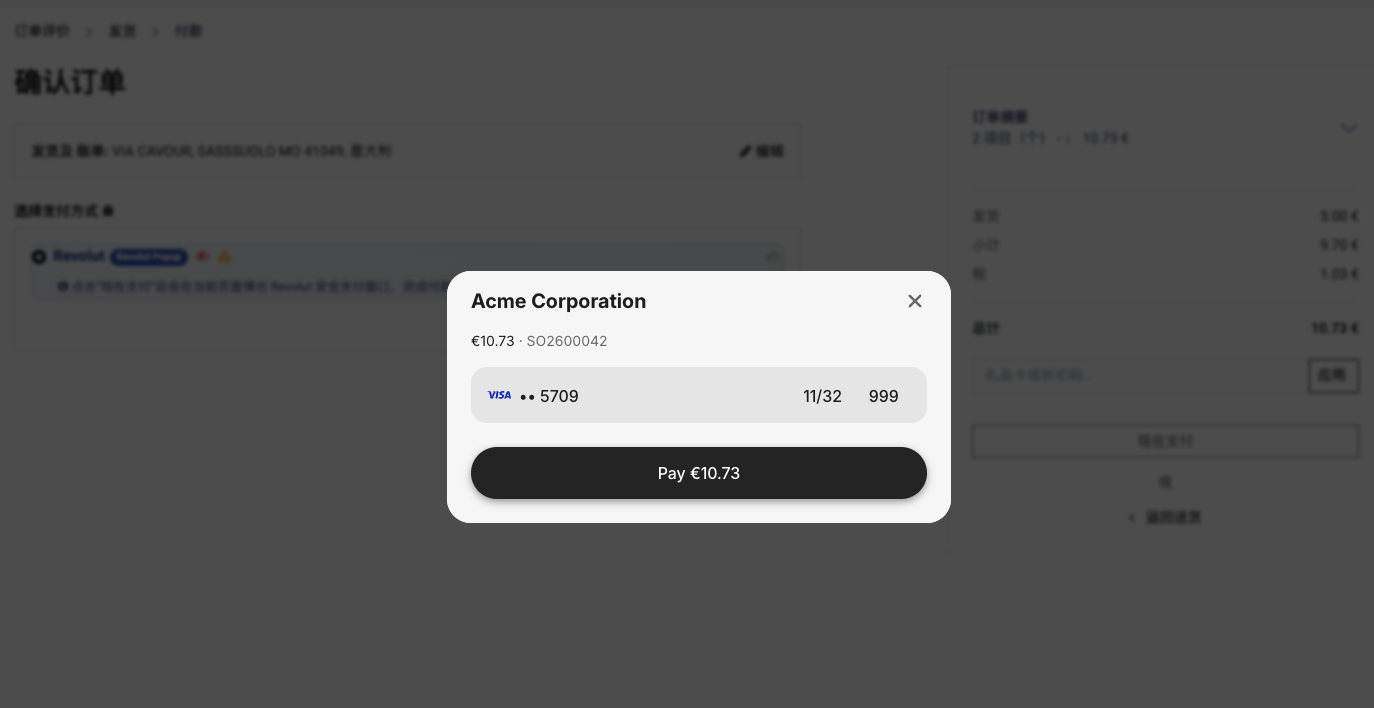
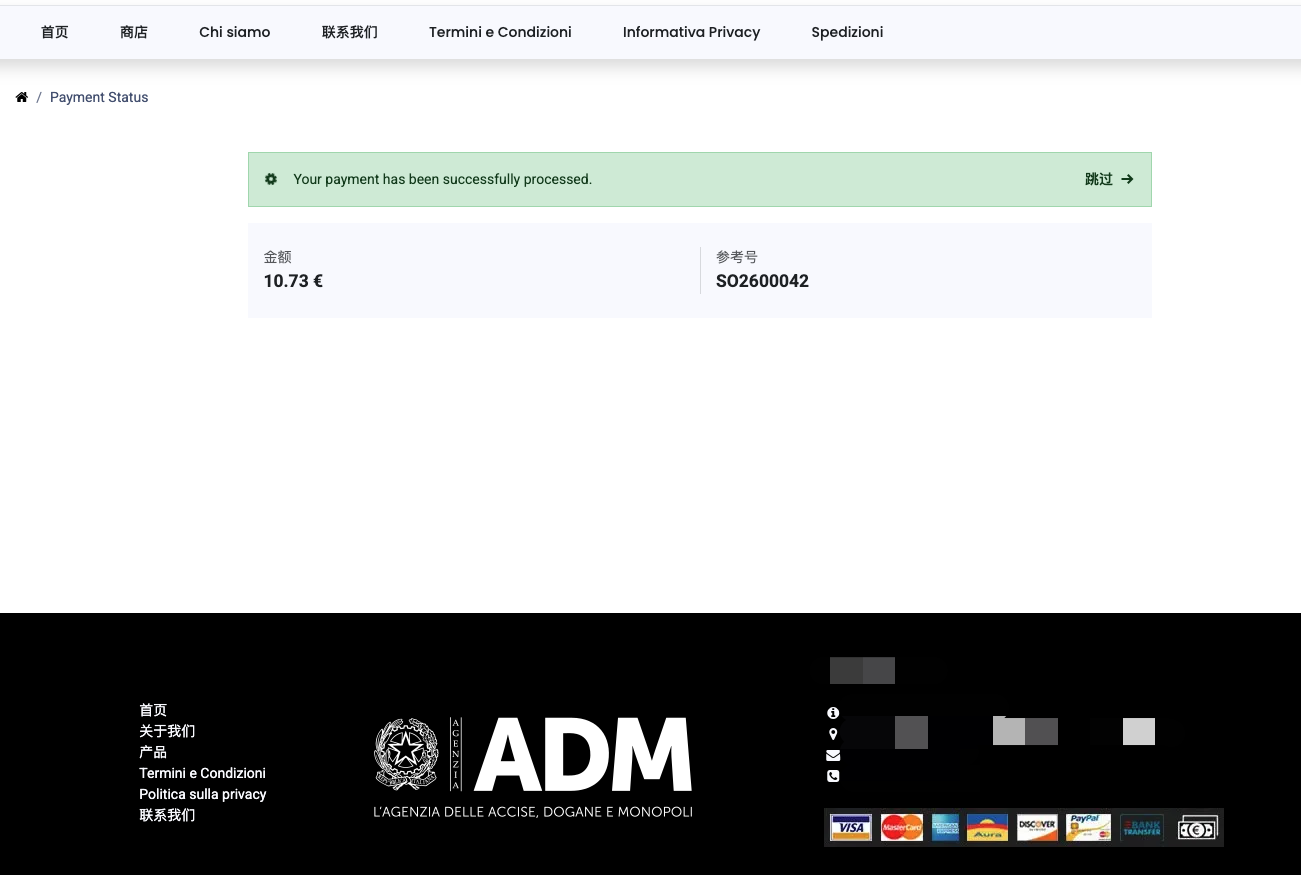
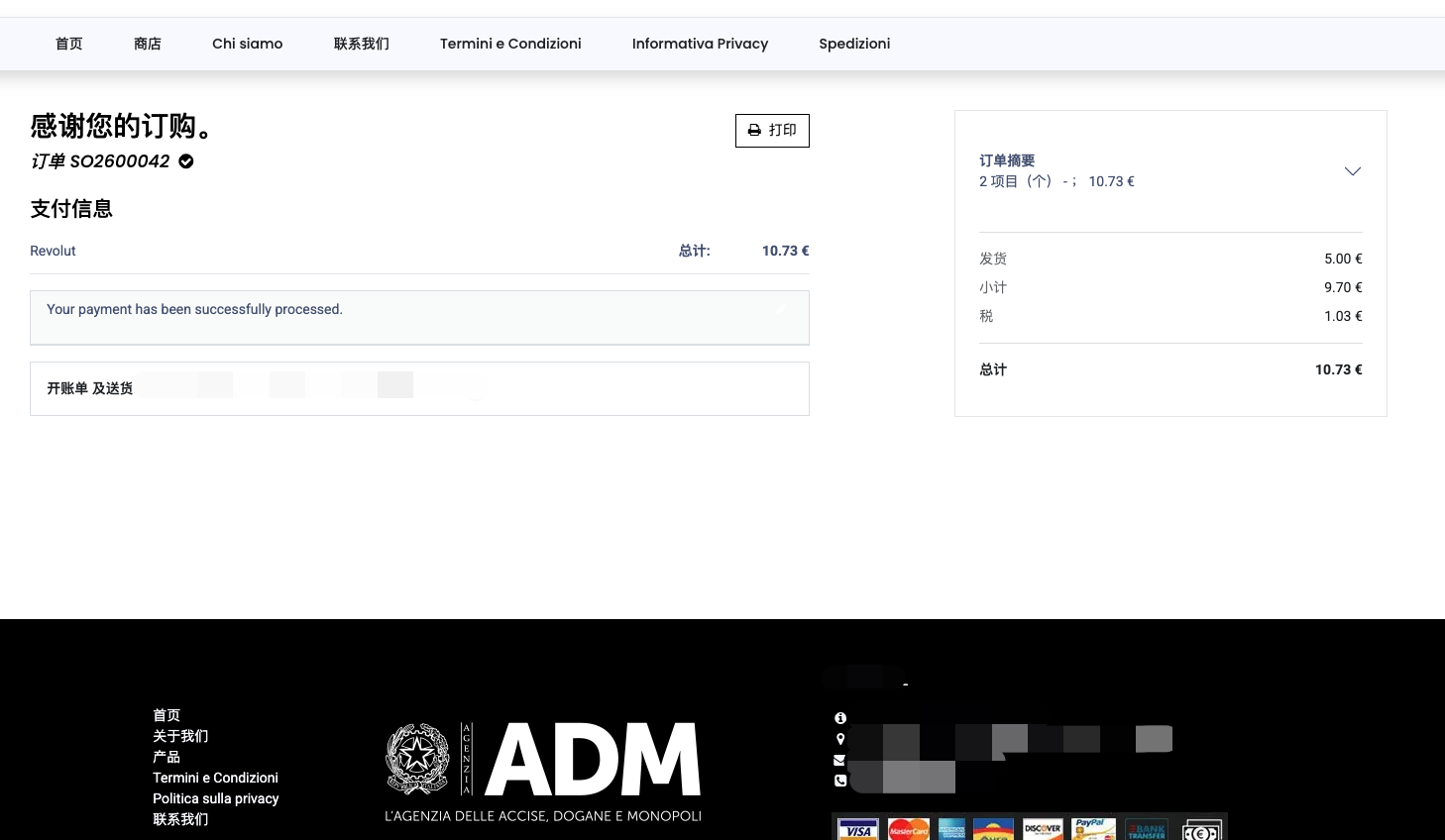
Payment completed:
Conclusion
By integrating Revolut Pay, merchants can offer customers a convenient and secure payment method in sales orders, invoices, and online shop checkout.