WeChat Pay Solution
WeChat Pay is one of the two major mobile payment providers in China, but it is not included in Odoo's official payment provider list. Even Alipay, which was once officially supported, was deprecated around Odoo 16 and merged into an AsiaPay-related option. The local payment ecosystem is still needed by real customers, so Qingdao Ohm implemented WeChat Pay integration for Odoo.
This chapter explains the prerequisites, configuration, and major Odoo payment scenarios supported by the solution.
Prerequisites
To use WeChat Pay, first open a WeChat Pay merchant account. You also need a valid payment scenario, such as PC website, app, Mini Program, or Official Account.
Only after the merchant account and payment scenario are ready can Odoo connect to WeChat Pay.
Install The WeChat Pay Module
After installing the WeChat Pay module, open the payment providers menu. You will see WeChat Pay as an available provider. Activate it to enable the payment method.
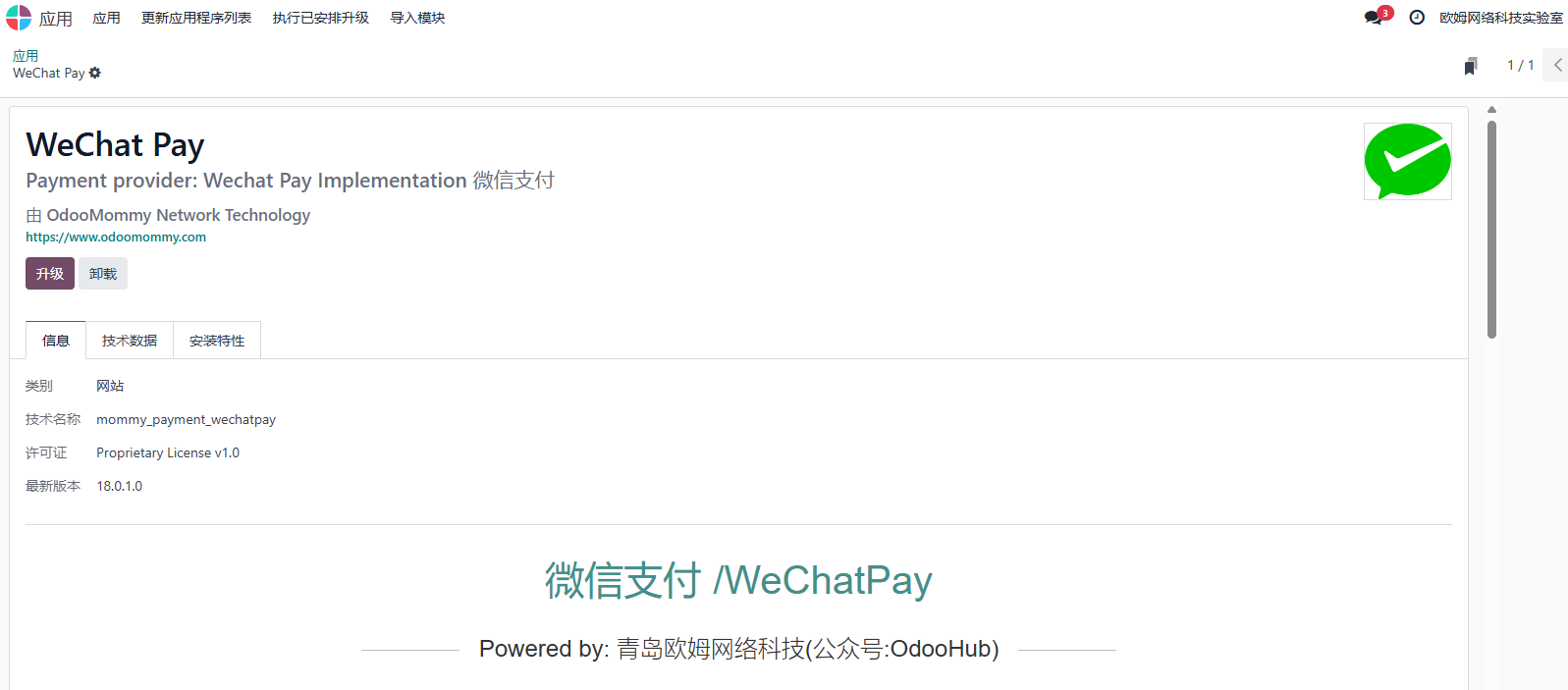
Configuration Guide
WeChat Pay does not provide a normal sandbox environment for this flow, so configure production parameters directly.
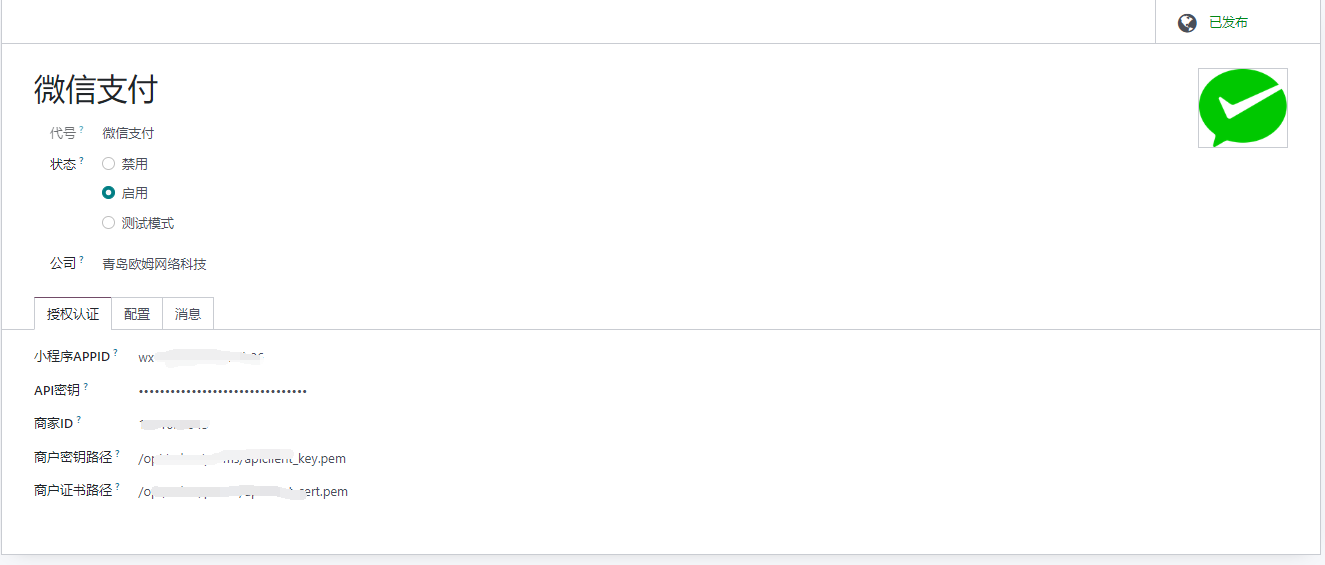
Key parameters include:
| Field | Description |
|---|---|
| WeChat Pay APPID | Application ID of the Official Account, WeChat Open Platform website app, Mini Program, WeChat Shop, or other WeChat application. |
| API Key | Merchant API key. |
| Merchant ID | The 10-digit merchant number from WeChat Pay Merchant Platform. |
| Merchant Key Path | Path to the merchant private key file, such as /opt/odoo/perms/apiclient_key.pem. |
| Merchant Certificate Path | Path to the merchant certificate file, such as /opt/odoo/perms/apiclient_cert.pem. |
After configuration, WeChat Pay can be used in several Odoo scenarios.
eCommerce Checkout
After the base configuration is complete, customers can use WeChat Pay in the online shop checkout.
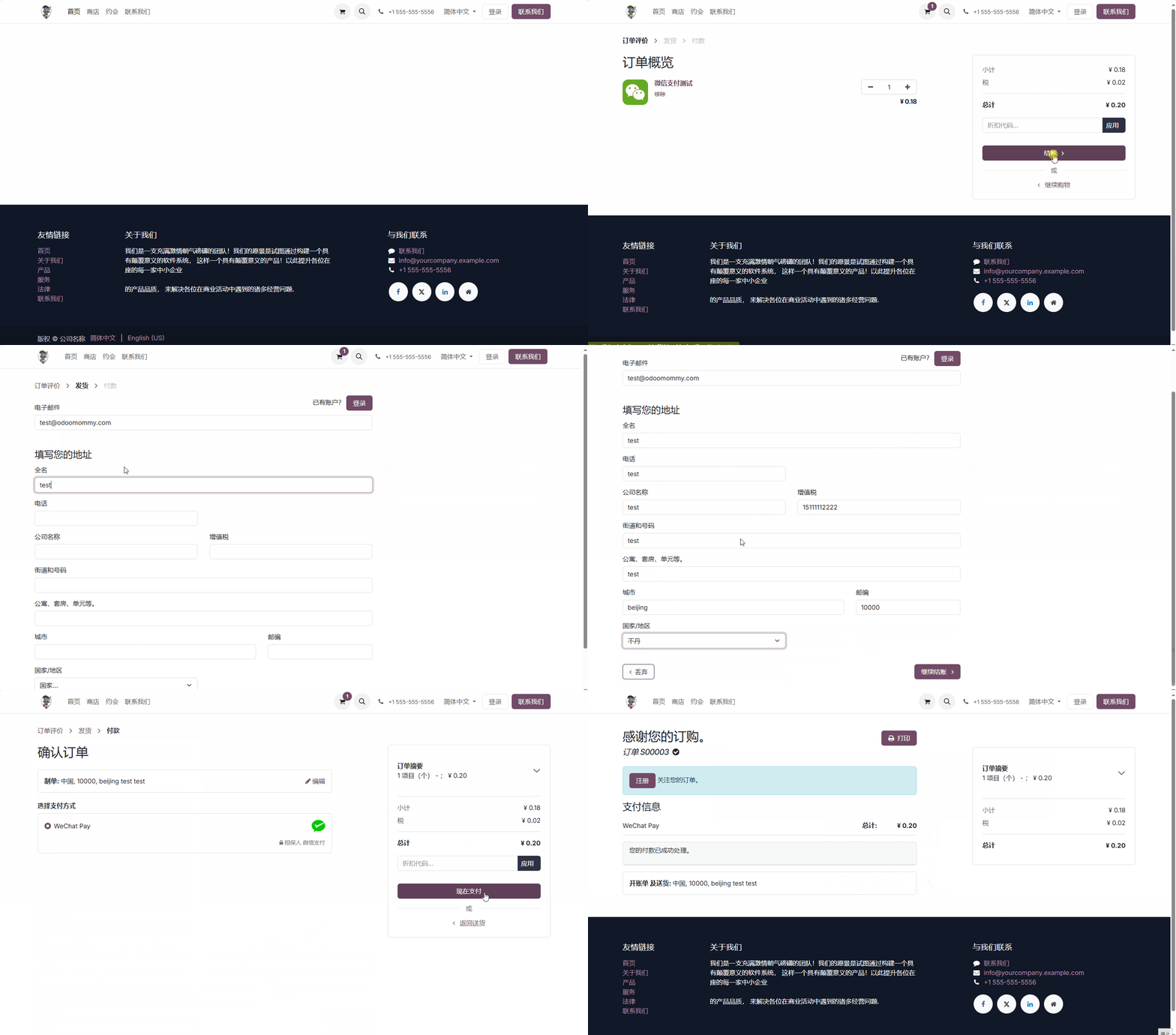
Sales Order Online Payment
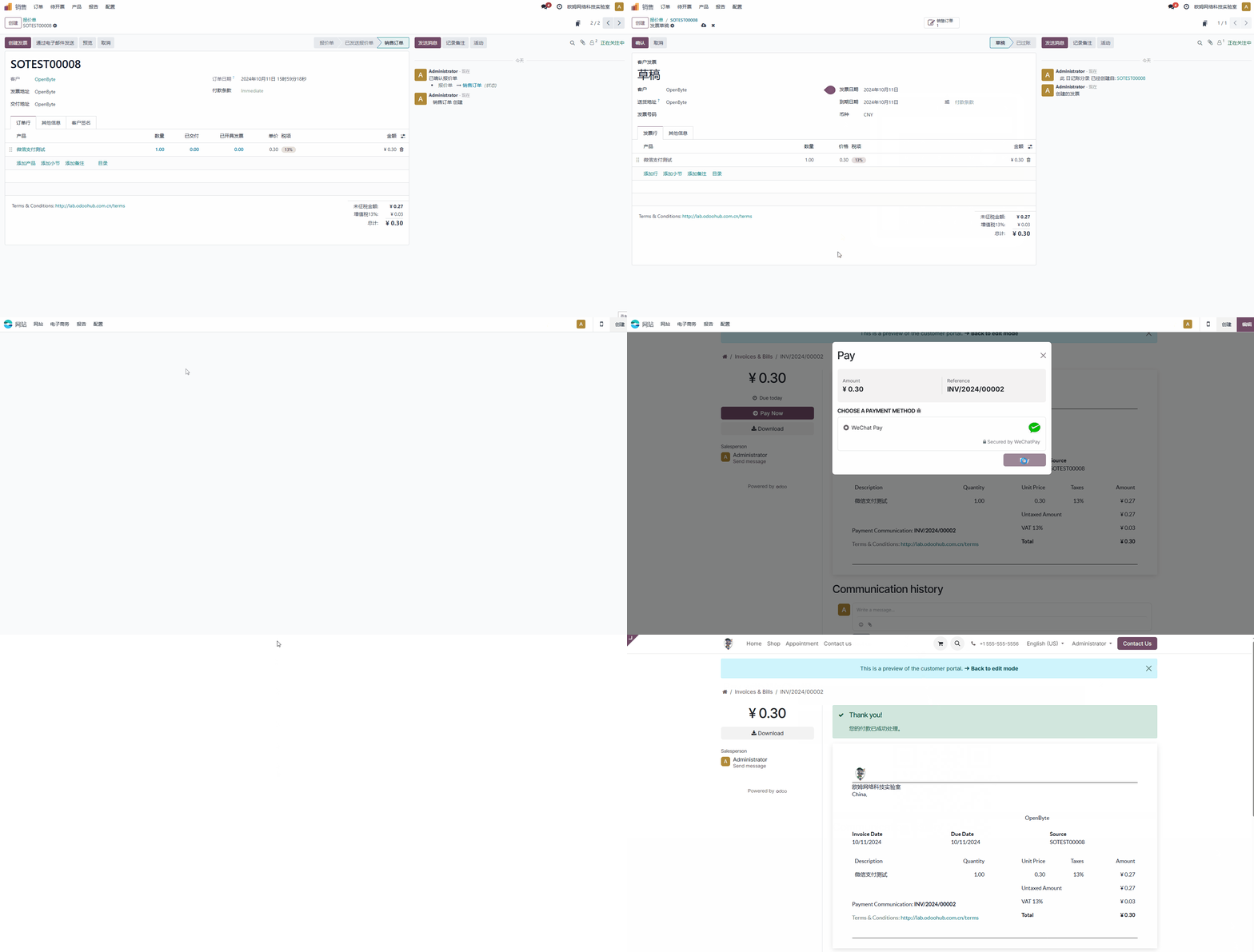
After a sales order is confirmed, the salesperson can send a payment link to the customer. The customer opens the link and pays by scanning the WeChat Pay QR code.
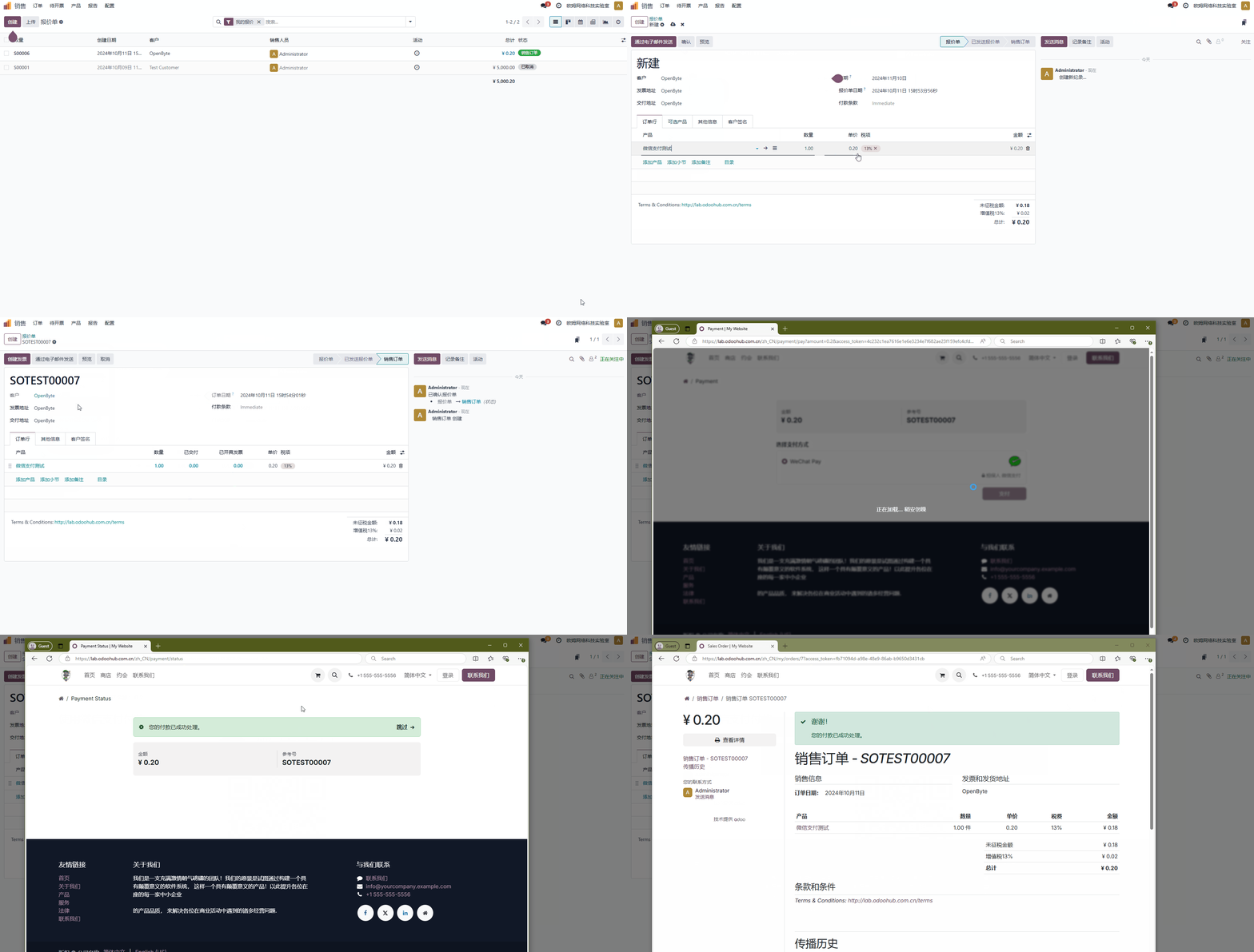
Invoice Online Payment
When a customer clicks the invoice link from email or opens it from the portal preview, the payment button can be used to complete payment with WeChat Pay.
H5 Payment
Supported from version
18.0.2.0+.
The QR code payment flow does not support scanning a WeChat QR code from a saved photo in the same phone. On mobile devices, users would need another phone to scan the QR code, which adds unnecessary friction.
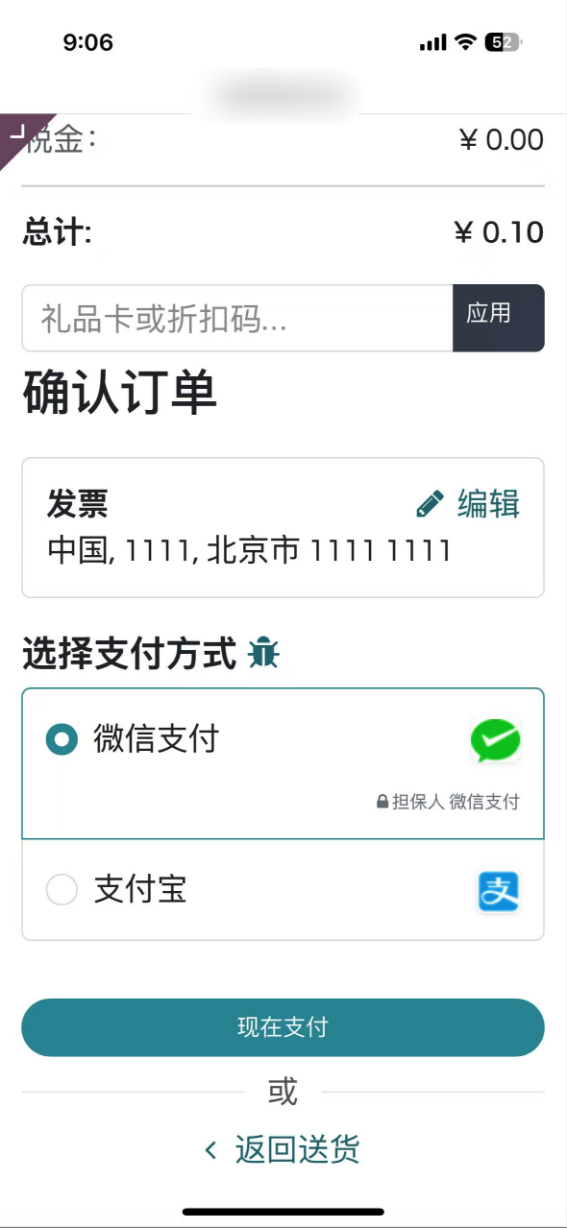
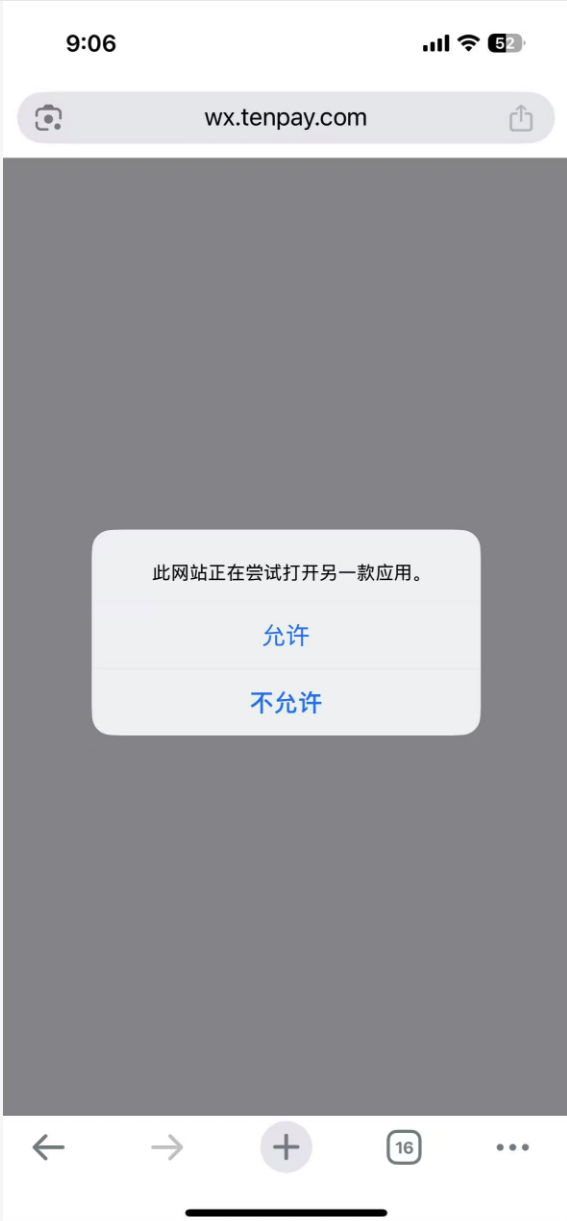
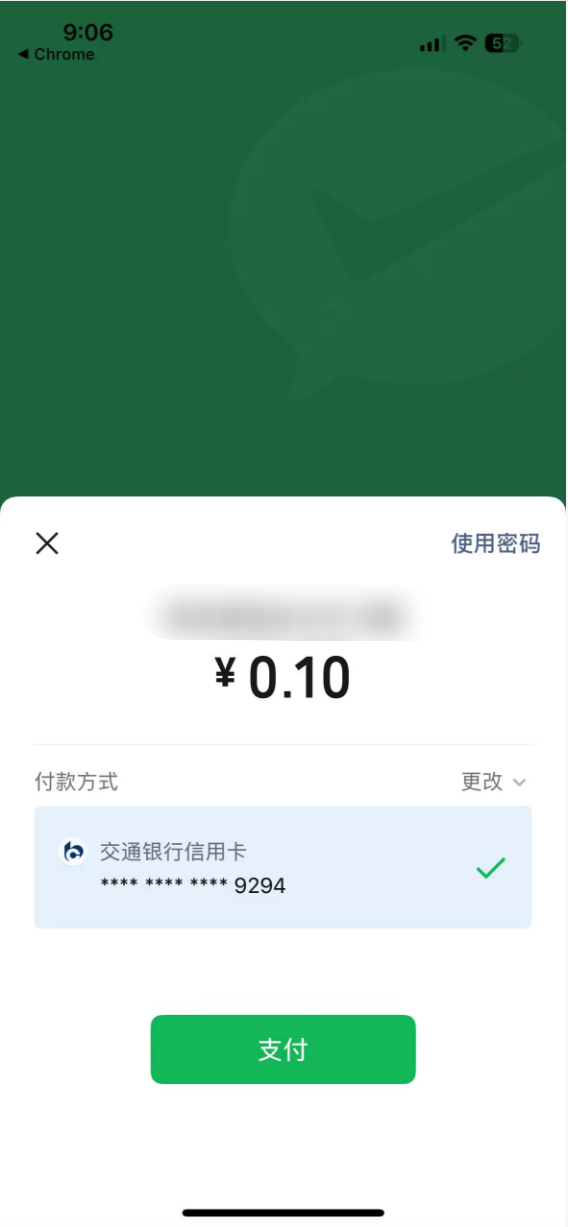
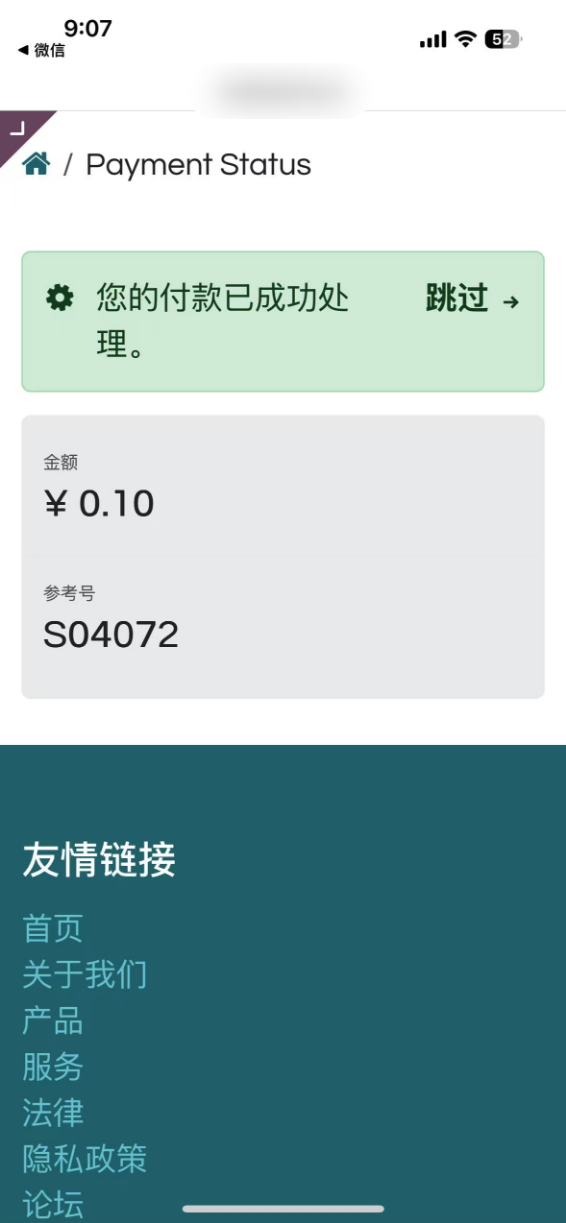
Later versions add H5 payment support. When a user operates from a mobile device, Odoo can invoke the WeChat application and complete payment more naturally.
The operation flow is shown below.
This chapter introduced WeChat Pay for online shop, sales orders, invoices, and H5 mobile payment. The next chapter explains WeChat Pay in POS, where cashiers scan customer payment codes at the counter.