Chapter 5 POS Pricelists
Odoo pricelists allow companies to calculate product prices automatically under different conditions. A pricelist can be assigned to customers, limited by date, configured with discounts, or used for membership and promotion rules.
This chapter explains how to configure pricelists for POS.
Configuration
First, activate pricelists in POS settings. Go to the POS settings and make sure Flexible Pricelists is enabled.
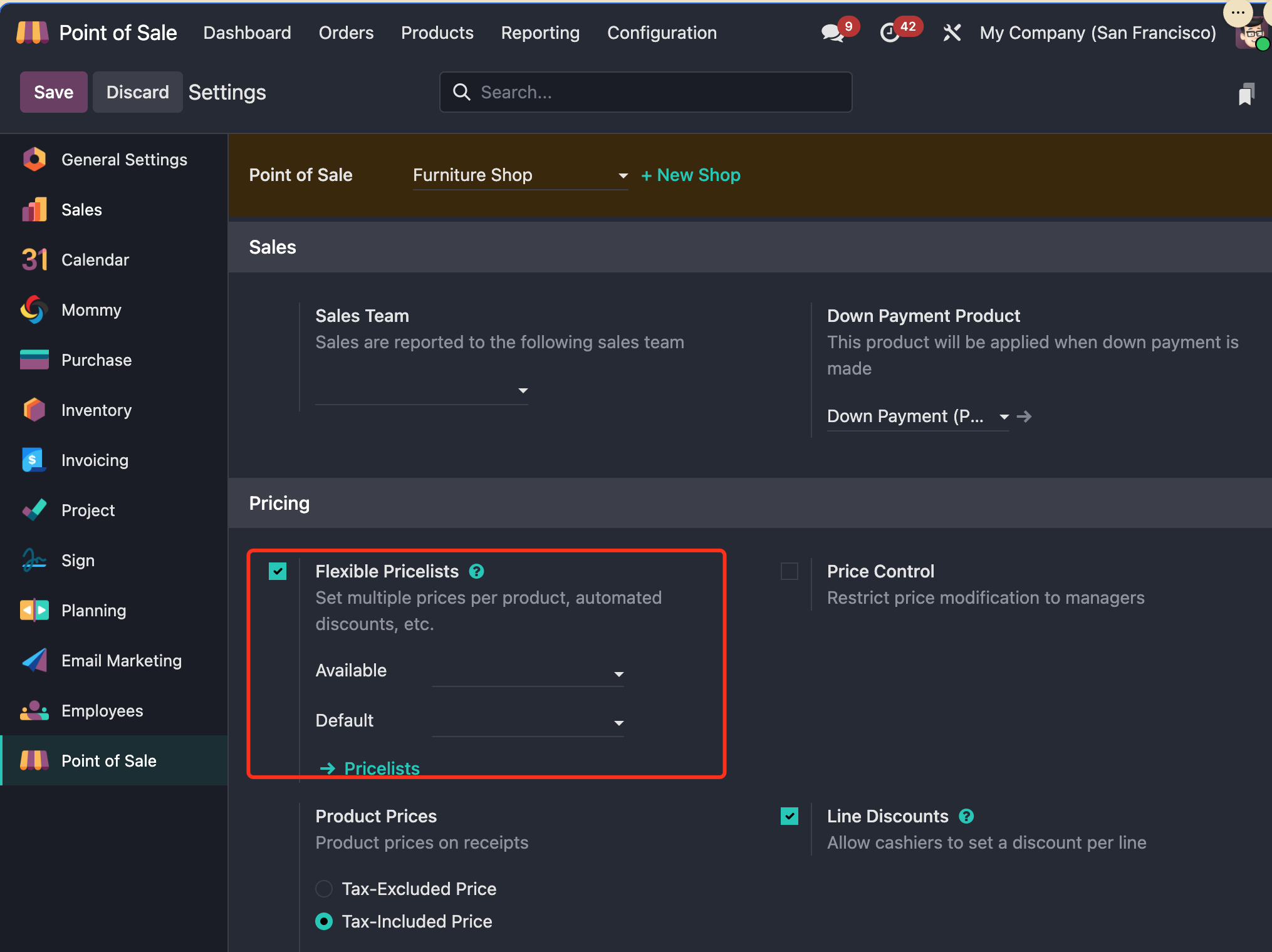
In this section, you can set the available pricelists and the default pricelist for the POS.
In Odoo 17 and earlier, pricelists had two strategies: one price per product per pricelist line, and advanced price rules. Since Odoo 18, these approaches have been merged.
Create A Pricelist
To create a pricelist, go to Point of Sale > Products > Pricelists and click New.
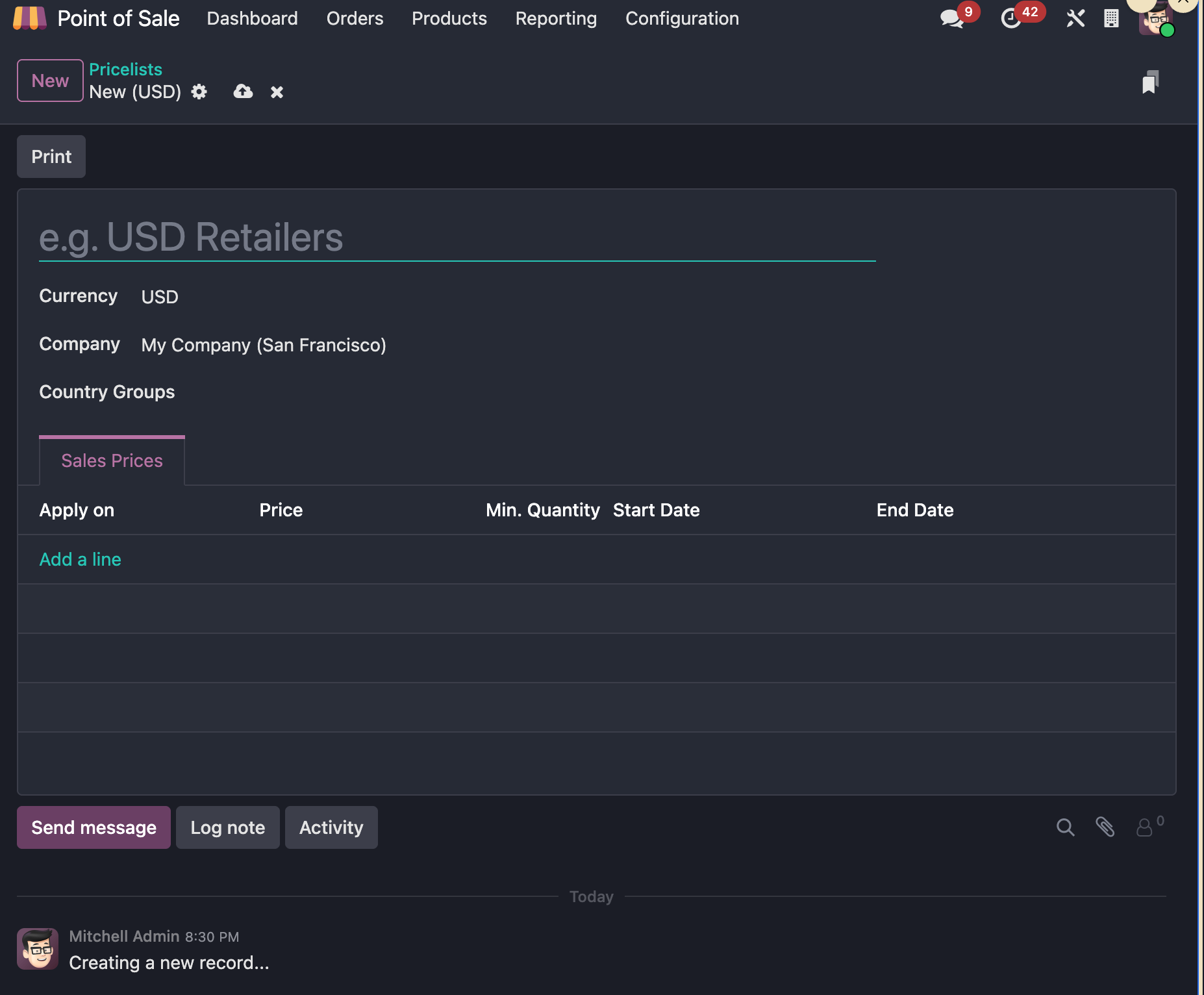
You can set the pricelist name and define the countries or country groups where it applies.
Configure Pricelist Rules
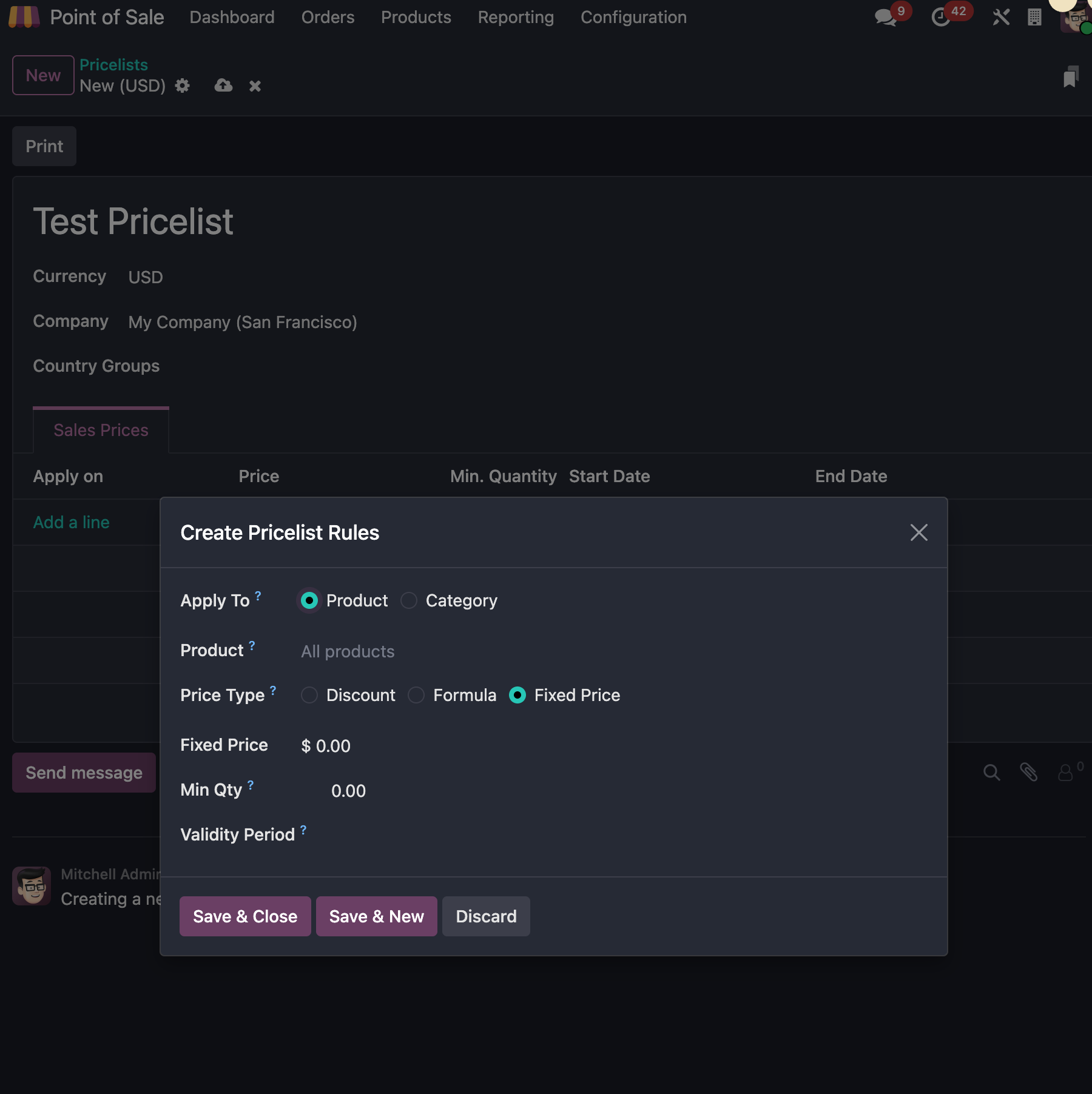
Pricelist rules can apply to products or product categories. The rule types include discount, formula, and fixed price.
Products And Product Categories
The rule scope can be a single product or a product category.
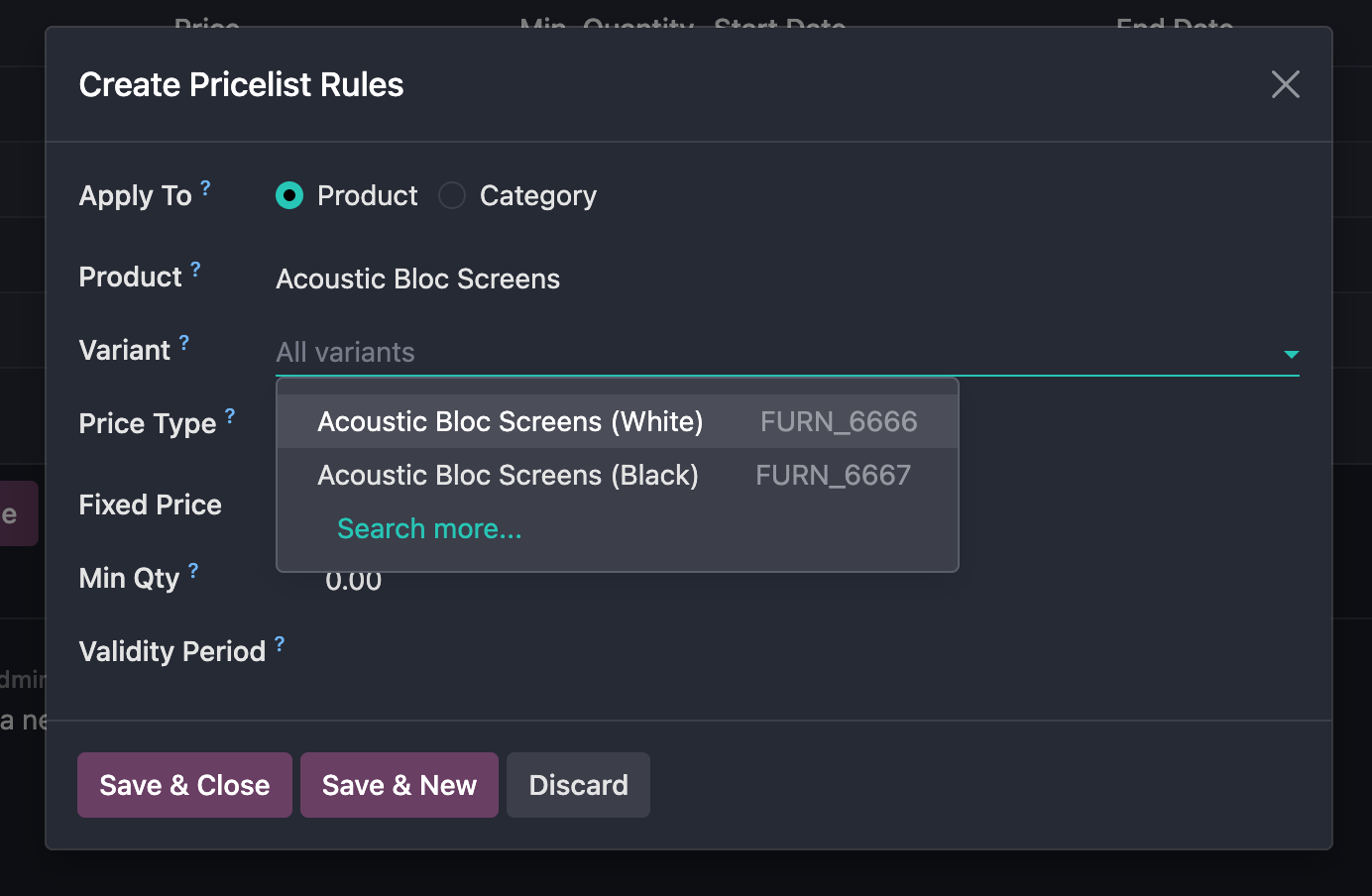
If you choose a product, you can also select a specific product variant.
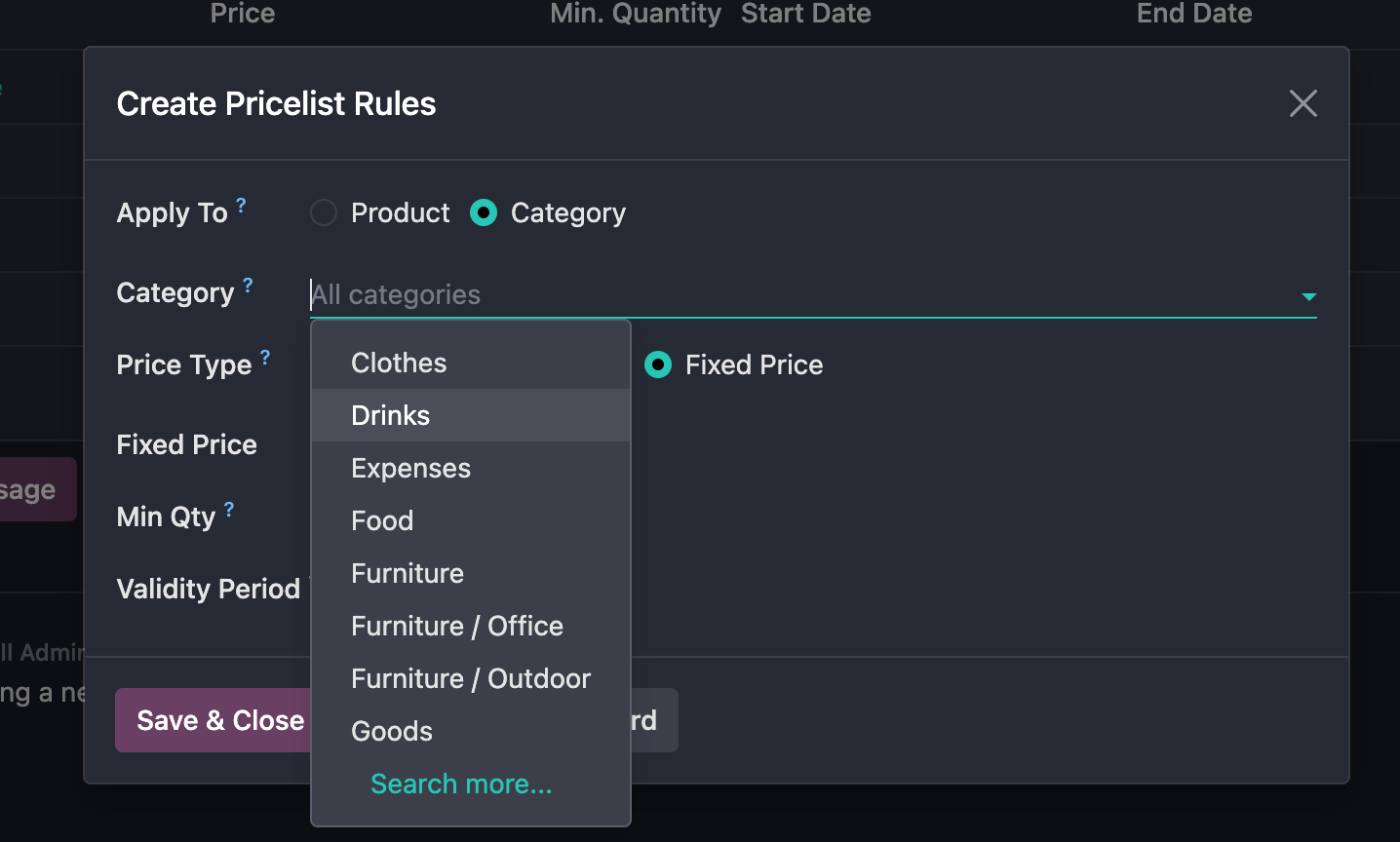
If you choose a product category, select the category that should be covered by the rule.
Pricelist Rule Types
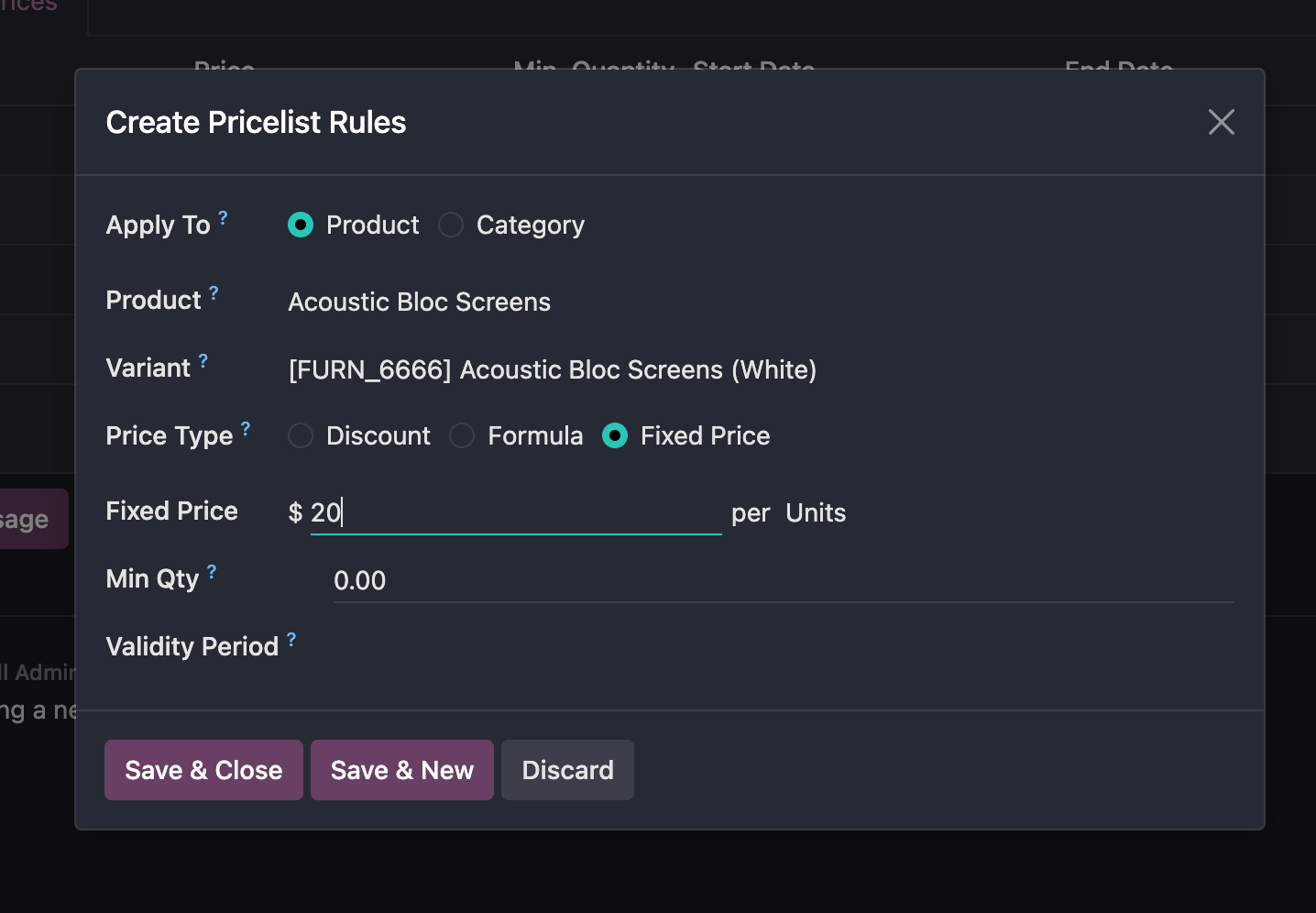
The simplest rule type is fixed price. A fixed price means that once this pricelist is selected, the product uses the defined fixed price.
The second type is formula. A formula rule means the price can be based on another pricelist and then adjusted with additional logic.
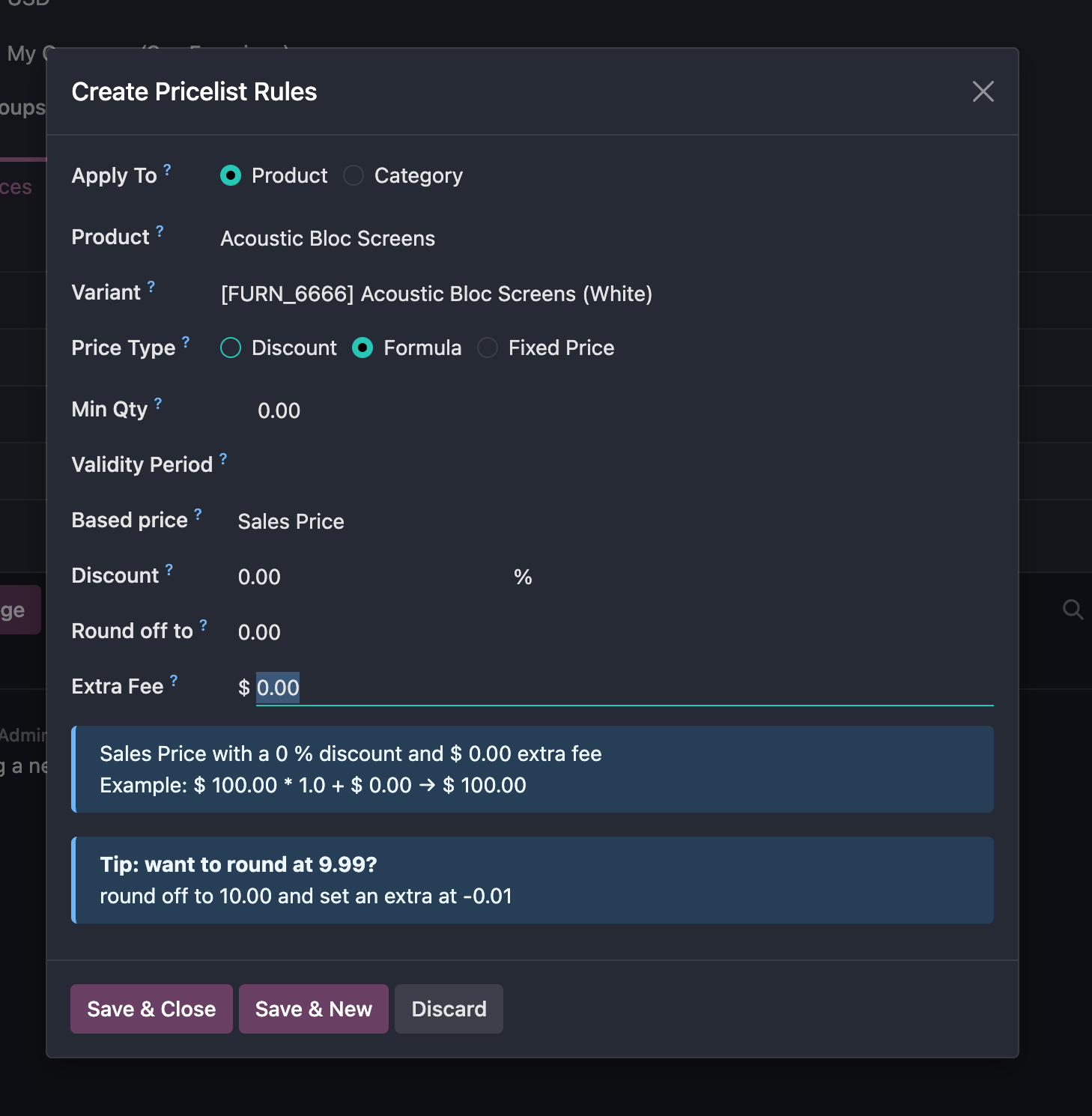
Formula rules can add margins, apply discounts, set validity periods, define rounding precision, or add extra prices.
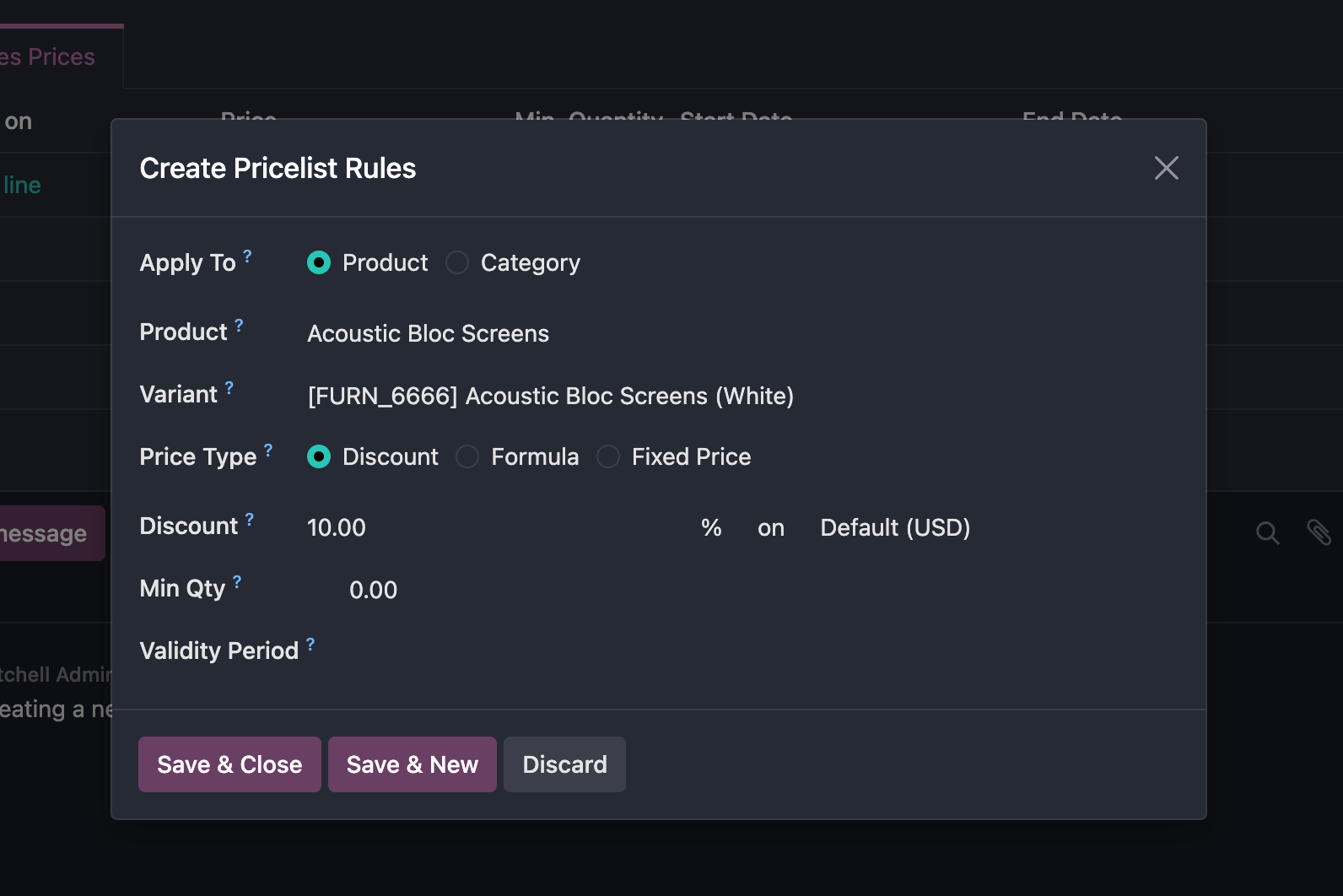
The final type is discount. A discount rule applies a discount on another pricelist. If no base pricelist is selected, the product's sales price is used as the base price.
Assign The Default POS Pricelist
In POS settings, configure the available pricelists and the default pricelist. When a default pricelist is defined, POS uses that pricelist for product prices. If users need to switch pricelists, they can only select from the pricelists made available in the POS settings.
This chapter explained how POS pricelists are enabled, created, and applied. The next chapter introduces loyalty programs, which use coupons, gift cards, points, promotions, and discounts to encourage repeat purchases.