KDNiao Module
KDNiao is a widely used logistics integration and tracking platform in China. It provides APIs for more than 600 logistics companies and is a practical option when a company needs broad carrier coverage.
With the release of Odoo 17, we upgraded the KDNiao module for the newer Odoo version. This chapter explains how to use it.
Register A KDNiao Account
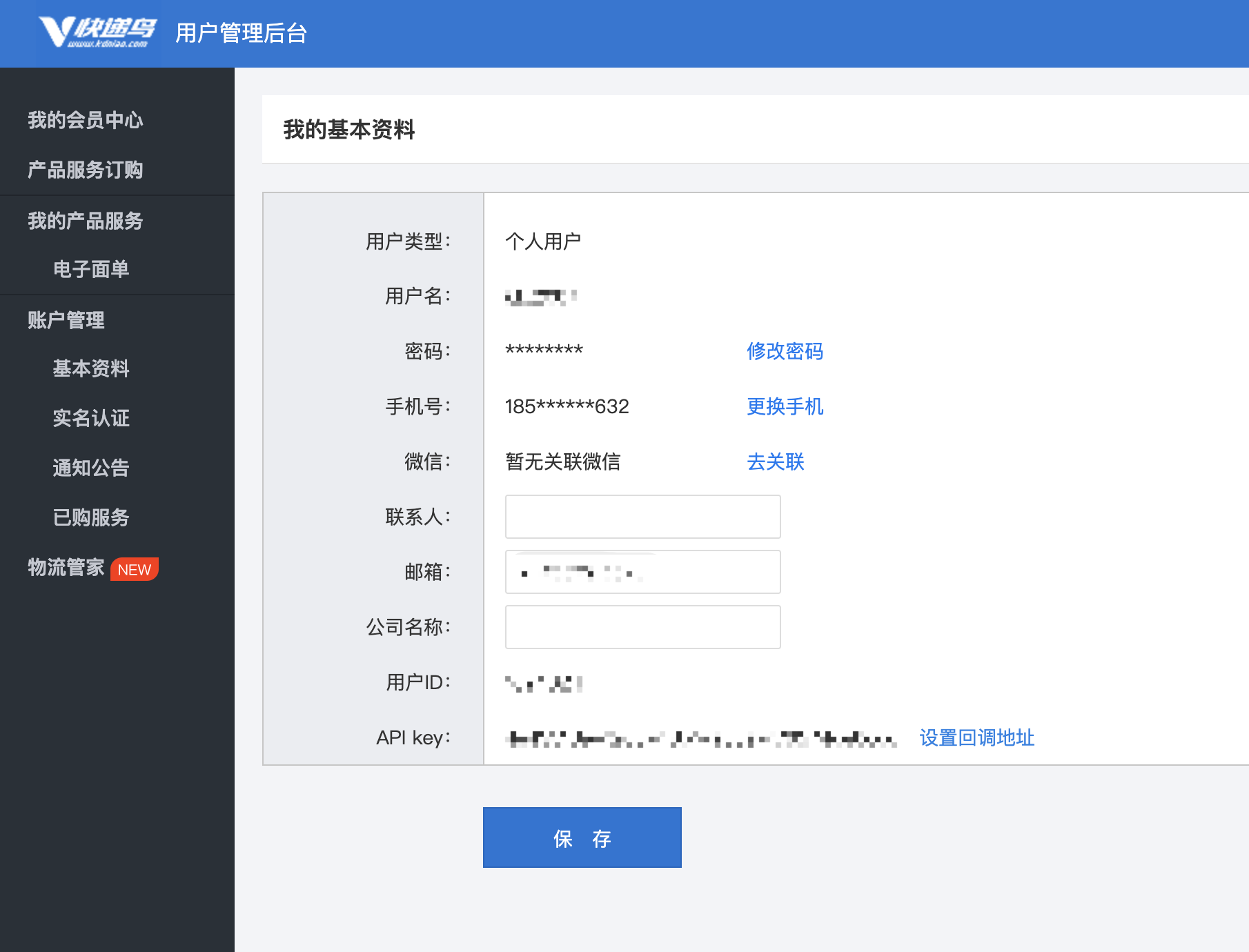
To use KDNiao tracking services, register an account on the KDNiao platform.
After registration, obtain the user ID and APPKEY from the personal center.
Install And Configure The Module
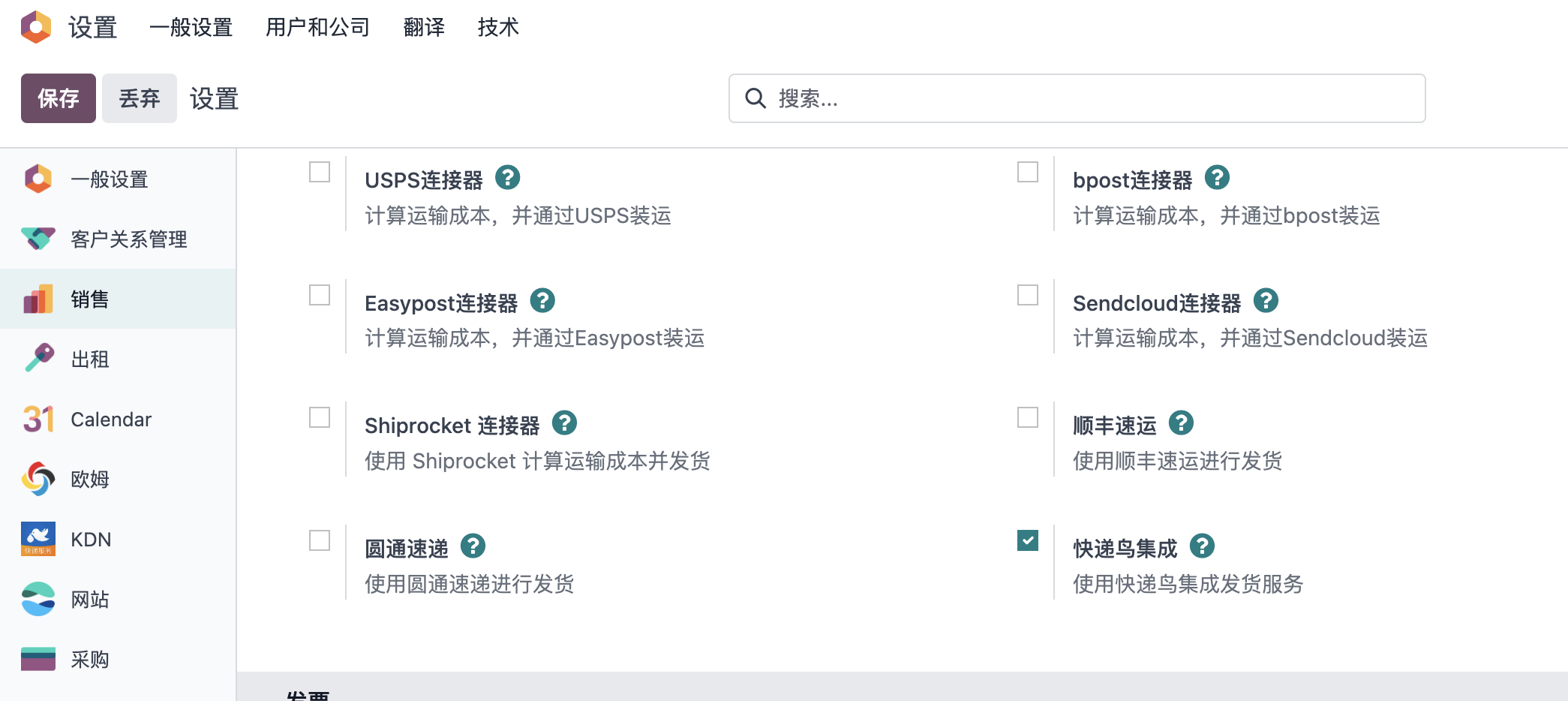
After obtaining the user ID and APPKEY, enable the KDNiao integration module in system settings.
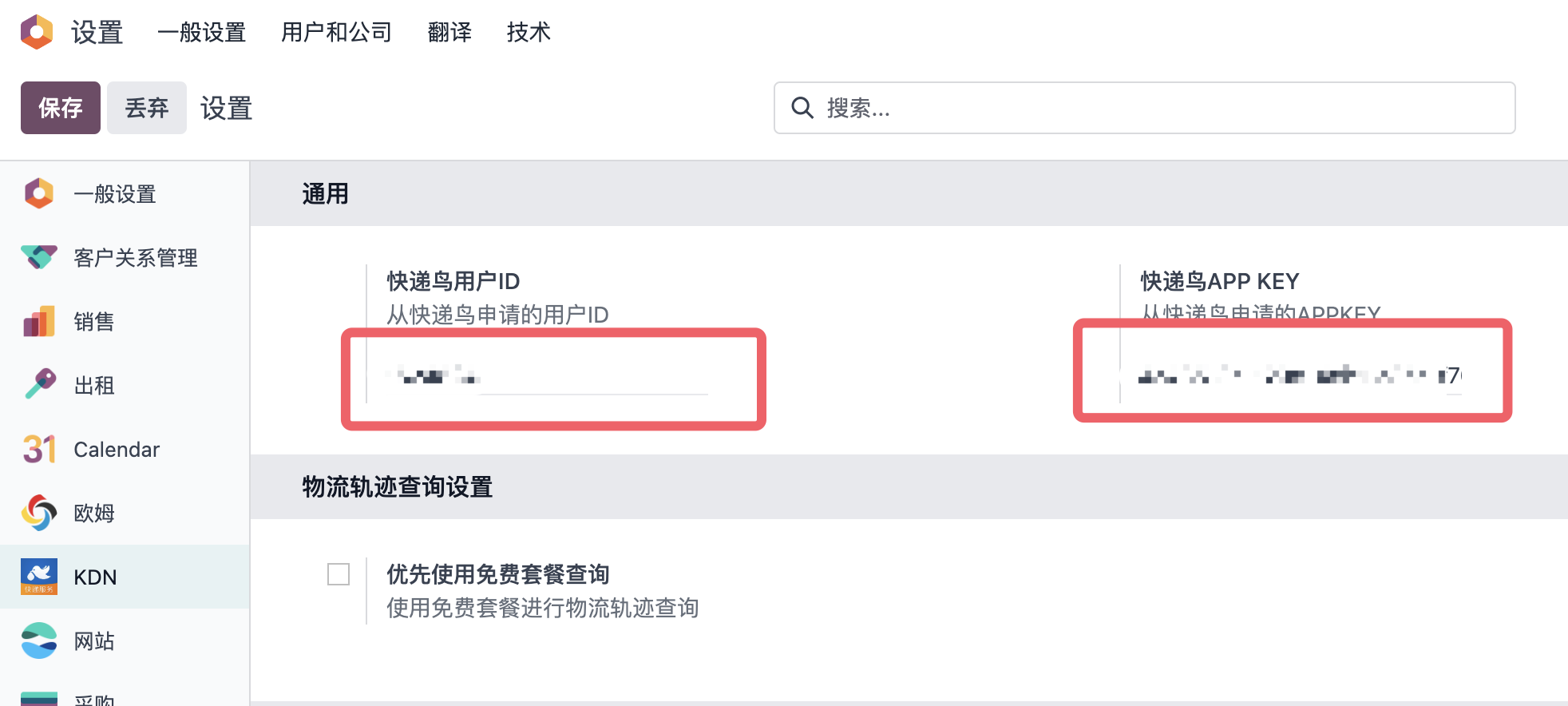
After installation, open the KDNiao settings menu and enter the user ID and APPKEY.
You can then use KDNiao for delivery and tracking.
Activate Carriers
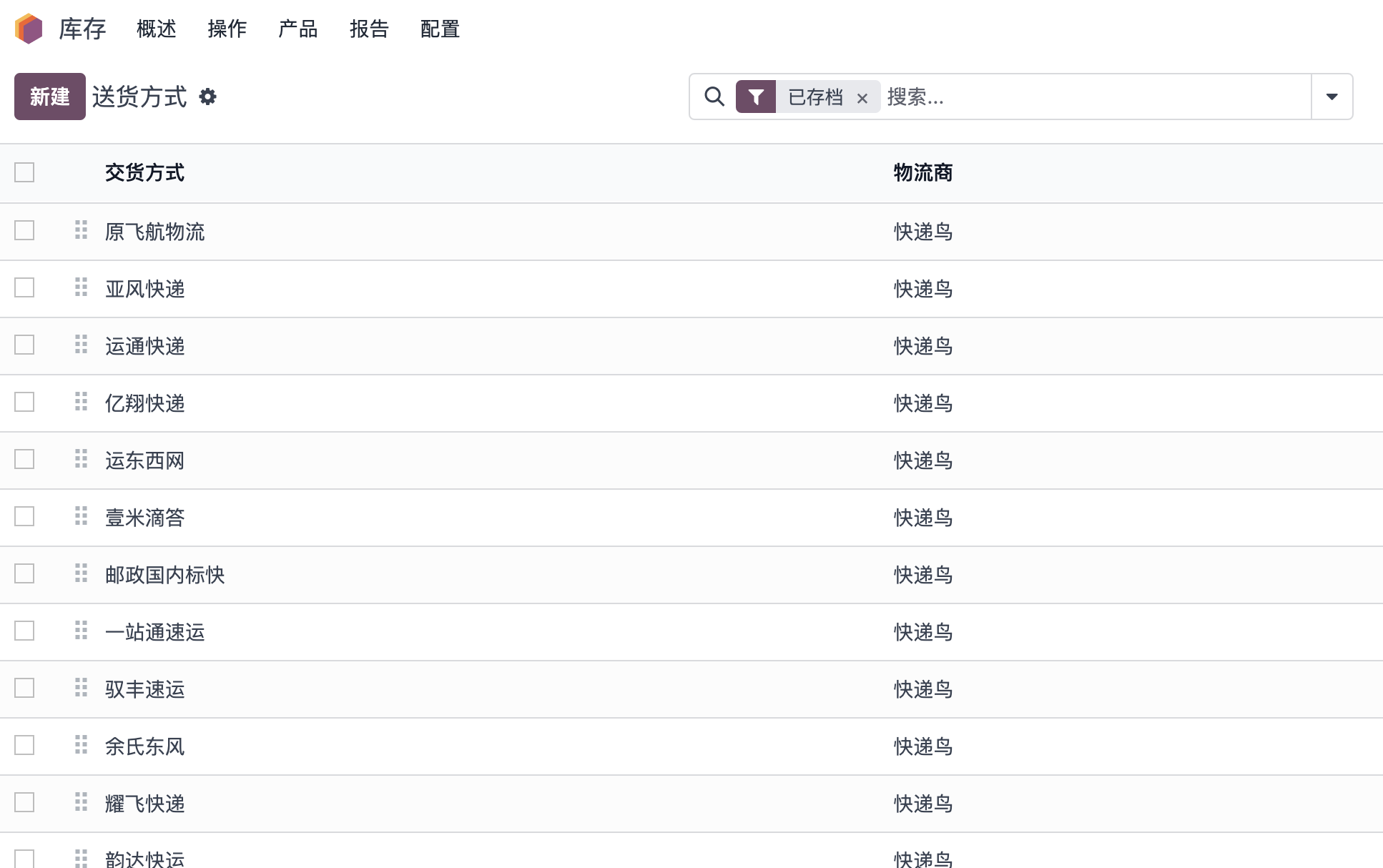
KDNiao supports more than 600 logistics providers, but most companies only use a few. Therefore, all carriers are archived by default. Activate only the carriers you need from the archived list.
Use KDNiao For Delivery
Using SF Express as an example, create a sales order and choose SF Express as the carrier on the generated delivery order.
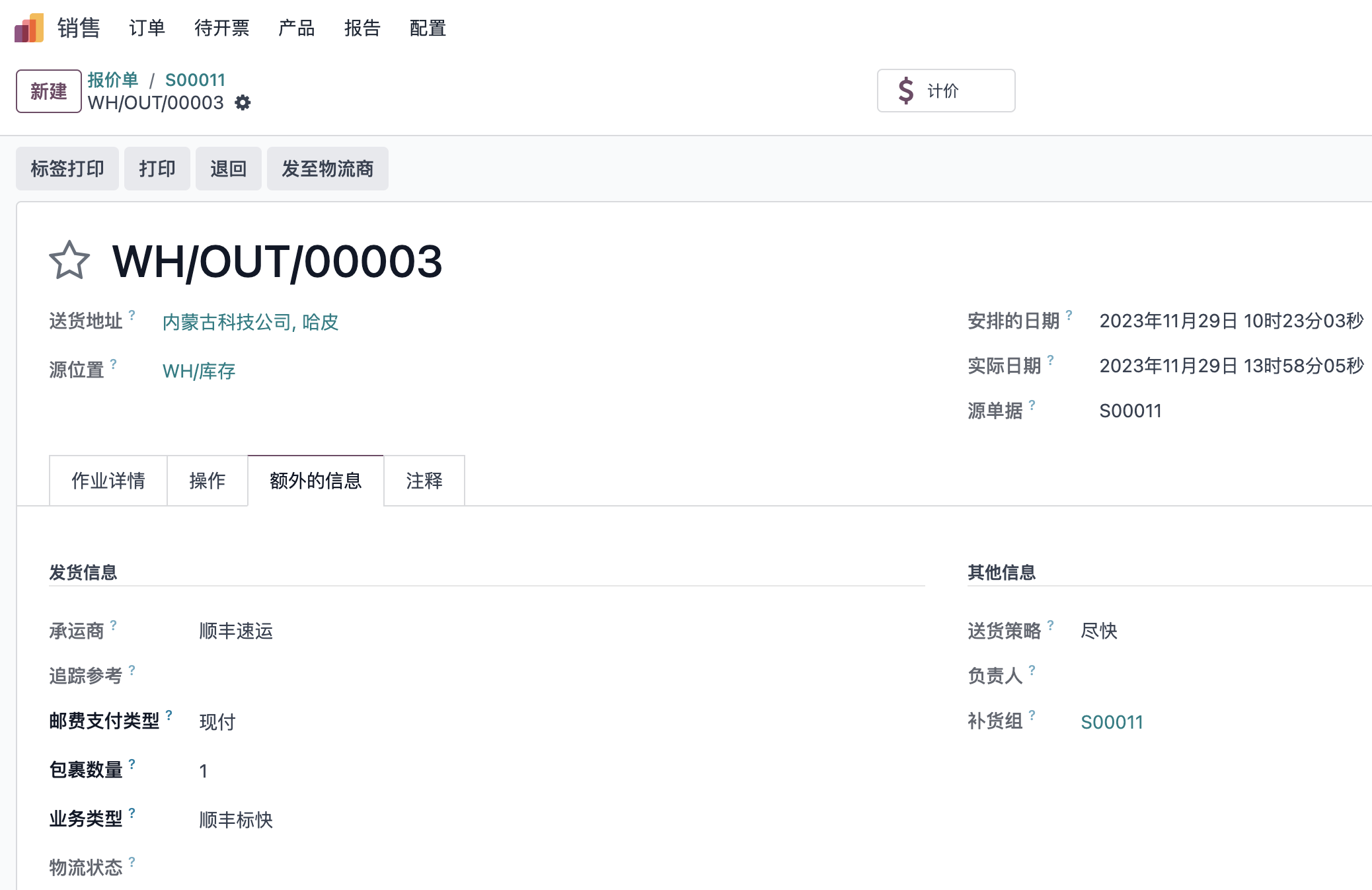
In Odoo 17, the electronic label printing logic was adjusted to match other delivery methods. When the transfer is completed, the generated electronic label is attached to the chatter automatically.
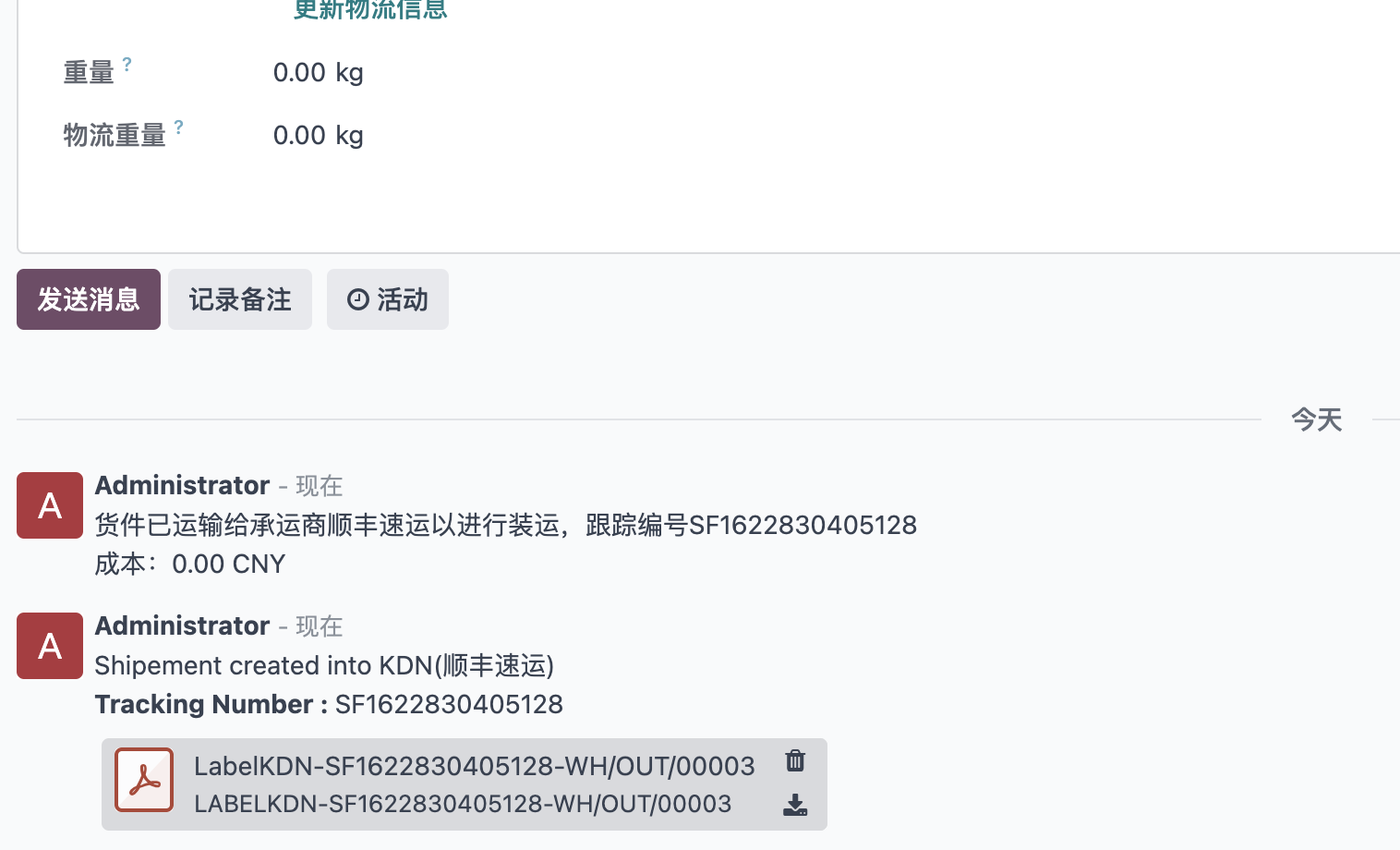
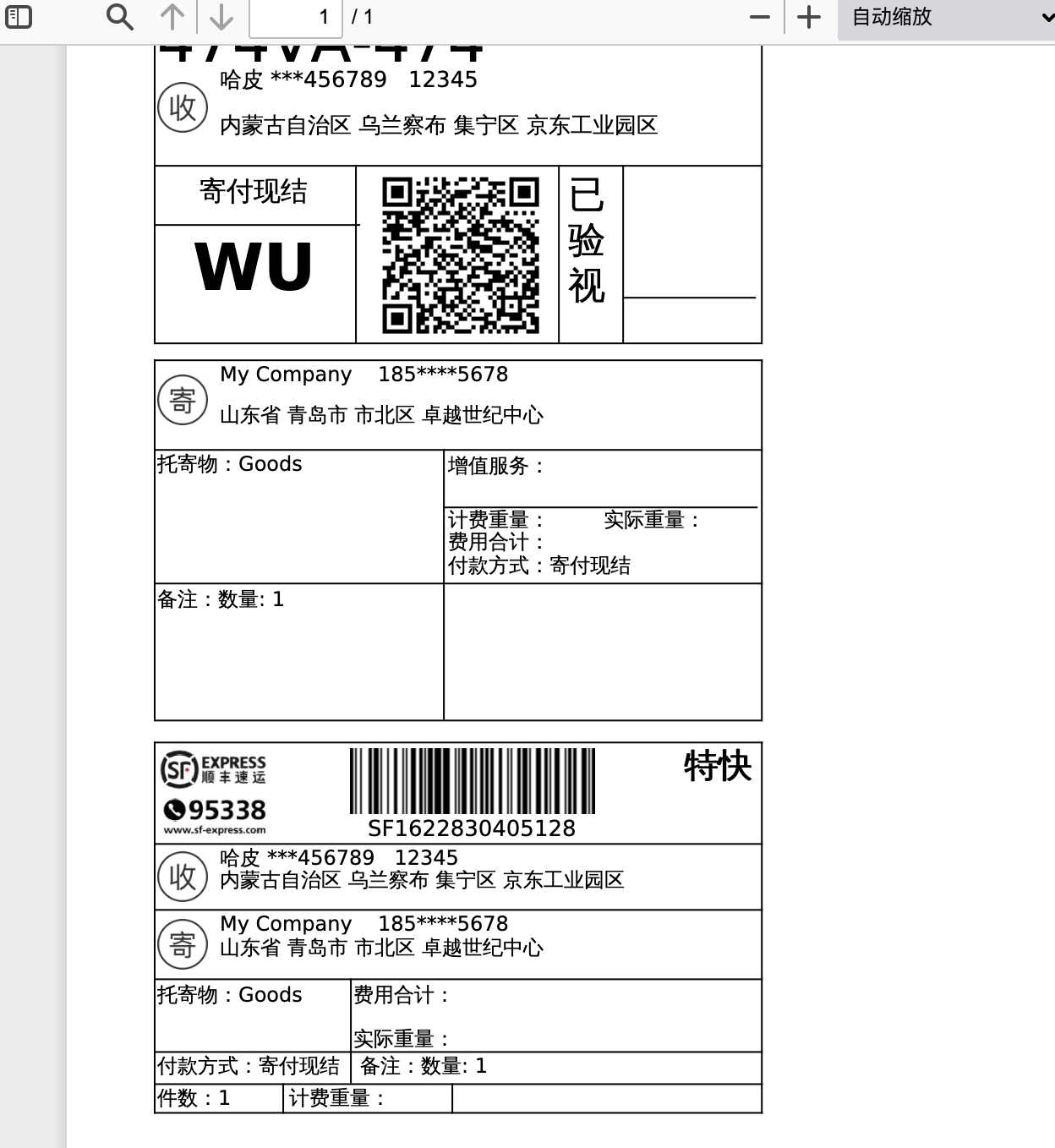
Print Electronic Label
Click the attached PDF file to print the electronic label.
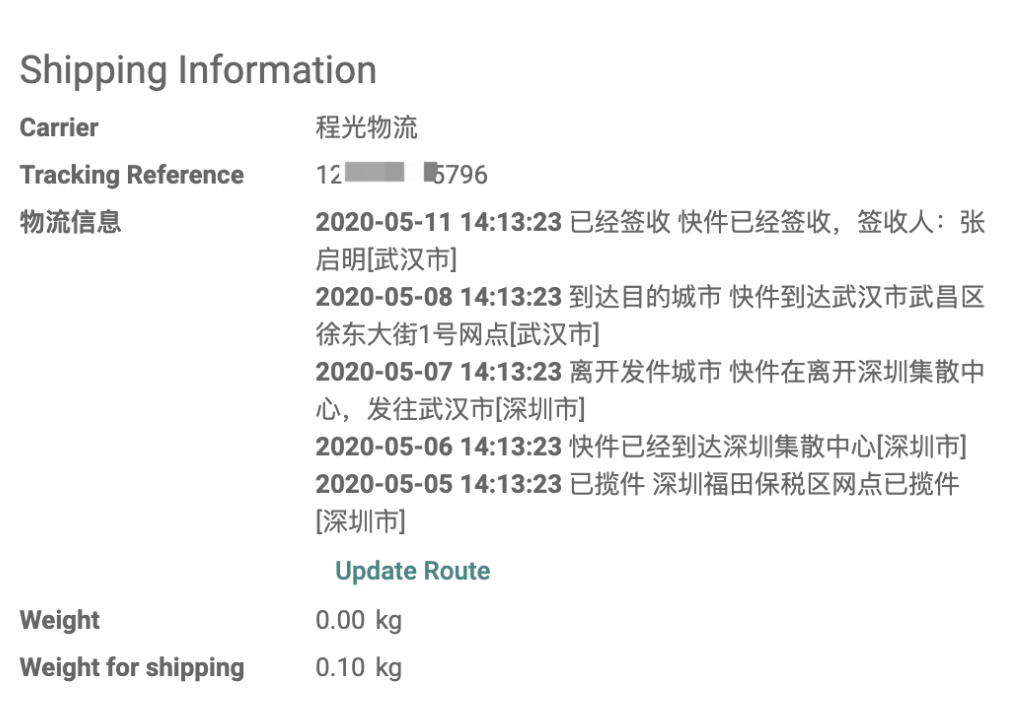
Tracking
Tracking information is displayed automatically under the tracking number. Users can also click Update Tracking Information to refresh it manually.
Pros And Cons
The advantage of KDNiao is broad carrier coverage. You do not need to integrate each carrier separately.
The limitation is that KDNiao's query service is paid and does not support shipping fee estimation. If you mainly use a single carrier such as SF Express, direct carrier integration is usually recommended.
Technical Support
For more information about the KDNiao module, follow OdooHub for updates.