Yunda Express
This chapter introduces a free integration solution between Odoo and Yunda Express.
Register On Yunda Open Platform
To use Yunda Express, first register an account on the Yunda Open Platform and create an open platform application.
After creating the application, obtain the following four parameters:
| Parameter | Description |
|---|---|
| AppKey | Application key. |
| AppSecret | Application secret. |
| PartnerId | Customer code assigned by a Yunda branch. |
| Secret | Secret corresponding to the customer code. |
Use Yunda Express In Odoo
Install the Yunda Express module developed by Qingdao Ohm Network Technology.
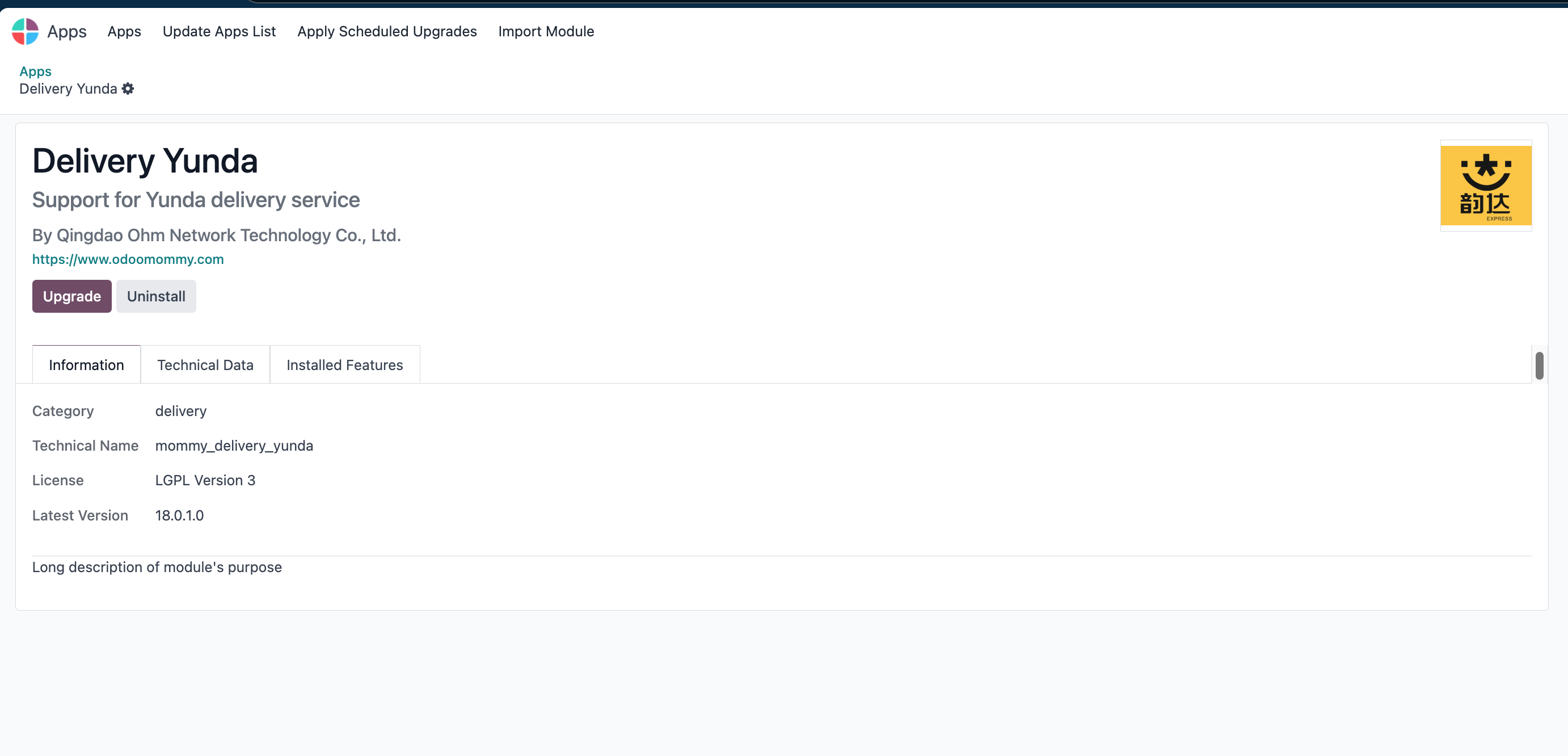
The module automatically adds a Yunda Express delivery method.
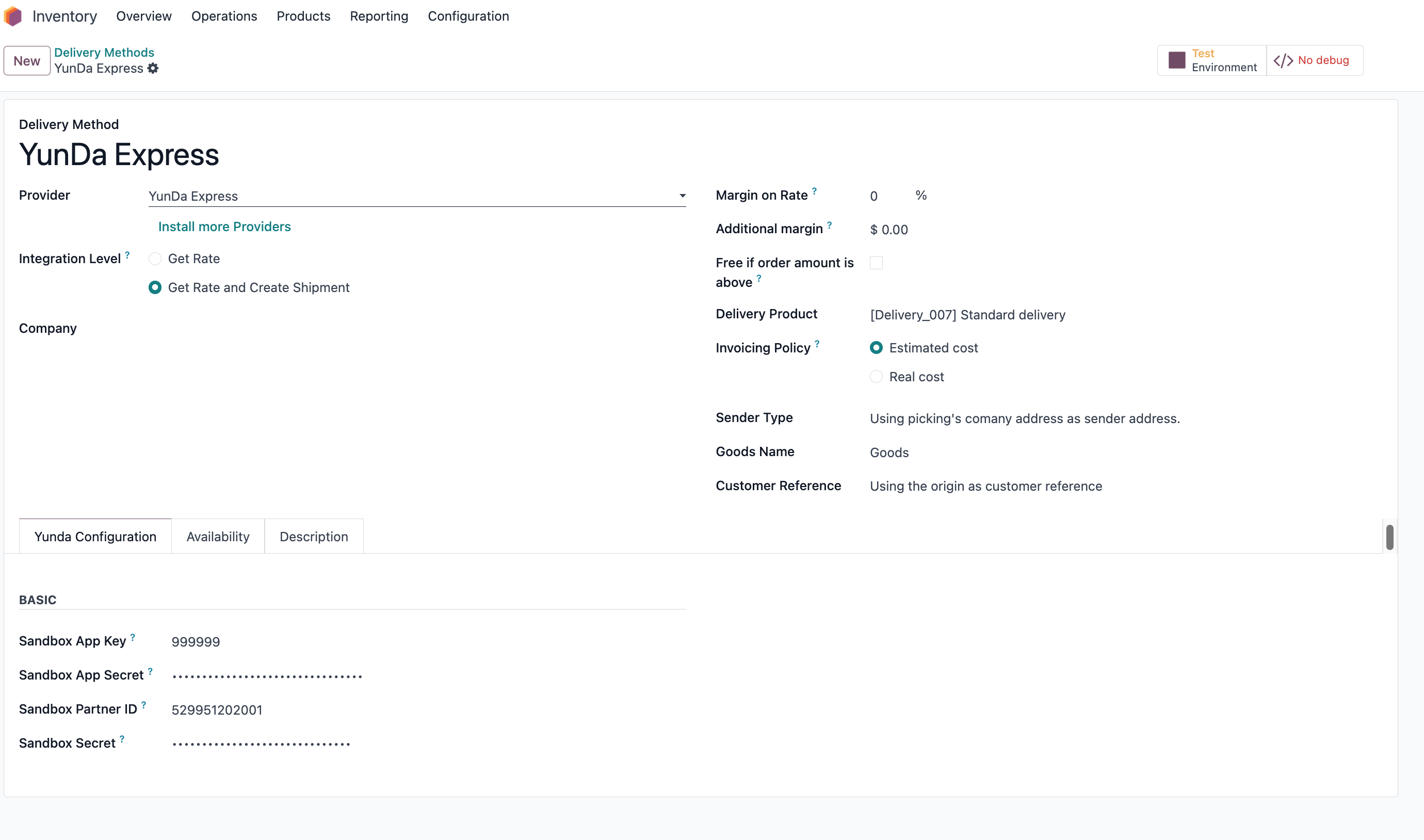
Enter the parameters obtained earlier into the configuration.
Rate Estimation
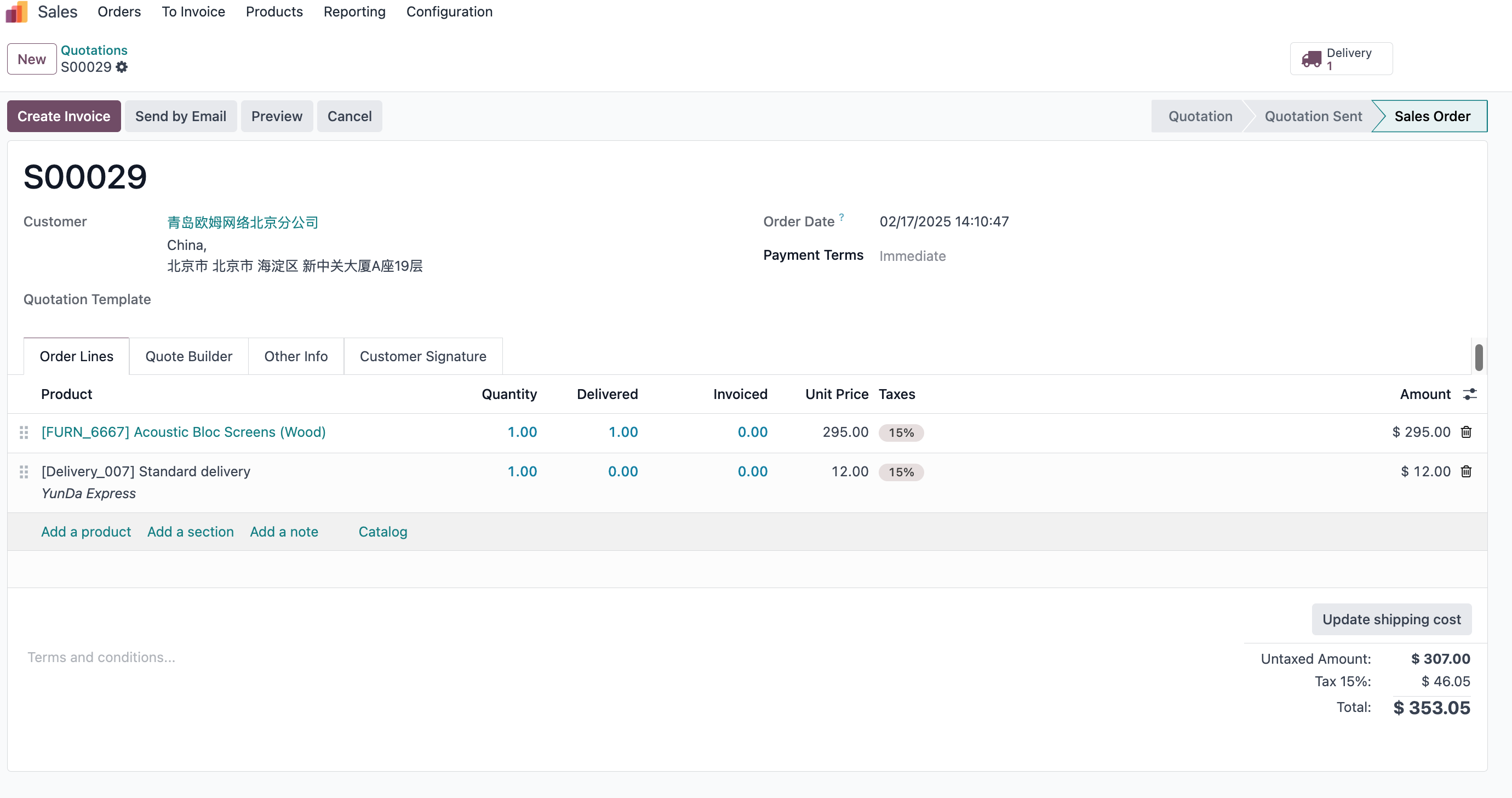
Create a sales order, add Yunda Express as the delivery method, and click the rate estimation button. Odoo displays the estimated shipping fee returned by Yunda.
Order Creation And Electronic Waybill
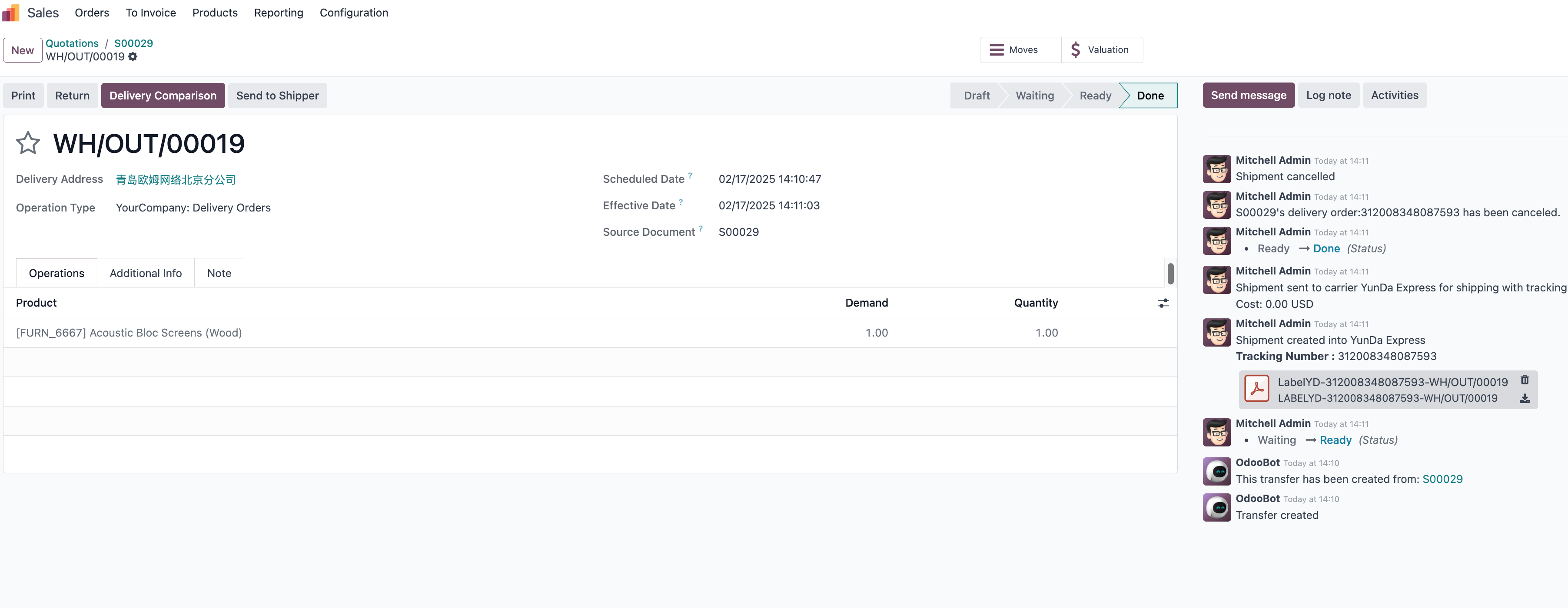
Confirm the sales order. The generated delivery order uses Yunda Express as the default carrier. After validating the delivery, Odoo automatically fills in the Yunda tracking number and posts the electronic waybill in the chatter.
Tracking
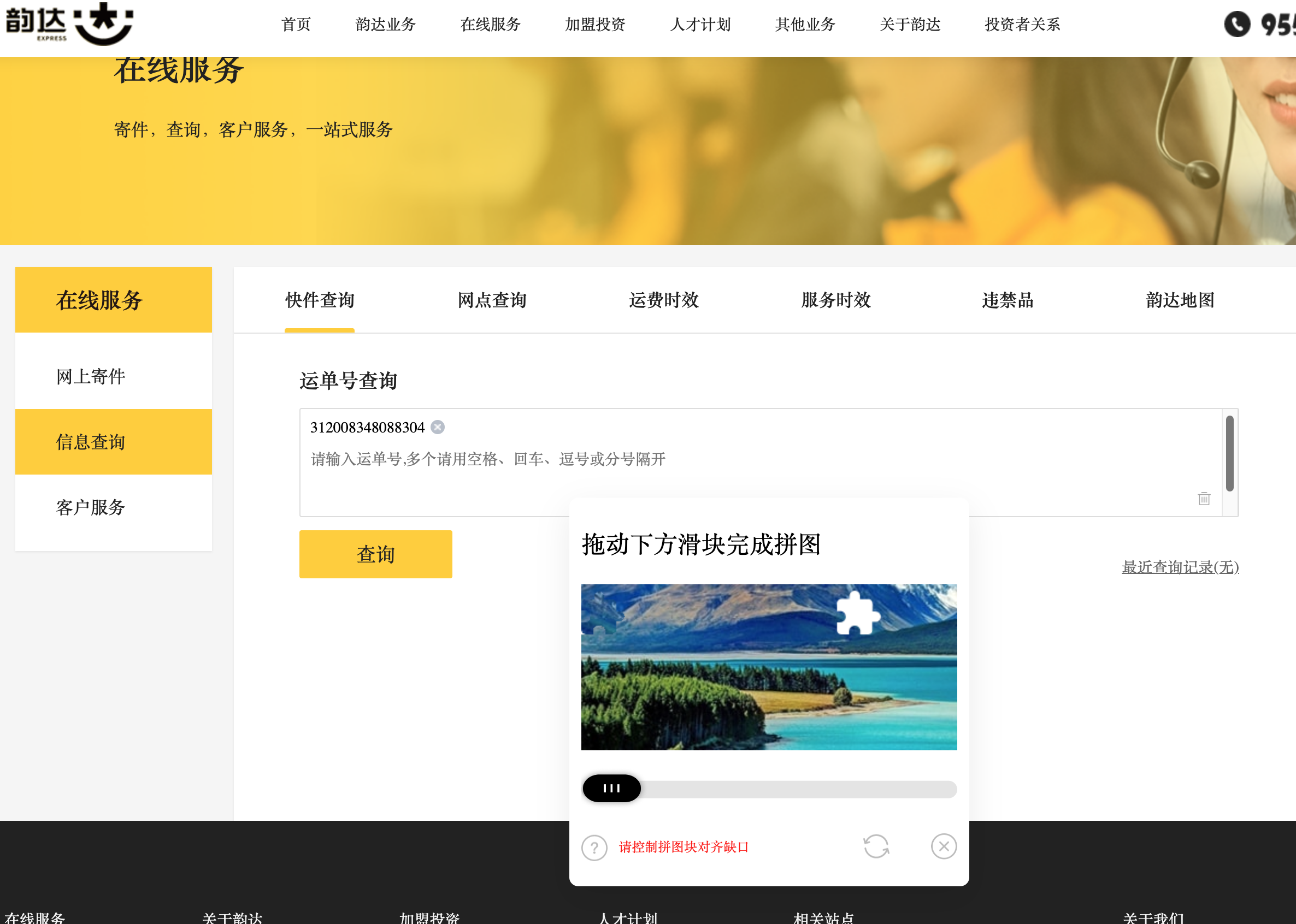
Click the tracking button on the delivery order. The page redirects to the Yunda website and fills in the tracking number automatically.
Order Cancellation
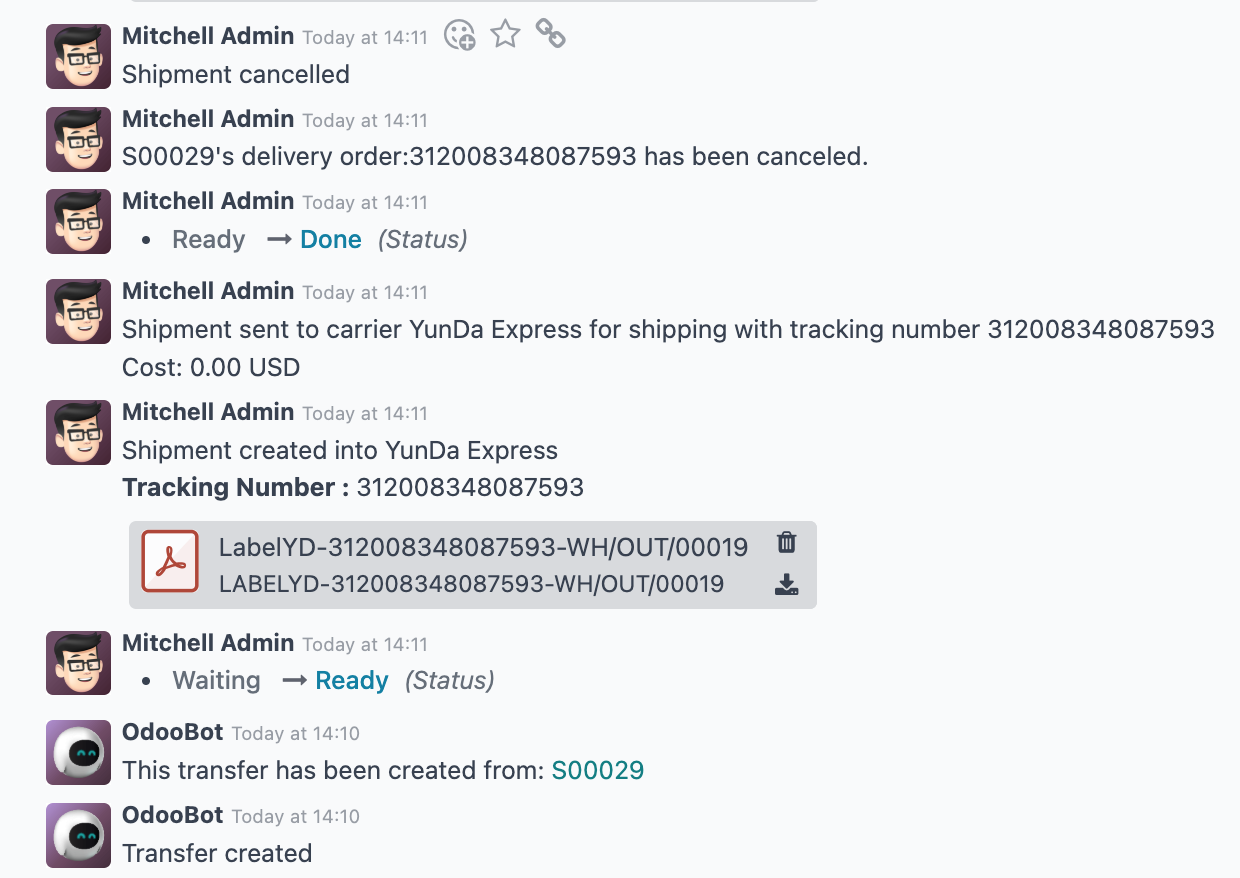
If the shipment was created incorrectly, click the cancel button to cancel the shipment.
This chapter introduced Yunda Express integration for Odoo delivery operations.