Google Cloud Storage
This chapter explains how to use Google Cloud Storage with Odoo.
Odoo has a native Cloud Storage module that supports Google and Azure object storage, but it mainly covers chatter and attachment storage and does not provide the same migration and scoped storage controls described here.
Register Google Cloud Storage
Create a Google Cloud Storage account and create a bucket.
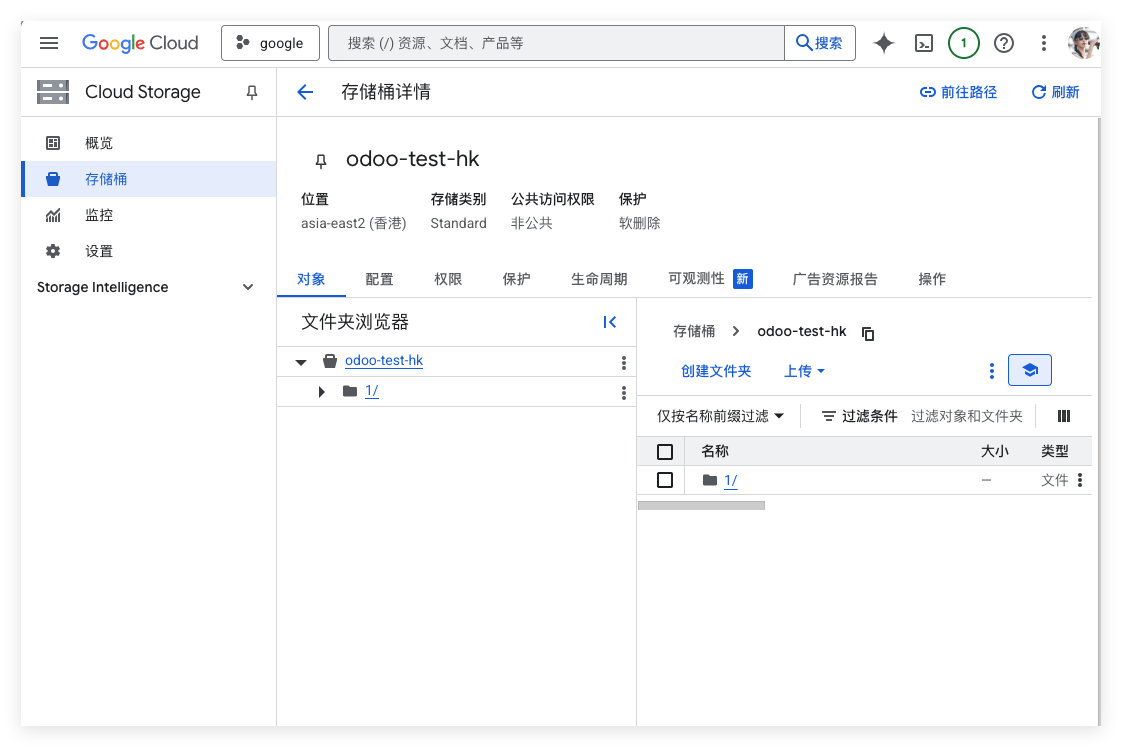
Obtain the following parameters:
| Parameter | Description |
|---|---|
| Project ID | Google project ID. |
| Bucket Name | Bucket name. |
| Location | Bucket location. |
| Service Account JSON File | Authentication JSON file containing service account credentials. |
Odoo Configuration
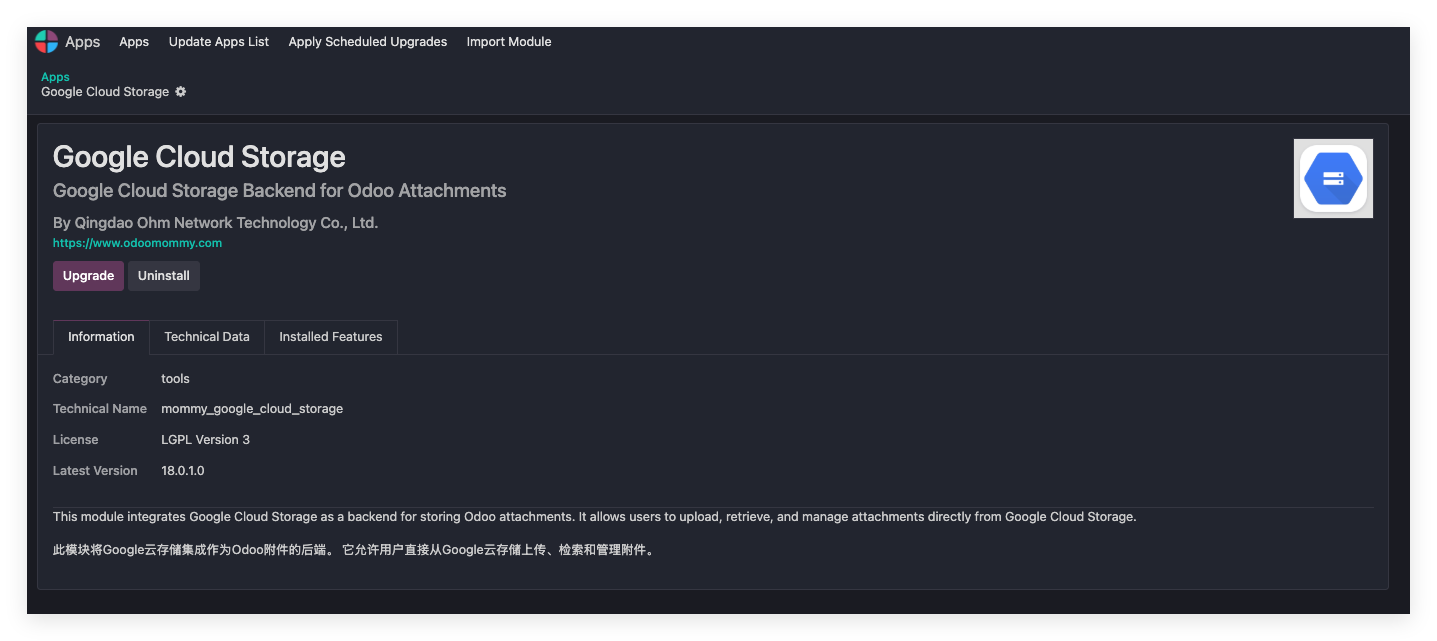
Install the Google Cloud Storage module developed by Qingdao Ohm Network Technology.
Create A Google Cloud Storage App
In the Google Cloud Storage app settings, create an Odoo-side app.
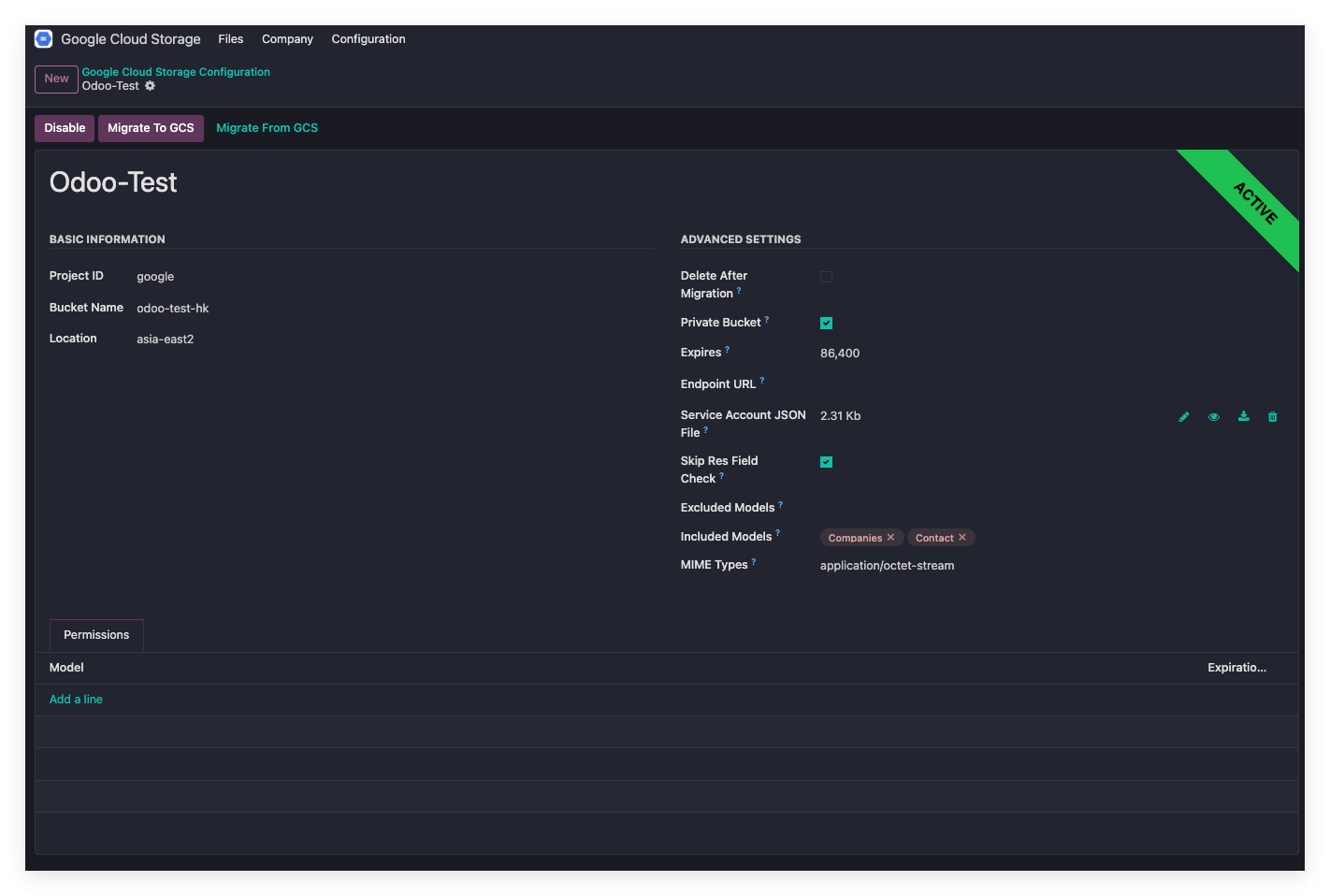
Enter the parameters obtained from Google Cloud.
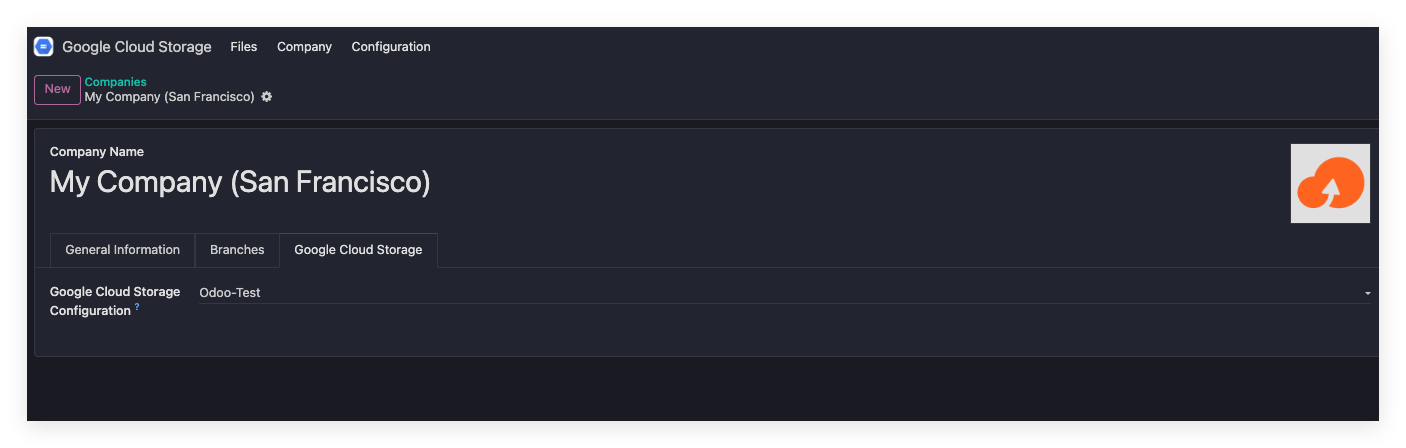
Bind Company
In company settings, select the GCS app created above.
Activate App
Click the enable button in the app. After activation, files can be uploaded to Google Cloud Storage.
Upload Binary Files
For Odoo internal binary files, if the model is included in the upload scope, Odoo automatically stores files in Google Cloud Storage instead of local storage.
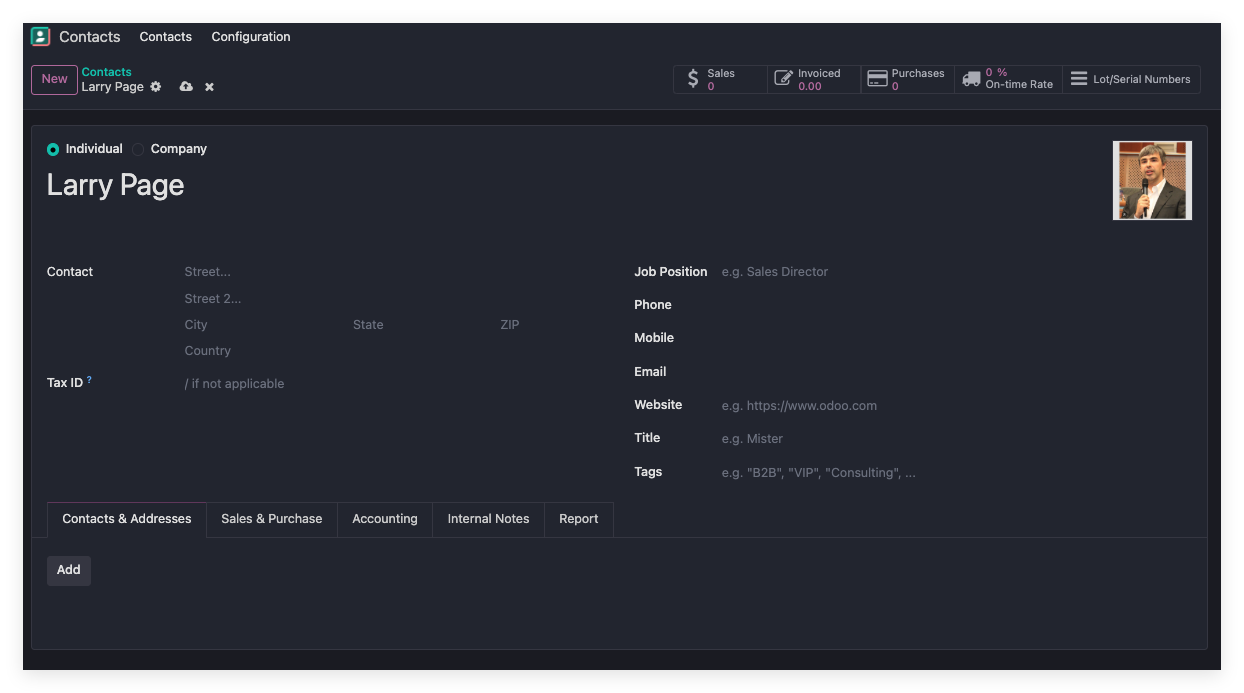
Using a contact avatar as an example, create a contact named Larry Page.
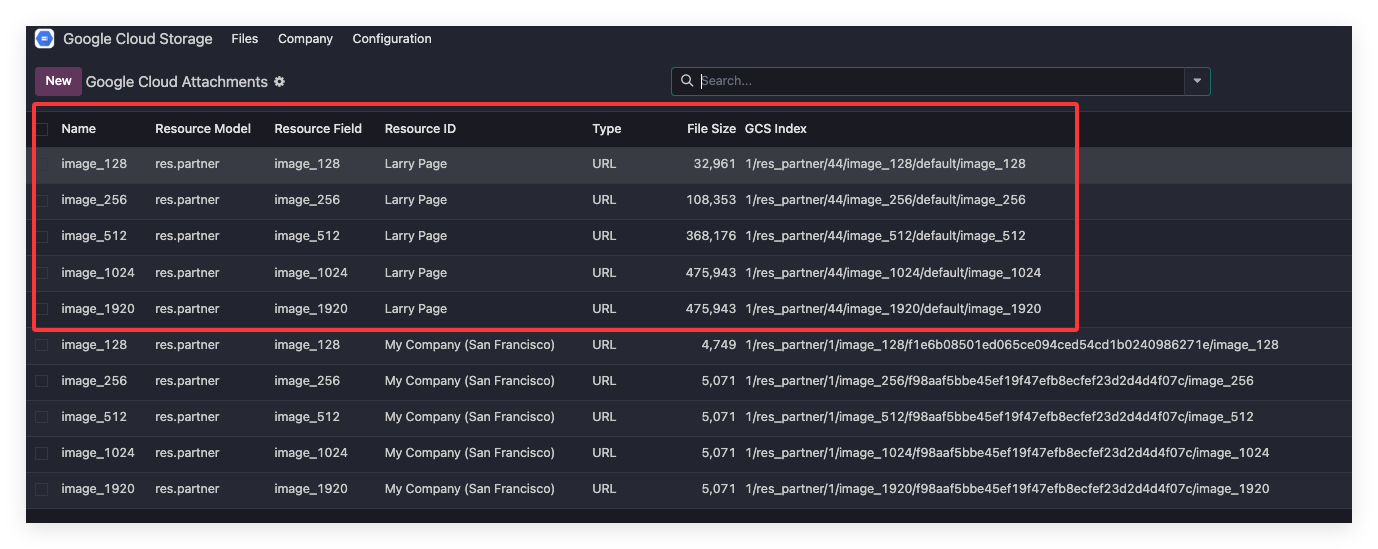
The file list shows that the image has been uploaded to Google Cloud Storage.
Check the Google Cloud Storage backend.
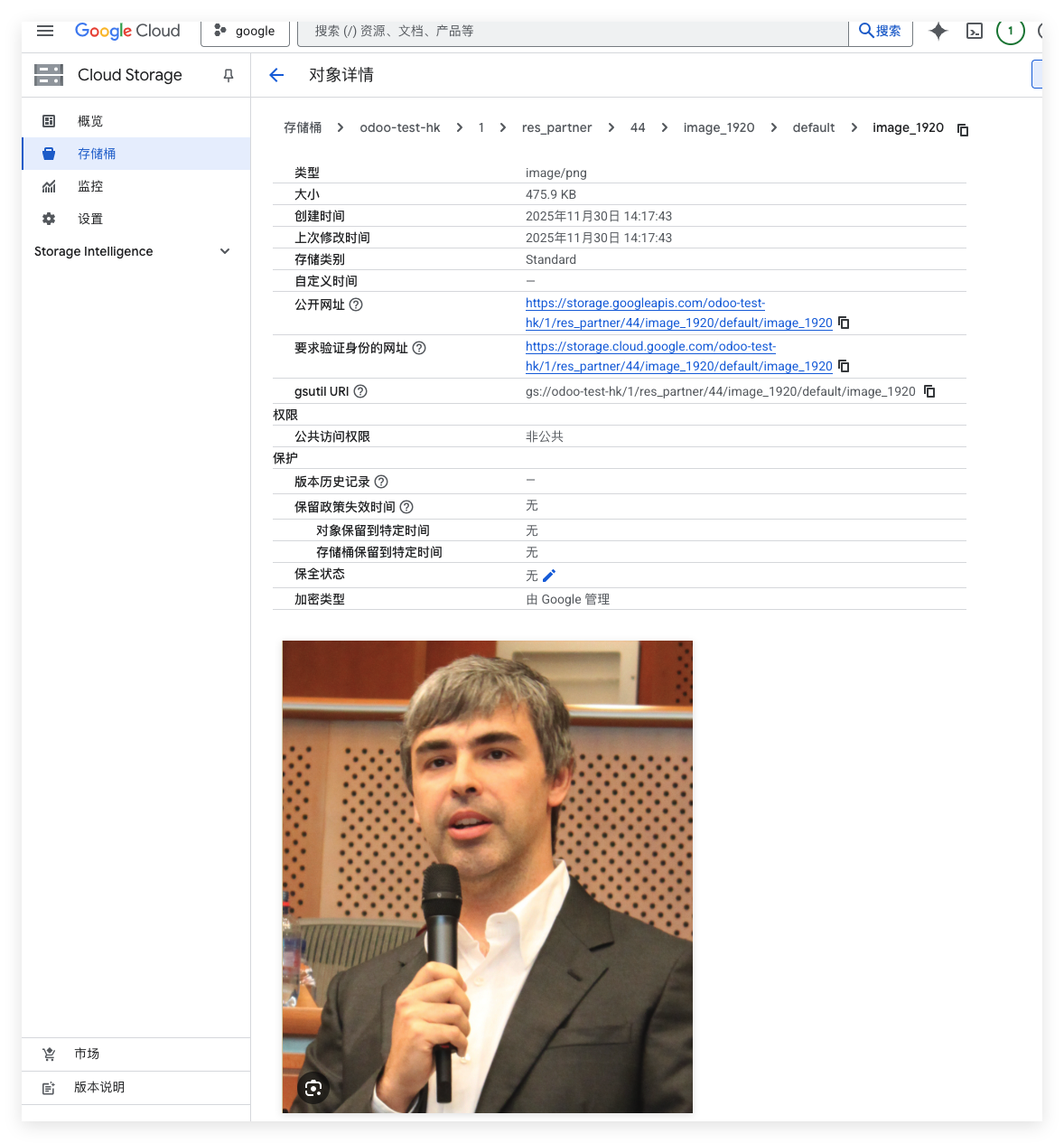
The image has been uploaded successfully.
Upload Document Attachments
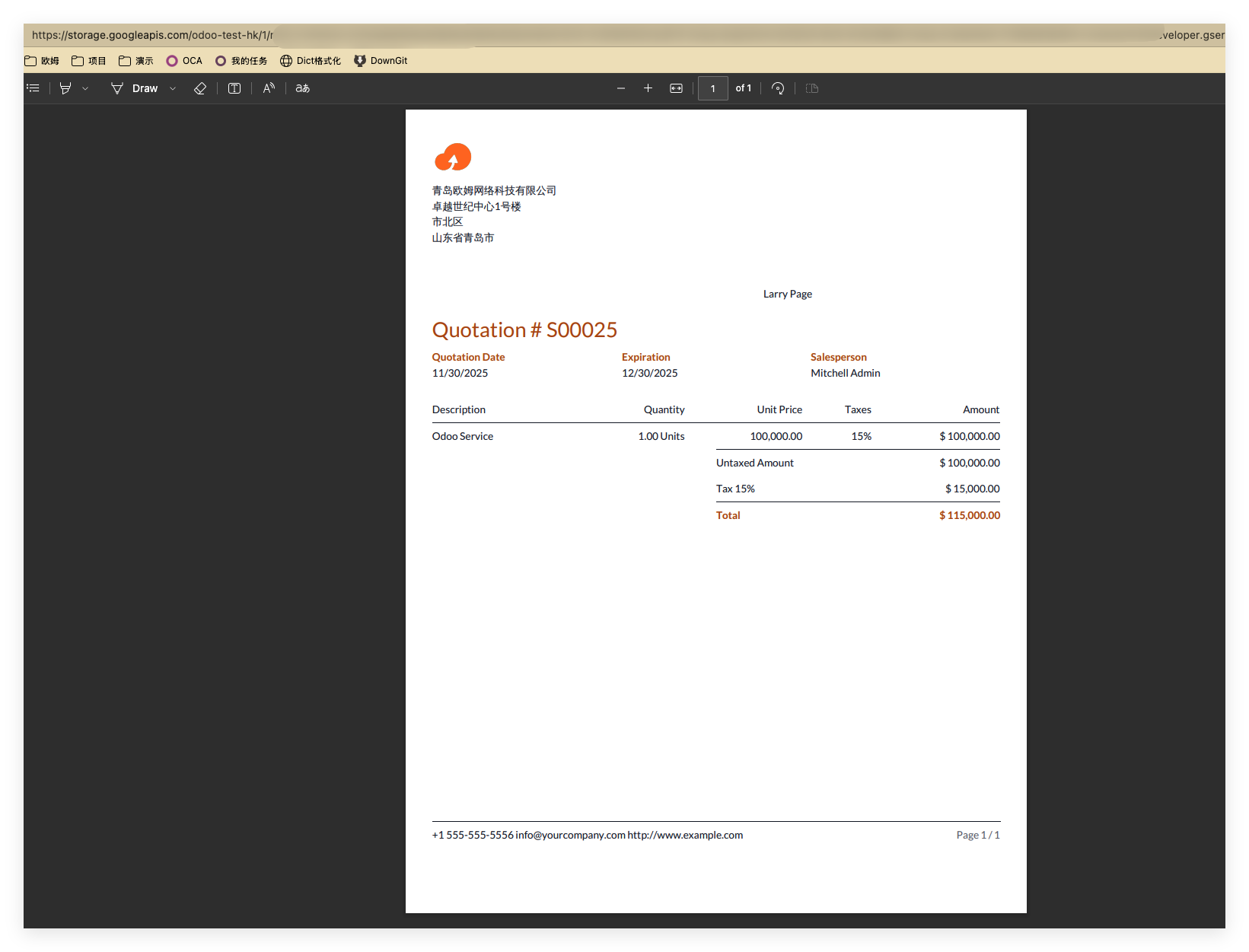
Assume we sell Odoo services to Larry Page and create a quotation.
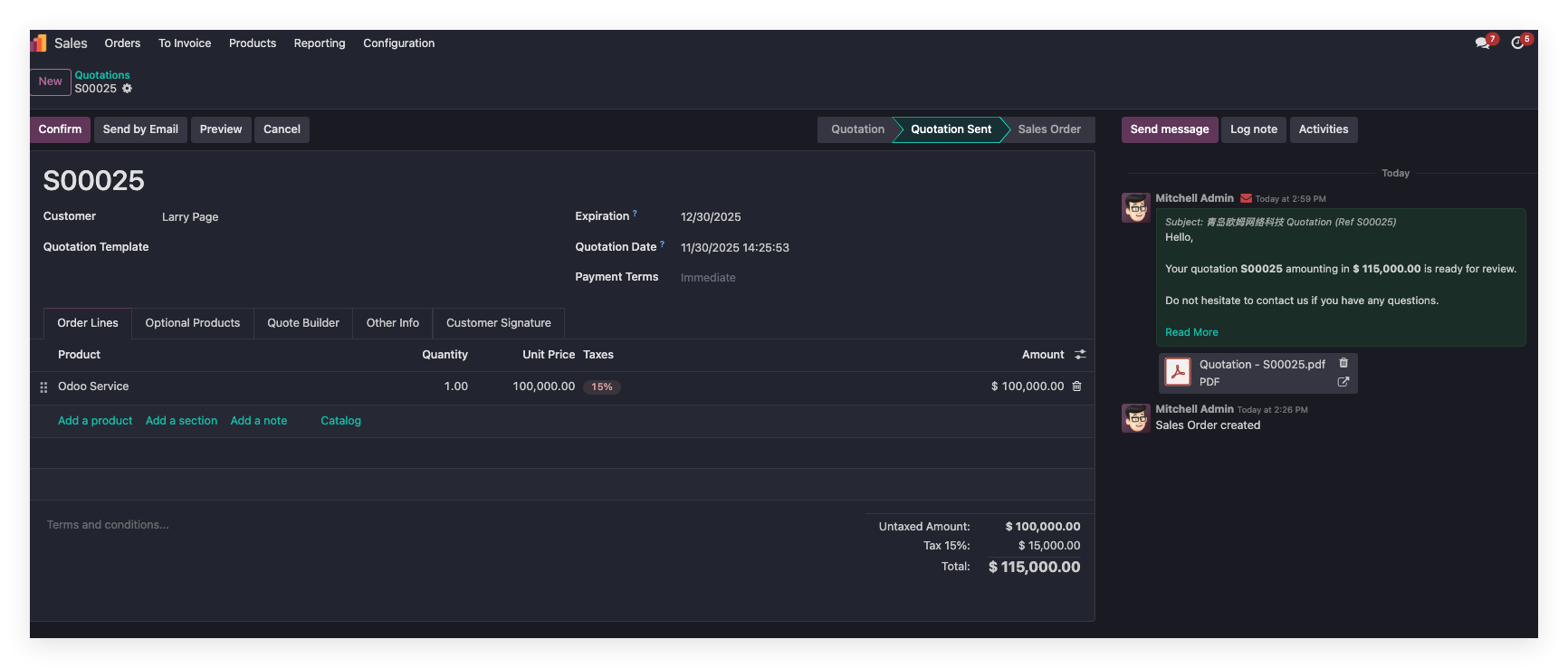
The chatter attachment no longer shows a normal download button. Instead, it shows a link. Opening the link displays the file through Google Cloud Storage.
Batch Synchronization
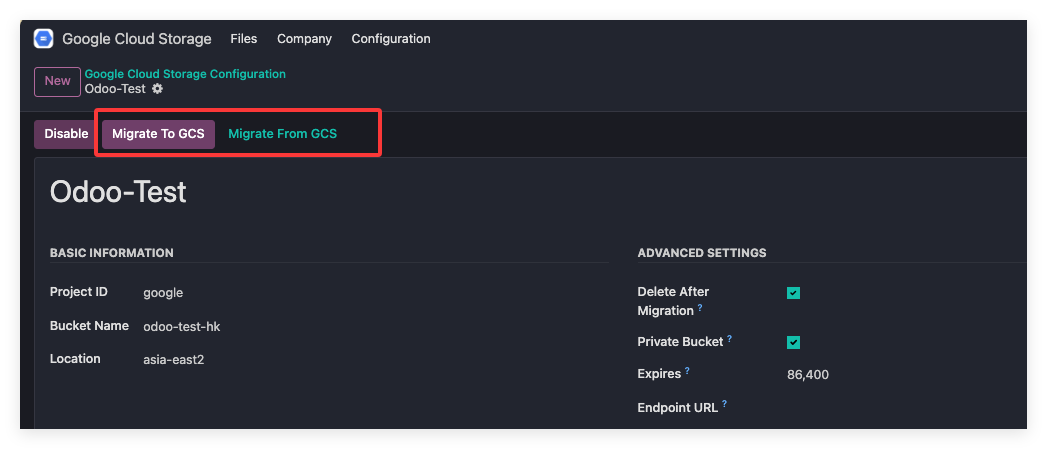
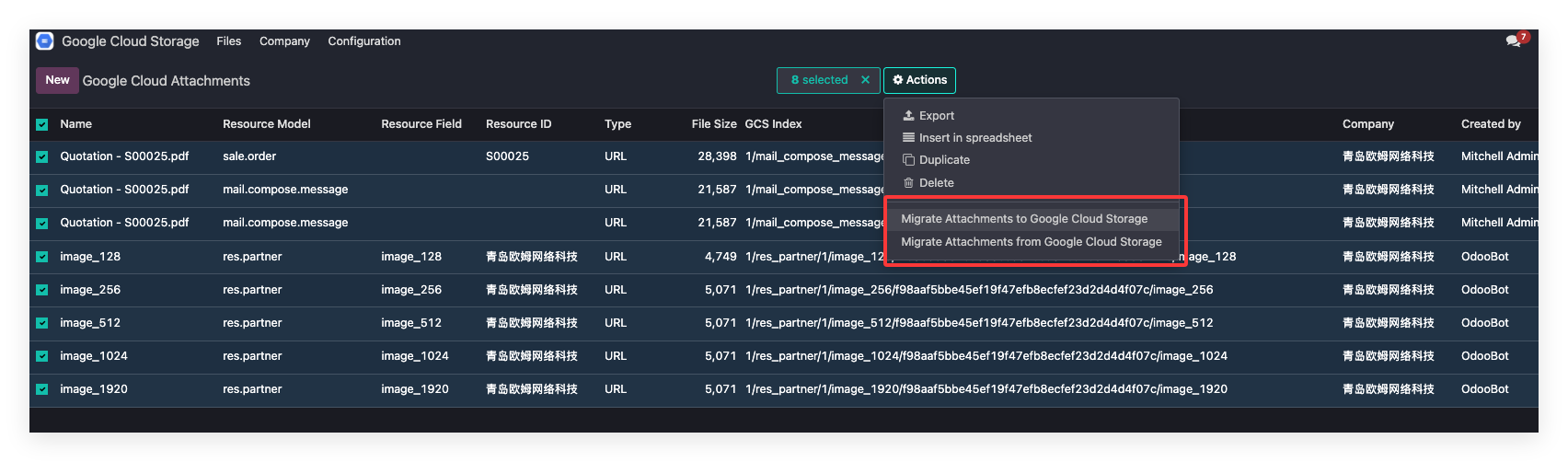
The Google Cloud Storage module also supports batch synchronization. The operation is similar to Alibaba Cloud OSS and AWS S3.
Deletion
When files are deleted in Odoo, the corresponding files stored in Google Cloud Storage are deleted automatically.
Conclusion
Google Cloud Storage works similarly to Alibaba Cloud OSS and AWS S3 in the Odoo integration. Users can choose the object storage provider that best fits their cloud environment.