AWS S3 Simple Storage
The previous chapter explained Alibaba Cloud OSS. This chapter introduces AWS S3, a globally popular object storage service, and how it can be used with Odoo.
Register S3 Service
Before configuration, enable AWS S3 and create a bucket. The example below uses Hong Kong.
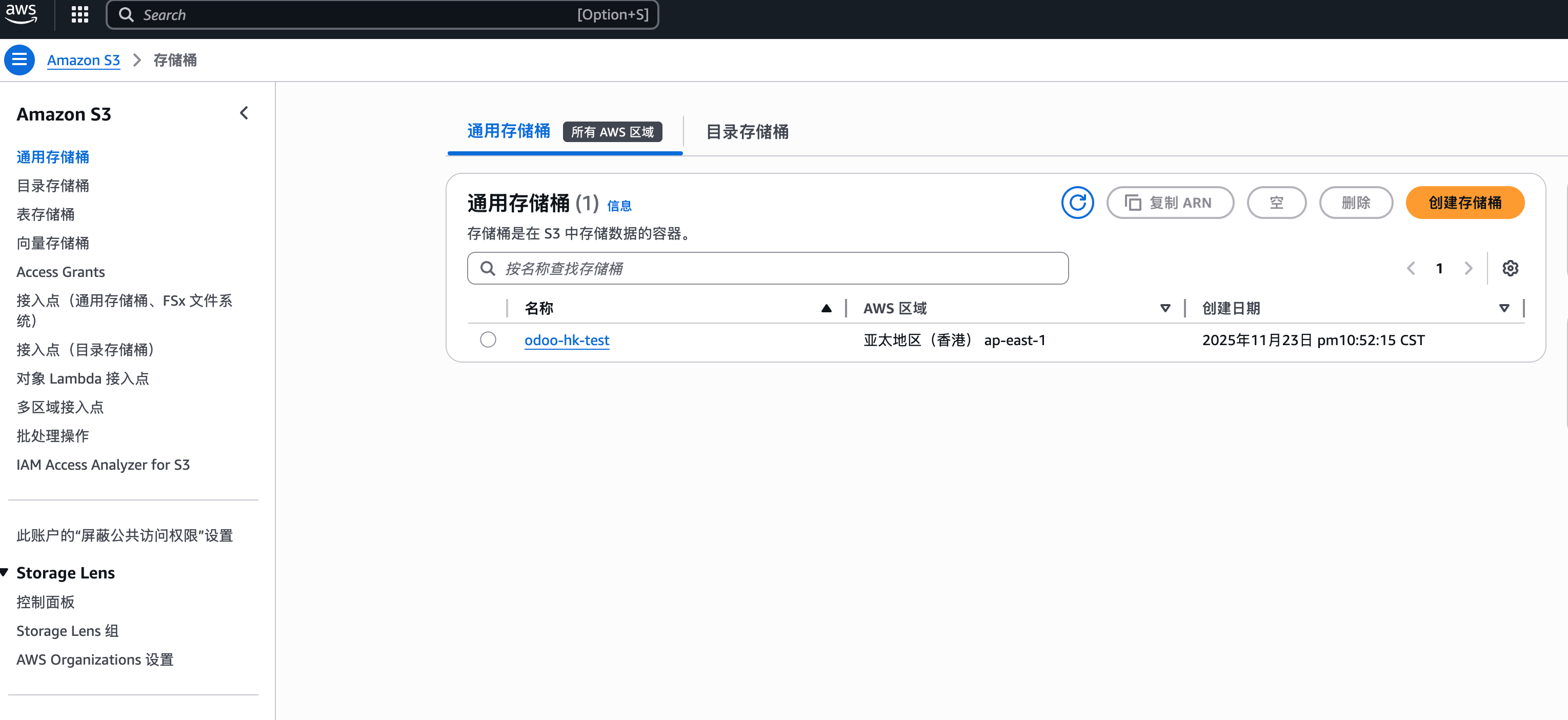
Obtain these parameters:
| Parameter | Description |
|---|---|
| Secret Key ID | Access key ID. |
| Secret Key | Access key secret. |
| Bucket Name | Bucket name. |
| Region | AWS region. |
Configure S3 In Odoo
Install the AWS S3 simple storage module developed by Qingdao Ohm Network Technology.
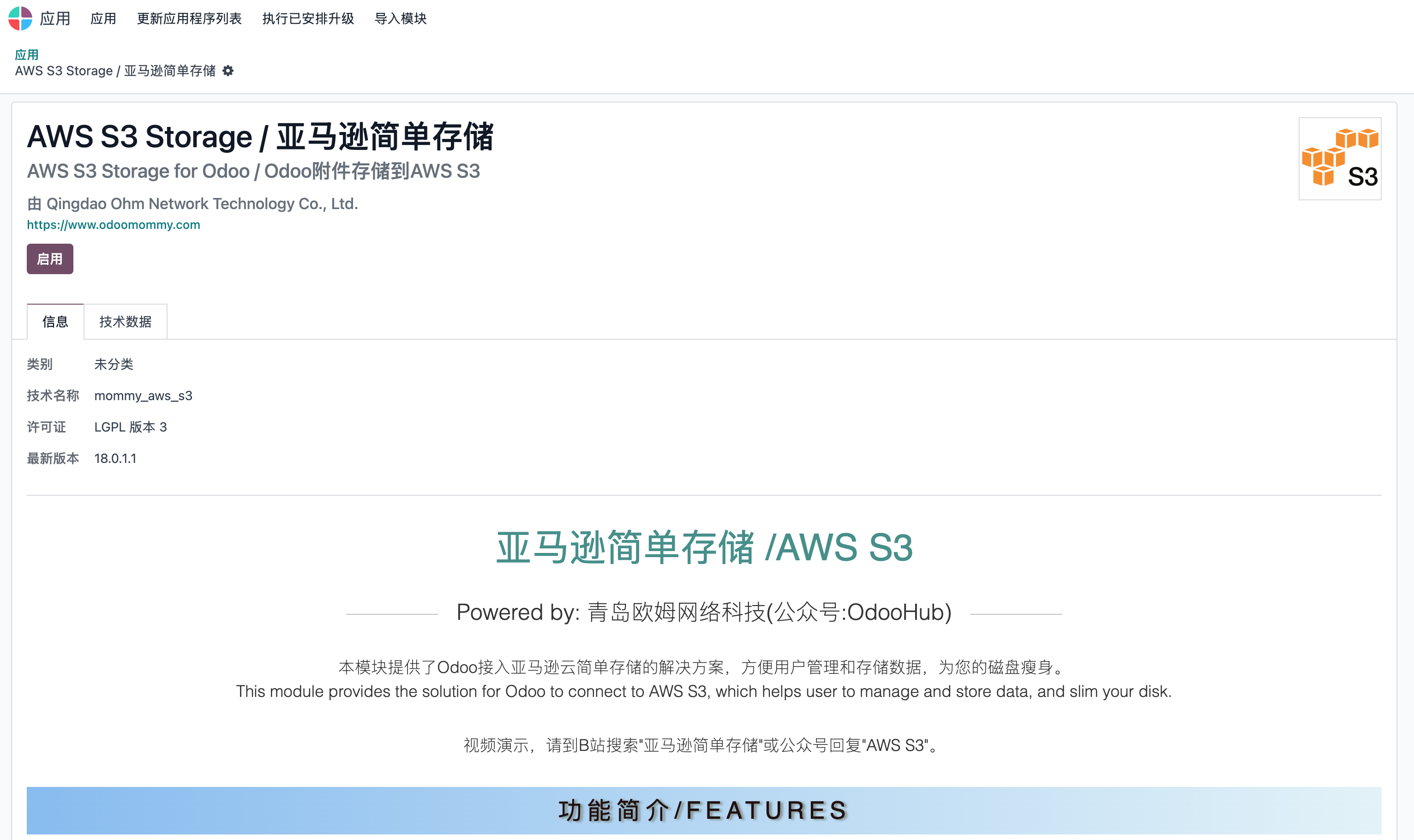
After installation, an application similar to Alibaba Cloud OSS appears on the main page.
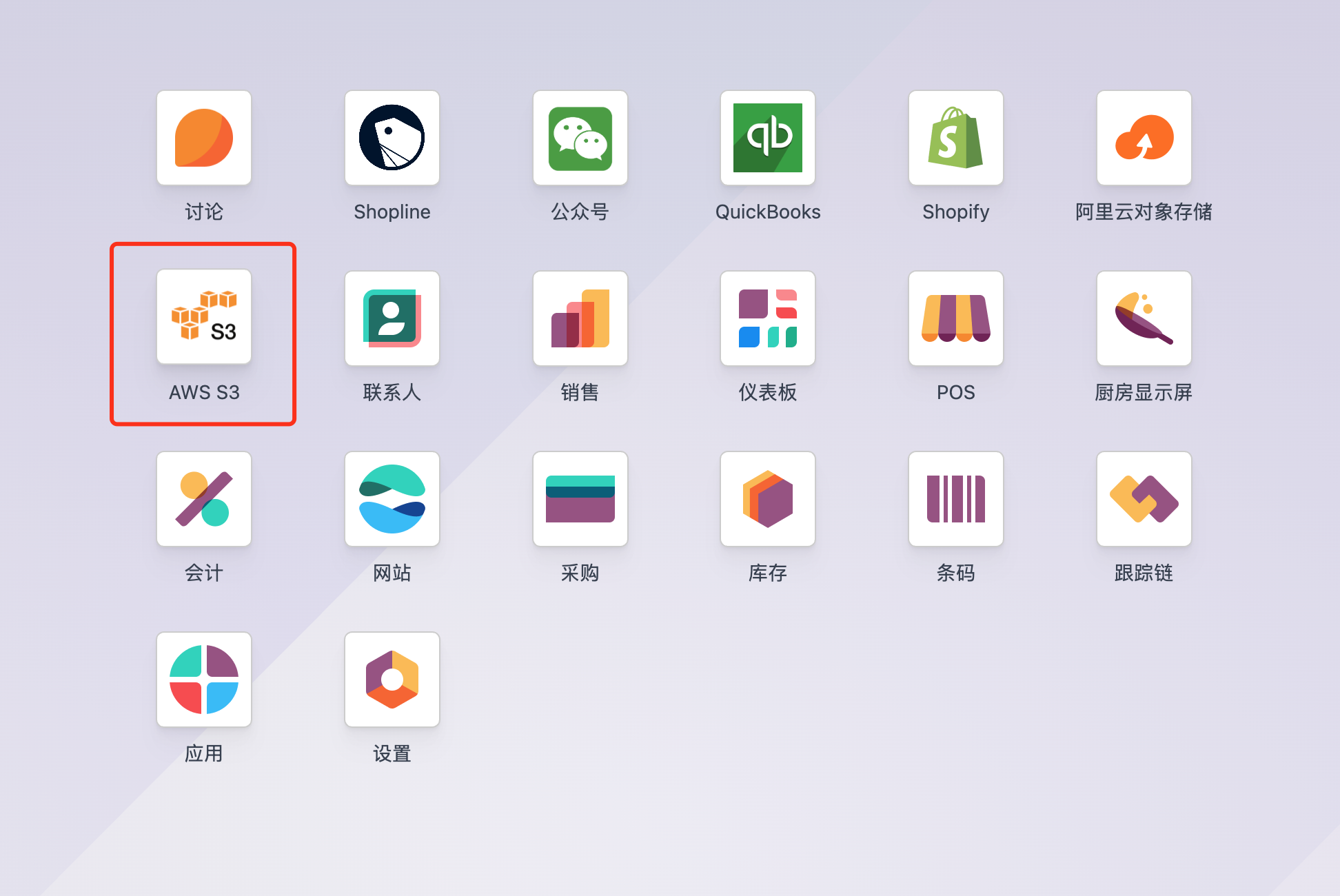
Configure S3 Parameters
Open the app and create an S3 application under configuration.
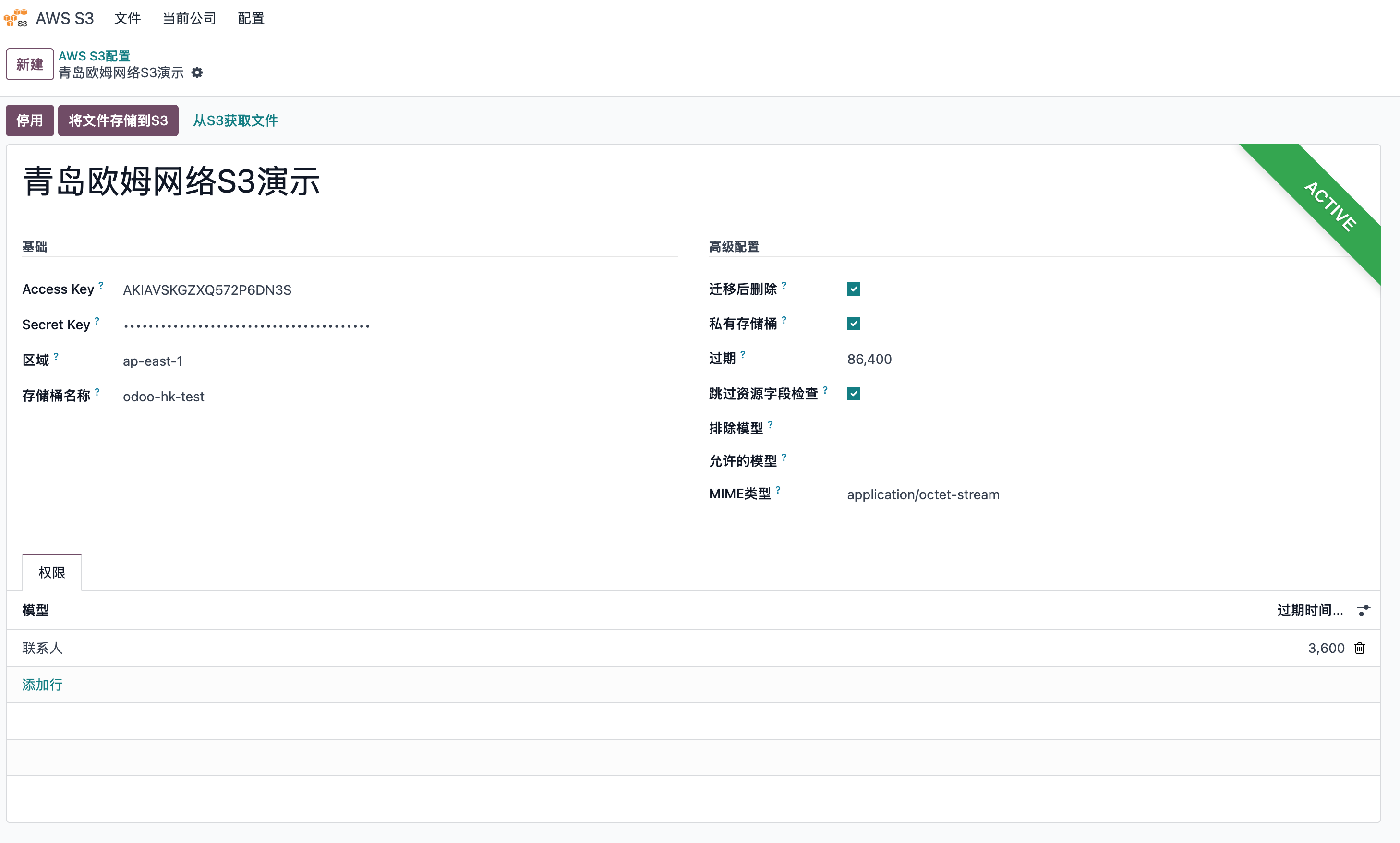
Enter the AWS parameters.
Bind Company
After creating the S3 app, bind it in company settings.
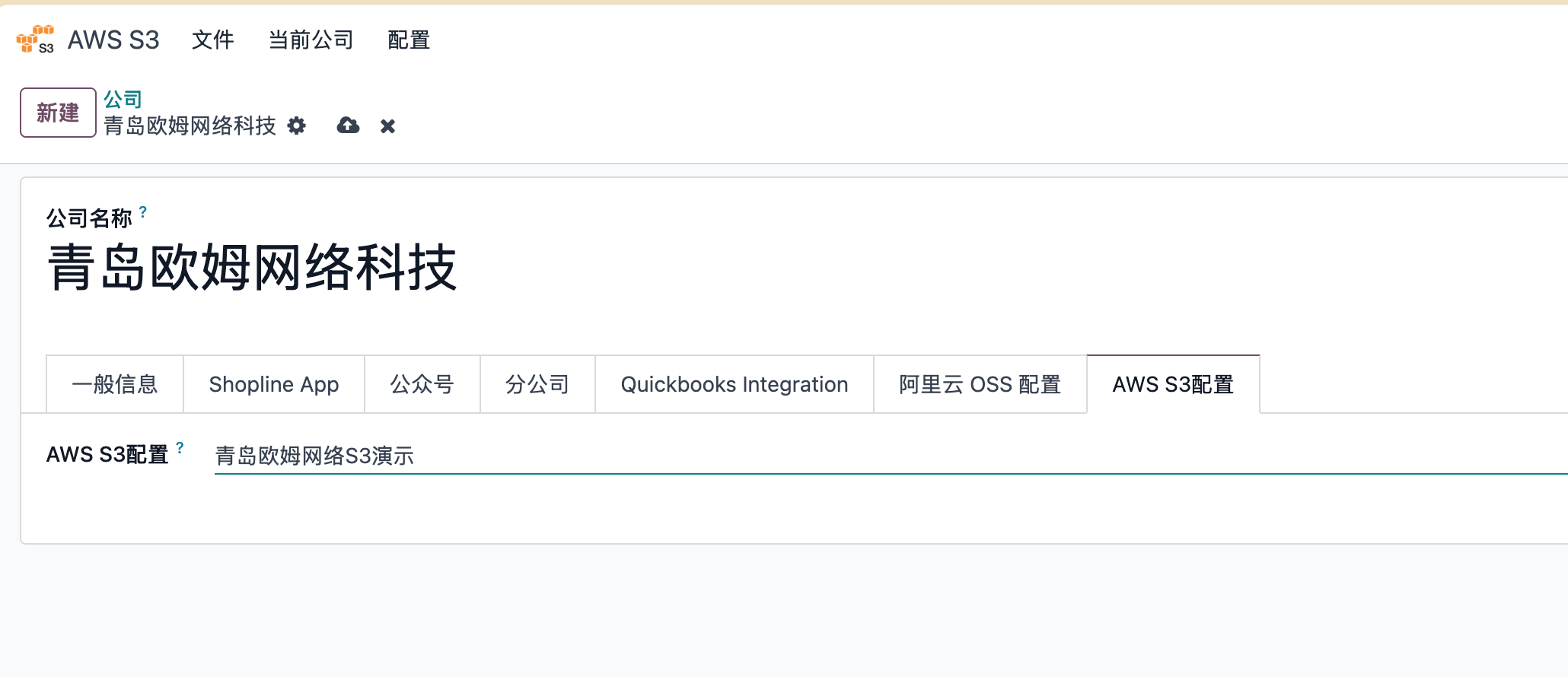
The basic configuration is complete.
Example 1: Store Binary Field Files
Using a contact avatar as an example, create a contact named Bezos and upload an avatar.
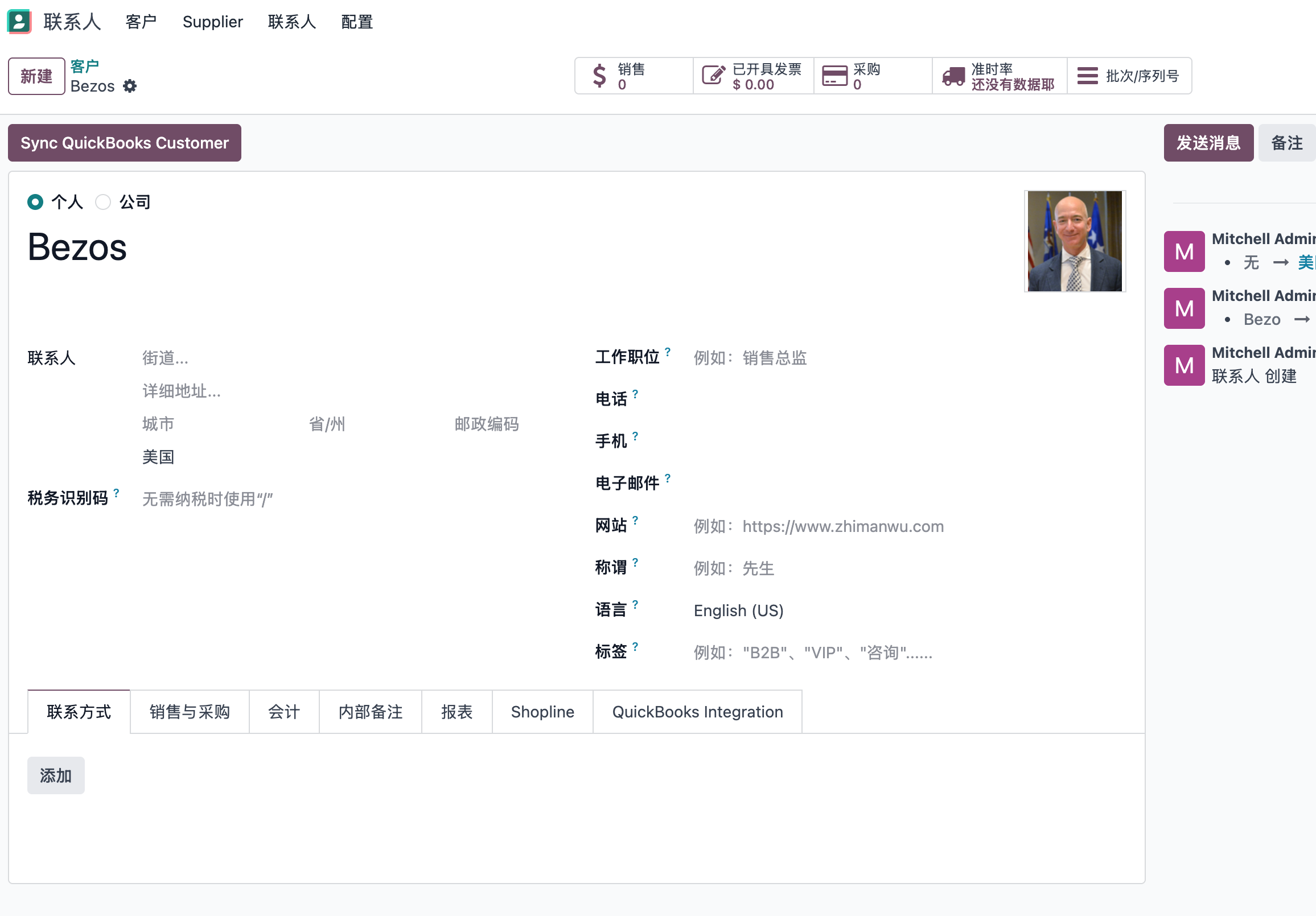
Check the corresponding attachment type.
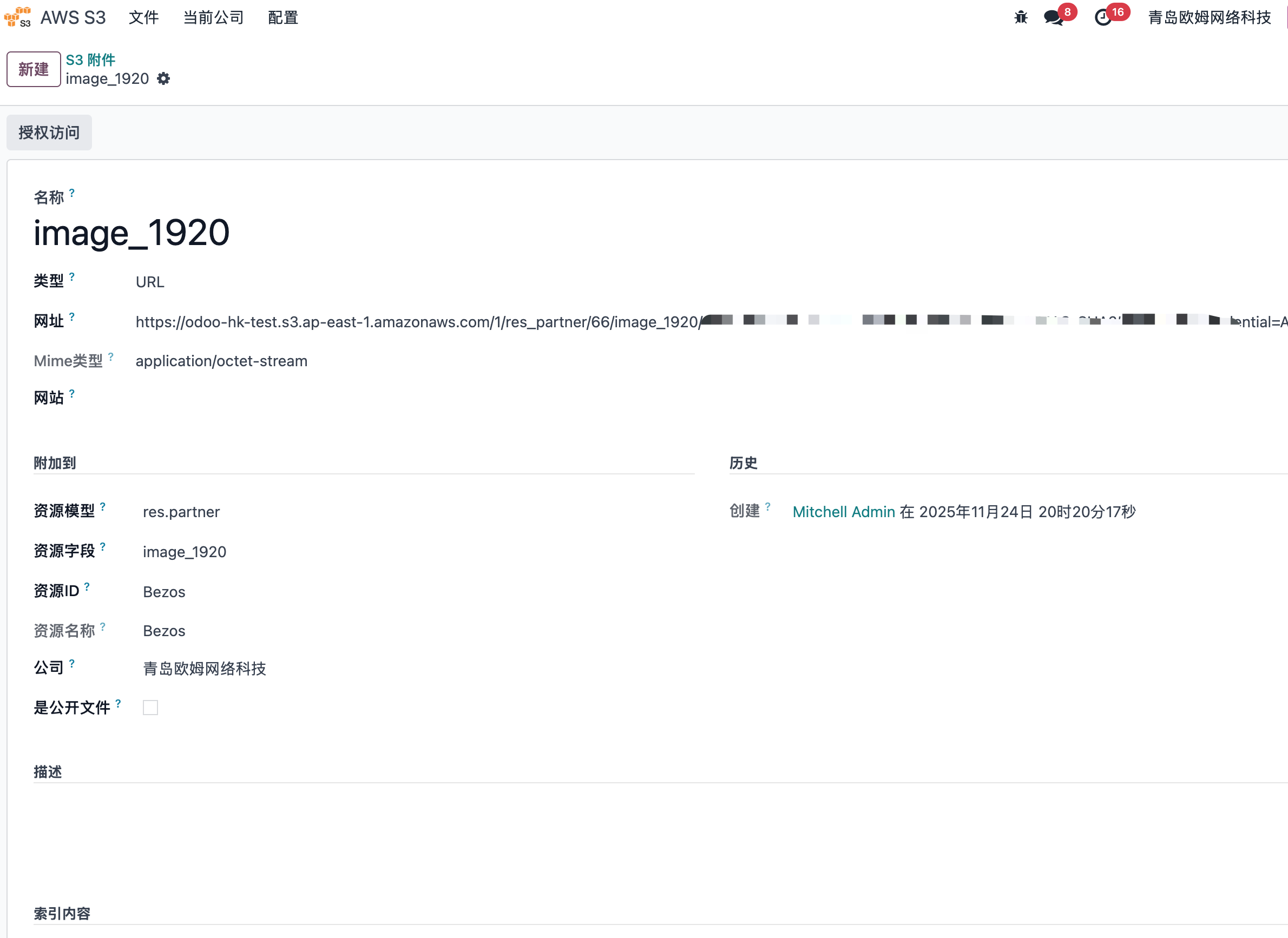
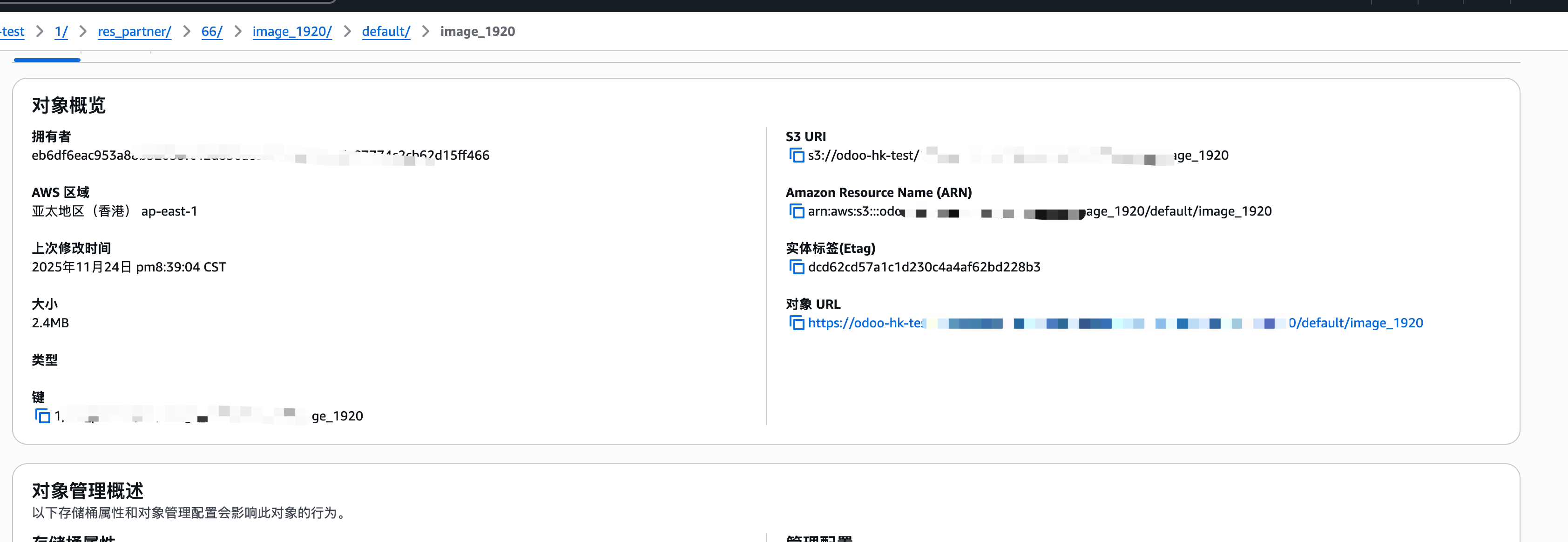
The file type has become a URL, and the file can be seen in the S3 backend.
Batch Migration
S3 also supports batch upload of existing data to reduce disk usage. In the S3 app settings, define the data range and click Store Files To S3.
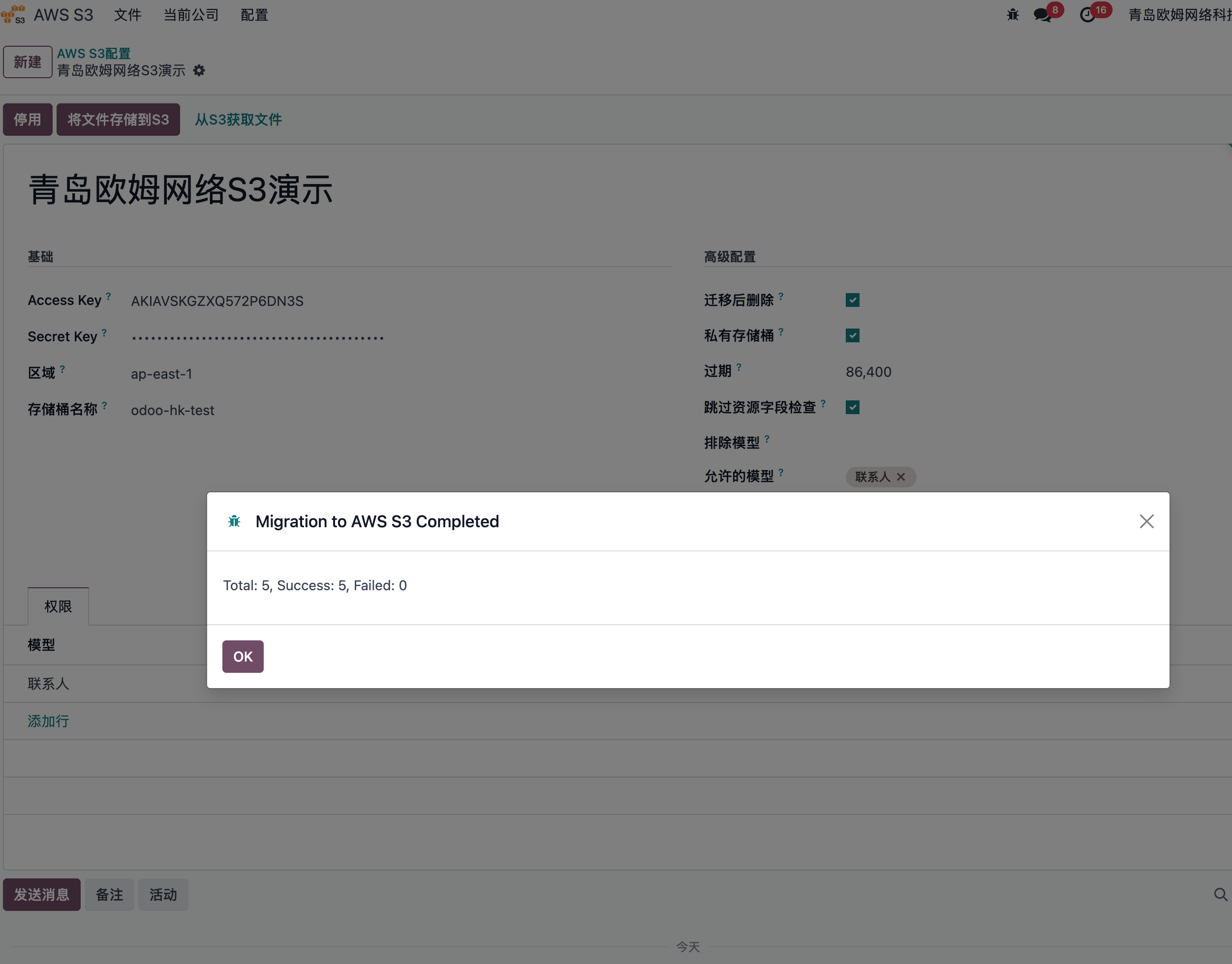
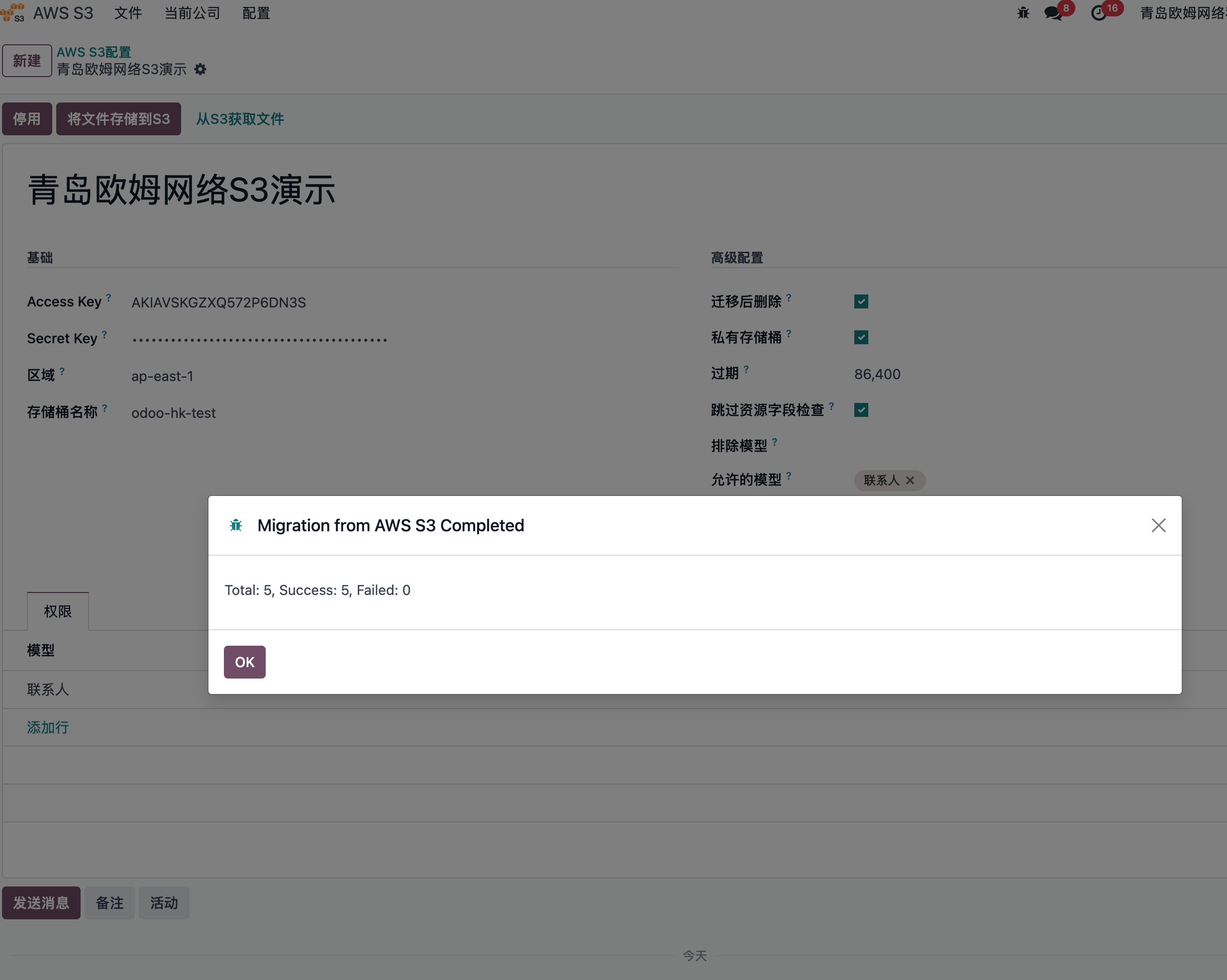
Files can also be retrieved from S3 back to local storage.
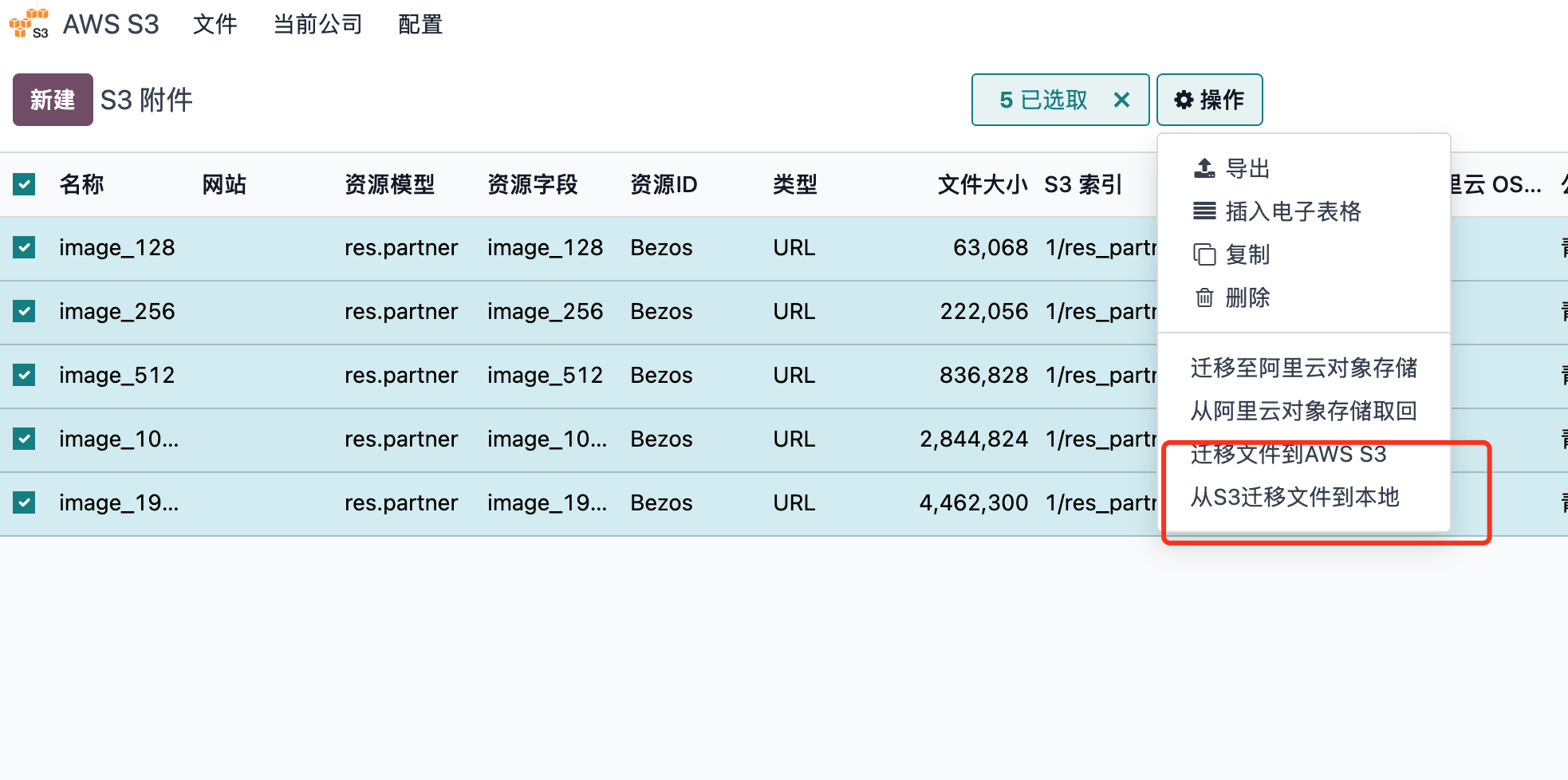
Users can also manually select files from the file list and run upload or download actions.
Example 2: Store Document Attachments
Odoo document chatter is one of the most common places where users upload files. The module supports cloud storage for chatter attachments.
Assume we sell Odoo services to Bezos and create a sales order.
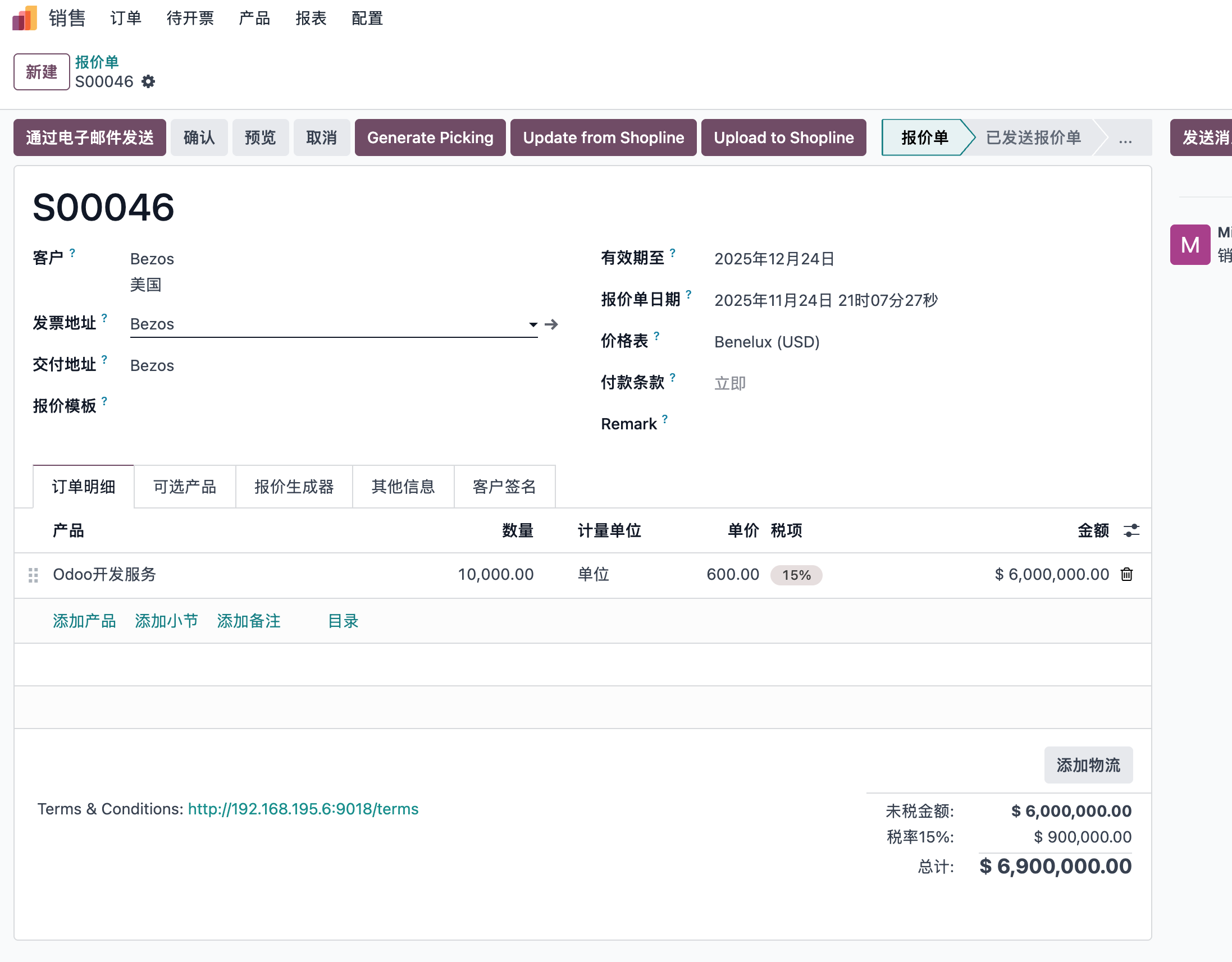
Send an email with the quotation PDF attached.
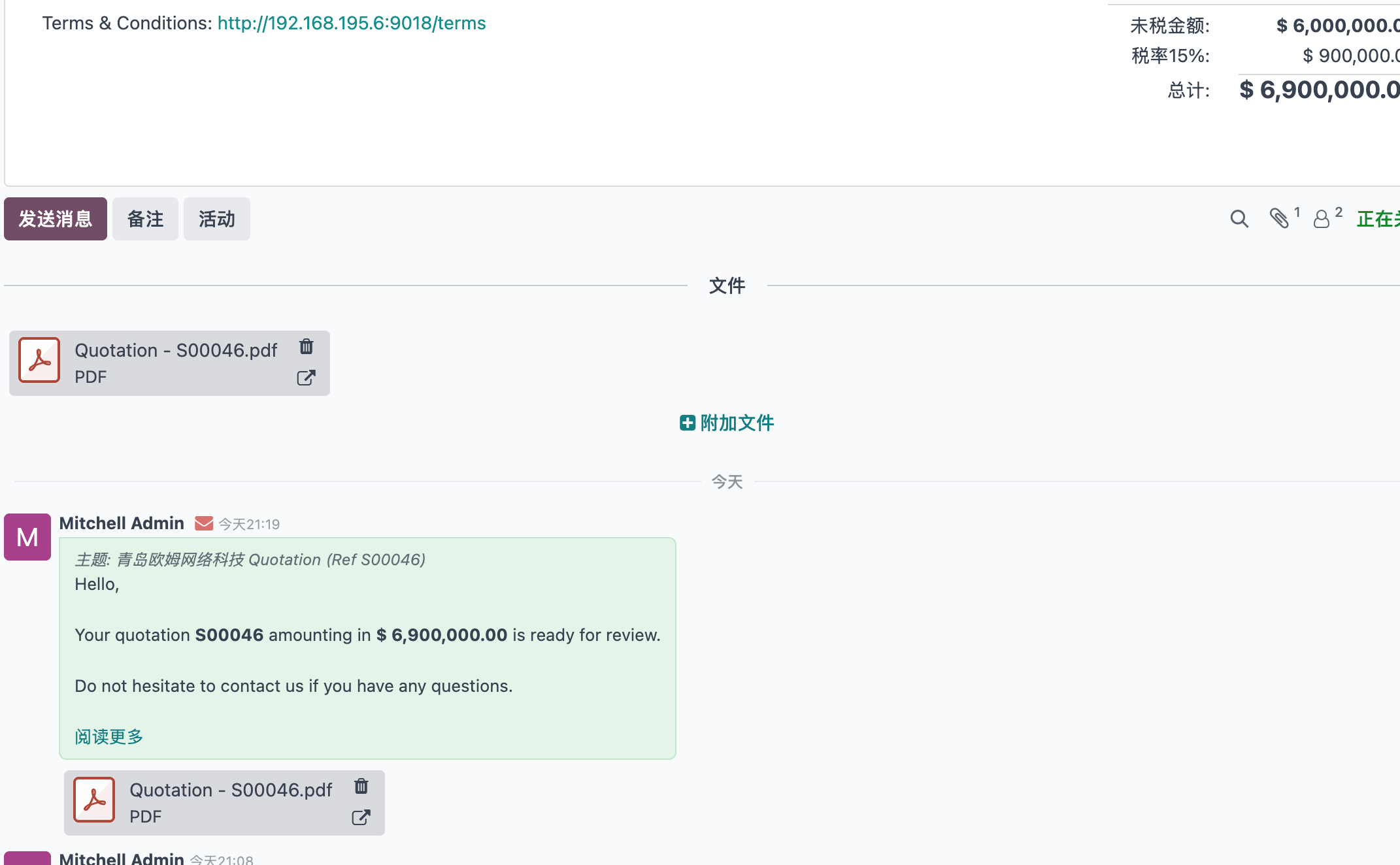
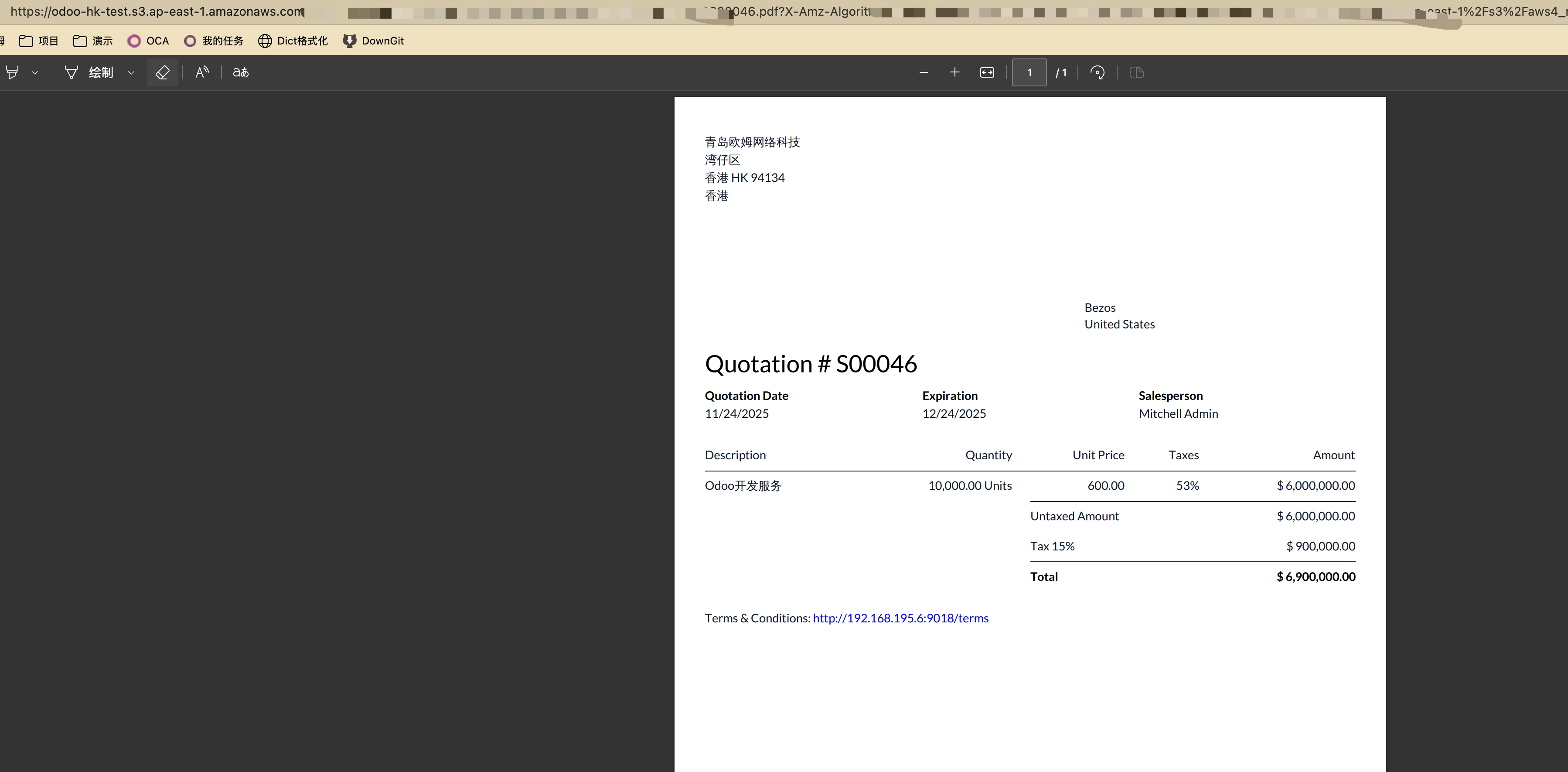
The PDF quotation attachment is now a link instead of a local document. When previewed, it opens the S3 URL directly.
Deletion
When files are deleted in Odoo, the corresponding S3 files are deleted automatically.
Access Control
To allow flexible internal file control, the S3 settings include selectable storage scopes. Users can decide which models' attachments are uploaded to S3, such as product documents or user avatars, and which remain local, such as quotations, purchase documents, or payslips.
The module also supports public access for selected models and private access for specific models. Contact us for more details.
Conclusion
AWS is a leading global cloud provider, and S3 is widely used worldwide. Connecting Odoo with S3 helps cross-border trade and eCommerce companies reduce local storage pressure while providing better file access and data security.