Alipay Payment
Supported versions: Odoo 16.0, 17.0, and 18.0.
Odoo 16 deprecated the official Alipay module, but Chinese businesses still need Alipay as a mainstream payment method. Instead of relying on the recommended AsiaPay option, Qingdao Ohm implemented a dedicated Alipay payment module for Odoo.
Installation And Configuration
Install the Alipay module from the Apps menu.
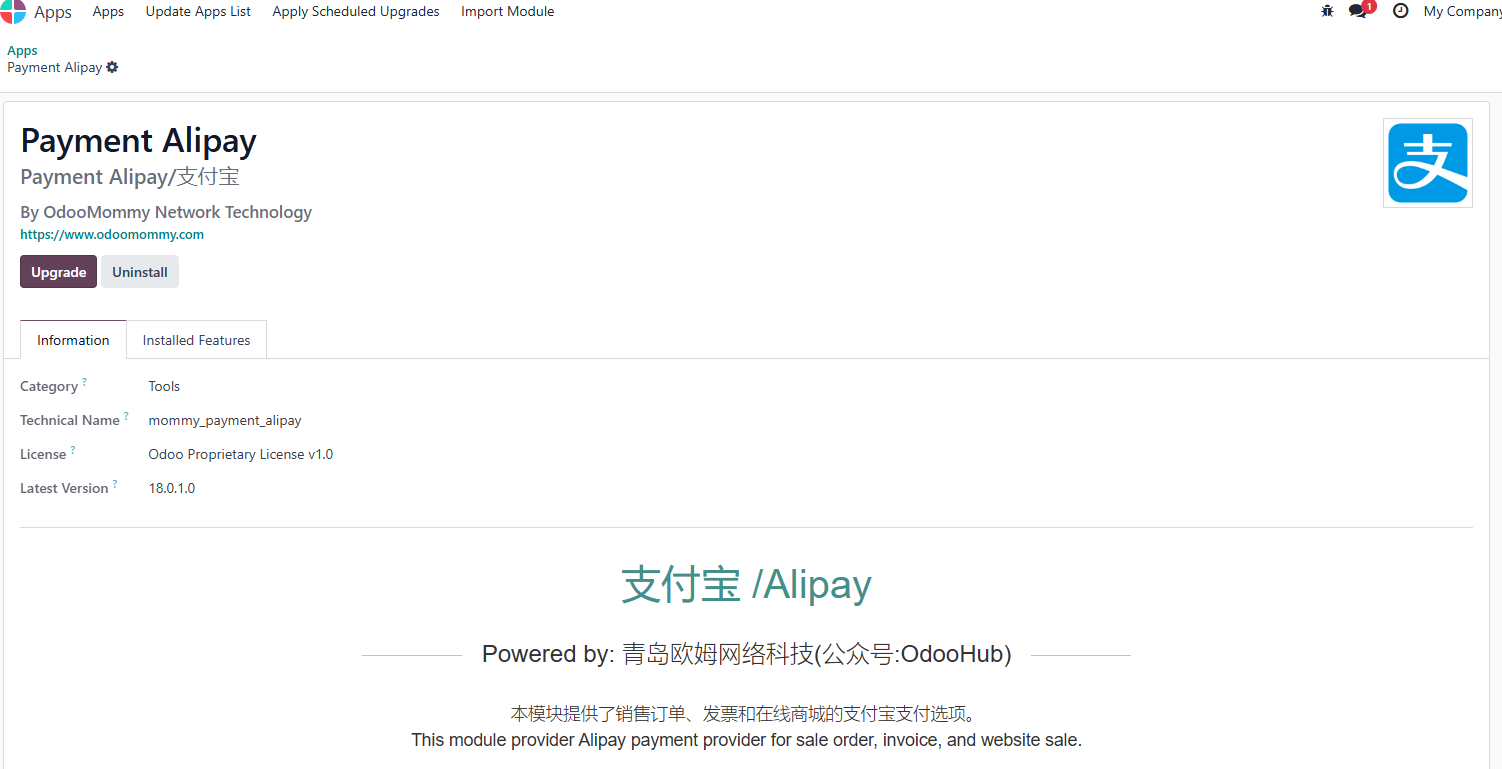
After installation, go to Sales > Configuration > Online Payments > Payment Providers and open the Alipay configuration page.
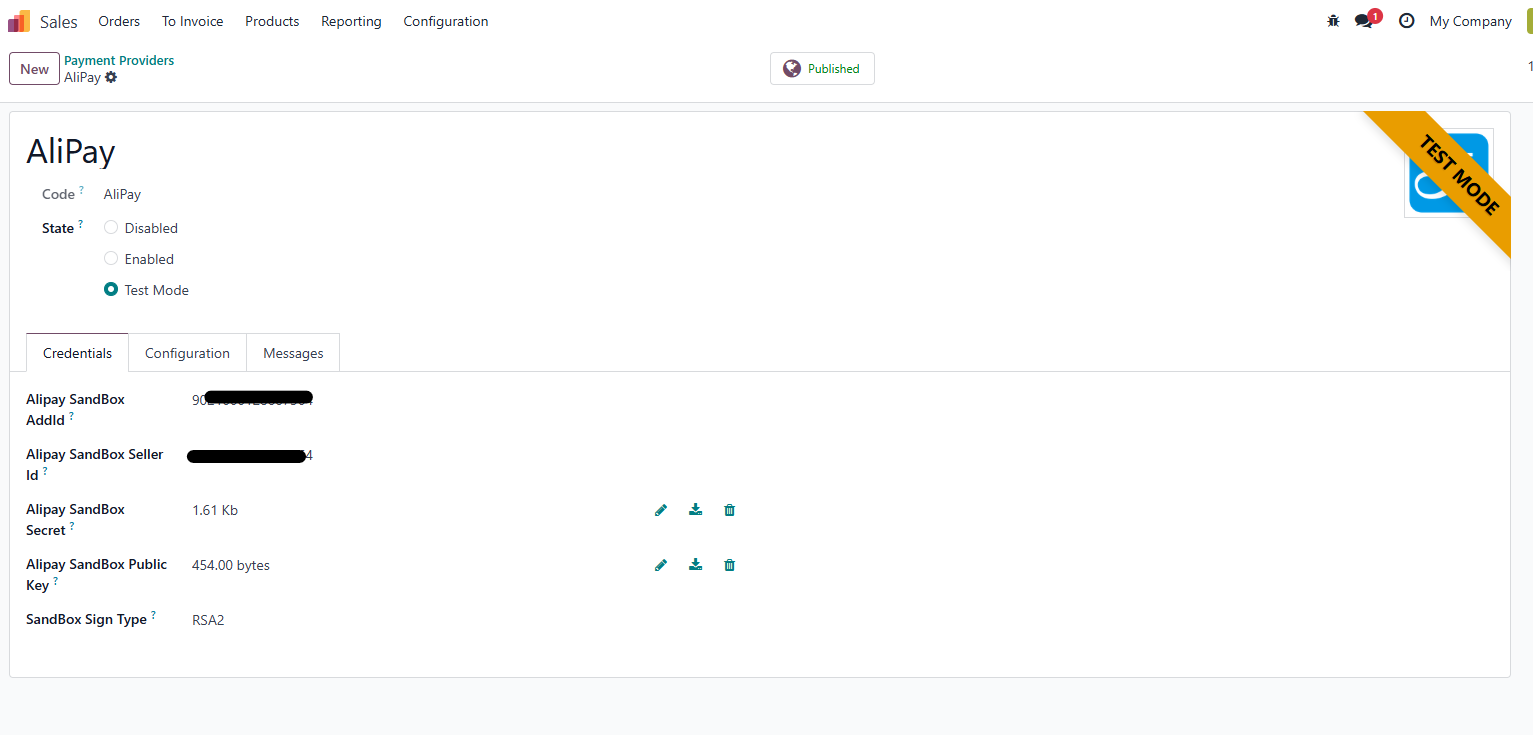
Key parameters include:
| Parameter | Description |
|---|---|
| Alipay APPID | Application ID created on Alipay Open Platform. |
| Alipay Seller ID | Merchant account on the Alipay platform. |
| Merchant Private Key | Merchant private key generated or uploaded through Alipay Open Platform. |
| Alipay Public Key | Alipay public key generated or uploaded through Alipay Open Platform. |
| Signature Type | RSA or RSA2. |
After configuration, Alipay can be used in Odoo payment flows.
Use Alipay In The Online Shop
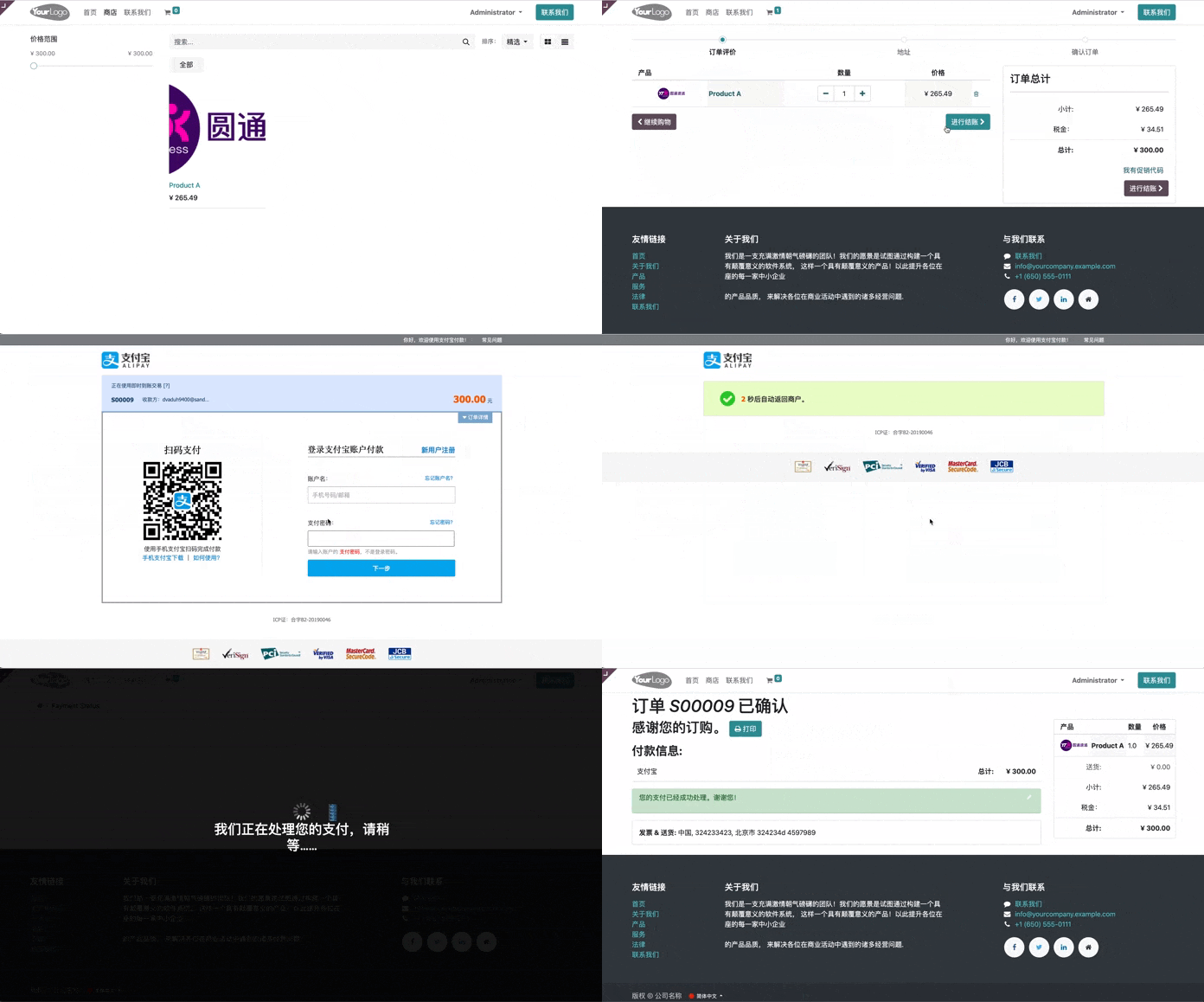
In the online shop, the customer places an order and reaches the payment page. Odoo redirects the customer to Alipay to complete payment. After payment, the browser returns to the website and Odoo receives the payment status.
Use Alipay On Sales Orders
Alipay can also be used to pay sales orders. First, create a sales order.
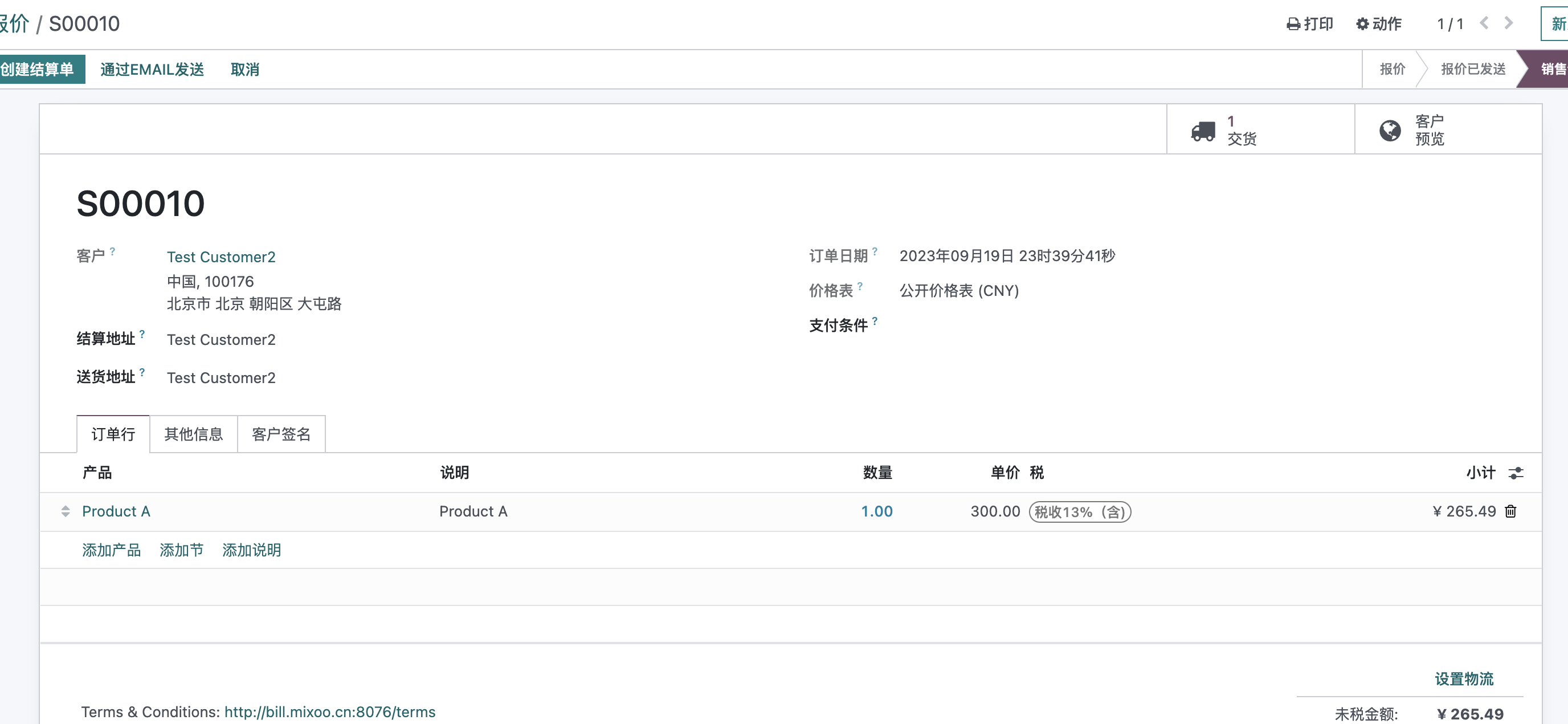
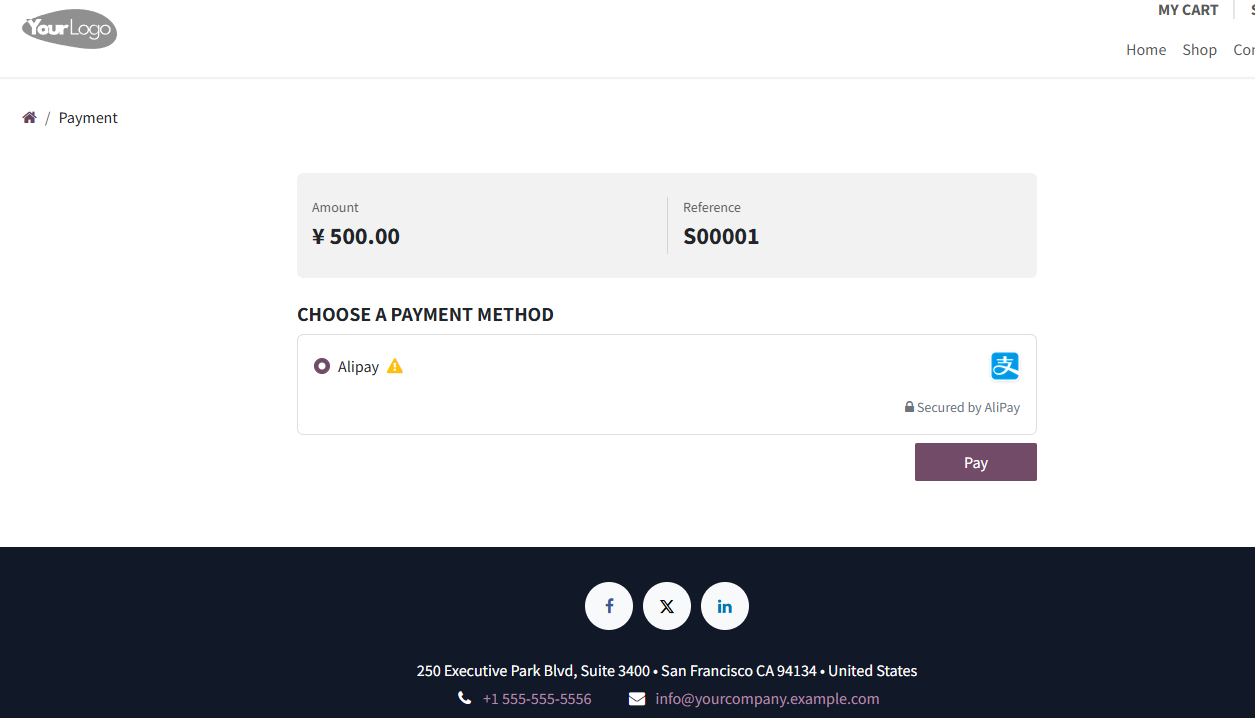
Send the order to the customer by email. The customer opens the link from the email and reaches the payment page.
Use Alipay On Invoices
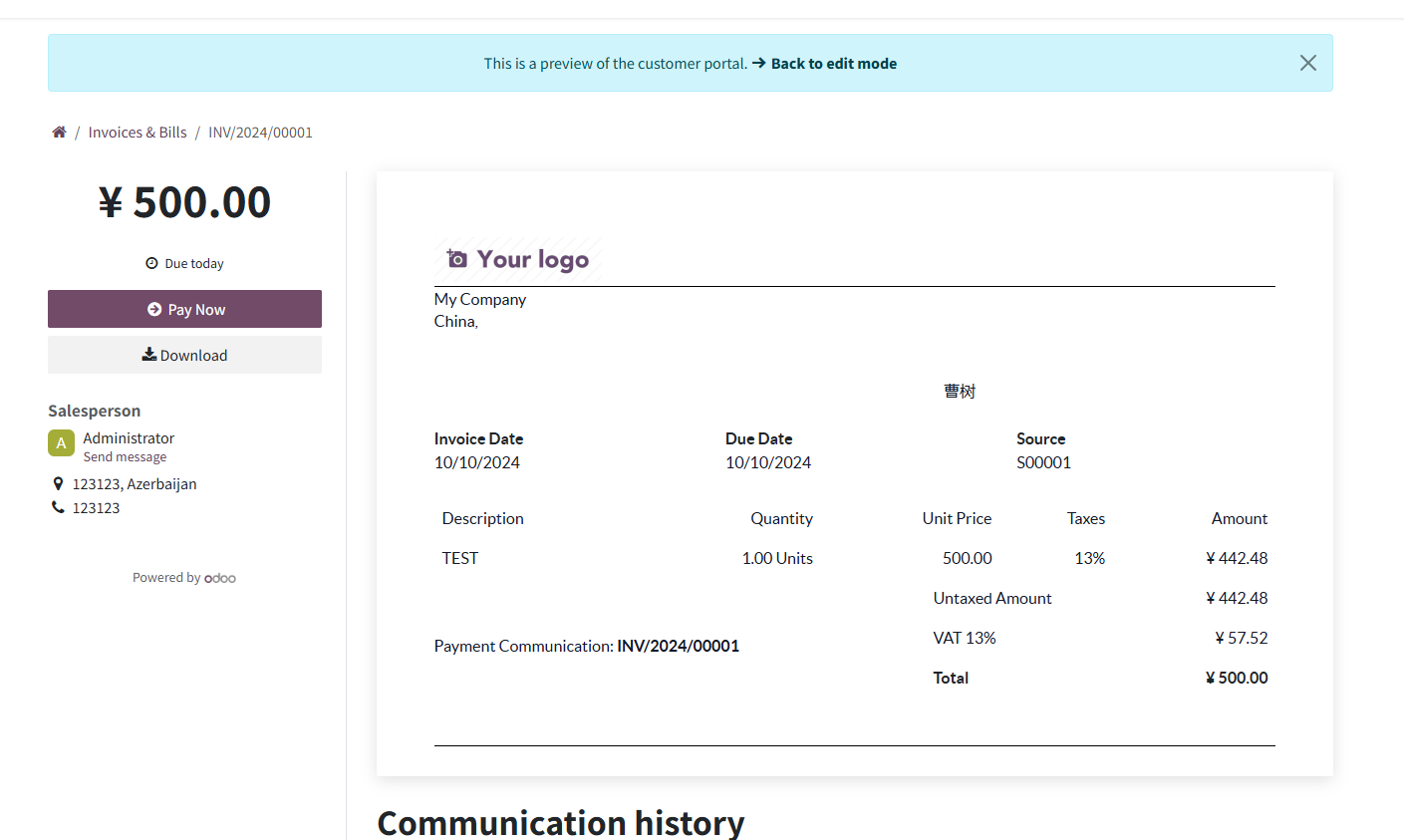
You can also create an invoice and send it to the customer. From the invoice portal preview page, the customer clicks Pay Now.
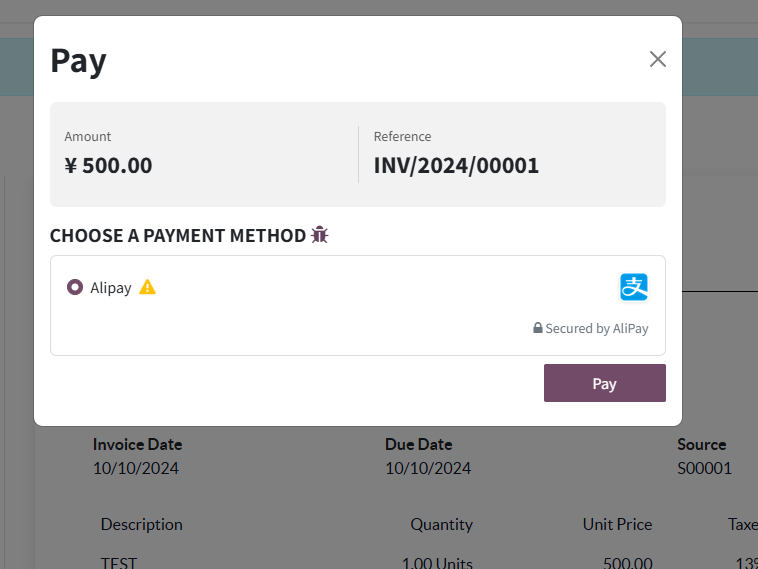
The customer selects Alipay and completes payment.
This chapter introduced Alipay online payment for Odoo. The next chapter explains Alipay in POS counter payment and refund scenarios.