NMI Payment
NMI is a payment service provider and payment gateway with offices in the United States and the United Kingdom. It provides credit card authorization and settlement services for banks and processors in the US, UK, and Canada.
This chapter explains how to enable NMI payment in Odoo.
Enable NMI Payment
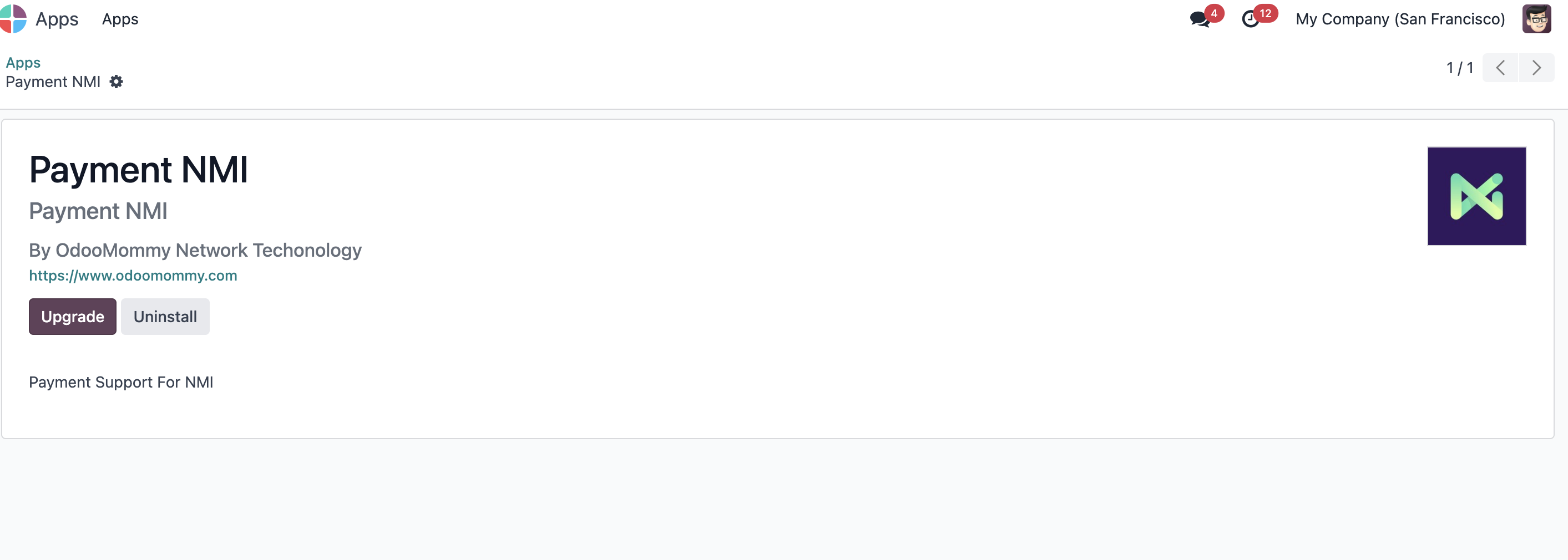
Install the NMI payment module from Odoo Apps.
Configure NMI Payment
Go to Website > Configuration > Payment Providers, select NMI, and enter the required parameters.
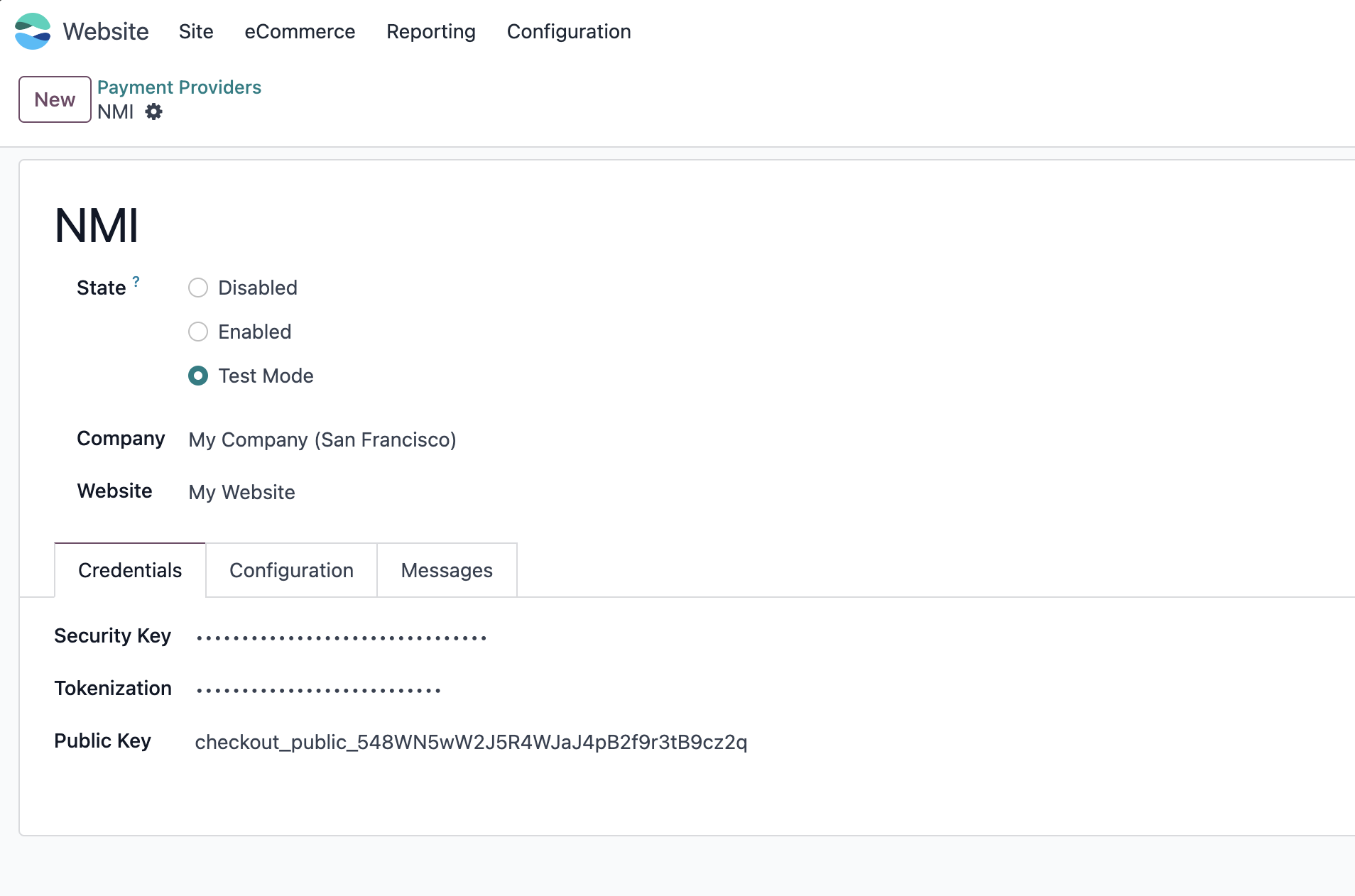
Key parameters include:
| Field | Description |
|---|---|
| Security Key | Private key obtained from the NMI merchant portal. |
| Tokenization | Tokenization token type for Collect.js. |
| Public Key | Public key for Collect Checkout. |
Use NMI In Online Shop
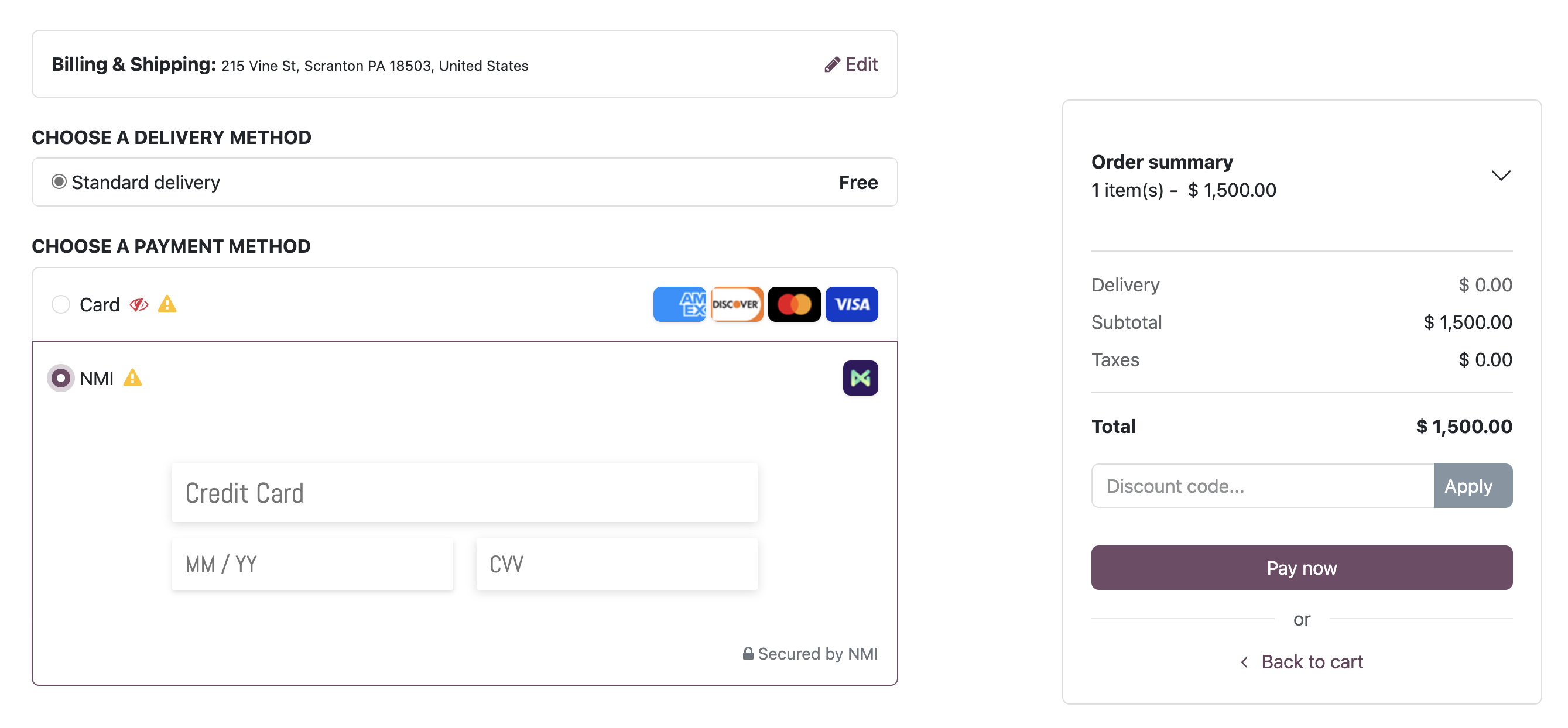
After NMI parameters are configured, customers can use NMI at checkout. On the checkout page, select NMI, enter card number, expiration date, and CVV, then click pay.
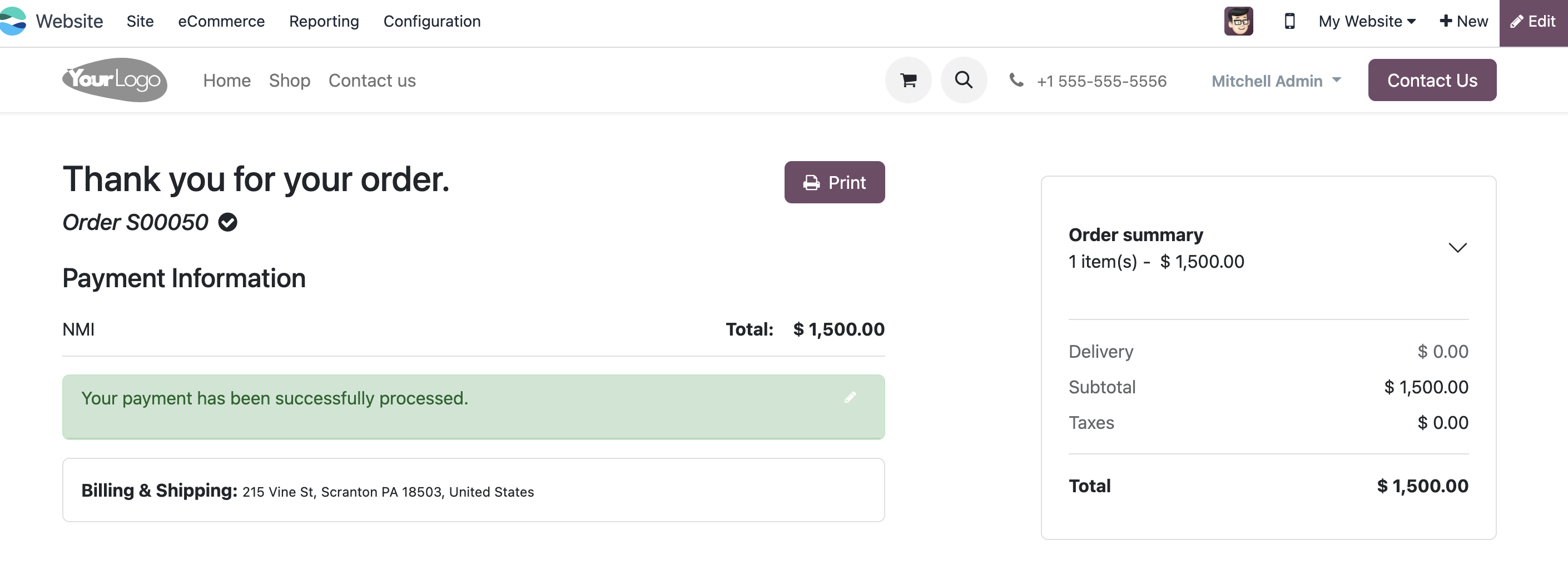
After payment is completed, the order can be processed like other paid orders.
This chapter introduced NMI payment for Odoo online shop scenarios.