WeChat QR Code Login
WeChat QR code login allows website users to register, log in, and bind an existing Odoo account by scanning a WeChat QR code. This is especially useful for China-facing portals and eCommerce sites where users are already accustomed to WeChat identity flows.
This solution uses the WeChat Open Platform capability and applies to version 18.0.1.5+ and 19.0.1.2+.
Register A Website Application On WeChat Open Platform
Before installing the WeChat QR login module, register a website application on WeChat Open Platform.
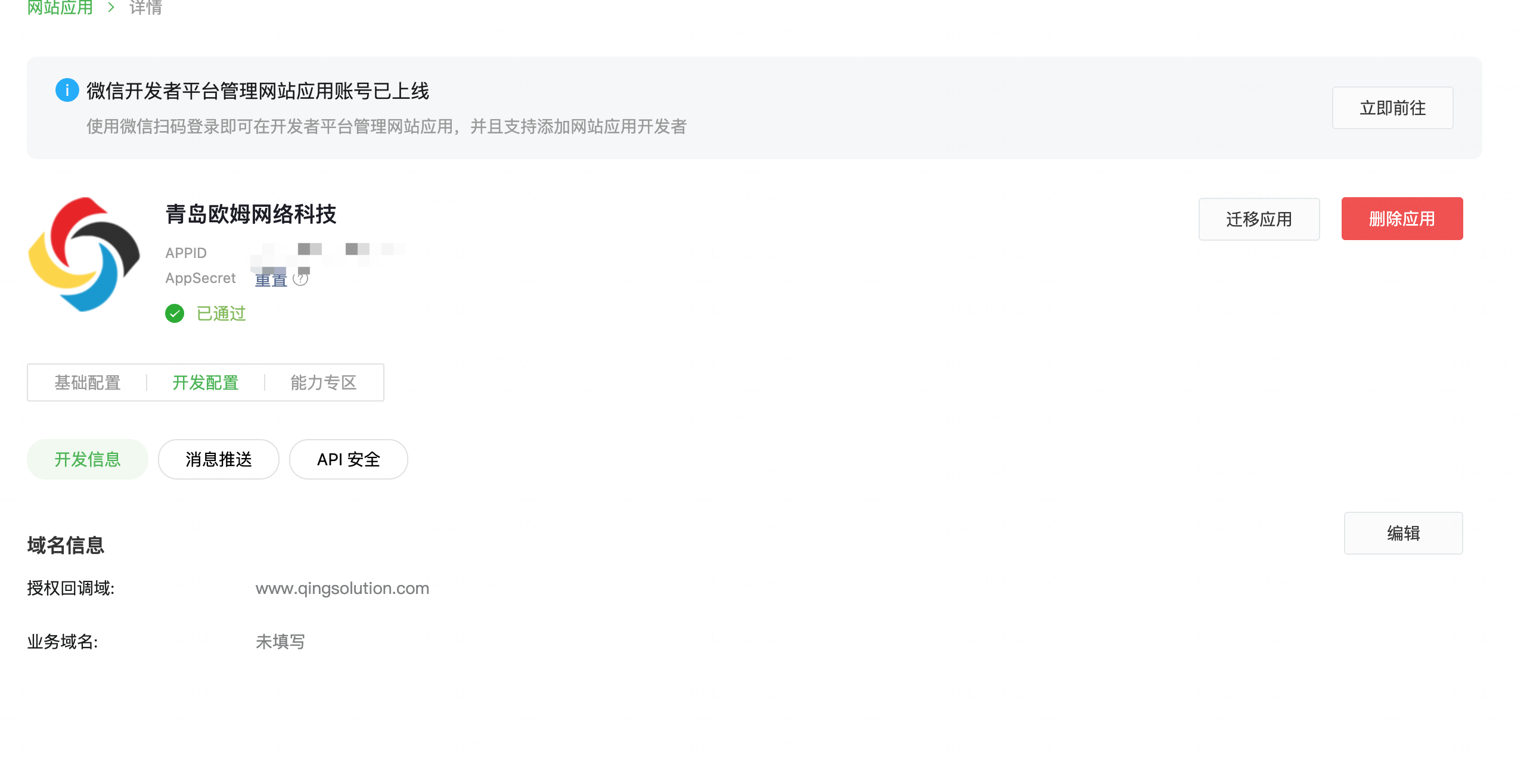
Get APPID And APP Secret
After the application is created, obtain the application's APPID and APP Secret.
Configure Callback Domain
Configure the callback domain for the Open Platform application. The domain must match your Odoo website domain. If the domain is inconsistent, authentication will fail.
Odoo Configuration
After the WeChat-side setup is ready, configure the provider in Odoo.
Configure APPID And Secret
Go to Settings > Users > OAuth Providers, find WeChat Open Platform, and enter the application APPID in the client ID field.
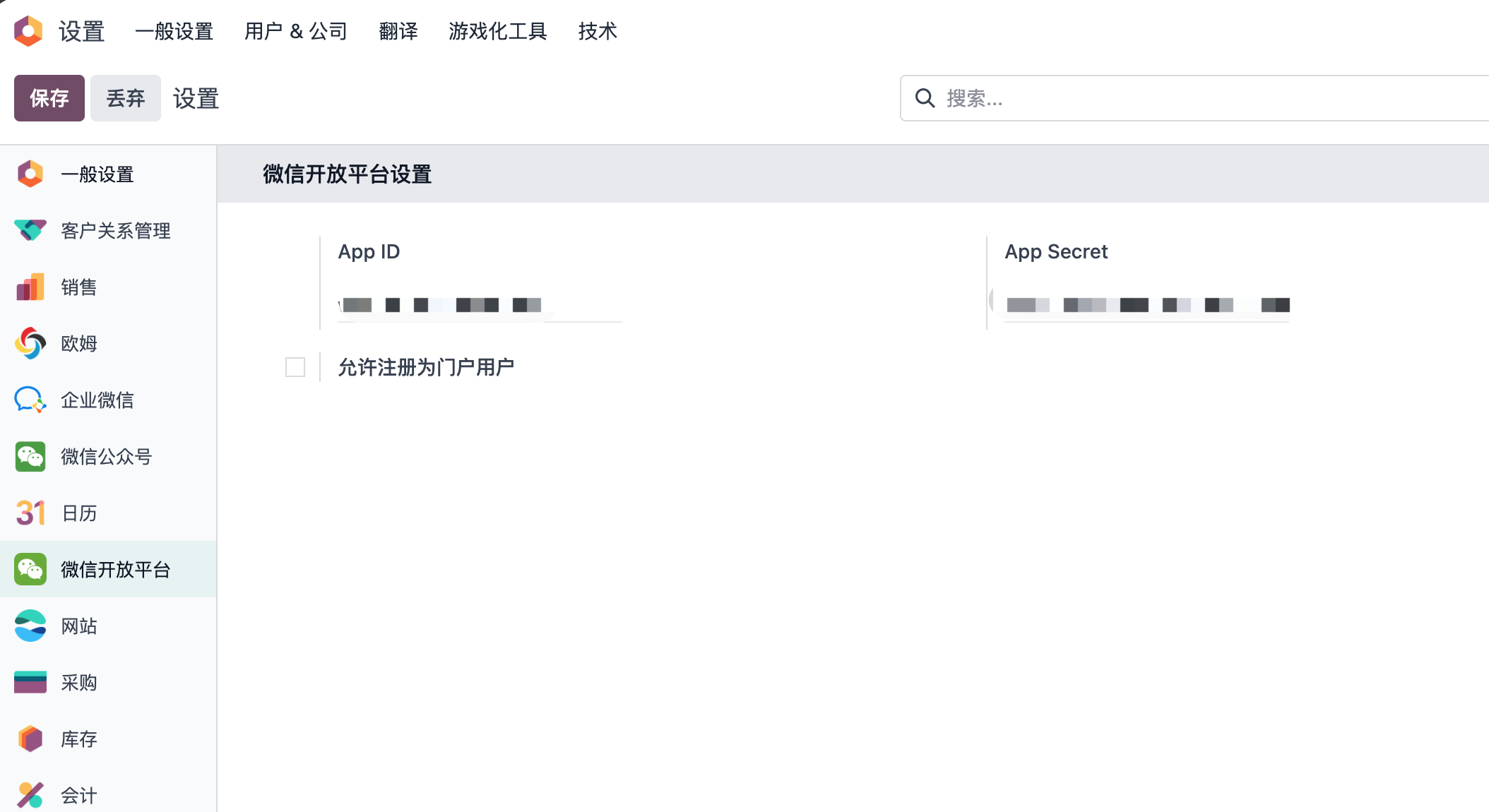
If your website allows customers to register as portal users through WeChat QR login, enable Allow registration as portal user.
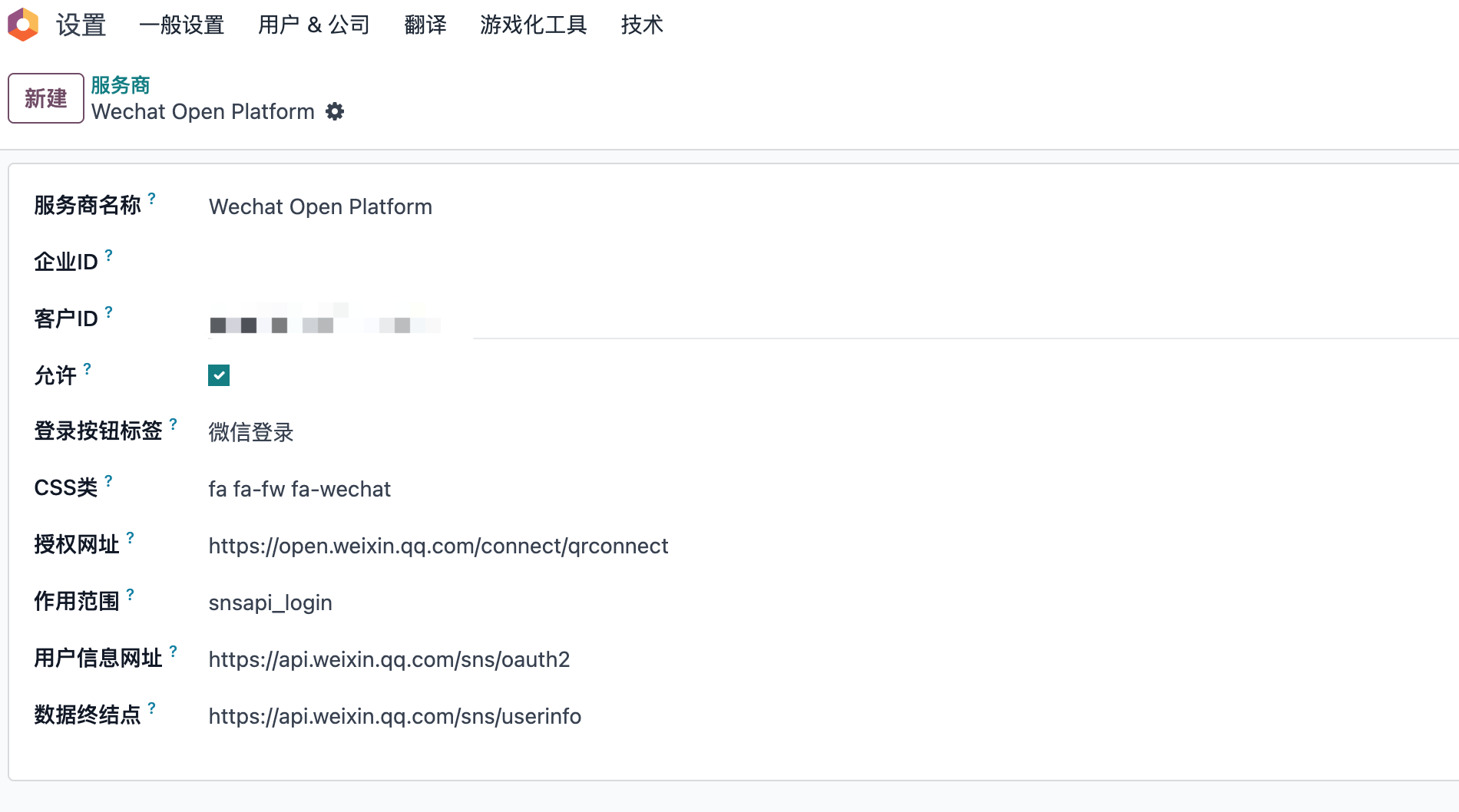
Activate OAuth Login
WeChat QR login is disabled by default. Go to Settings > Users & Companies > OAuth Providers, open the WeChat Open Platform provider, and enable it.
User Experience
After configuration, the WeChat login button appears in the relevant website pages.
Registration Page
Open the website registration page.
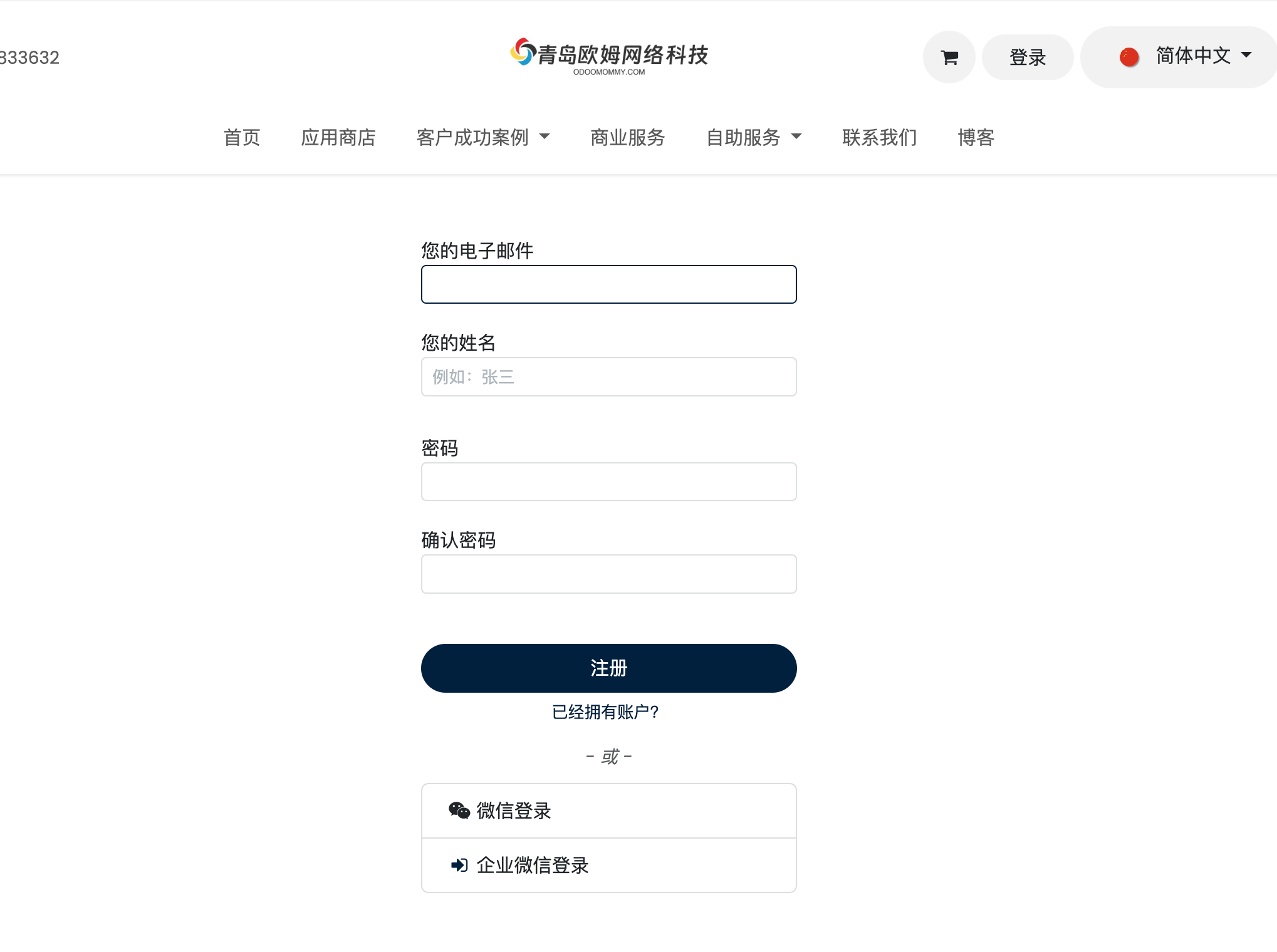
After clicking the WeChat QR button, Odoo guides the user to the QR code page.
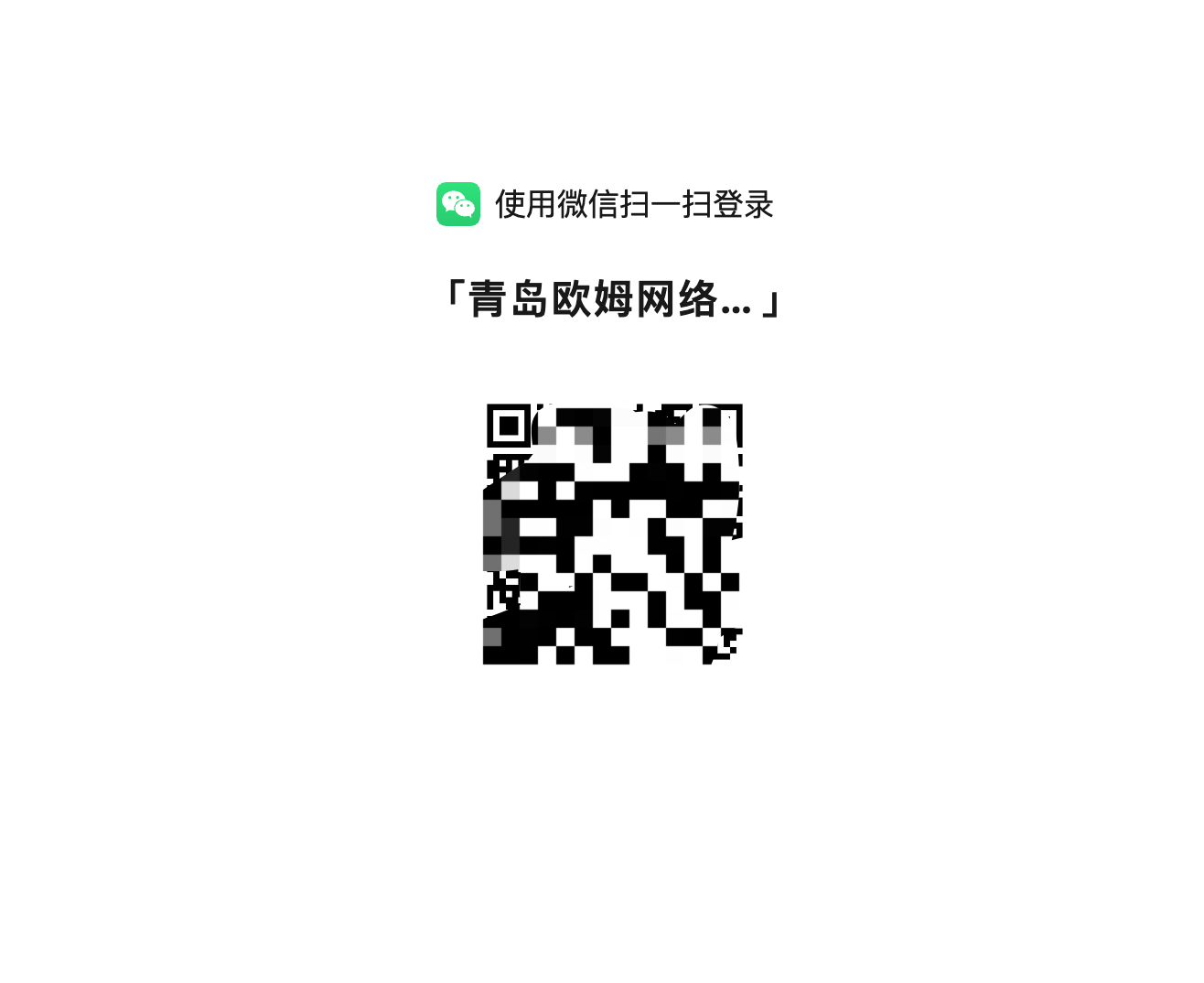
The user scans the QR code to complete registration and enters the portal account center.
Login Page
The same button can be used on the login page. Existing users can scan the QR code and complete one-click login.
Bind From Account Center
If a user registered through the normal account flow, they can later bind their WeChat account from the portal account center.
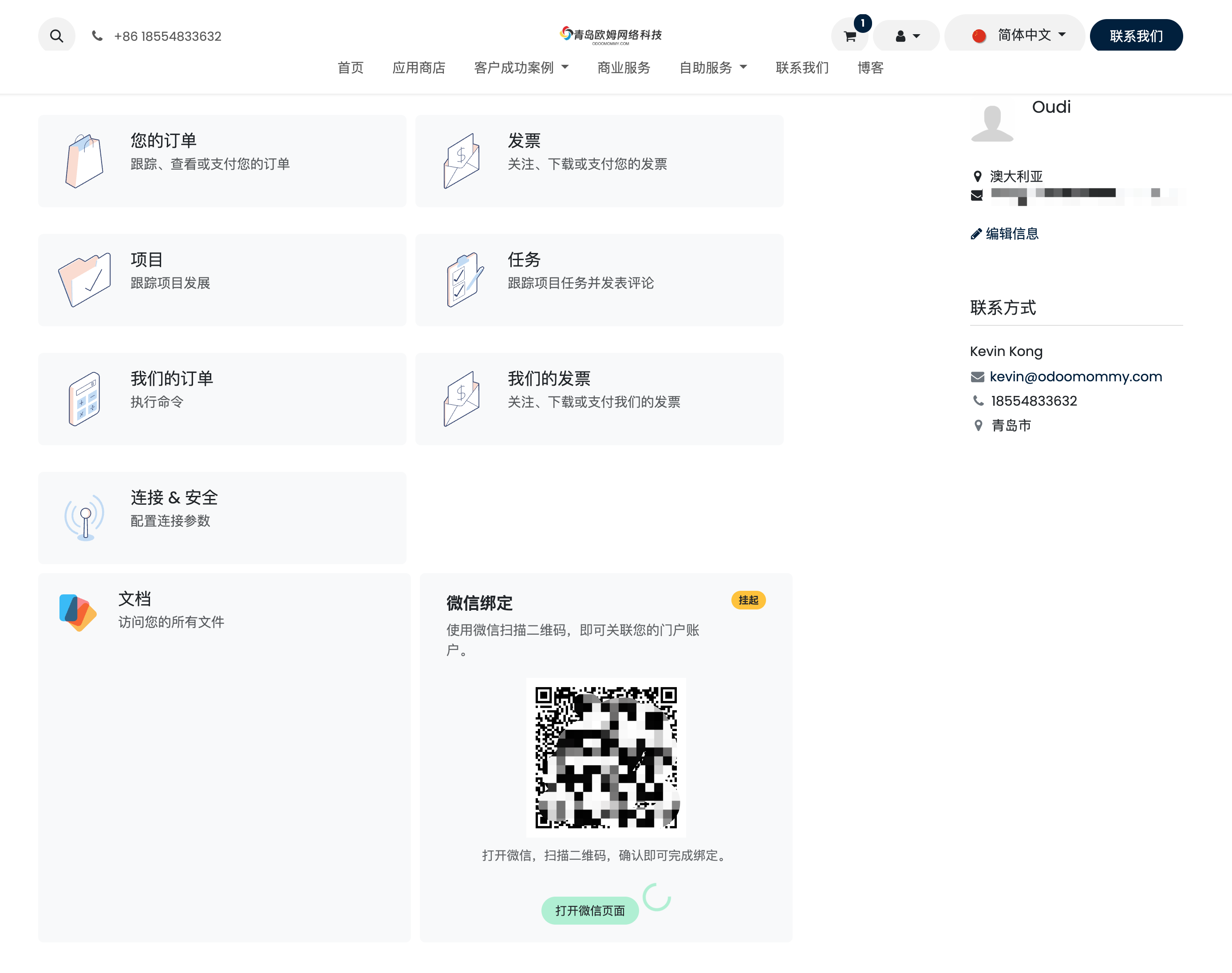
This chapter introduced WeChat QR login for Odoo websites. The next chapter explains the WeChat Official Account solution, which supports menus, automatic replies, template messages, and customer interaction.