Cloud Printing
Sometimes documents should be sent directly to a printer without asking users to download and open the file manually. Cloud printing solves this by allowing documents to be sent to remote printers through an internet-based printing service.
Install The Cloud Printing Module
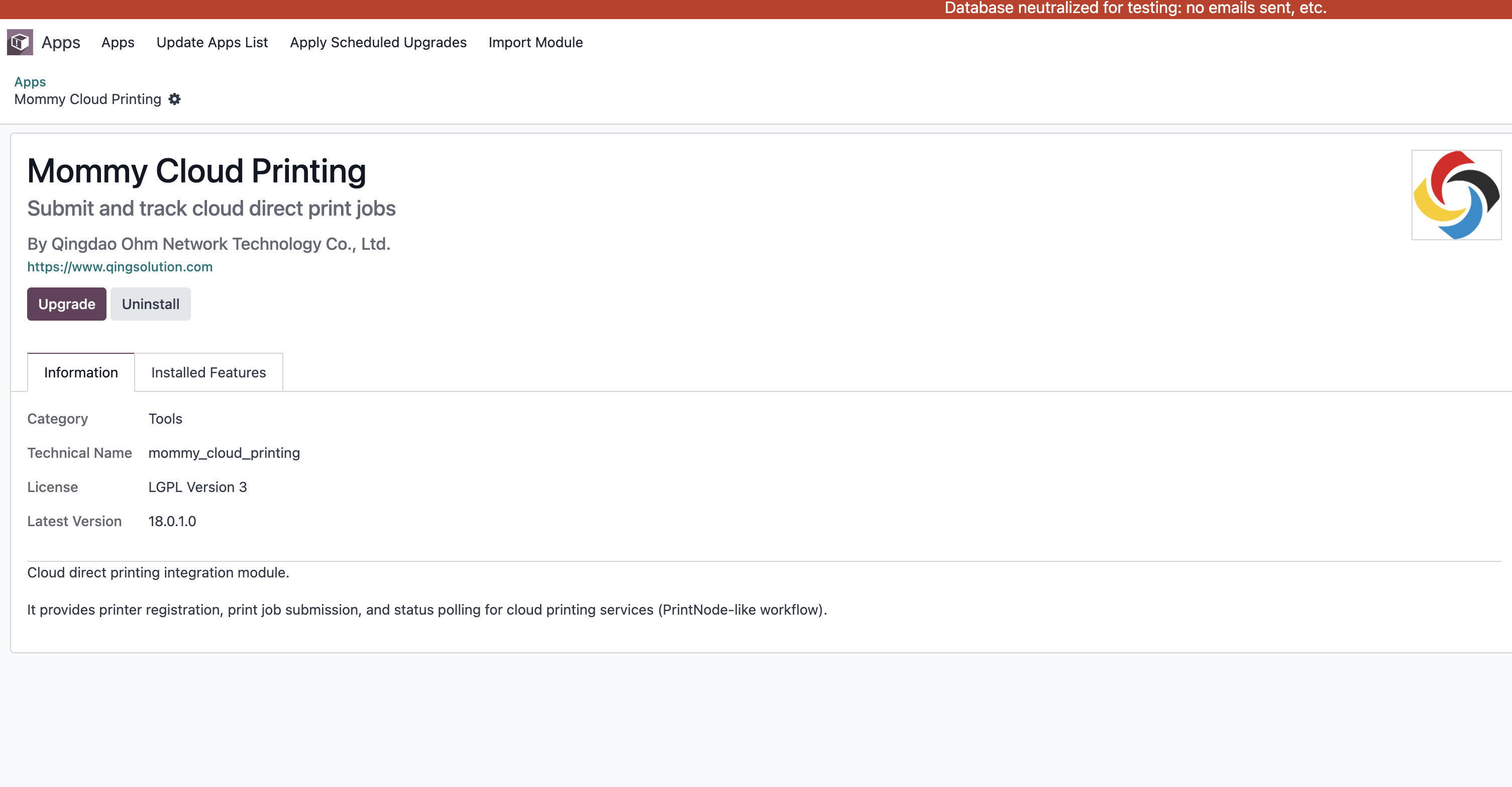
The cloud printing module is developed by Qingdao Ohm Network Technology Co., Ltd. It provides an Odoo interface for registering and managing cloud printing services. Install it from Odoo Apps.
Configure Cloud Printing Service
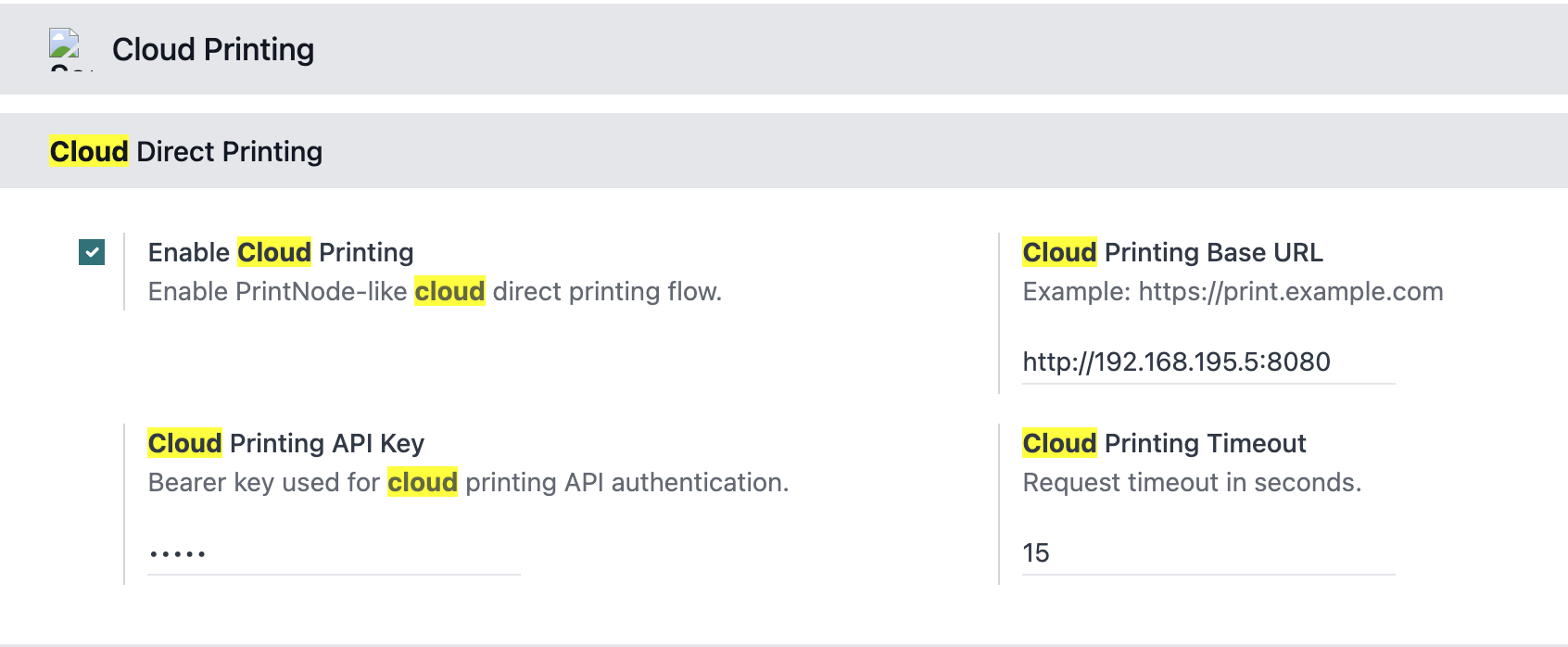
After installation, configure the cloud printing service. First, configure an API key on the service side. Then open the cloud printing settings in Odoo and enter the API key and related information.
Configure Cloud Printers
After service configuration, add cloud printers in the cloud printing module. Enter printer name, model, and other related information.
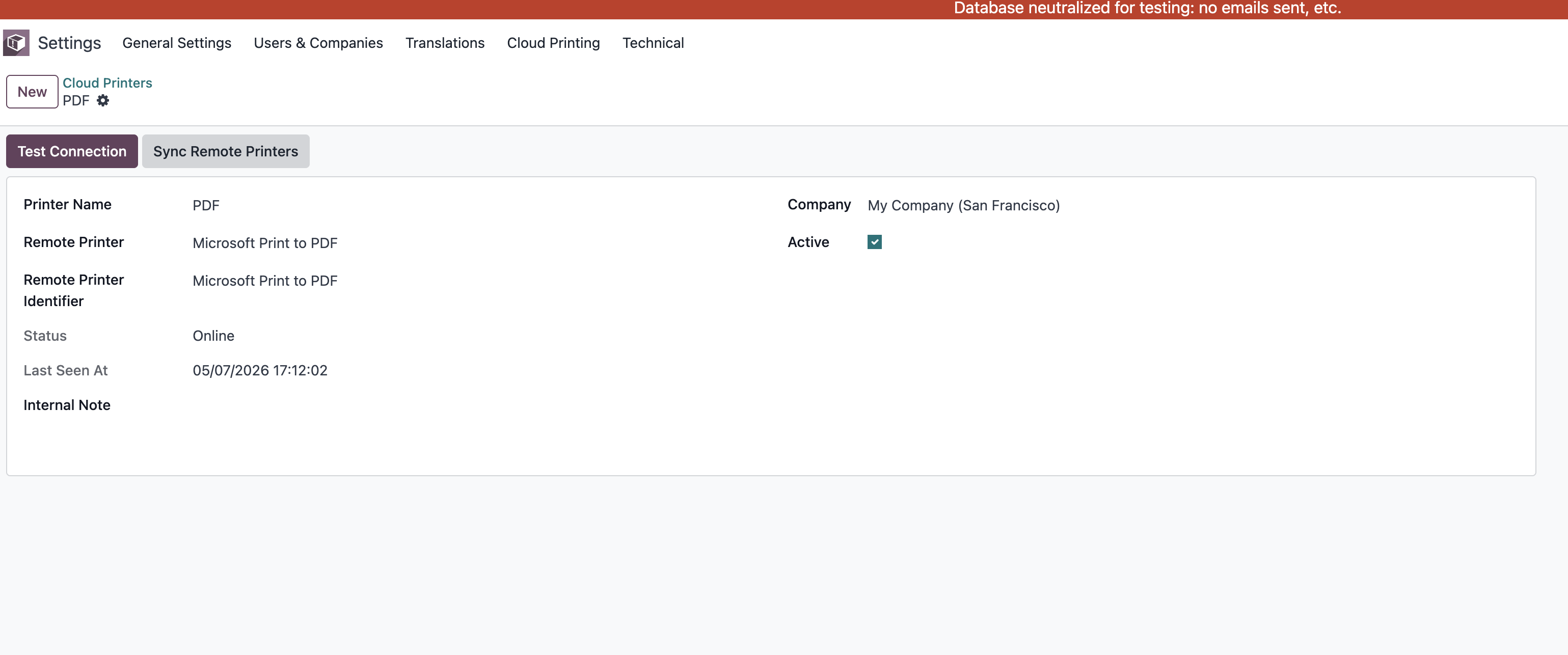
Click the test connection button to verify that the printer is configured correctly. If the test succeeds, Odoo can use cloud printing.
Click the synchronize cloud printers button to synchronize printer information into Odoo so users can choose cloud printers from Odoo.
Print Queue
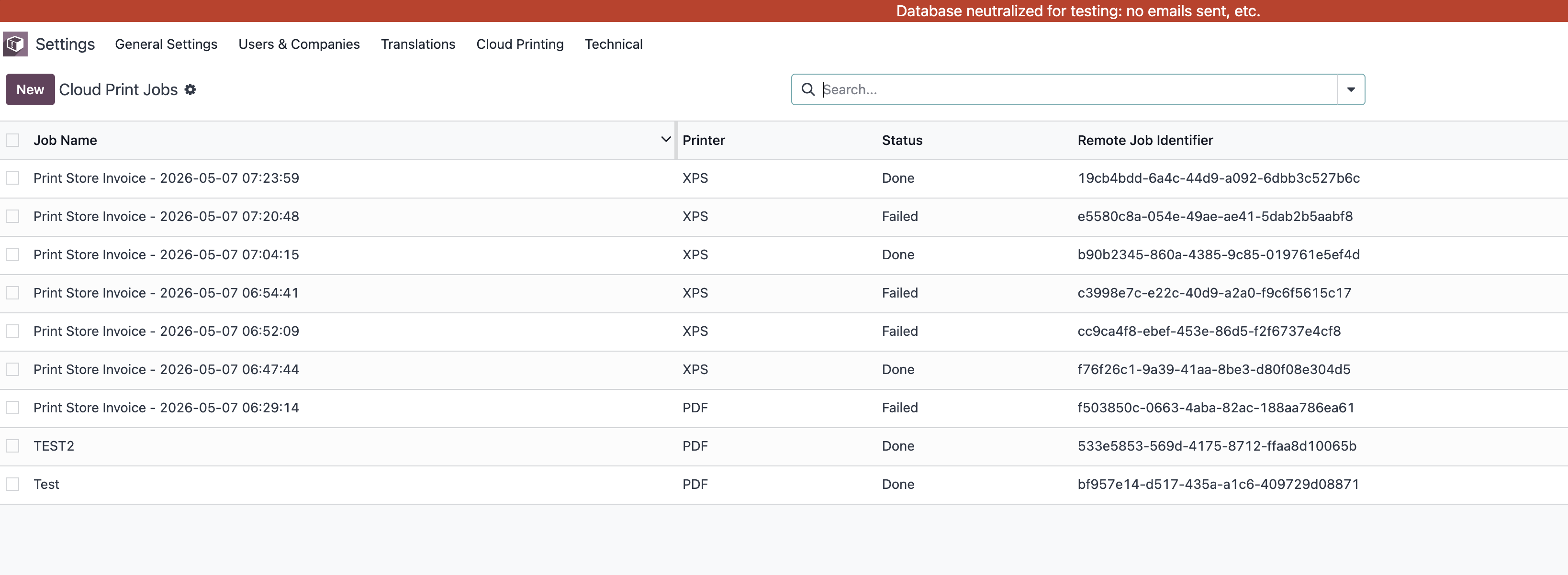
When cloud printing is used, documents are added to the print queue. Users can view and manage print jobs from the print queue interface.
Automatic Cloud Printing For Reports
Reports can also be configured for automatic cloud printing. When certain Odoo reports should be sent automatically to a cloud printer, select the cloud printer in the report settings.
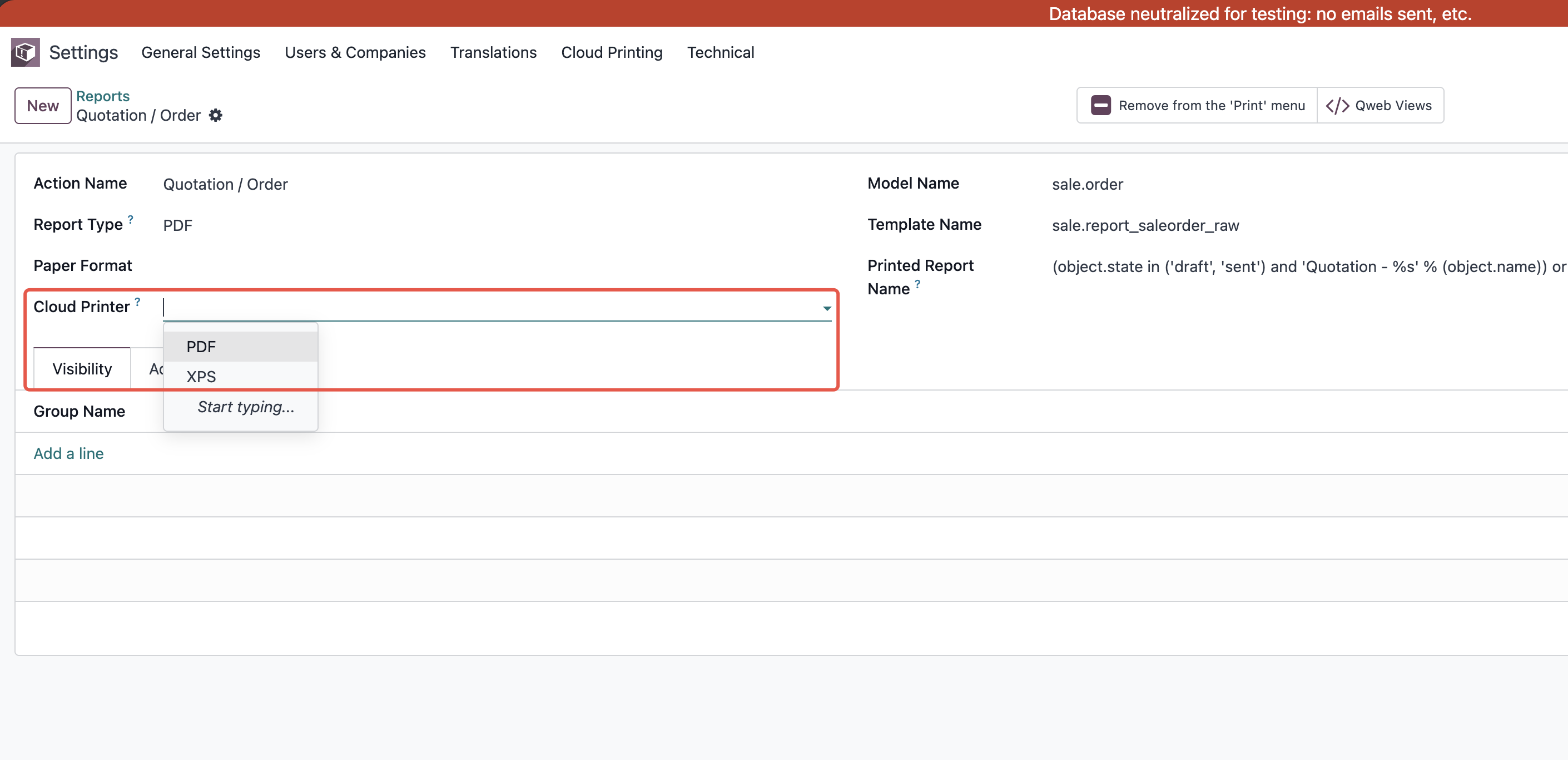
After this configuration, when the report is generated, Odoo automatically sends it to the cloud printer without manual download or printing.