Alibaba Cloud OSS
This chapter explains how to use Alibaba Cloud Object Storage Service, or OSS, with Odoo. The goal is to move Odoo attachments to Alibaba Cloud OSS and reduce local server disk usage.
What Is Object Storage
Object storage is a storage method for massive unstructured data. Unlike traditional file storage or block storage, it offers higher scalability, reliability, and cost advantages and is widely used in cloud environments.
Each file is stored as an object. Instead of relying on traditional directory structures, each object is identified and accessed by a unique object key and metadata.
You can think of object storage as a very large cloud drive: every file has a unique identifier, and you can upload or download it without caring about which directory or disk stores it.
Typical Scenarios And Advantages
Typical scenarios include:
| Scenario |
|---|
| Images, videos, and media files |
| Static website resources such as JS, CSS, and images |
| Database backups and logs |
| Application installation packages |
| Large-scale data archive |
| User-uploaded files for eCommerce or social media |
Advantages:
| Feature | Description |
|---|---|
| Massive storage | Scales to PB or EB levels. |
| Lower cost | Usually cheaper than traditional storage. |
| High reliability | Multi-copy protection greatly reduces data loss risk. |
| High availability | Does not depend on a single server. |
| Simple access | Files can be accessed by URL or key. |
| HTTP support | Suitable for web and app services. |
Common object storage services include Amazon S3, Alibaba Cloud OSS, Tencent Cloud COS, and self-hosted MinIO.
Use Alibaba Cloud OSS In Odoo
Register Alibaba Cloud OSS
Open Alibaba Cloud OSS, enable the service, and create a bucket.
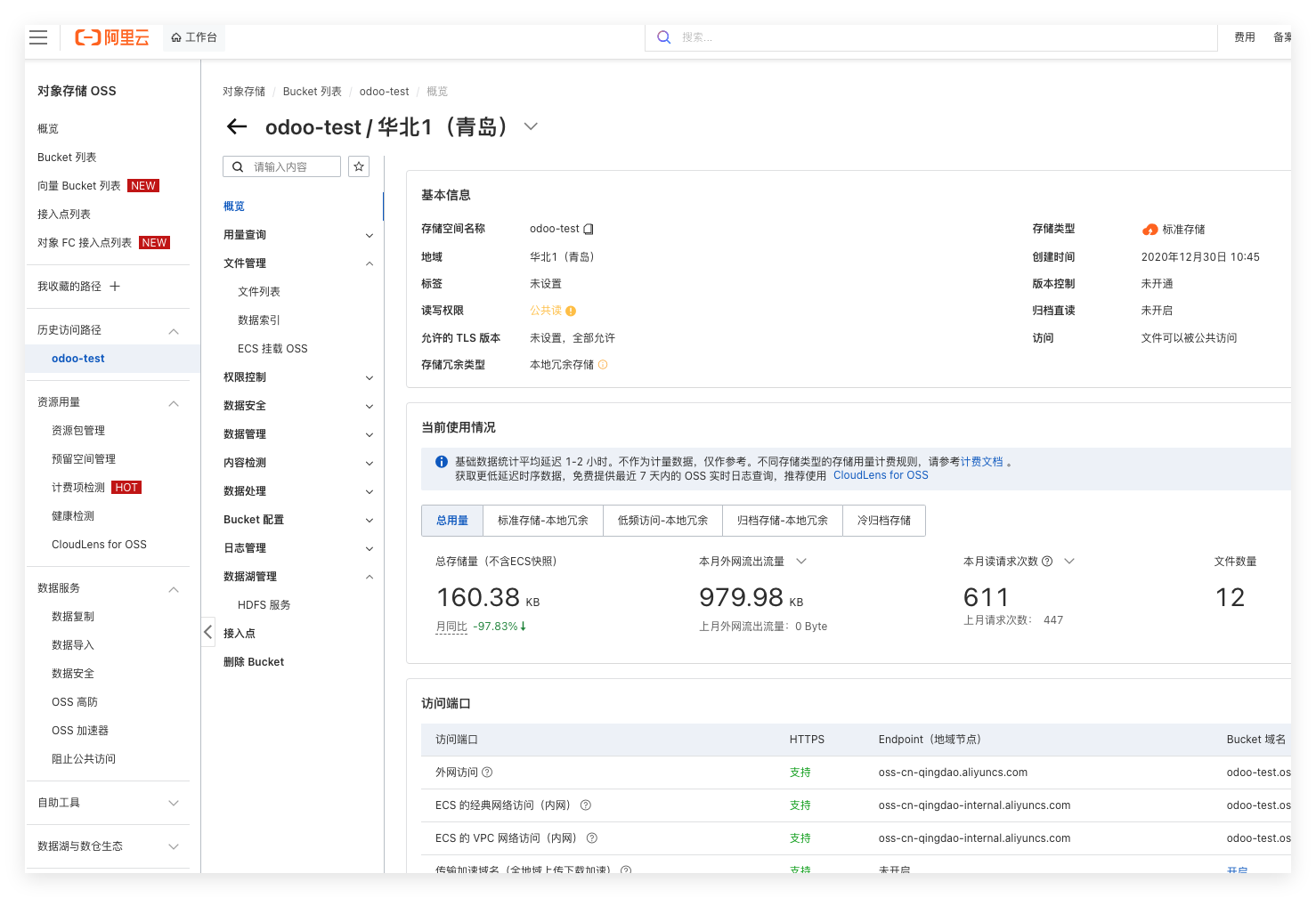
Obtain the following parameters:
| Parameter | Description |
|---|---|
| AccessKey ID | Alibaba Cloud OSS access key ID. |
| AccessKey Secret | Alibaba Cloud OSS access secret. |
| OSS Endpoint | Region endpoint. |
| Bucket Name | Bucket name. |
Install The Alibaba Cloud OSS Module
Install the Alibaba Cloud OSS module developed by Qingdao Ohm Network Technology.
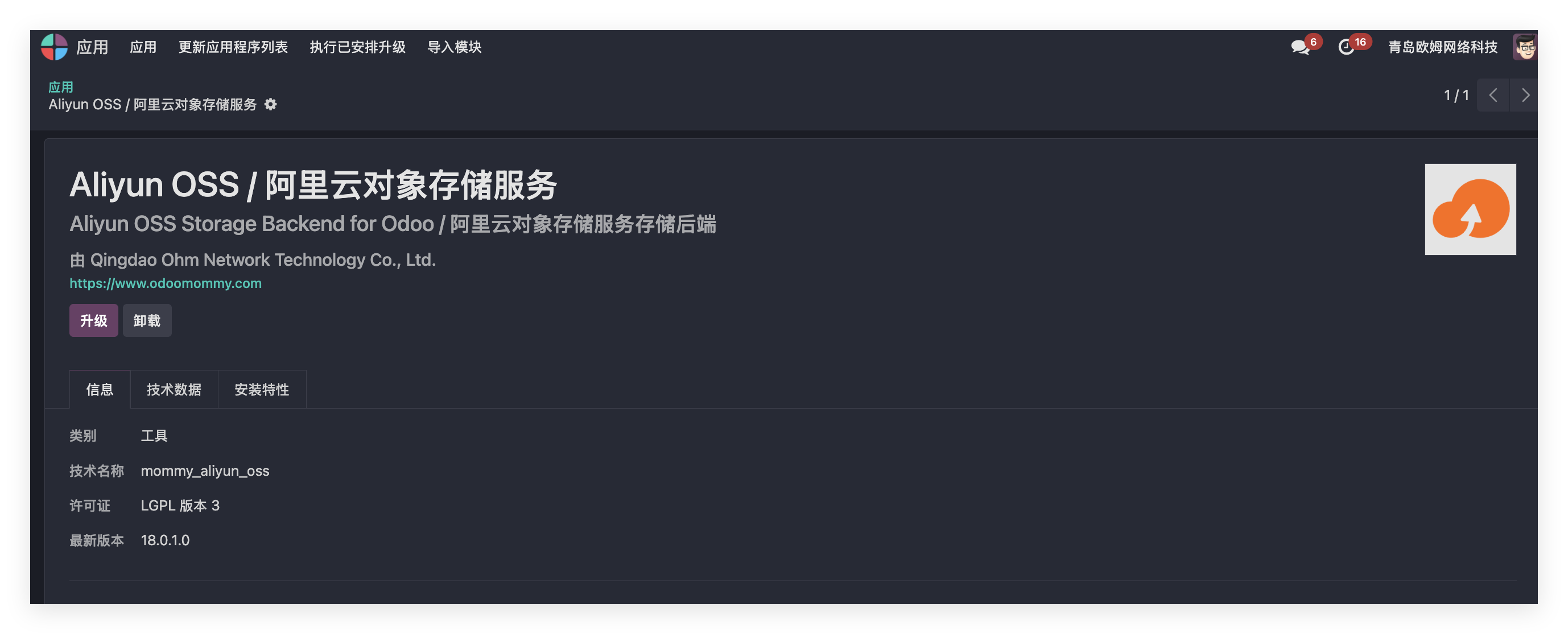
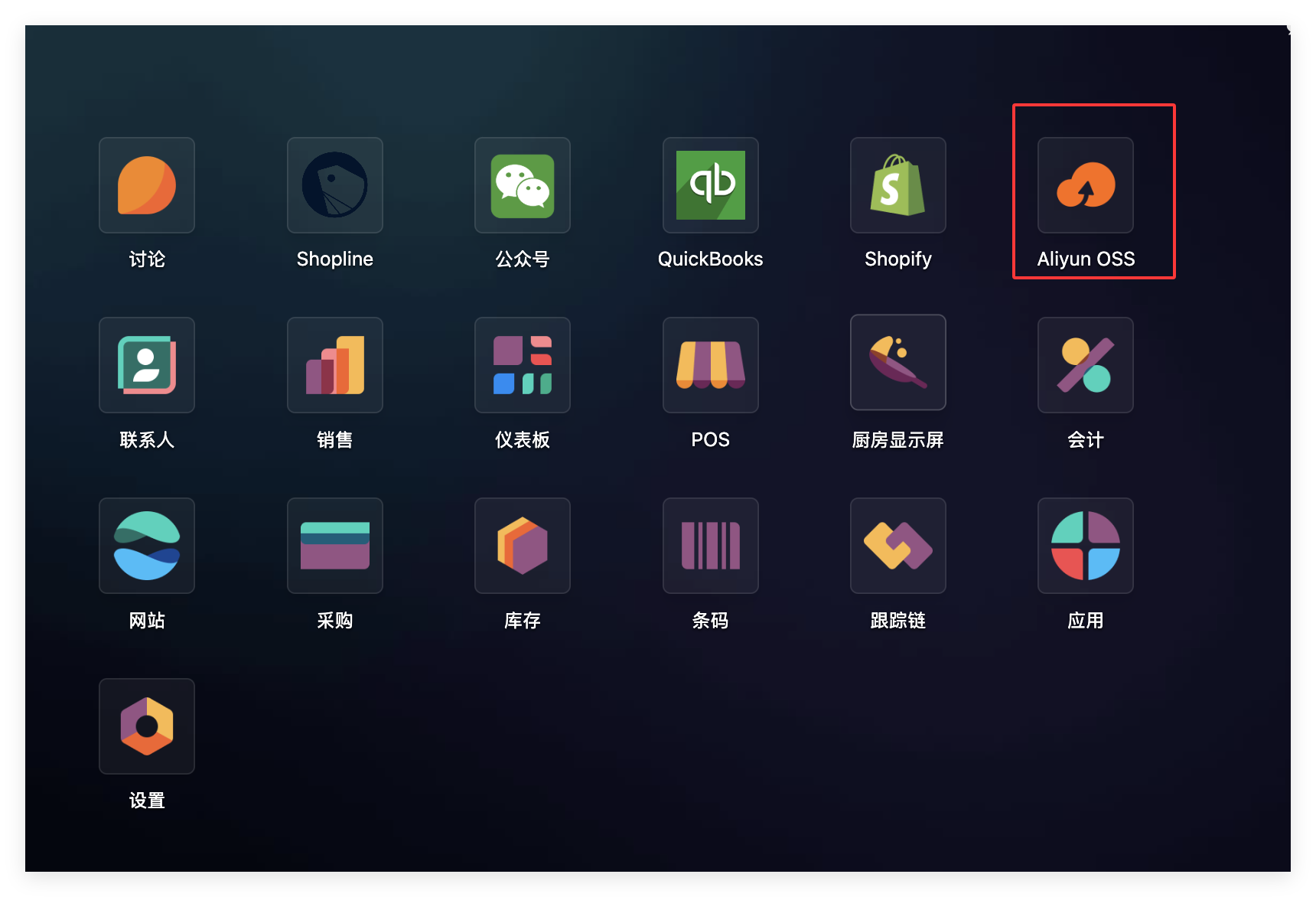
After installation, an Alibaba Cloud OSS app appears on the main page.
Open the app, click settings, and create an OSS instance.
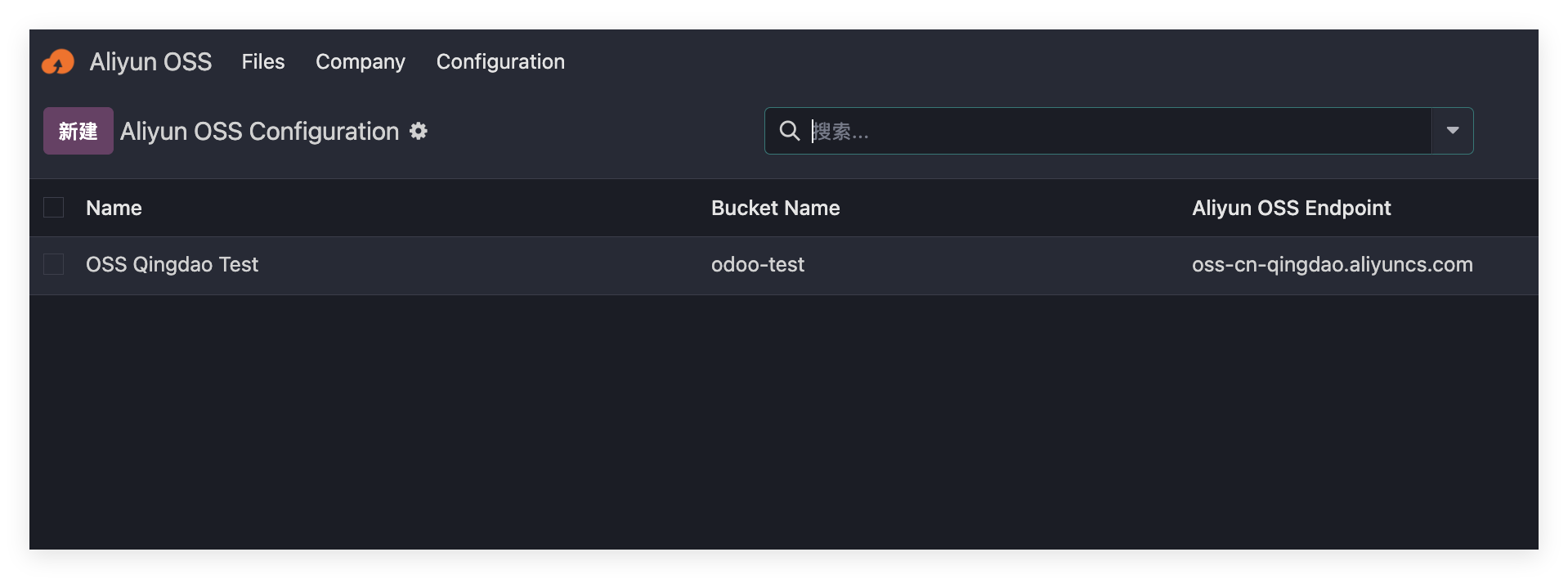
Enter the key parameters obtained from Alibaba Cloud OSS.
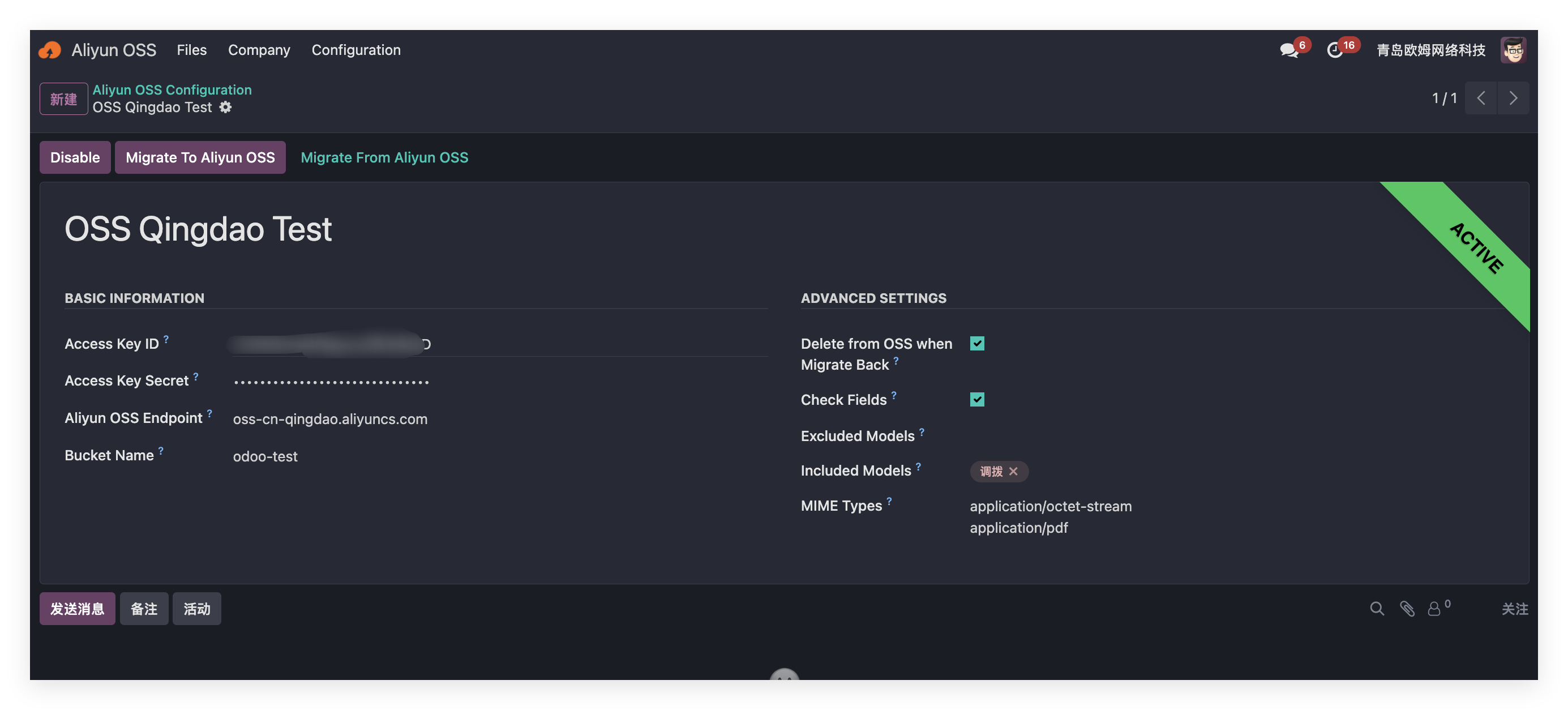
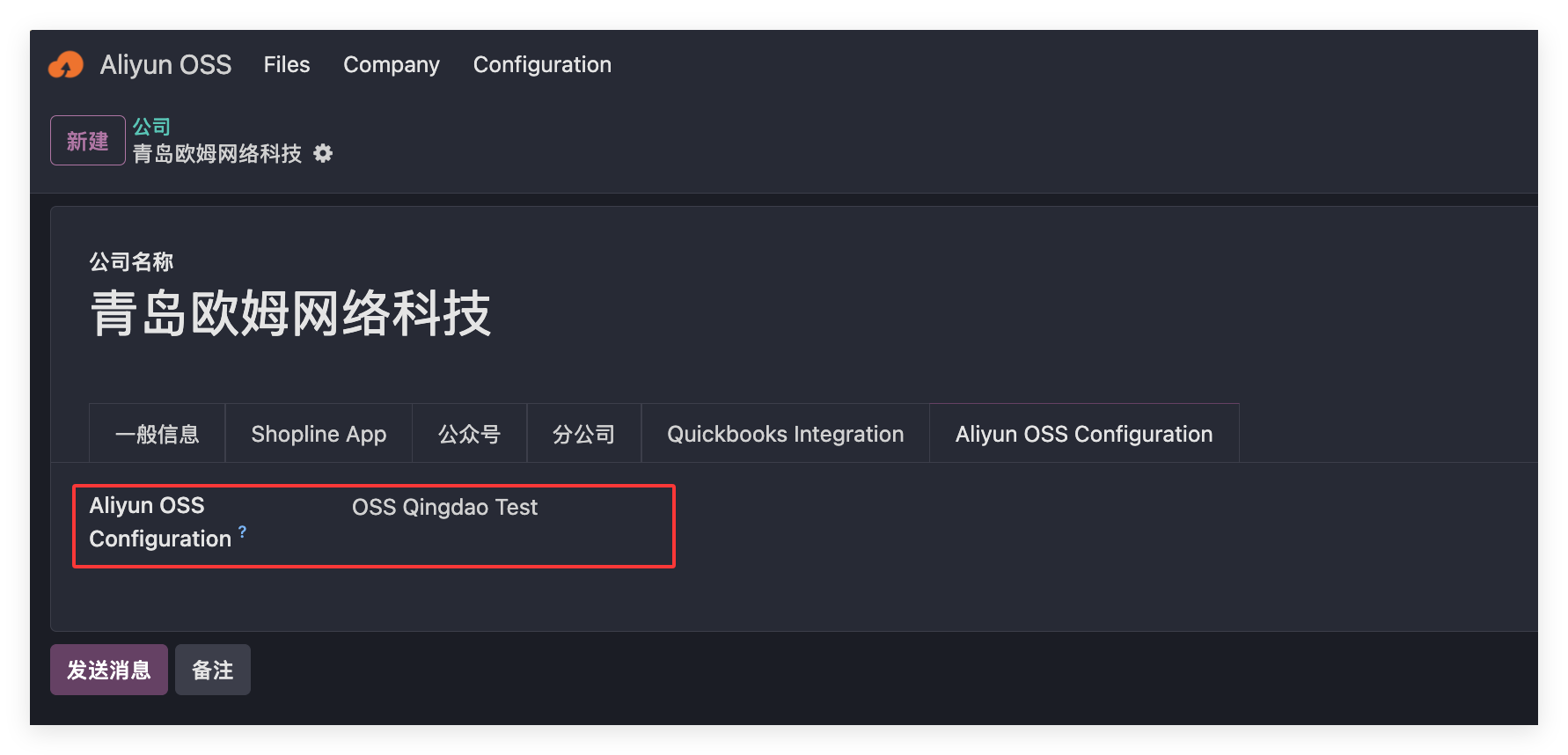
Click activate, then bind the app to the current company.
Synchronize Files To OSS
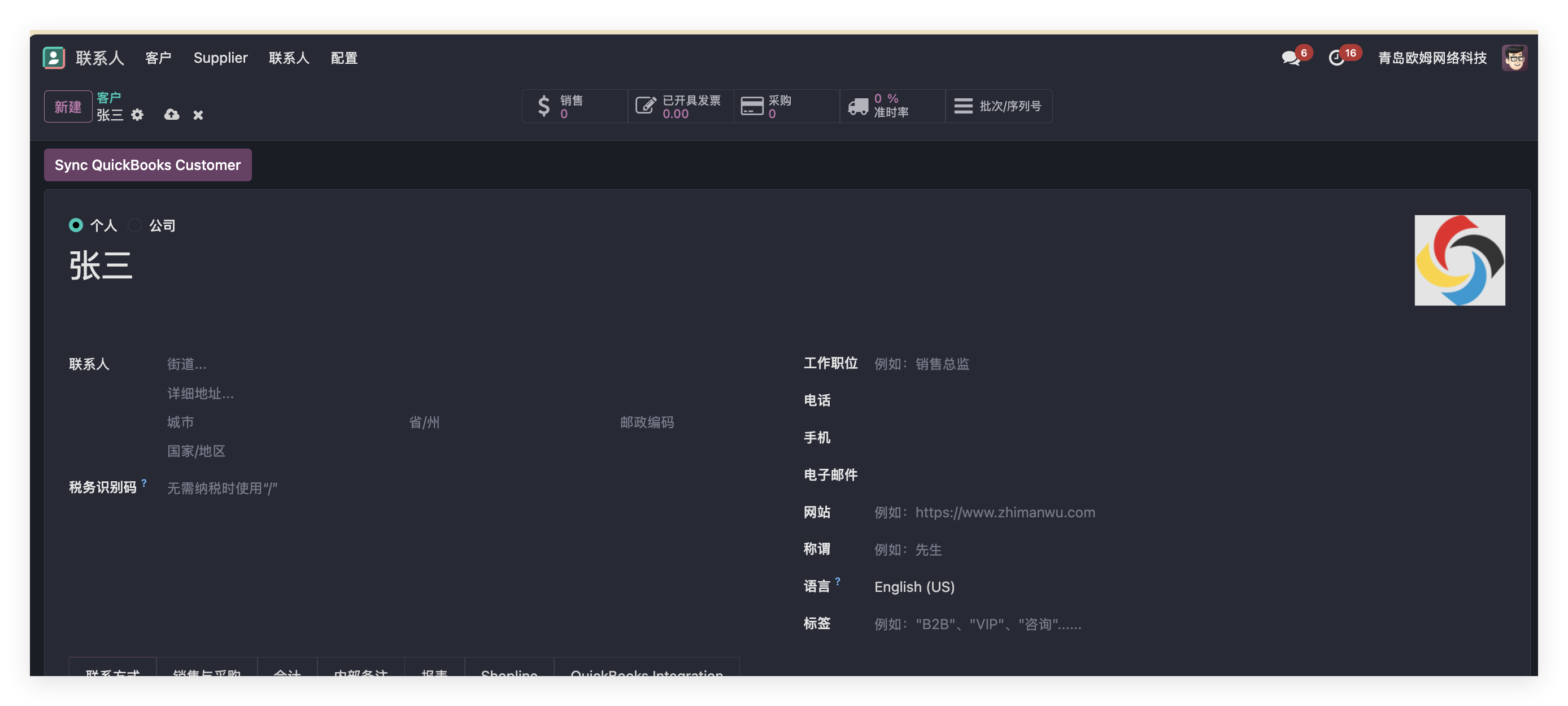
When the app is active, file upload is enabled. Using a contact avatar as an example, create a contact named Zhang San and set an avatar.
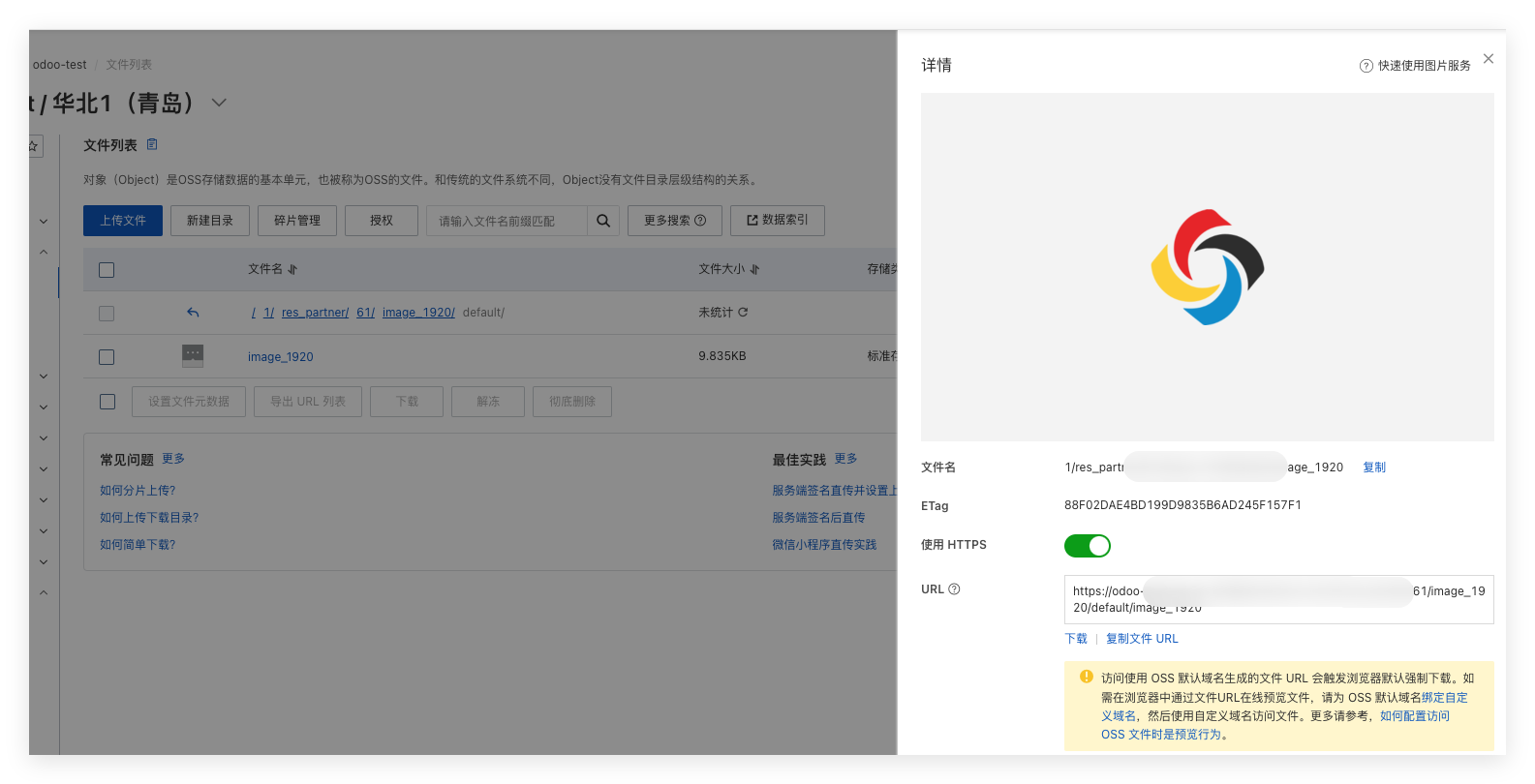
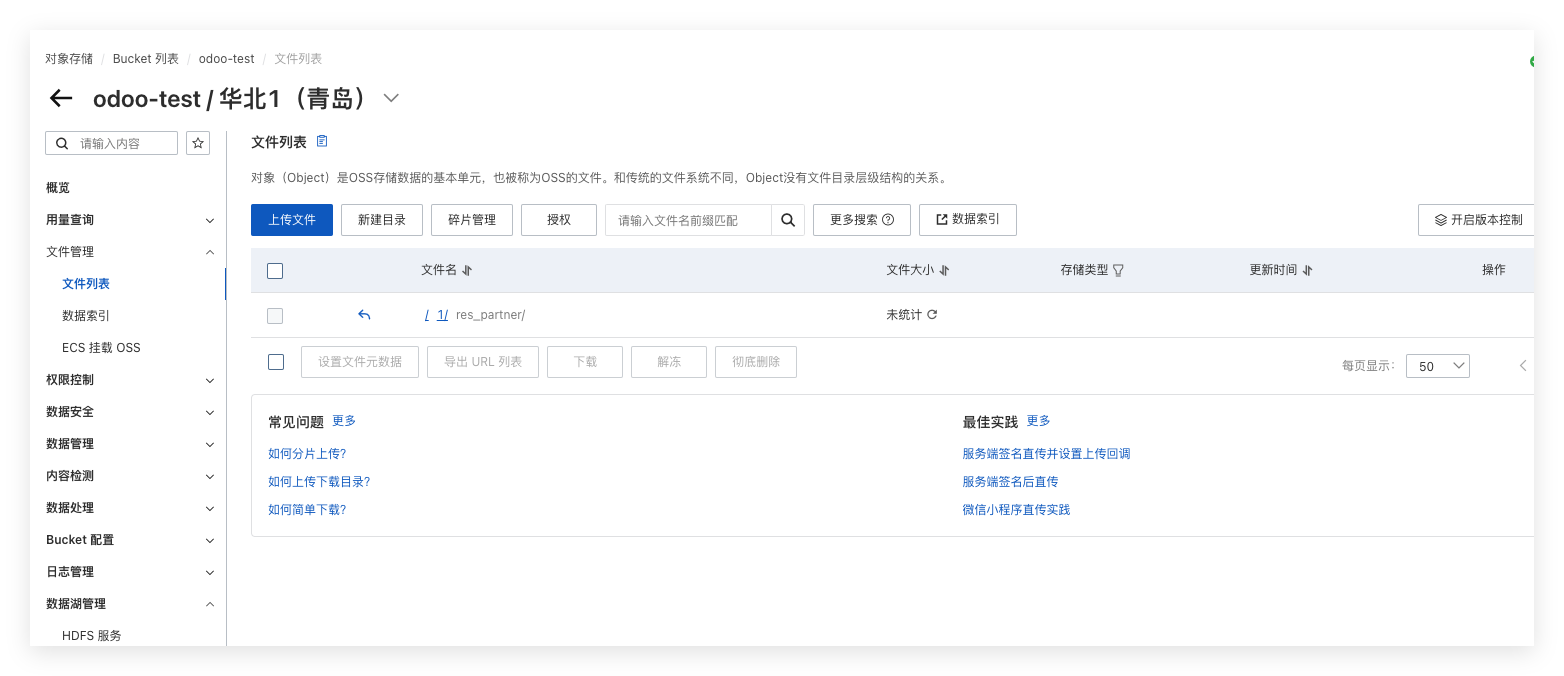
After saving, the image is uploaded to the OSS bucket.
Manage OSS Files
The module provides a management list so users can view uploaded files and related information in Odoo.
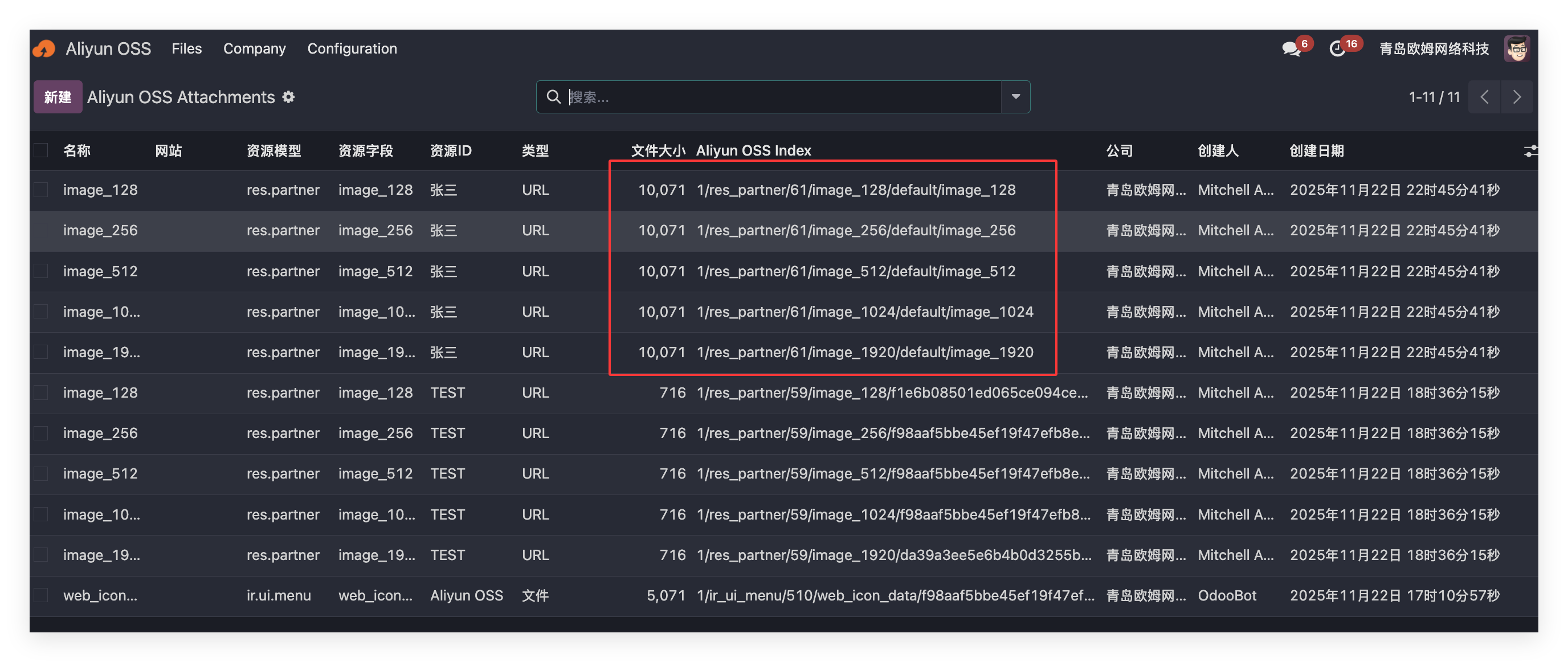
Odoo may generate multiple image sizes from one uploaded avatar, so multiple files may be synchronized.
Retrieve Files From OSS
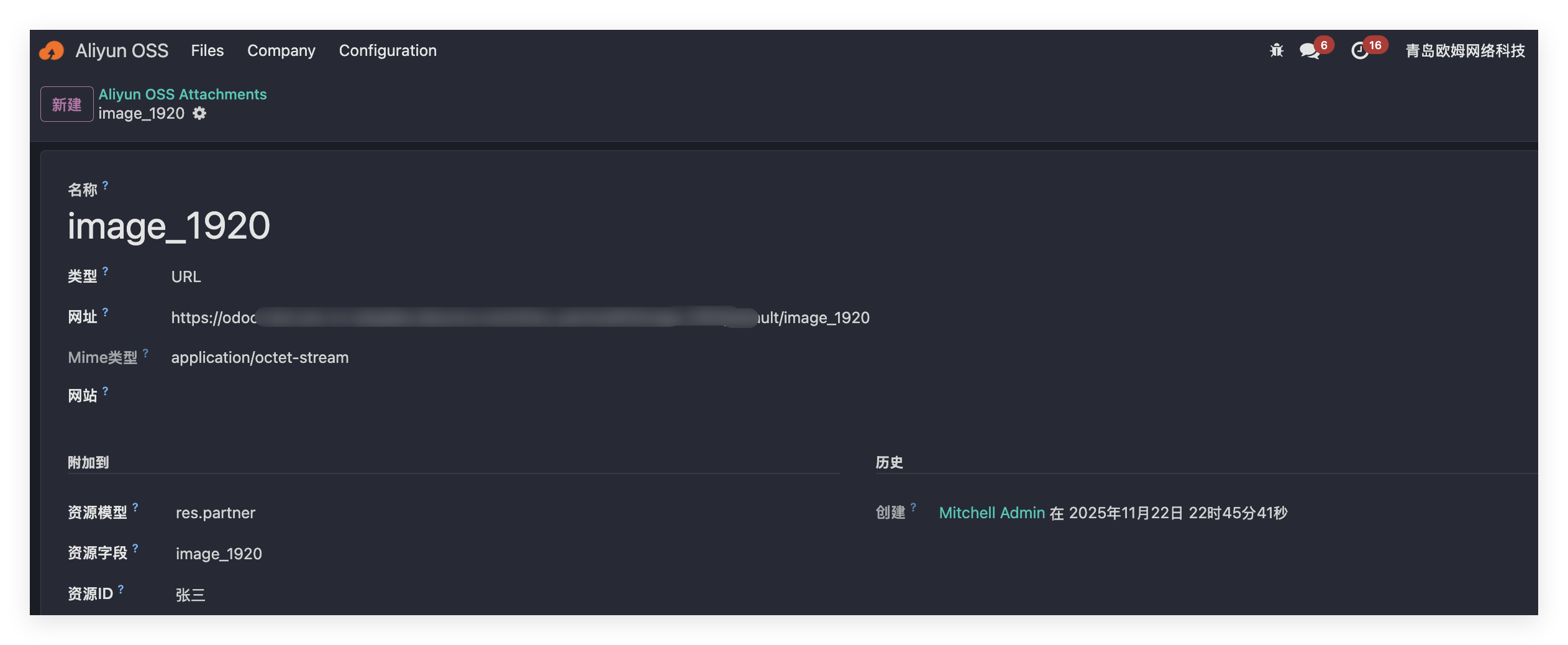
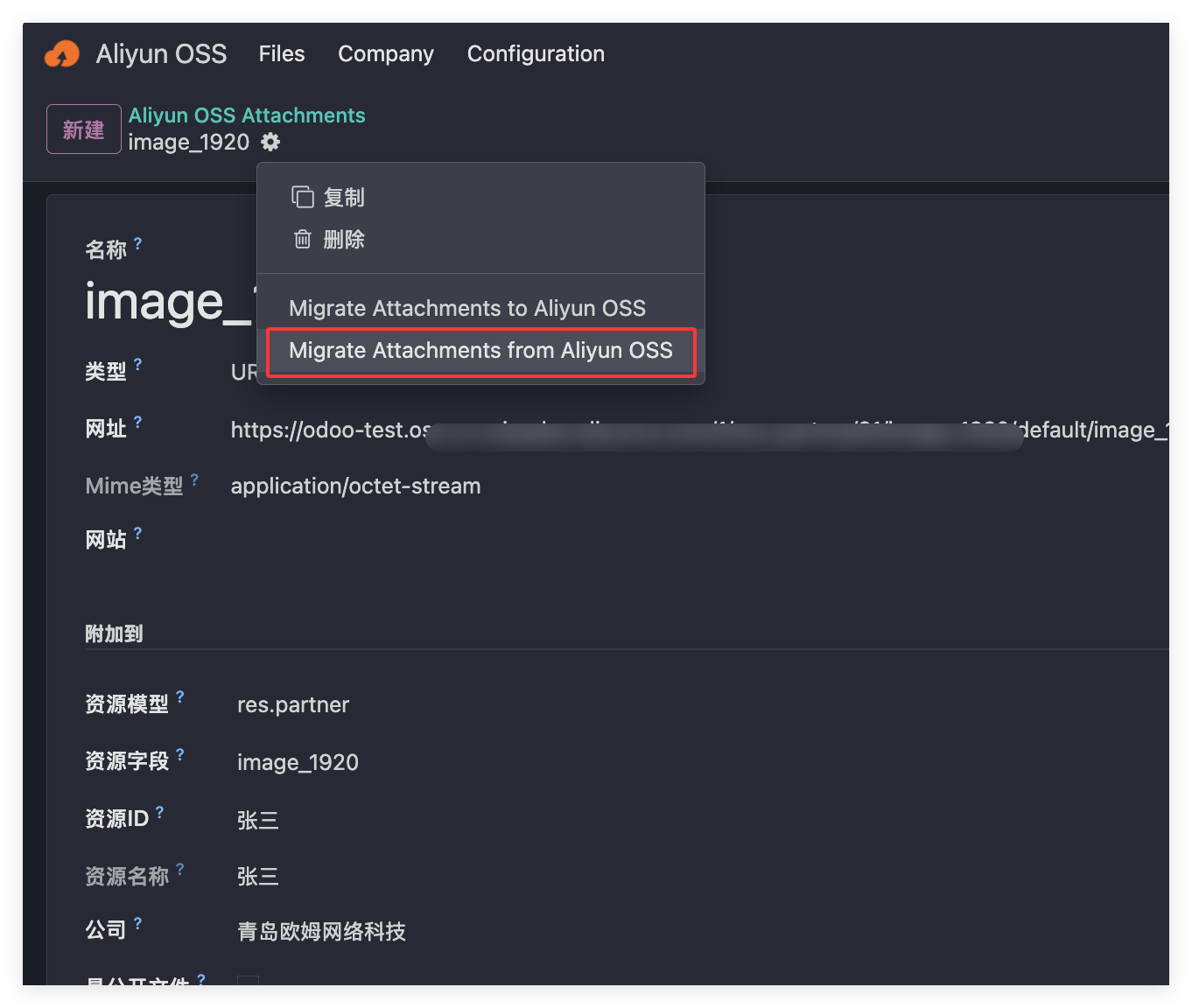
After files are stored in OSS, Odoo keeps only a link internally. To retrieve the file back into Odoo, use Action > Sync Document From Alibaba Cloud OSS.
Delete Files
When a file is deleted in Odoo, the corresponding OSS file is also deleted automatically.
Batch Synchronization
For existing data, the module provides two buttons in the OSS app.
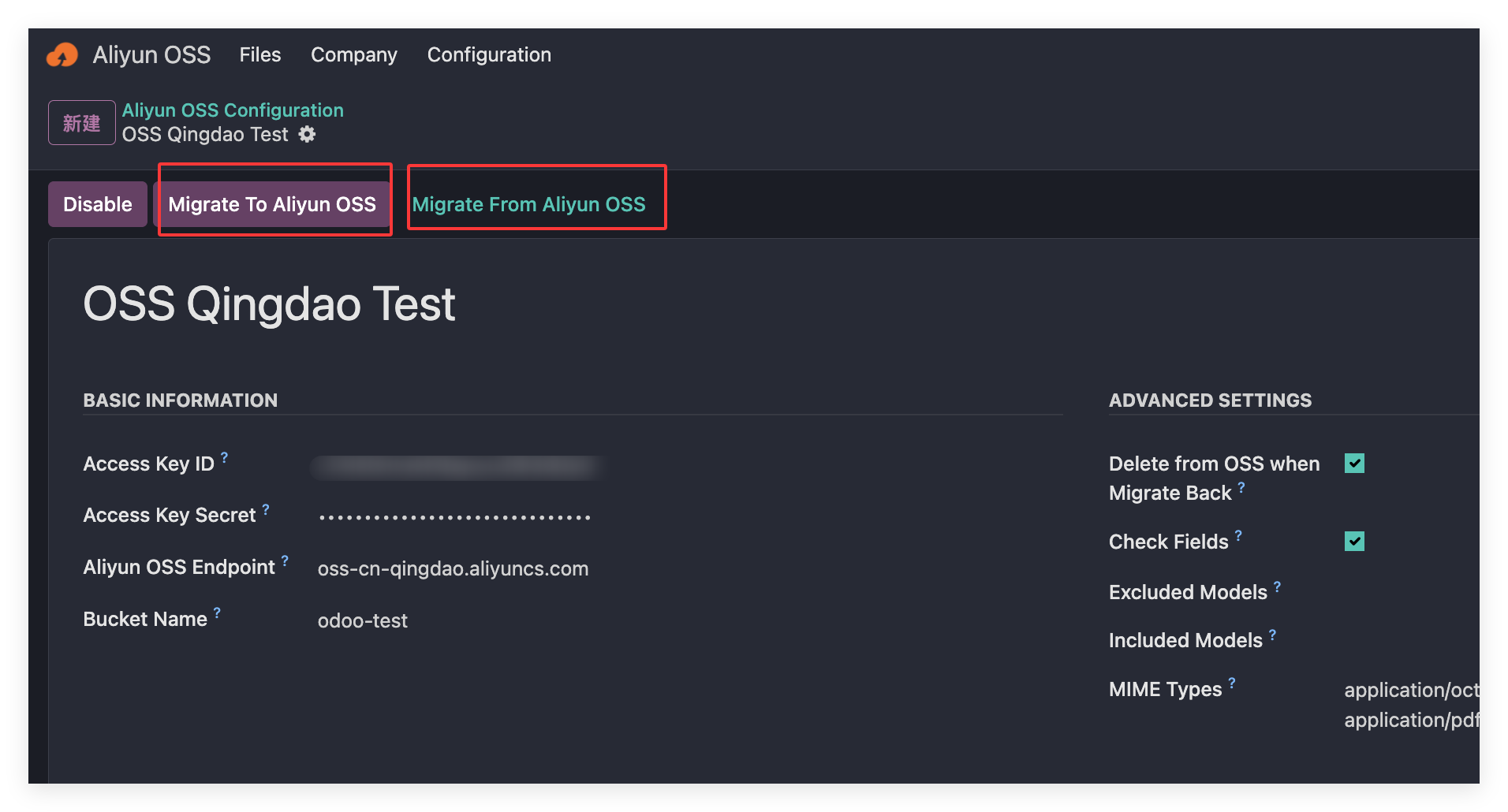
Click Synchronize To Alibaba Cloud OSS to batch upload selected files.
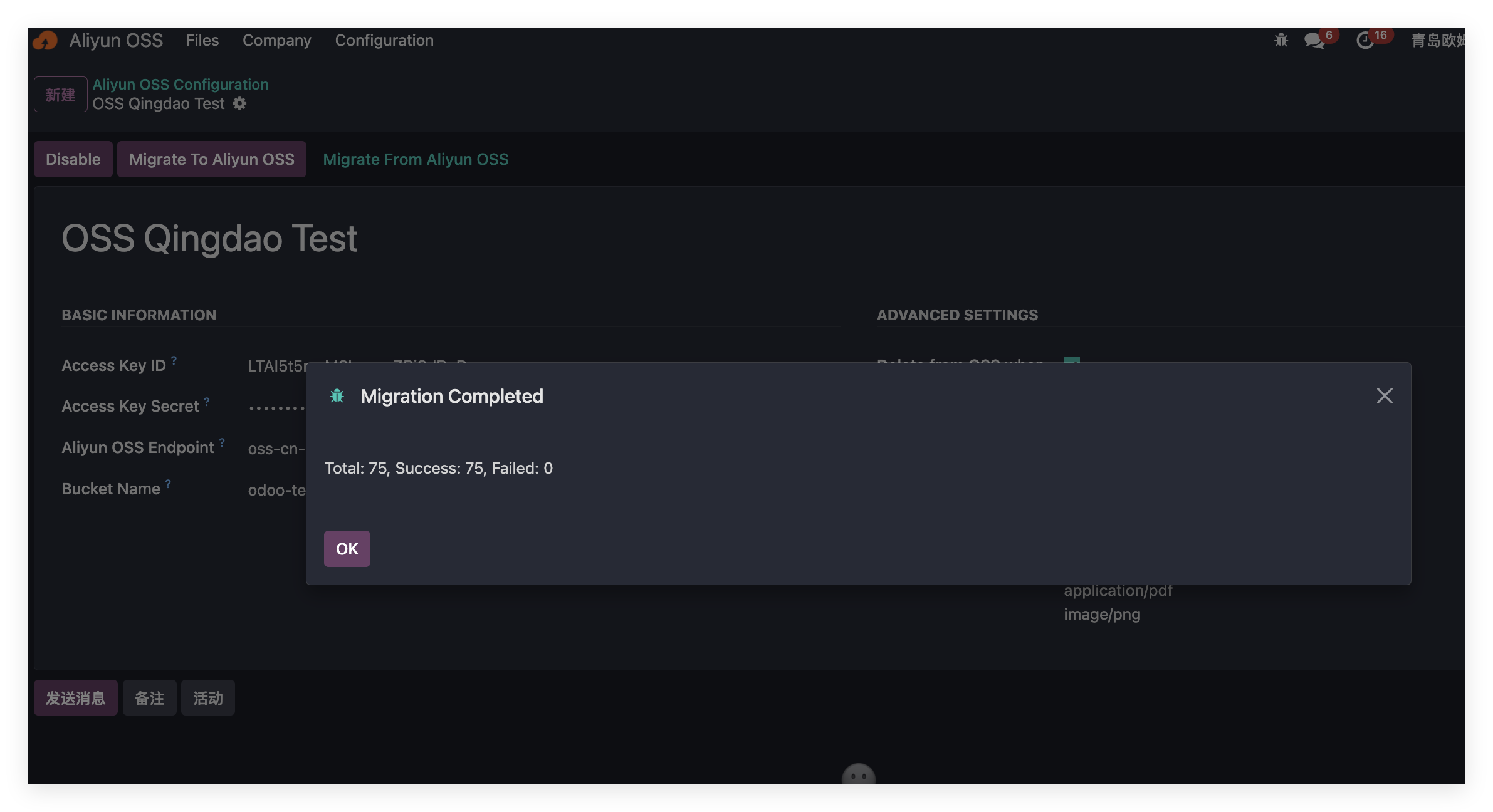
Click Synchronize From Alibaba Cloud To Odoo to bring files back into Odoo.
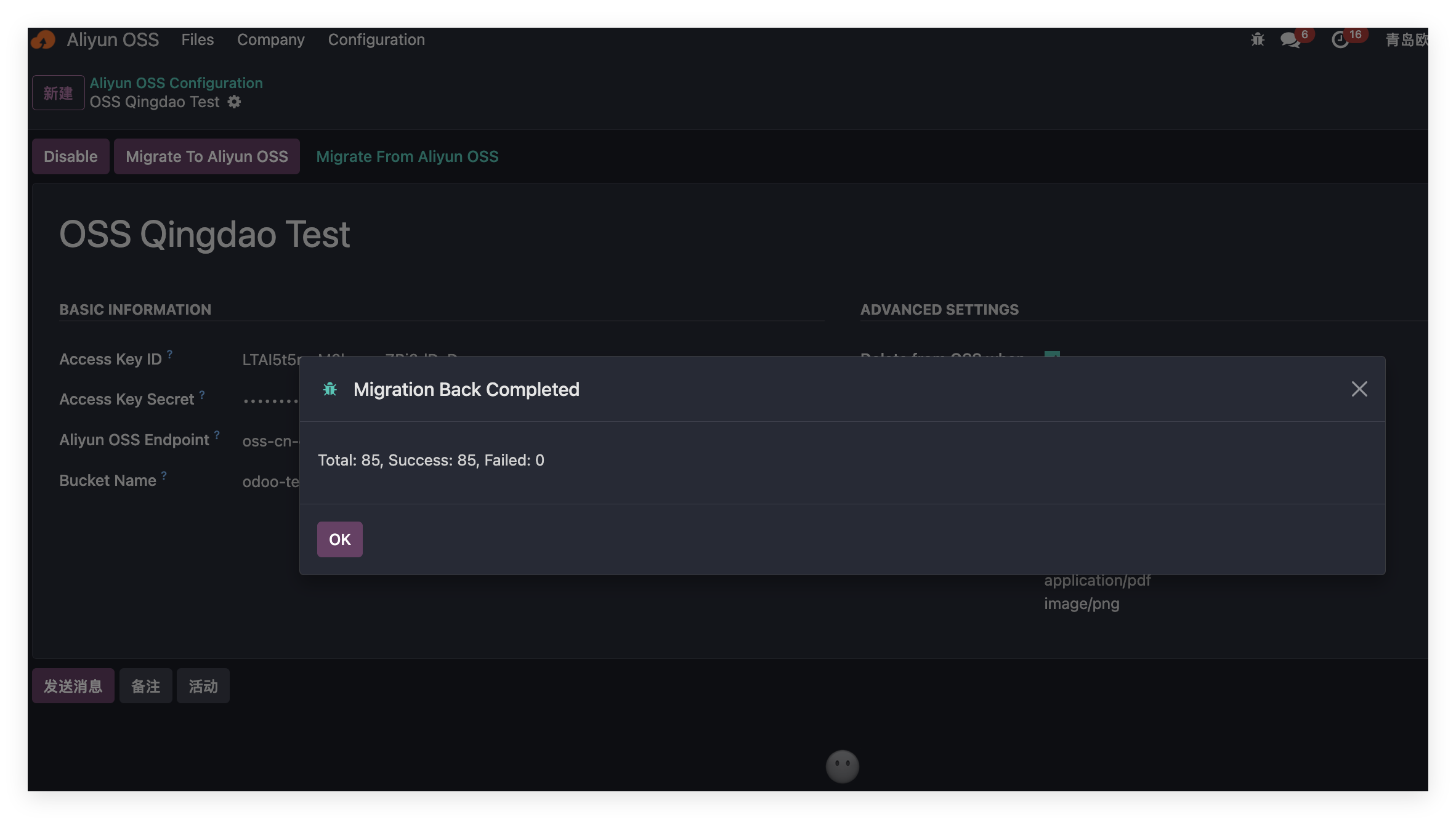
After retrieving files from OSS, the OSS files are automatically deleted.
This chapter introduced Alibaba Cloud OSS integration for Odoo attachment storage.