Chapter 8 POS Sales
POS users need a fast and readable product selection area. If too few products are displayed, cashiers must rely heavily on search. If too many products are loaded, the interface may become harder to operate or slower on some devices.
This chapter introduces a sales display enhancement from the Qingdao Ohm POS solution.
Change The Default Number Of Displayed Products
When POS loads, native Odoo loads only 100 products by default, excluding discount and tip products. Search is available, but in stores with many products, cashiers may still prefer to see more items directly.
Native Odoo does not provide a setting for the number of products shown in the product area. Our POS solution adds control over the product display limit.
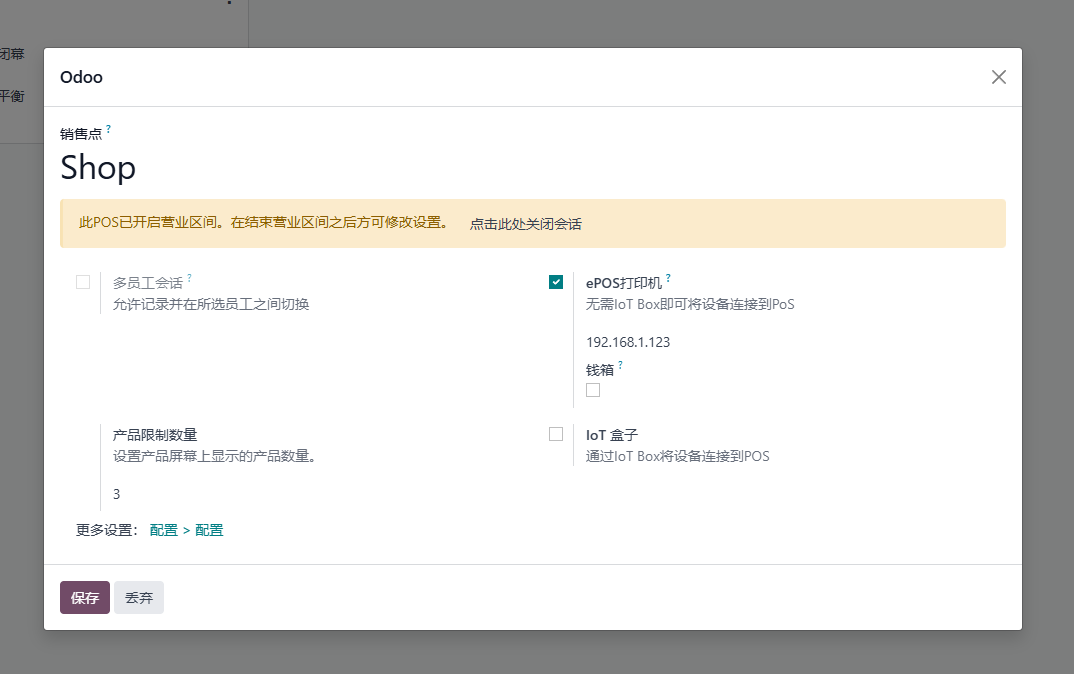
By setting the limit, you can control how many products are displayed in the POS cashier product area.
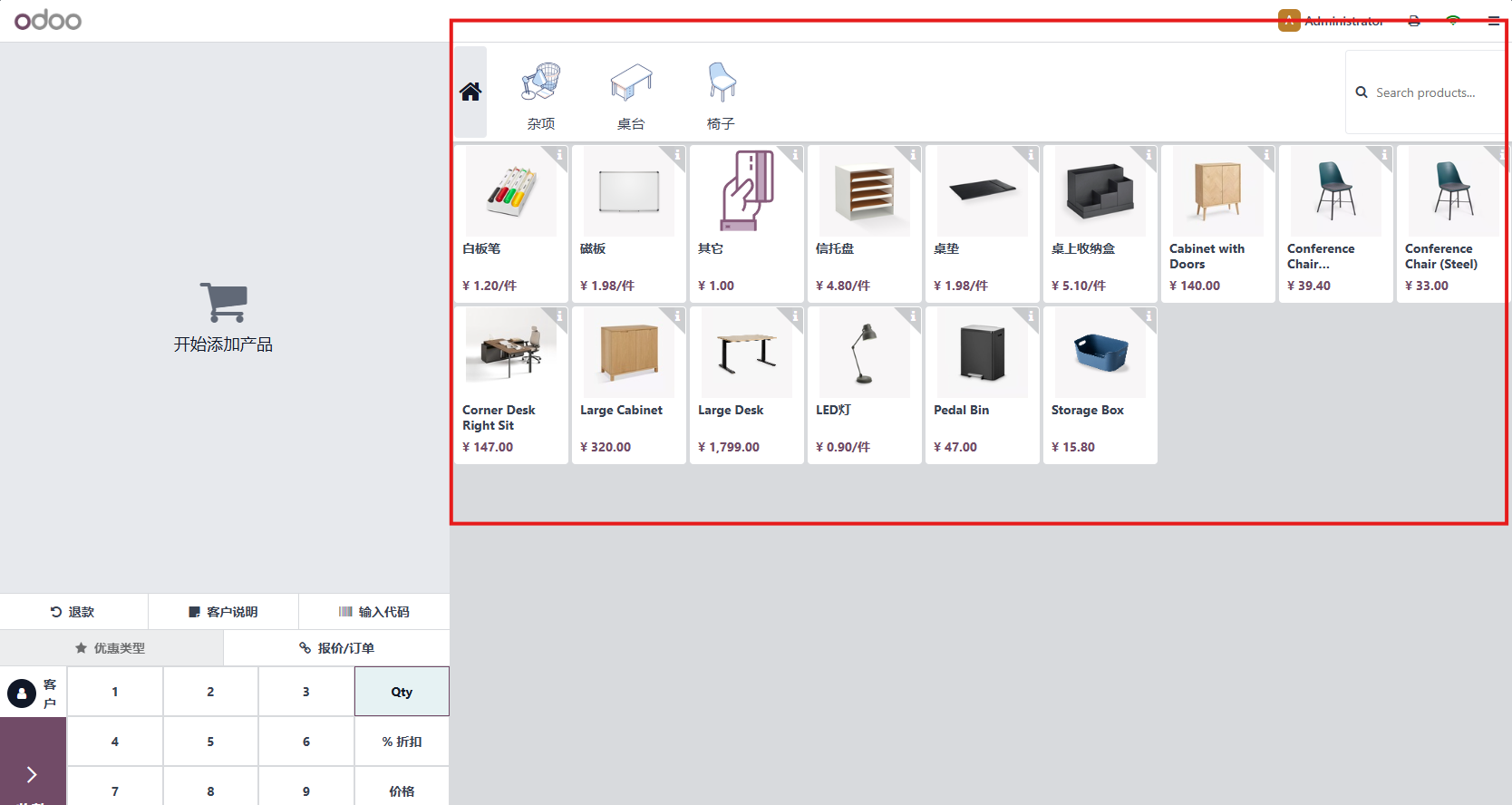
This enhancement is useful for retail stores with many frequently sold products, especially when cashiers work faster by browsing categories instead of typing product names.
This chapter covered the POS product display quantity enhancement. The next chapter explains automatic delivery for products tracked by lot or serial number.