Chapter 3 Attachment Sharing
Odoo provides portal access for documents, but in some situations we do not want an external user to access the entire document and all related attachments. Instead, we may only want them to access selected attachments for a limited period.
This chapter introduces an attachment sharing feature designed for that scenario.
Sales Attachment Management
We use sales order attachment management as an example. First, open a sales order.
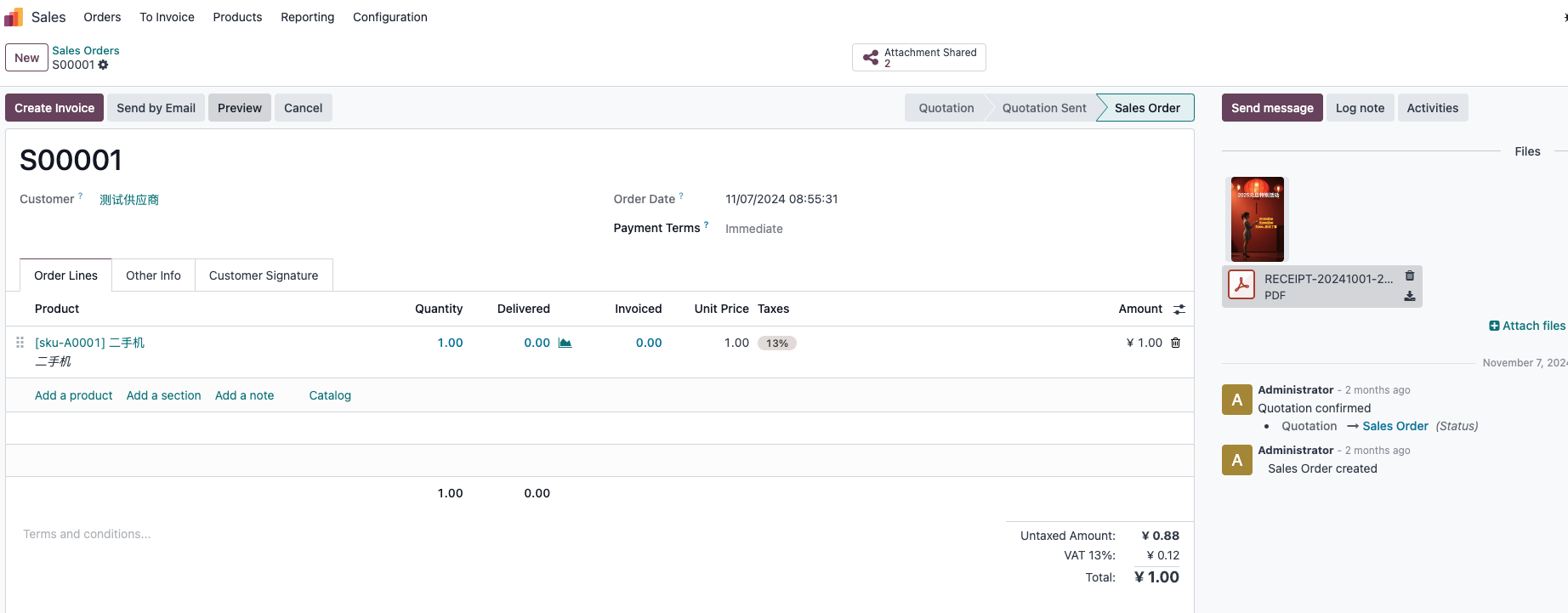
In this example, the order contains two attachments. We want to manage and share each attachment separately, including controlling the expiration date.
Click the attachment sharing shortcut button at the top of the document to open the attachment sharing management page.
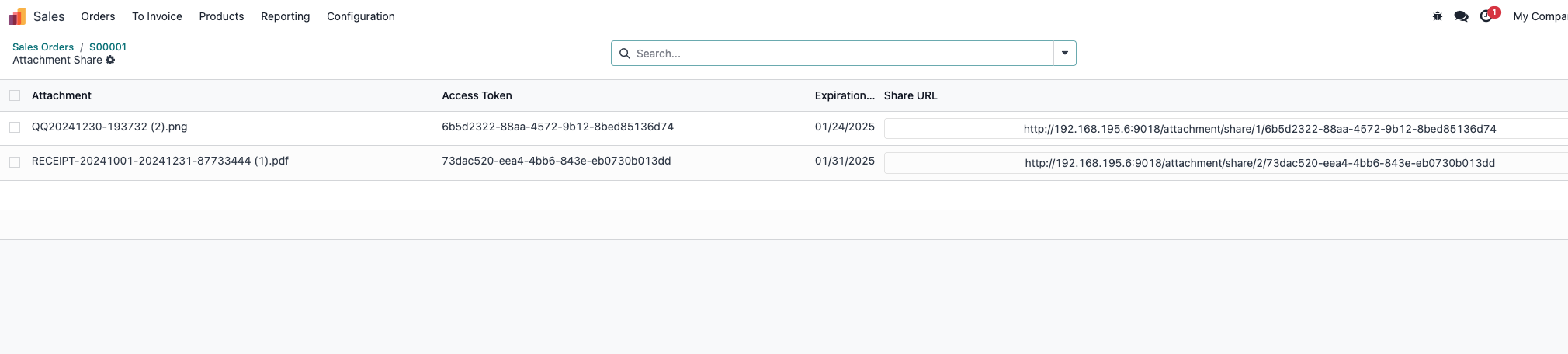
The system automatically creates sharing entries for each attachment. You can edit the expiration date to control how long each attachment remains available.
This is useful when attachments contain quotation files, product drawings, certificates, contracts, or delivery documents that should be shared selectively.
Share With External Users
Copy the sharing link from the document and send it to the external user.
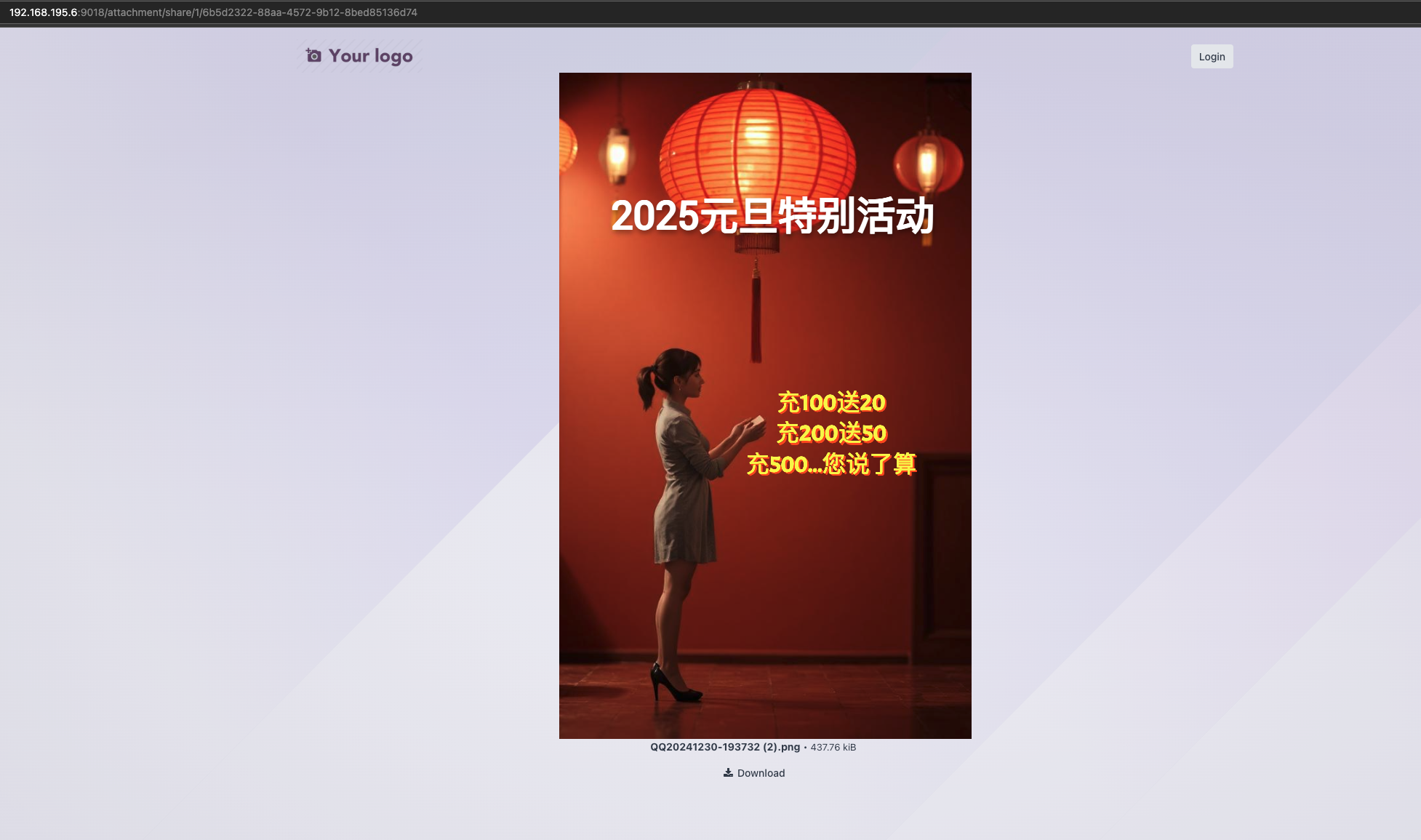
The external user can preview the image or click the download button to save the document locally.
Compared with sharing the entire sales order portal page, attachment-level sharing gives the company more control. It is a practical approach when the recipient only needs a file, not the full business document.
This chapter introduced controlled attachment sharing. The next chapter explains IP whitelist login restrictions for security-sensitive deployments.