Shopify And Odoo Integration
Applicable to Odoo 19.0.
This chapter explains how to connect Shopify with Odoo using the Shopify integration module developed by Qingdao Ohm Network Technology.
Shopify Configuration
First, create a private app in the Shopify backend.
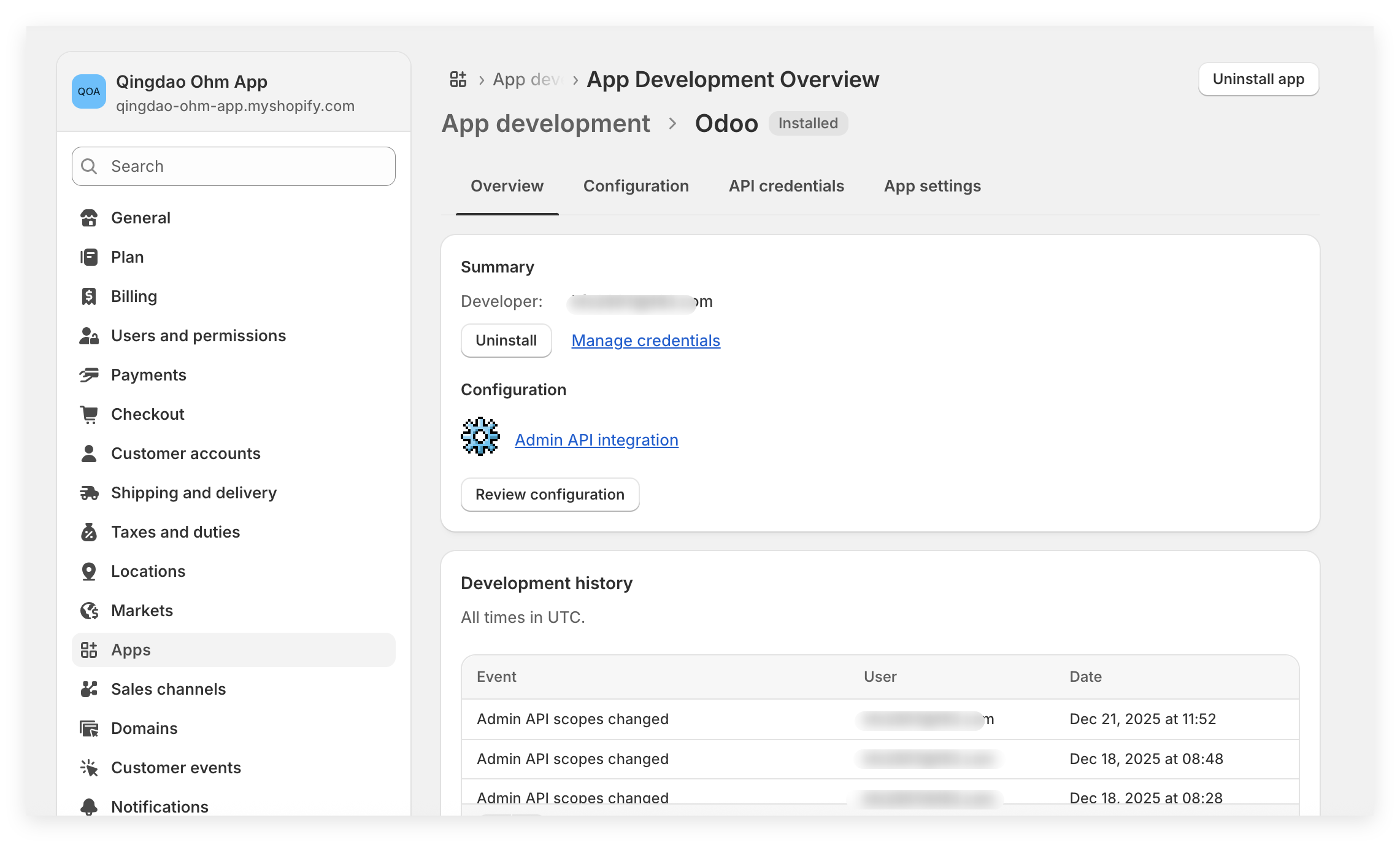
Obtain these parameters:
| Parameter | Description |
|---|---|
| App Key | Application key. |
| Admin Access Token | Admin API access token. |
Configure App Permissions
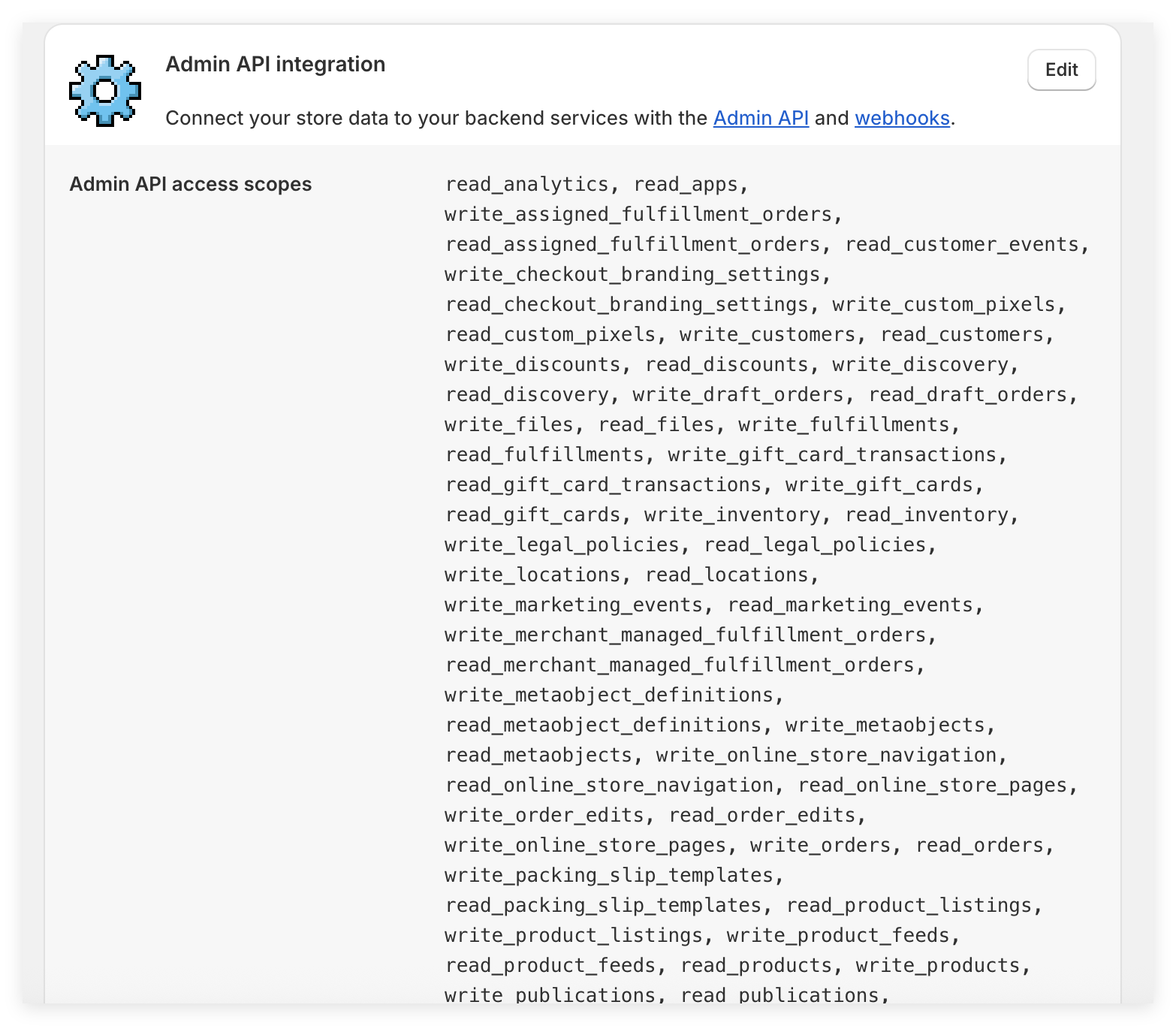
Grant the required API permissions under Configuration > Admin API Integration > API Access Scopes.
Odoo Configuration
Install the Shopify integration module developed by Qingdao Ohm Network Technology.
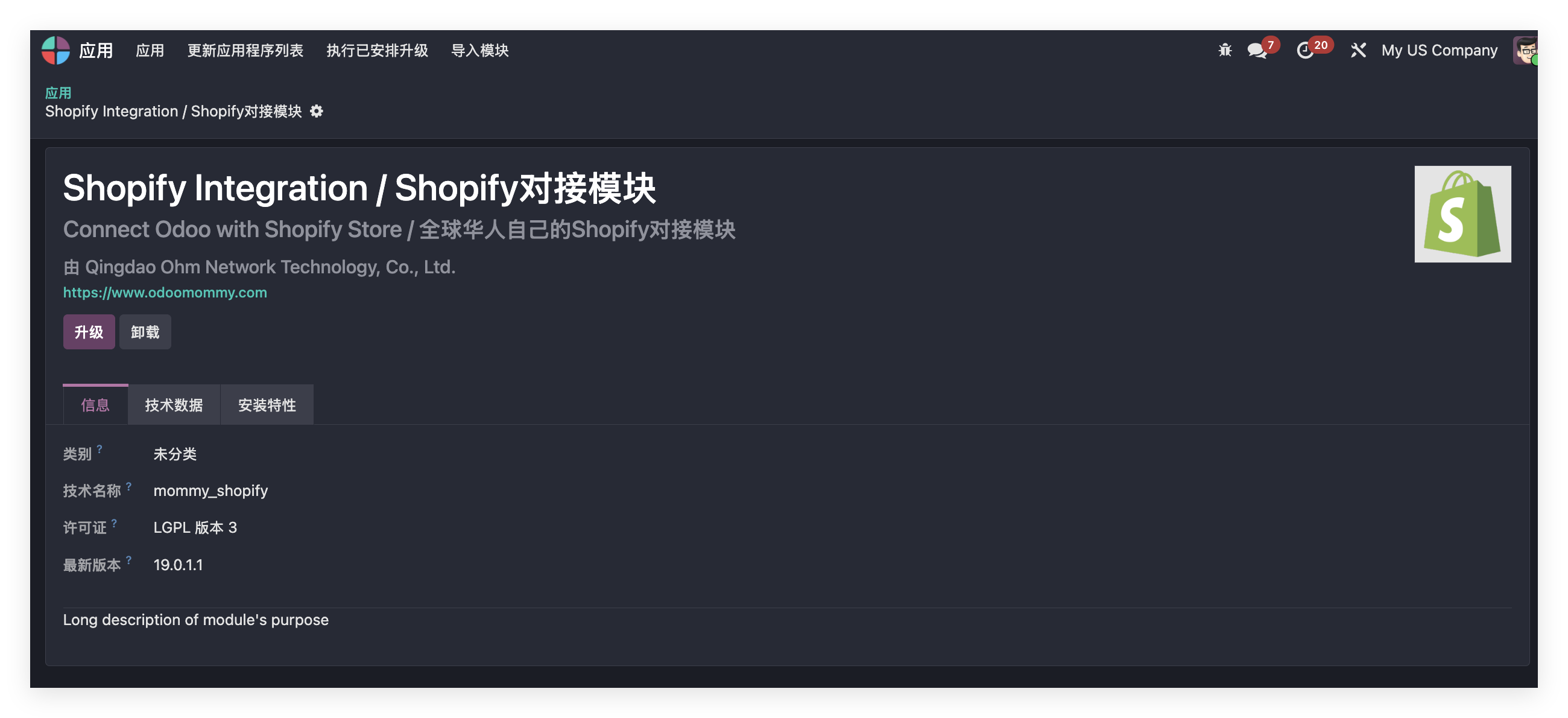
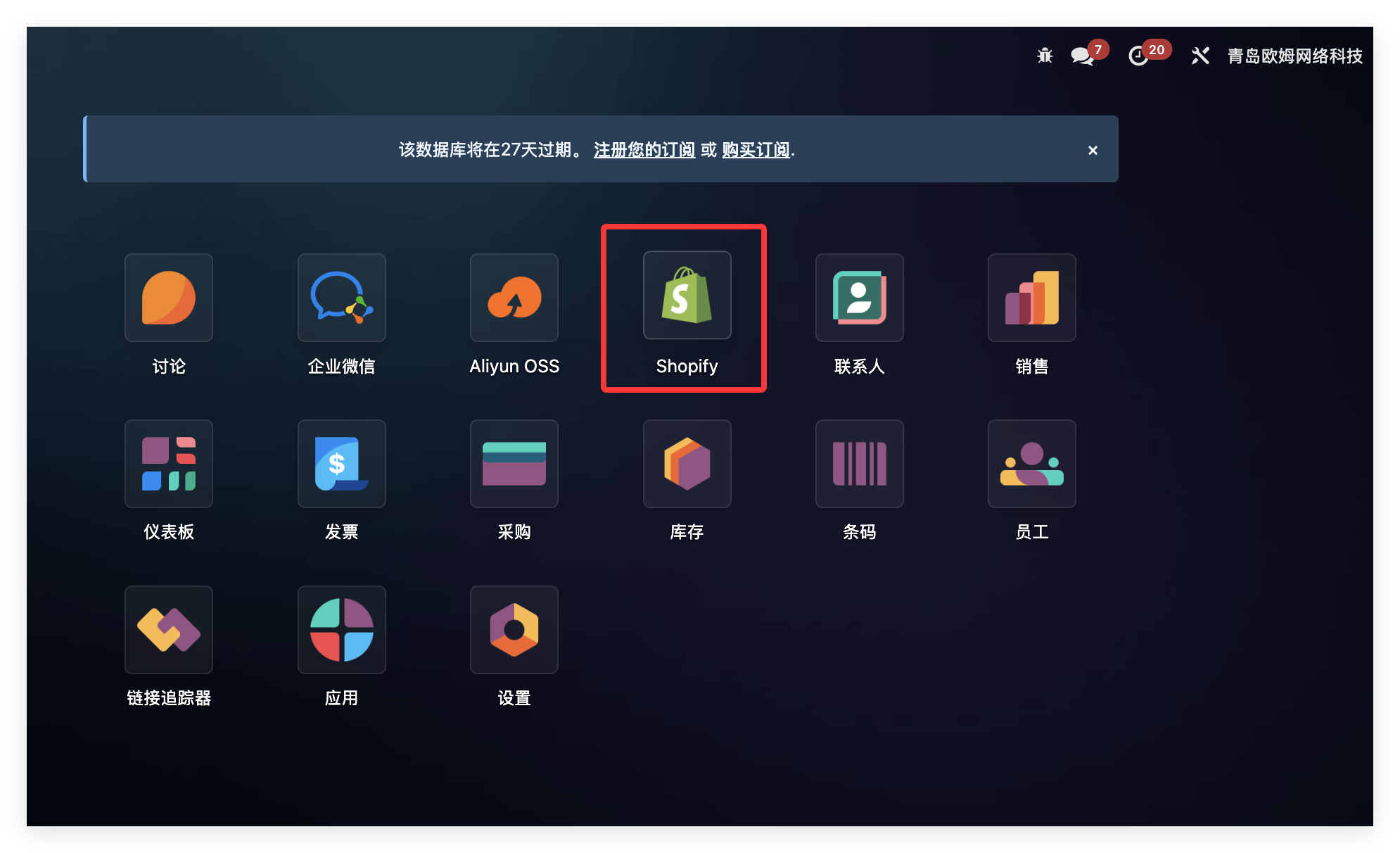
After installation, click the Shopify icon on the main page and open the Shopify app.
Create A Shopify Store
Go to Settings > Stores and create a Shopify store.
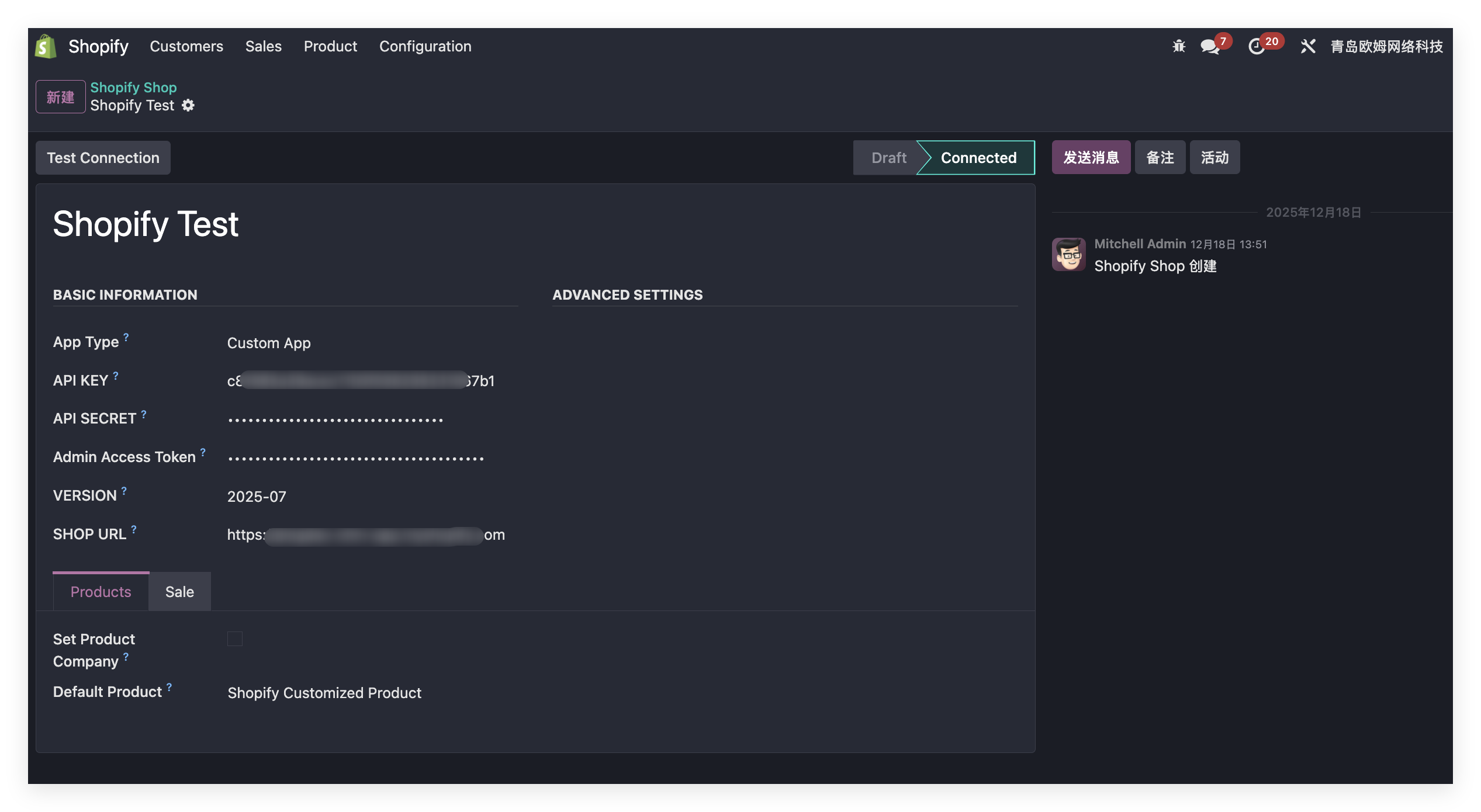
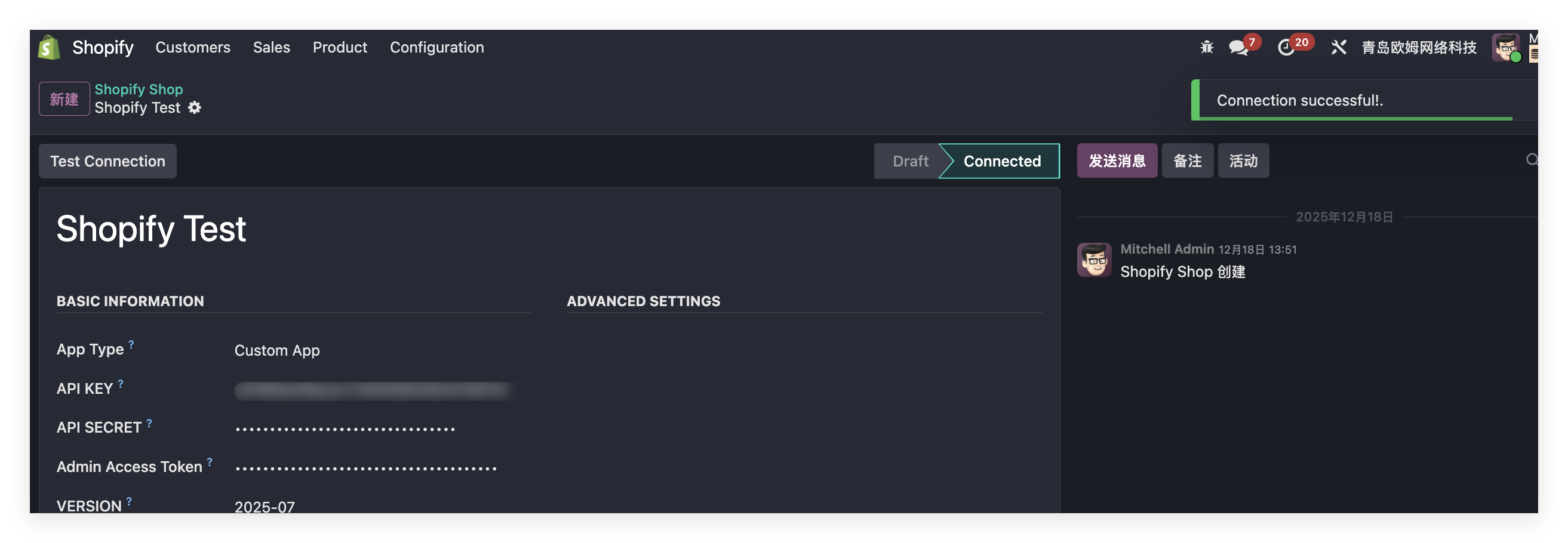
Enter the parameters obtained earlier. After configuration, click Test Connection. If settings are correct, Odoo shows a success message.
Bind Company
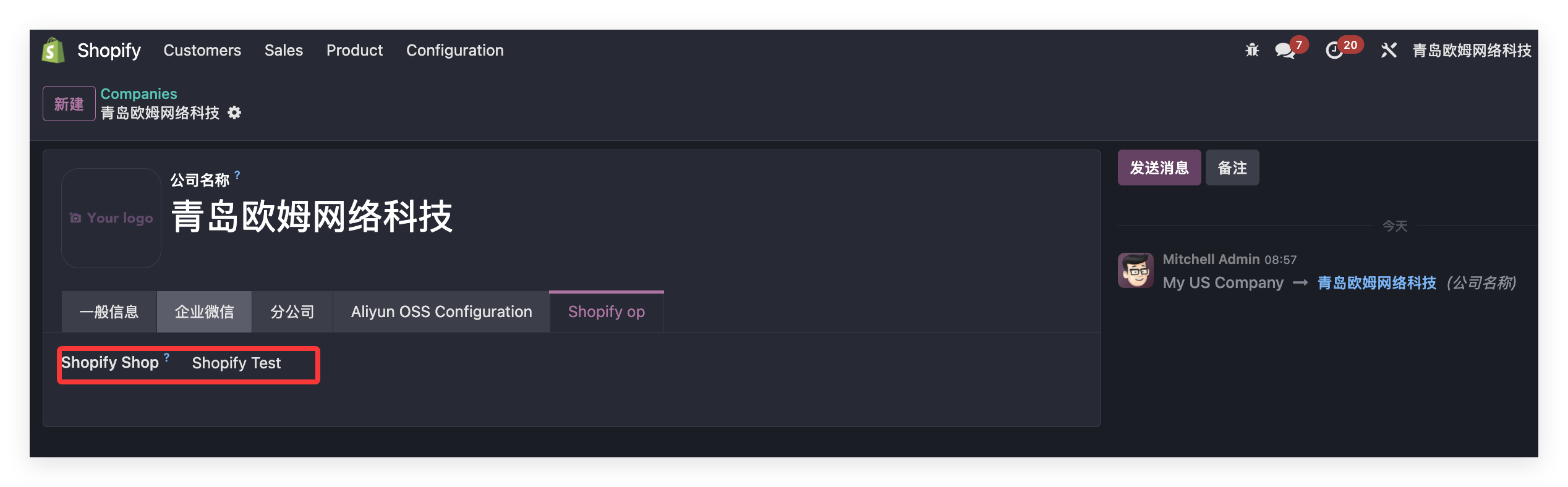
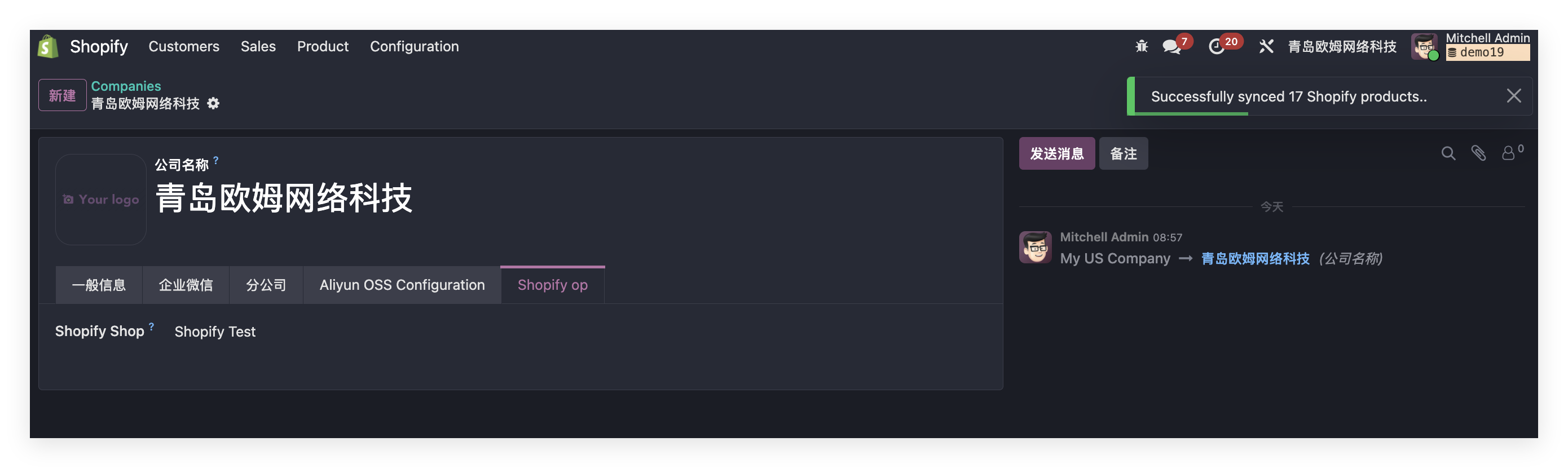
Bind the Shopify app to the company that will use it. Go to Settings > Companies, select the company, and choose the Shopify app on the Shopify tab.
Odoo Usage
Product Synchronization
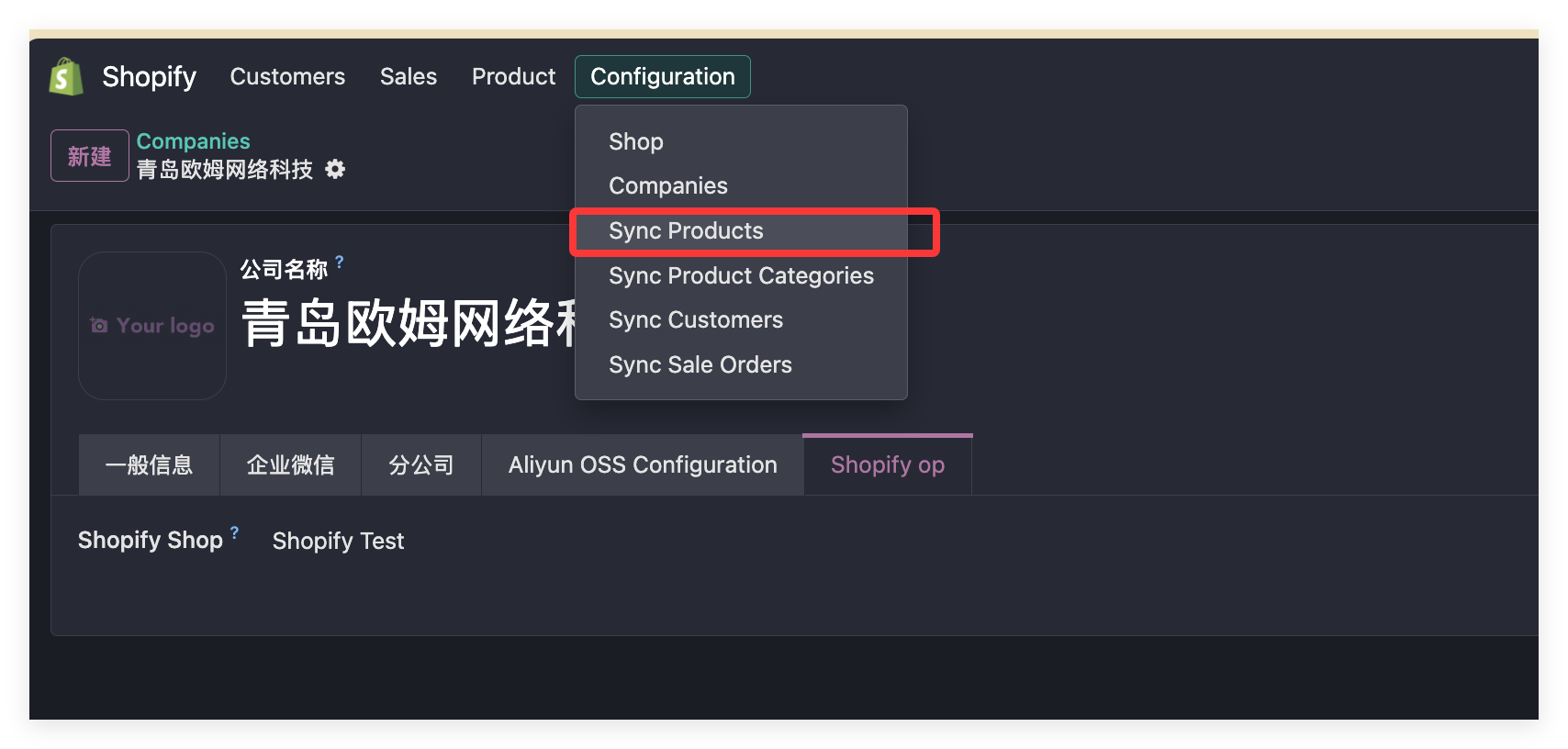
Click Settings > Synchronize Products to trigger product synchronization.
After synchronization, Odoo shows how many products were synchronized.
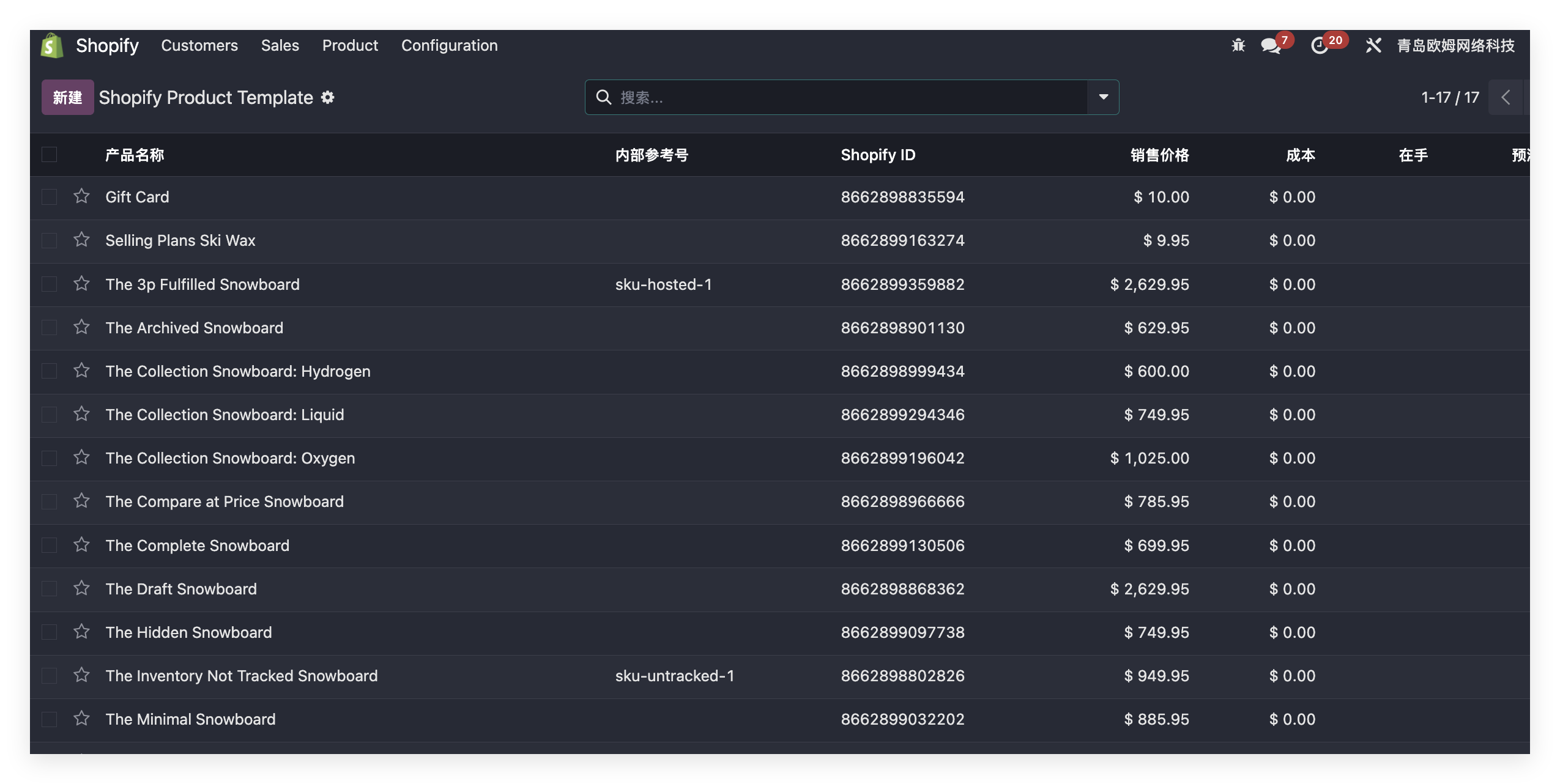
Products can be viewed under Products > Product Templates and Product Variants.
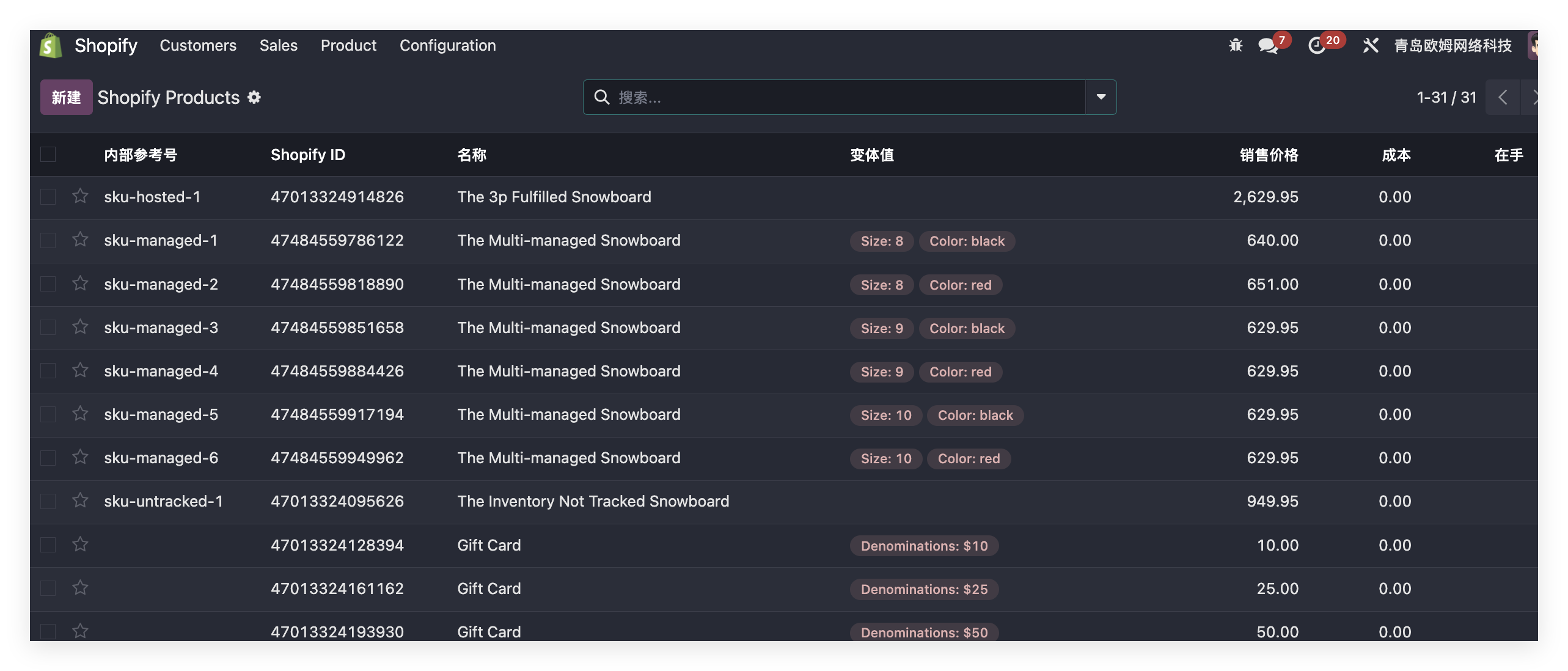
Variant Synchronization
If Shopify products have variants, Odoo synchronizes the variants automatically.
Customer Synchronization
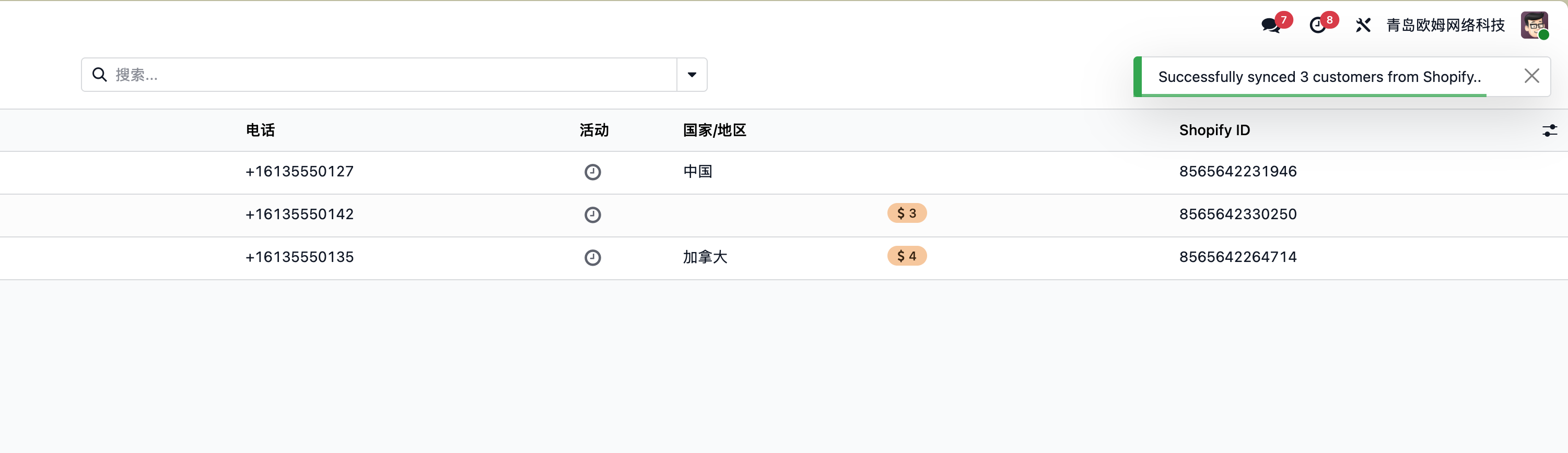
After product synchronization, synchronize Shopify customers from the configuration menu.
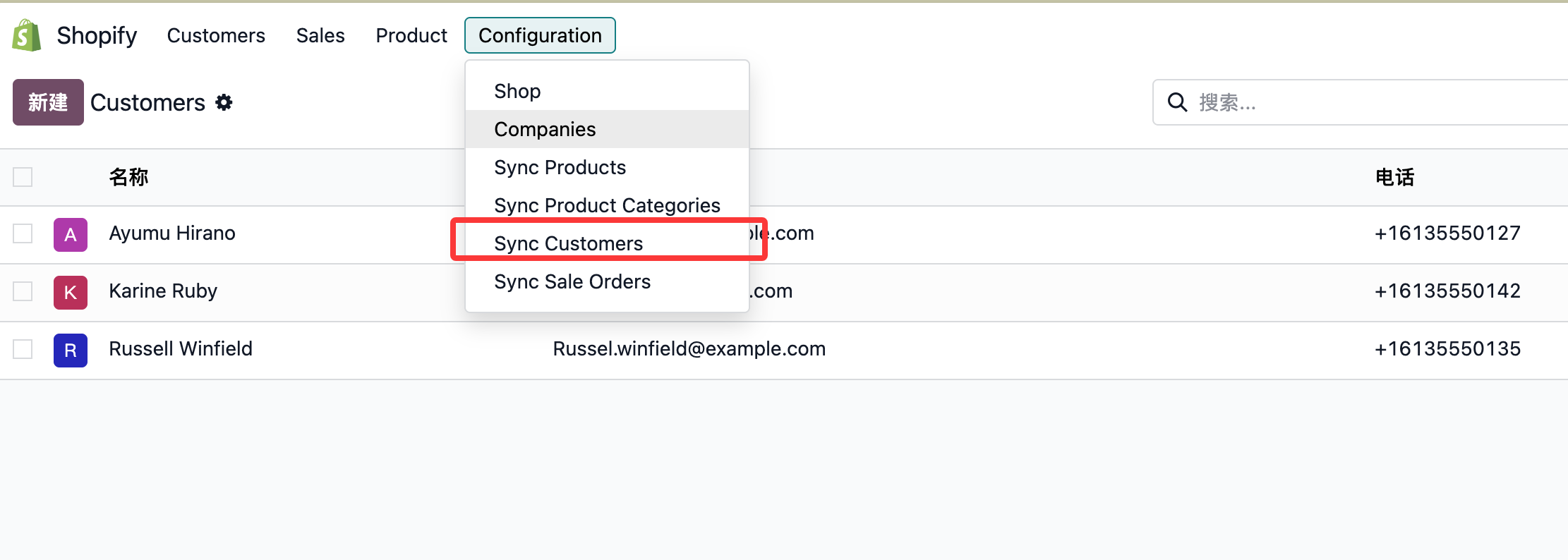
After synchronization, Odoo shows how many records were synchronized.
Order Synchronization
In Shopify, draft orders and orders are different data types. In Odoo, they are the same model with different states. The settings therefore distinguish between the two.
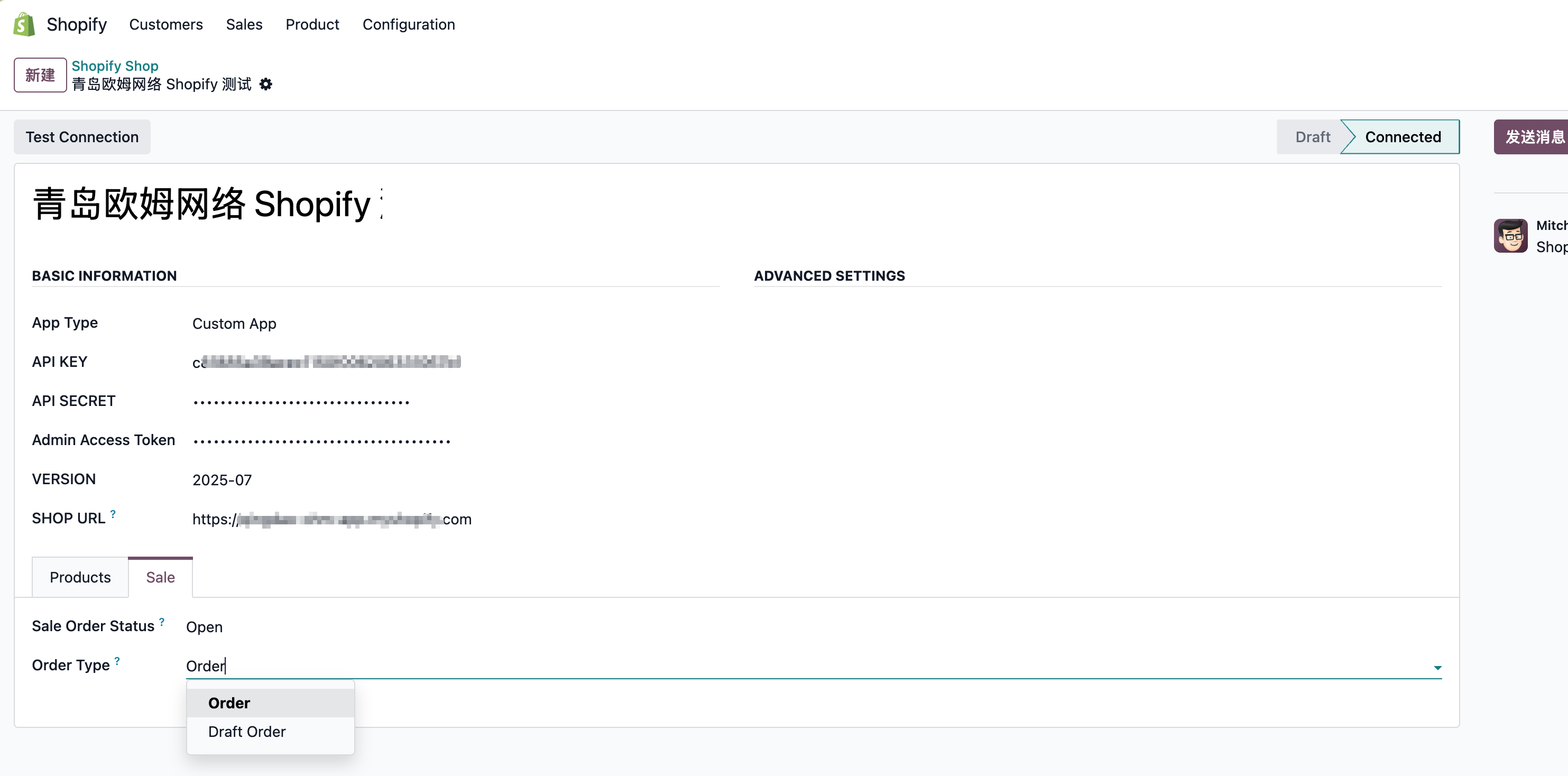
| Option | Meaning |
|---|---|
| Draft Order | Synchronize Shopify draft orders. |
| Order | Synchronize valid Shopify orders. |
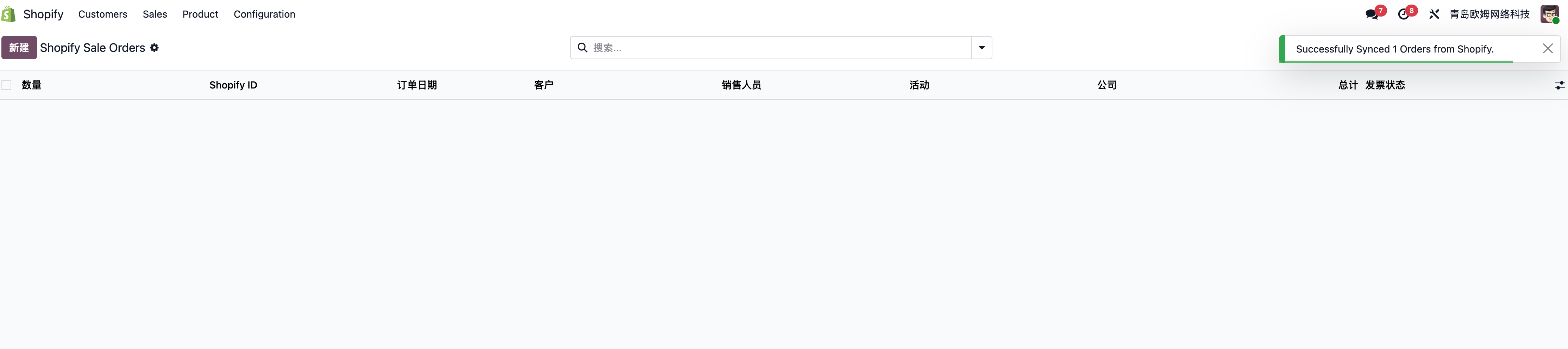
Click the synchronize orders menu in settings to import orders into Odoo.
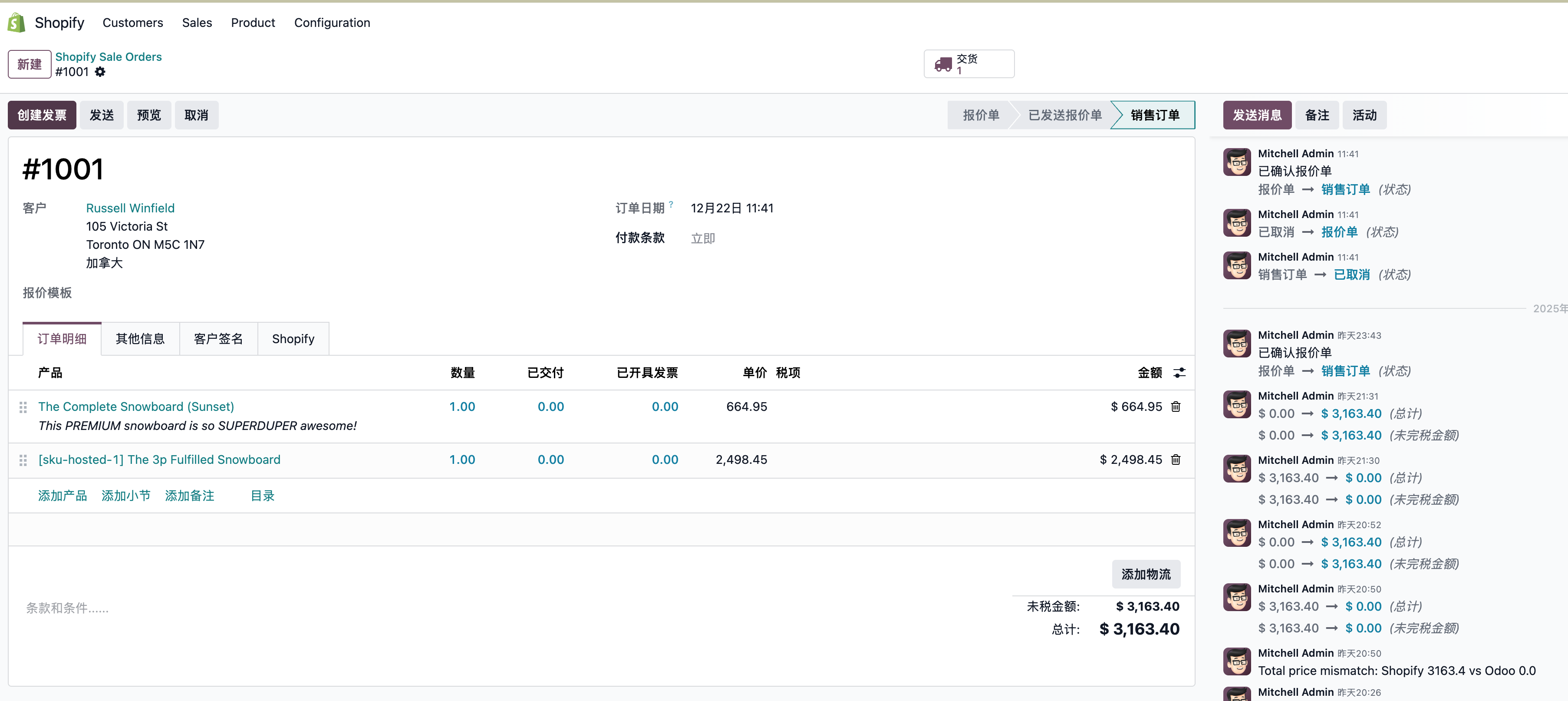
Synchronized order example:
This chapter introduced Shopify product, customer, and order synchronization with Odoo.