Foreign Trade Custom Apparel
Business Background
This customer runs a custom foreign trade apparel business. Their customers submit customized product requirements and place orders. Production is outsourced to factories, and after production the goods are shipped to customers. During the process, merchandisers arrange shipment time, follow up balances, and handle after-sales service.
This case was implemented with Odoo 16.0.
SKU Design
Because the business is more make-to-order and the customer does not directly manage inventory, all SKUs were designed as consumables. The factory usually ships directly, but logistics tracking is still required.
Order Processing Flow
Sales Orders
Salespeople create orders in the Sales app. Sales orders are divided into bulk orders and sample orders.
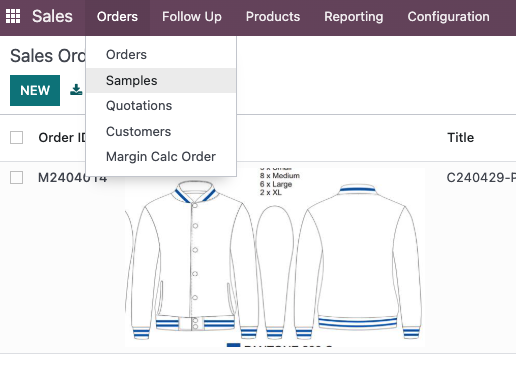
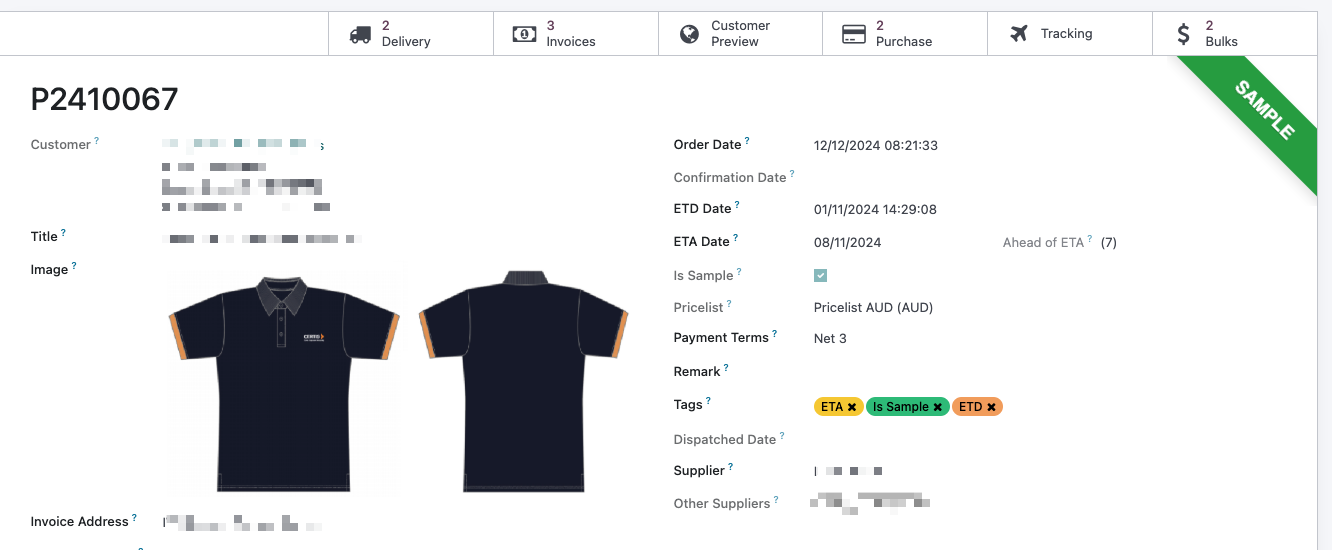
Salespeople can quickly identify whether the order is a sample or bulk order. After confirming products and quantities, they confirm the sales order and enter customer ETD and supplier ETA in the corresponding fields.
Generate Purchase Orders
Because almost all production is outsourced, factories are treated as suppliers. Production requirements are sent to factories through purchase orders.
To simplify operation, a create purchase order button was added to the sales order. It creates a linked purchase order directly.
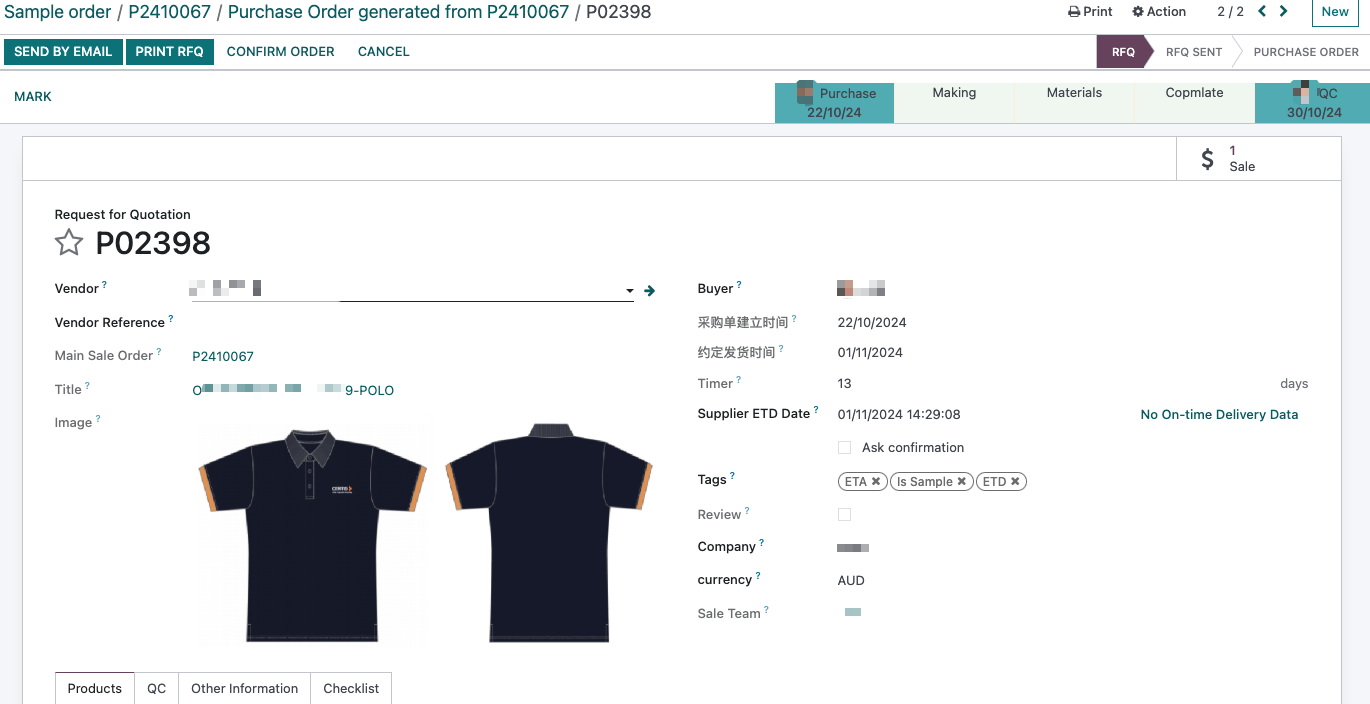
Supplier Updates Order Status
Suppliers are given system access. After login, they can view their own orders and update price and status.
To make information sharing easier, a tag/status feature was developed. Merchandisers or suppliers can update order status so relevant staff can follow progress.
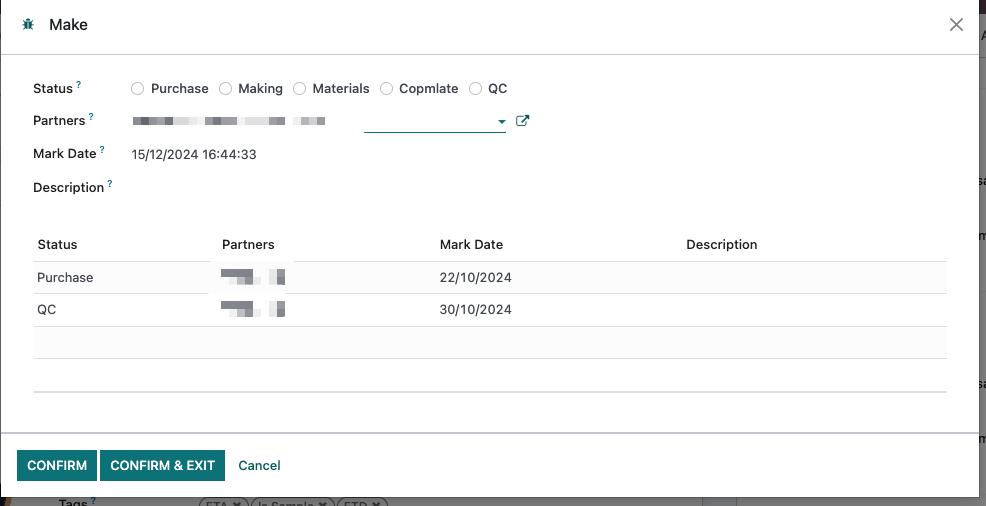
Order statuses can be customized in settings.
Shipment
After factory production is completed, the merchandiser or supplier marks the order as finished. The order enters QC and shipment stage.
QC uses native Odoo functionality. After QC, users fill in carrier and tracking number, then validate delivery.
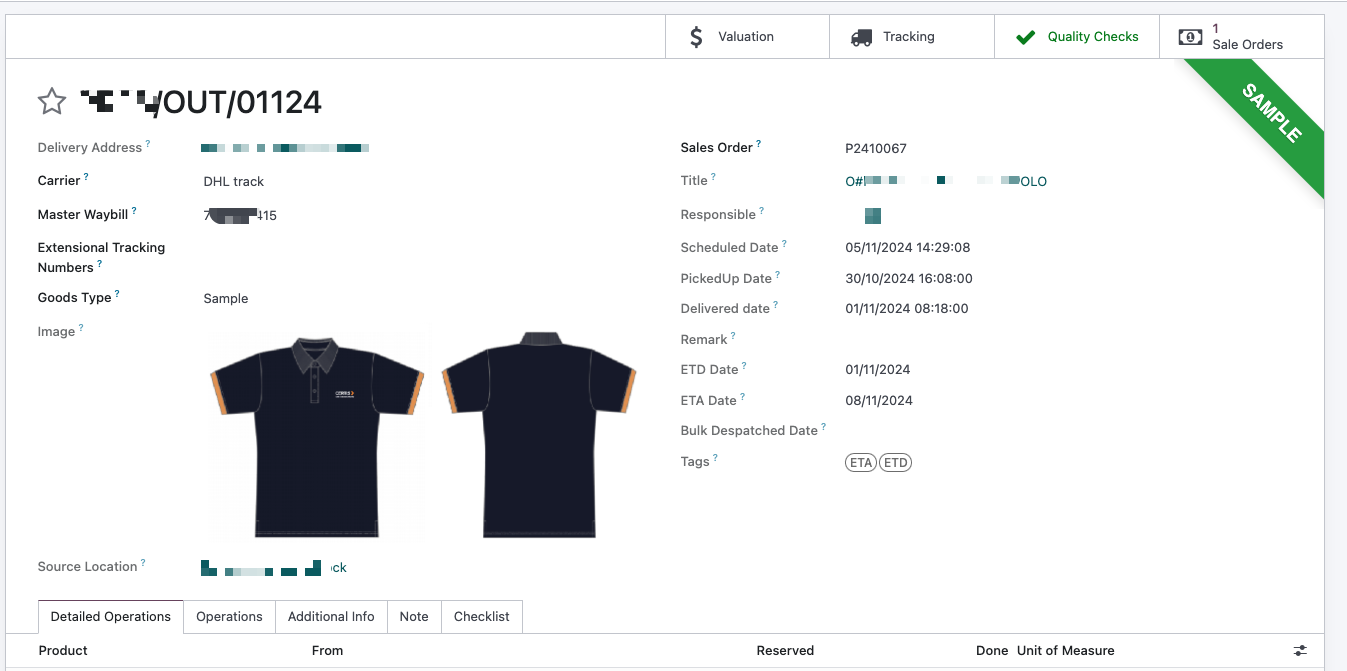
Logistics Status Update
With APIs from DHL, 17TRACK, and other logistics platforms, shipment status can be queried directly from the order.
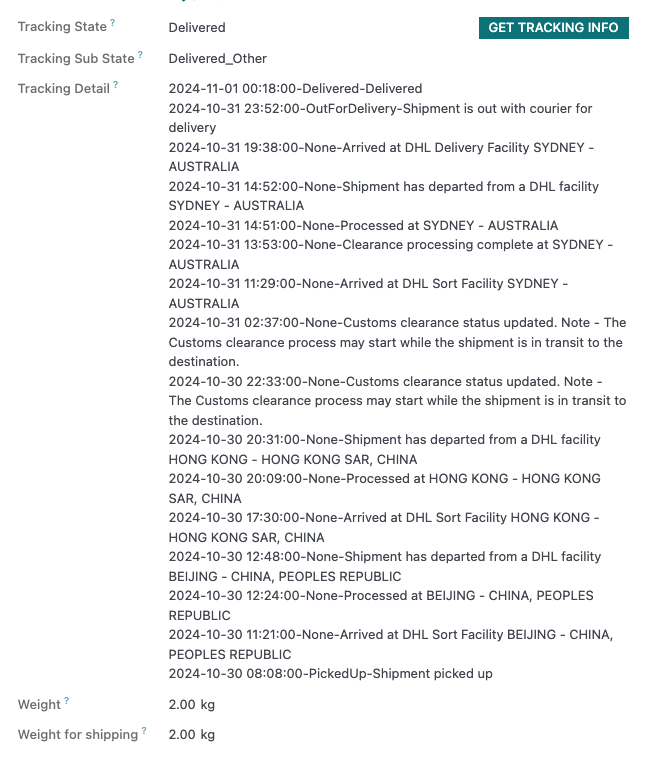
Reminders or follow-up actions can be triggered after delivery.
Real-Time Order Status Tracking
To make order status visible at a glance, the order list displays payment status, logistics status, and other key information.
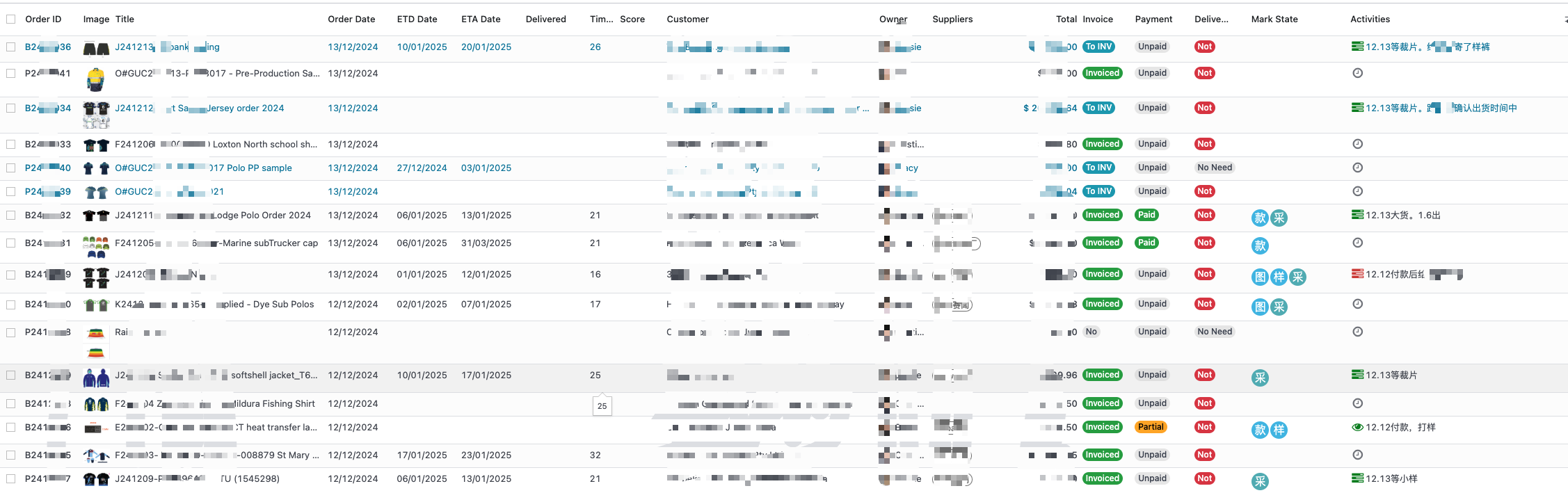
Merchandisers can quickly identify next actions.
Freight Cost Calculation
Carrier APIs allow freight cost to be added to orders.
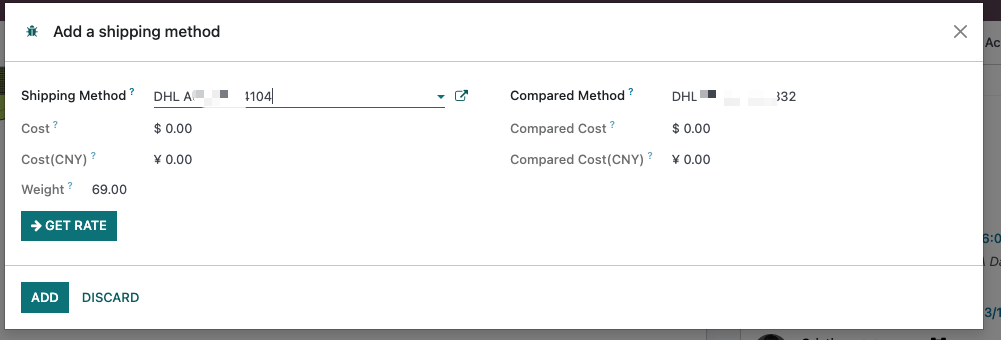
Carrier freight bills can also be imported to generate freight purchase orders.
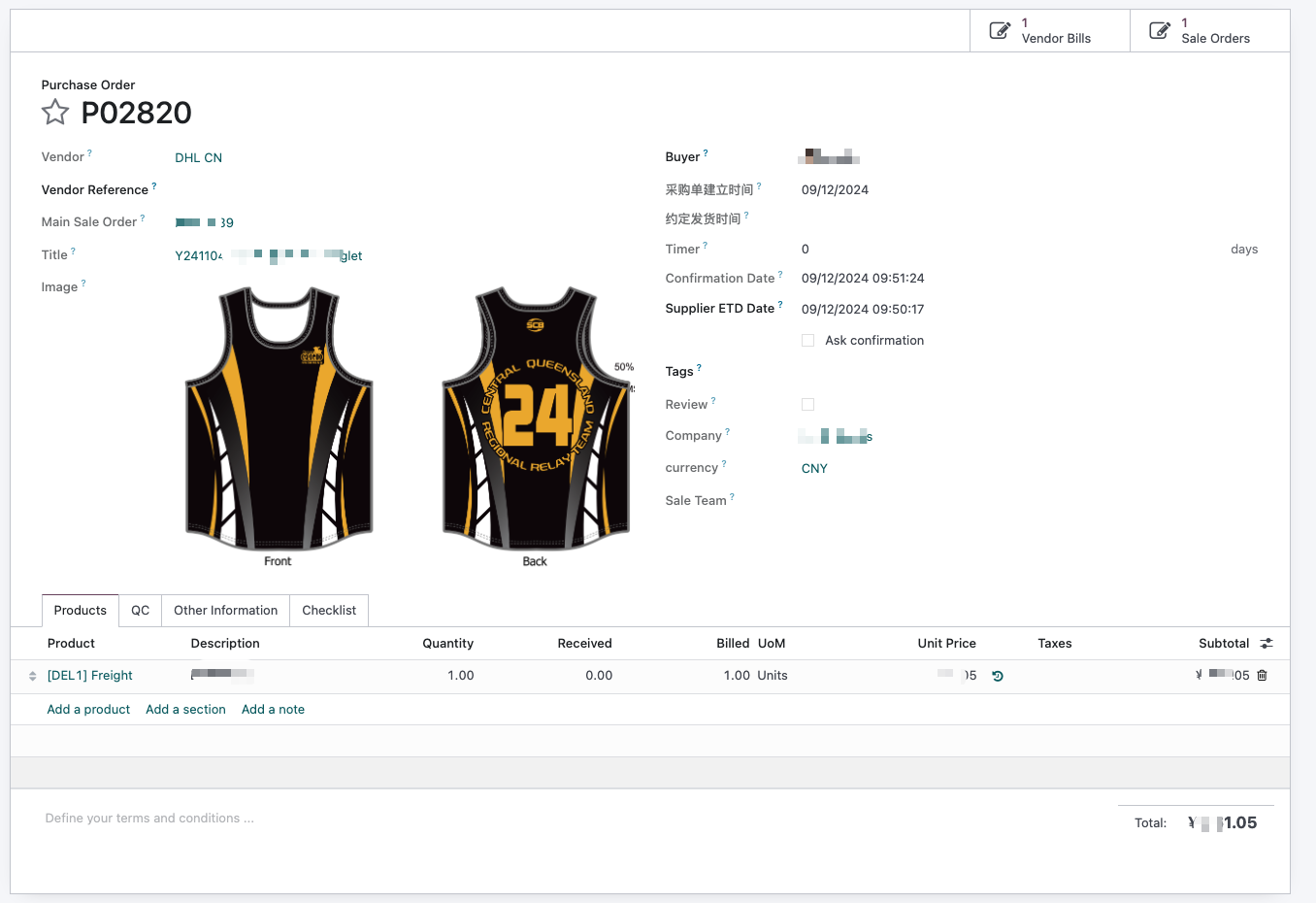
Generated freight purchase orders are linked to sales orders and included in statistics.
Cost Statistics
Costs related to orders are linked to the order.
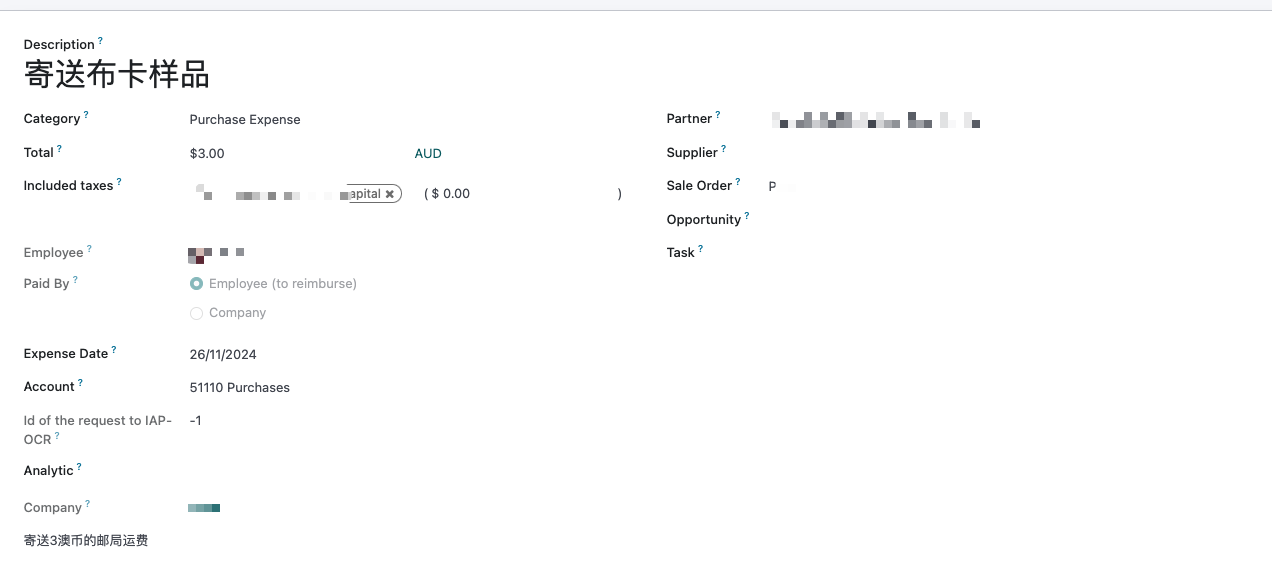
Profit Statistics
Profit can then be analyzed by order across all related stages.
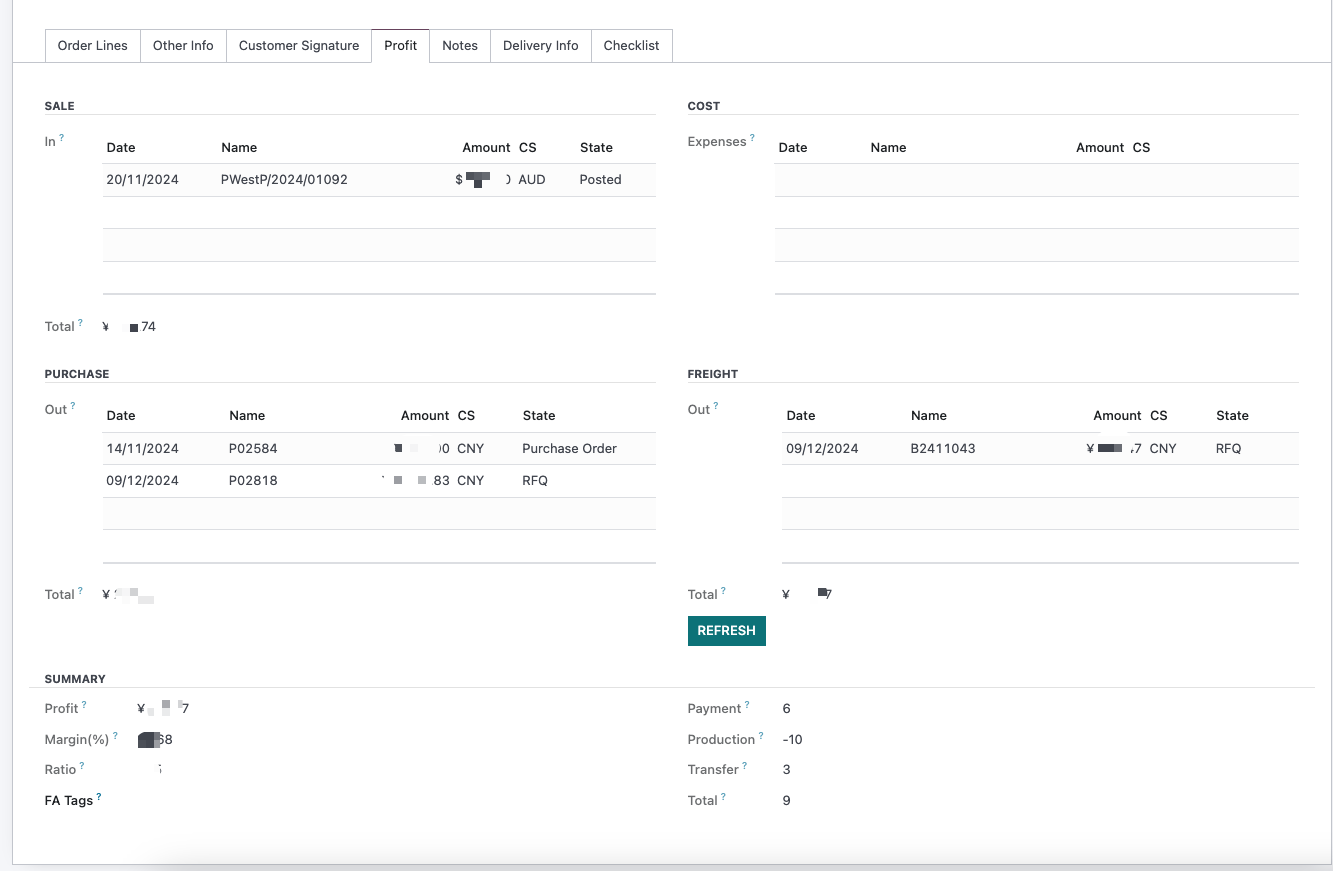
Foreign currencies are automatically converted to RMB for statistics.
After-Sales Service
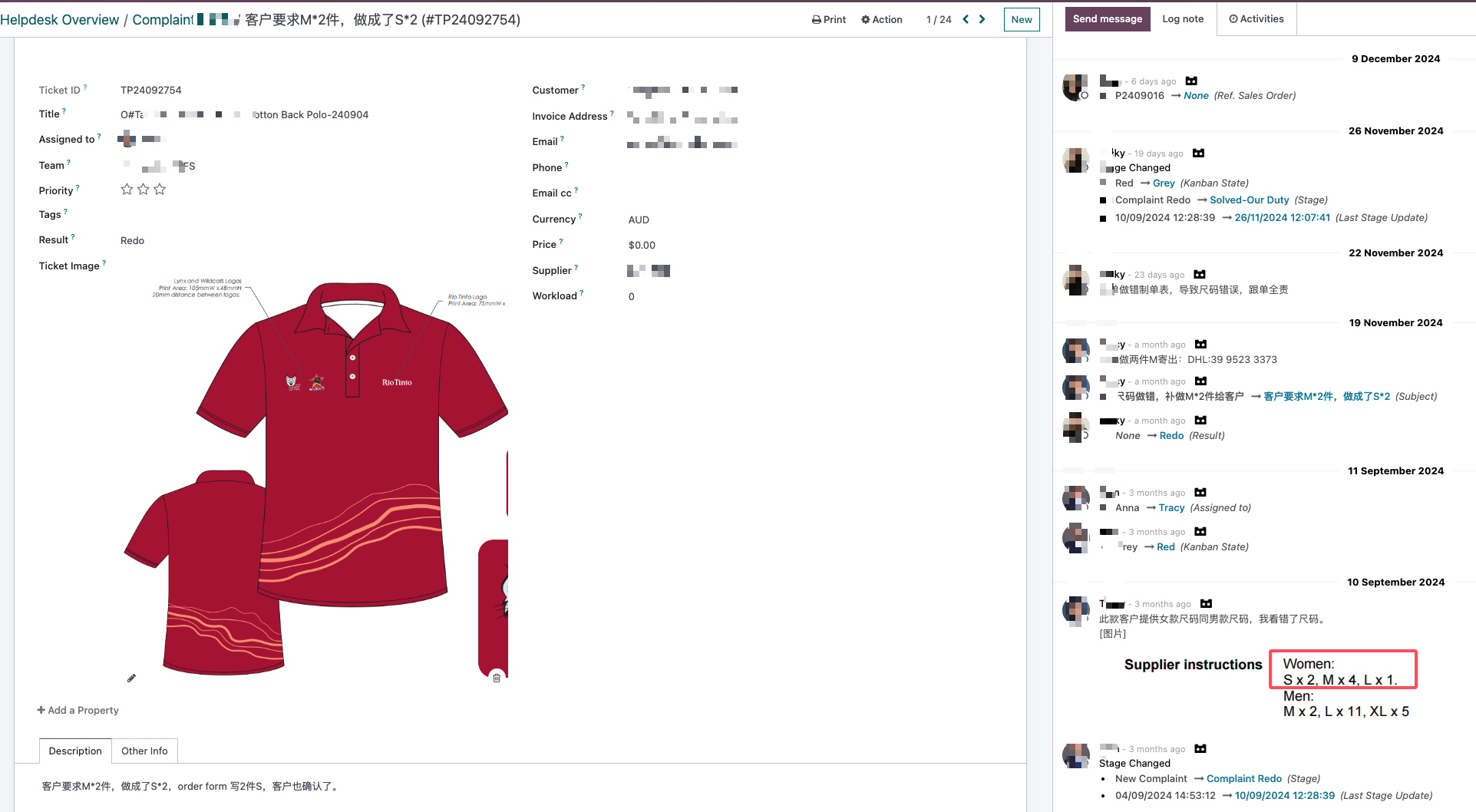
If after-sales service is needed during the order process, the after-sales team follows up and resolves the issue.
Conclusion
With Odoo's standardized process and targeted custom development, the customer successfully transformed an Excel-driven workflow into an Odoo-based process. Internal operations became clearer and simpler, allowing the company to focus more on business growth.