Chapter 9 Automatic Delivery For Lot And Serial-Tracked POS Products
Based on Odoo 18.
When POS creates an order, Odoo generates stock movements based on the POS order lines. If the product is not tracked by lot or serial number, Odoo can reserve stock and complete the delivery automatically.
However, when the product is tracked by lot or serial number, automatic delivery may fail because the generated picking requires the user to manually confirm quantities and tracking information.
This chapter explains how the Qingdao Ohm POS solution handles automatic delivery for lot and serial-tracked products.
Enable Automatic Delivery For Lots And Serials
To solve this issue, our POS solution adds an automatic delivery feature for lot and serial-tracked products. In Point of Sale > Settings > Inventory, enable this option.
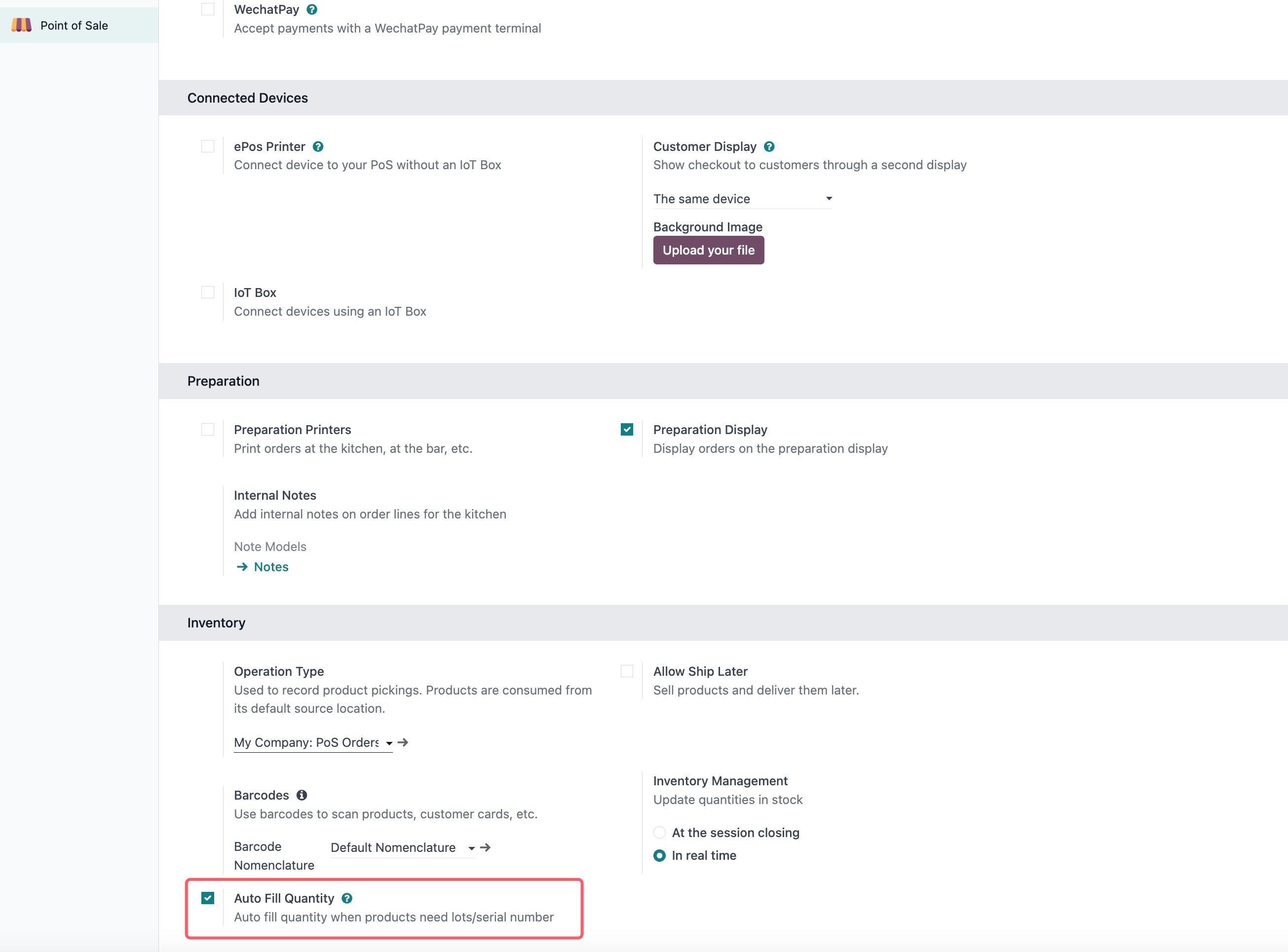
Automatic Lot Delivery
After the option is enabled, when a POS order is created and enough stock is available, Odoo can automatically assign the stock and complete the delivery.
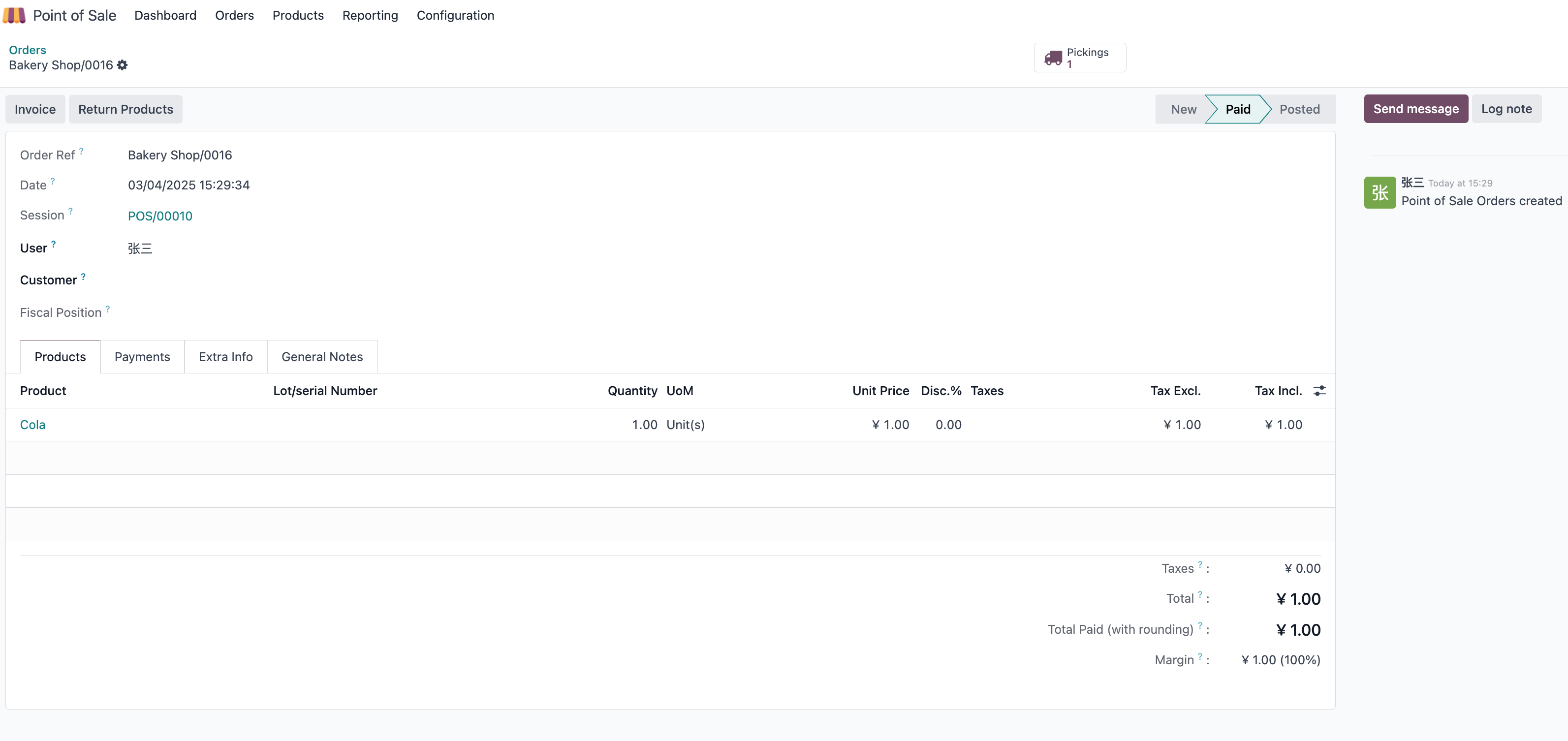
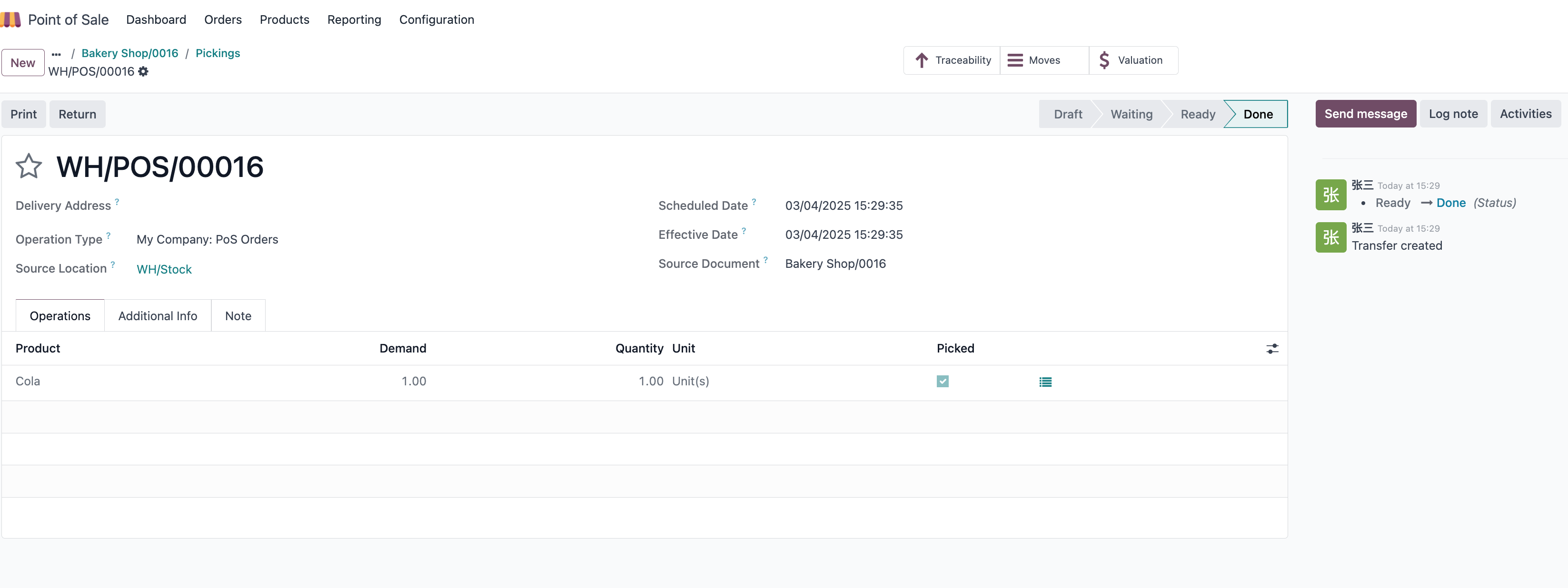
This is useful for stores selling serialized or lot-tracked products, such as electronics, devices, regulated goods, or warranty-managed items. It reduces manual backend work after POS checkout while still keeping traceability in inventory records.
This chapter completed the POS section by covering automatic delivery for tracked products. The next part of the manual moves into system settings and technical configuration topics.