YTO Express
YTO Express is one of the major courier providers in China. This chapter explains how to use the YTO Express module to connect Odoo with YTO delivery services.
Installation And Configuration
To use YTO Express, enable it under Settings > Inventory > Logistics Integration.
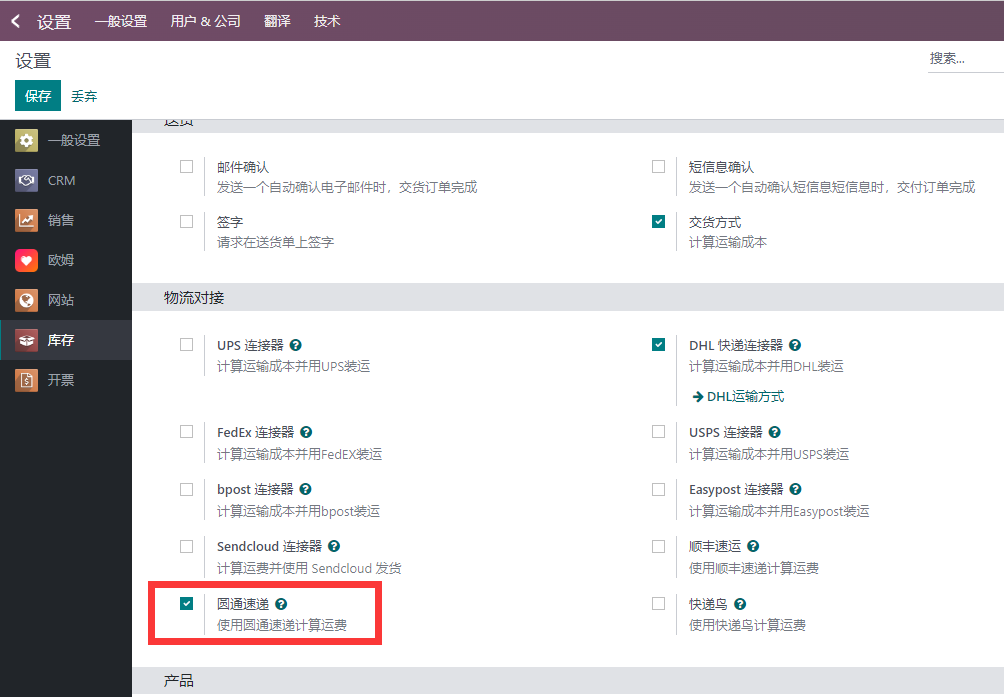
This option installs the YTO module automatically.
After installation, go to Inventory > Configuration > Delivery Methods and open YTO Express.
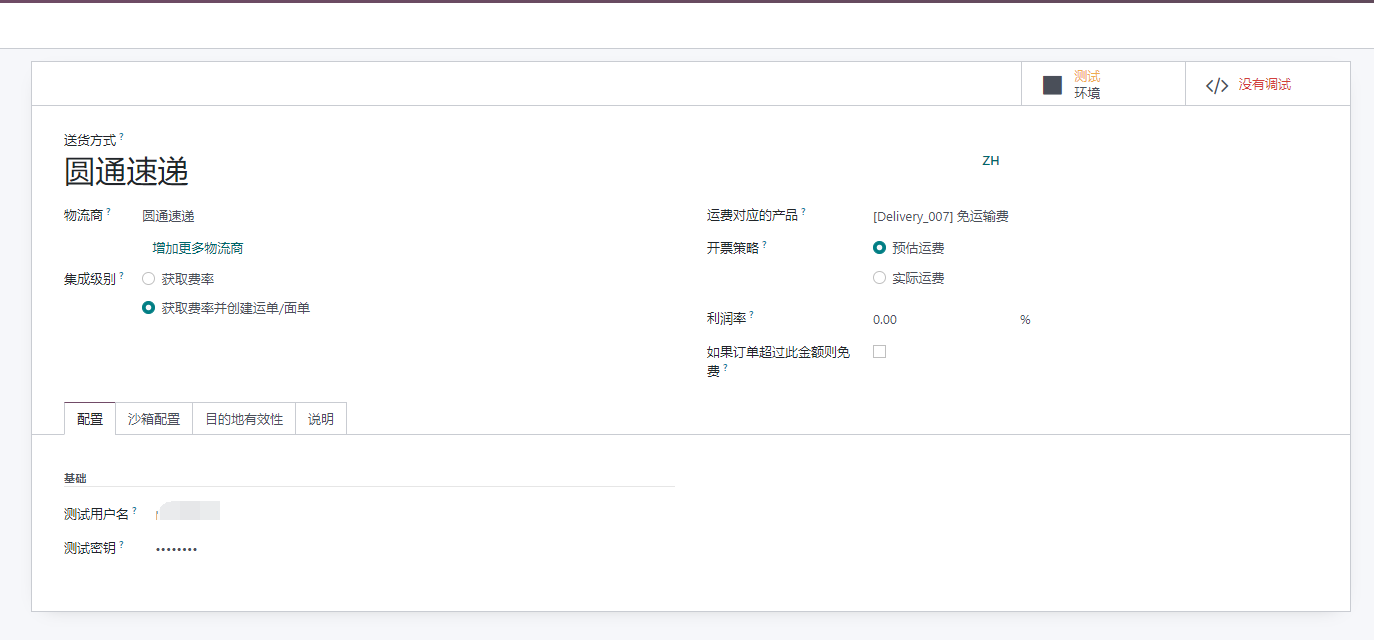
Enter the sandbox account and password obtained from YTO.
YTO customer codes and keys are divided into two types:
| Type | Description |
|---|---|
| STD | Customer code and key authorized by a YTO branch, usually starting with K. Used for key APIs such as order creation, cancellation, and electronic waybill. |
| Basic | Customer code and key starting with OPEN, generated from the open platform and usable after approval. |
Sales Order
YTO is used in a similar way to other delivery carriers. Create a sales order and select YTO Express when adding a delivery method.
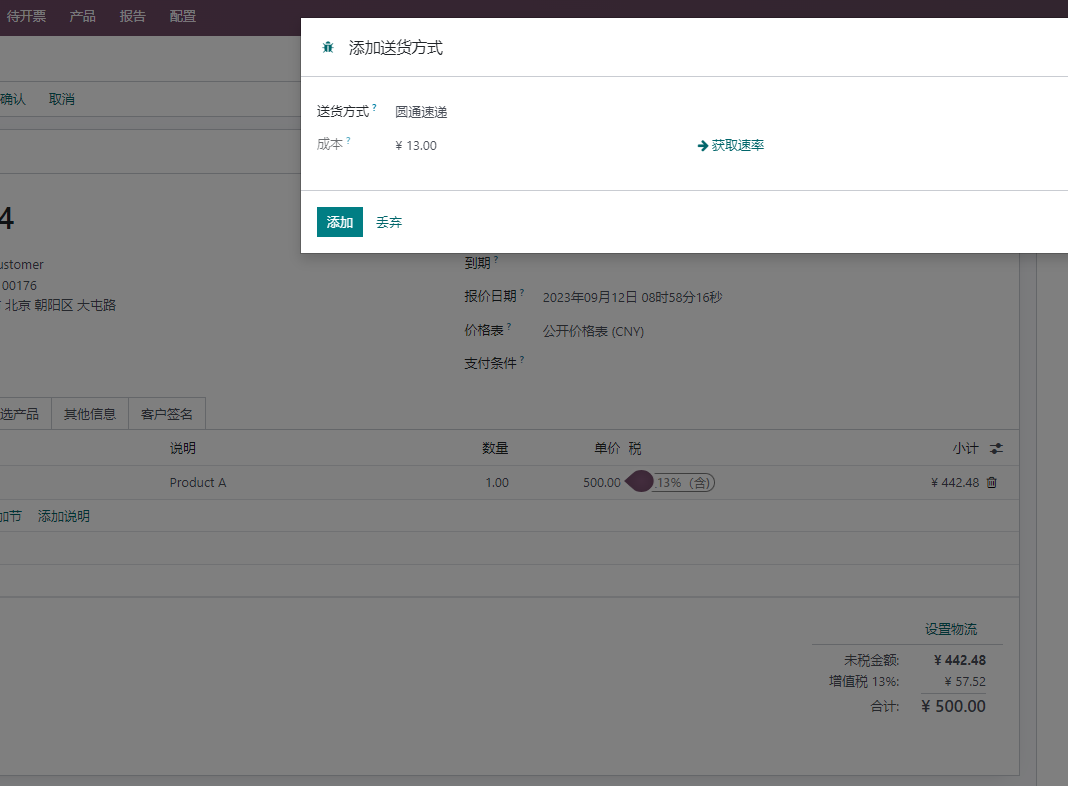
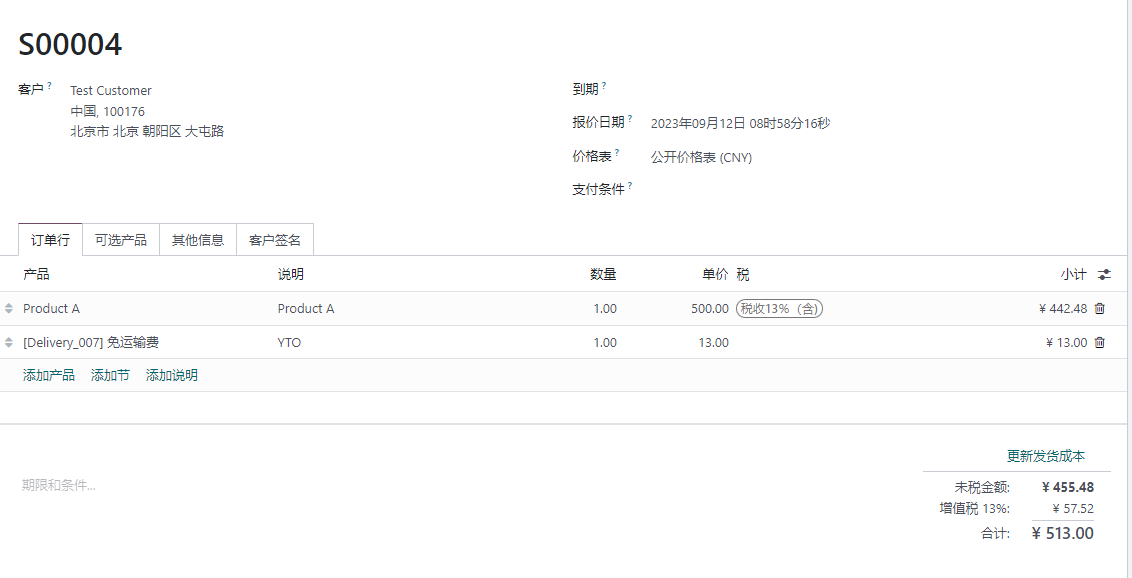
Click Get Rate to estimate the shipping cost based on the customer's delivery address. Click Add to add the shipping cost to the sales order.
Delivery
After the sales order is confirmed, Odoo can obtain the tracking number and electronic waybill during delivery.
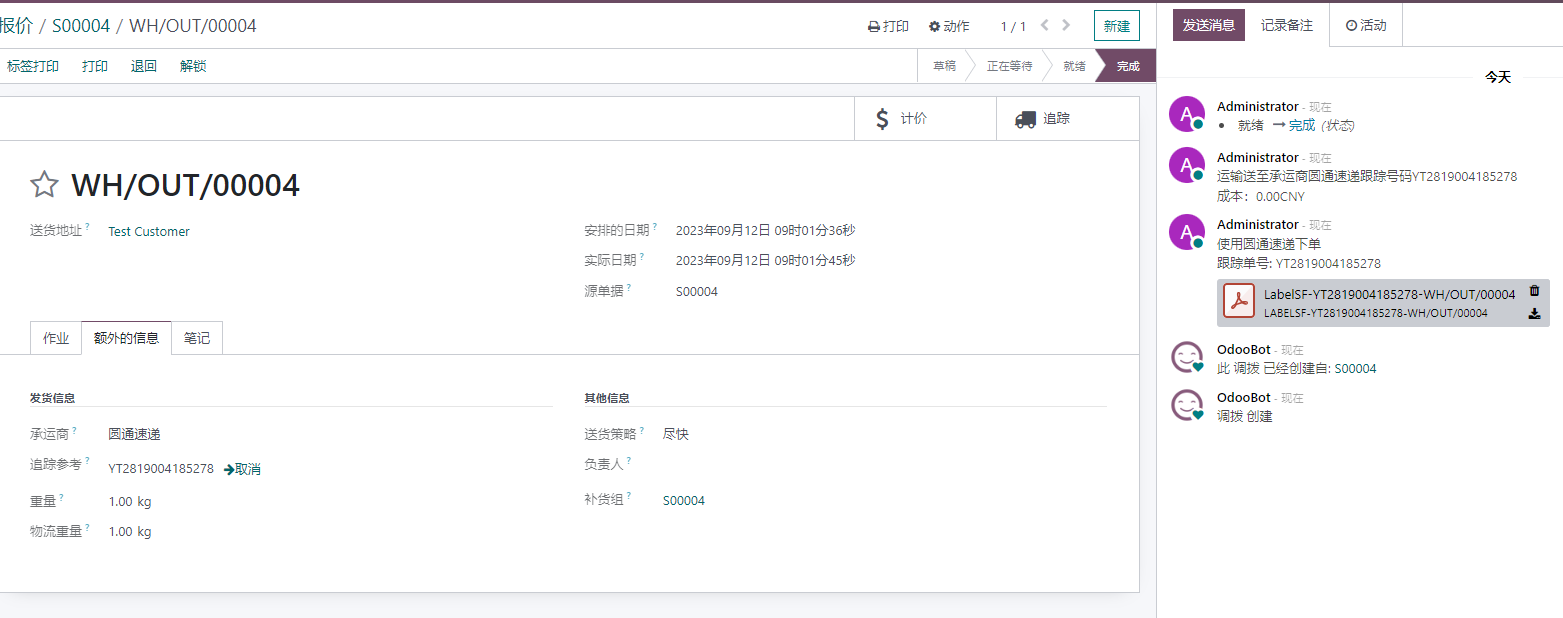
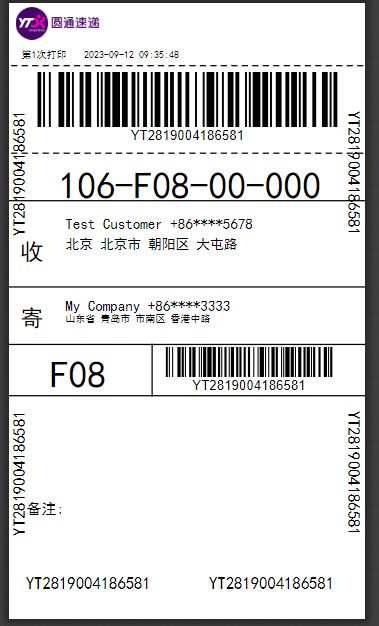
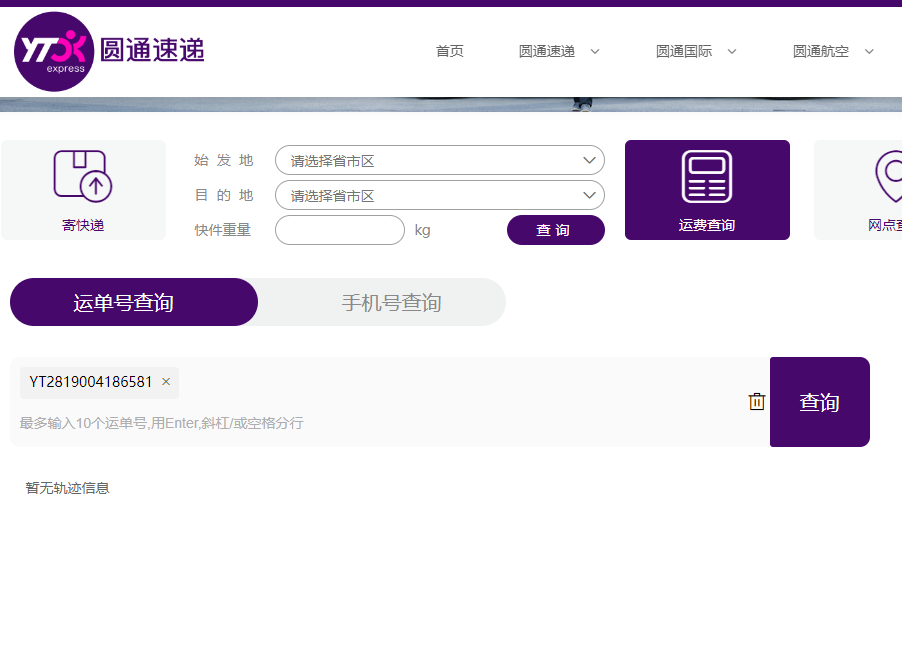
Click the tracking button in the upper right corner to query the shipment on the YTO website.
Website Orders
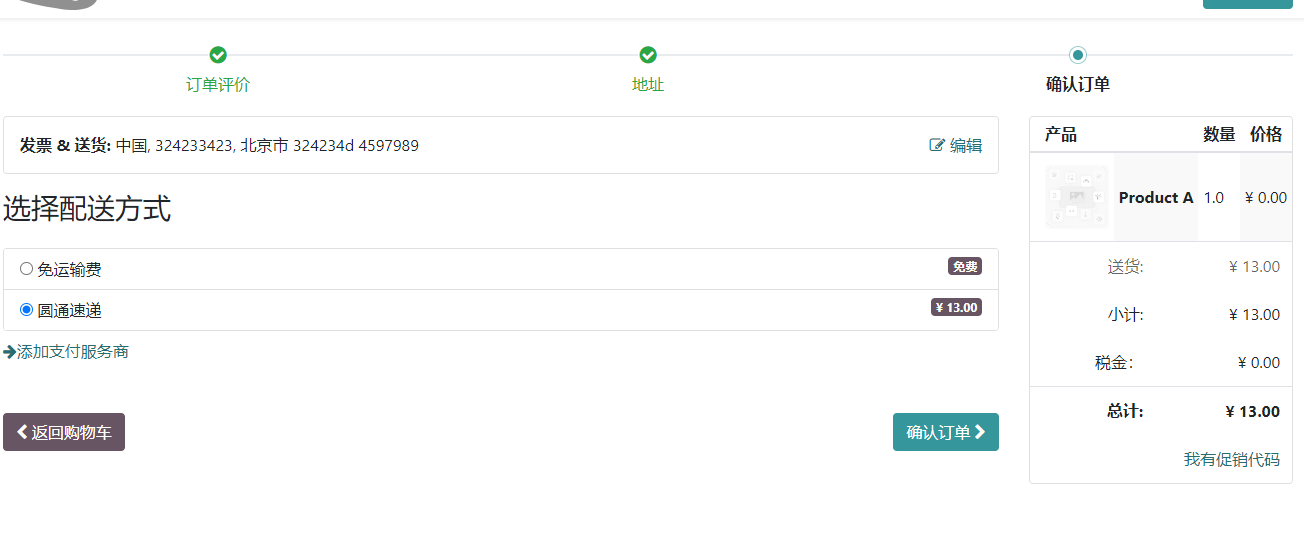
YTO Express can also be offered as a delivery option during website checkout, allowing customers to select YTO and estimate shipping cost.
This chapter introduced YTO Express integration. The next chapter explains a DHL solution adapted for China export and customs declaration scenarios.