Website eCommerce Payment Method Restrictions
By default, Odoo does not support assigning multiple payment providers of the same type to different product groups. For example, Customer A may have two Stripe accounts, Stripe1 and Stripe2, and wants different product categories to use different collection accounts for reporting and settlement analysis.
To solve this type of requirement, our website payment solution adds product-level payment method control.
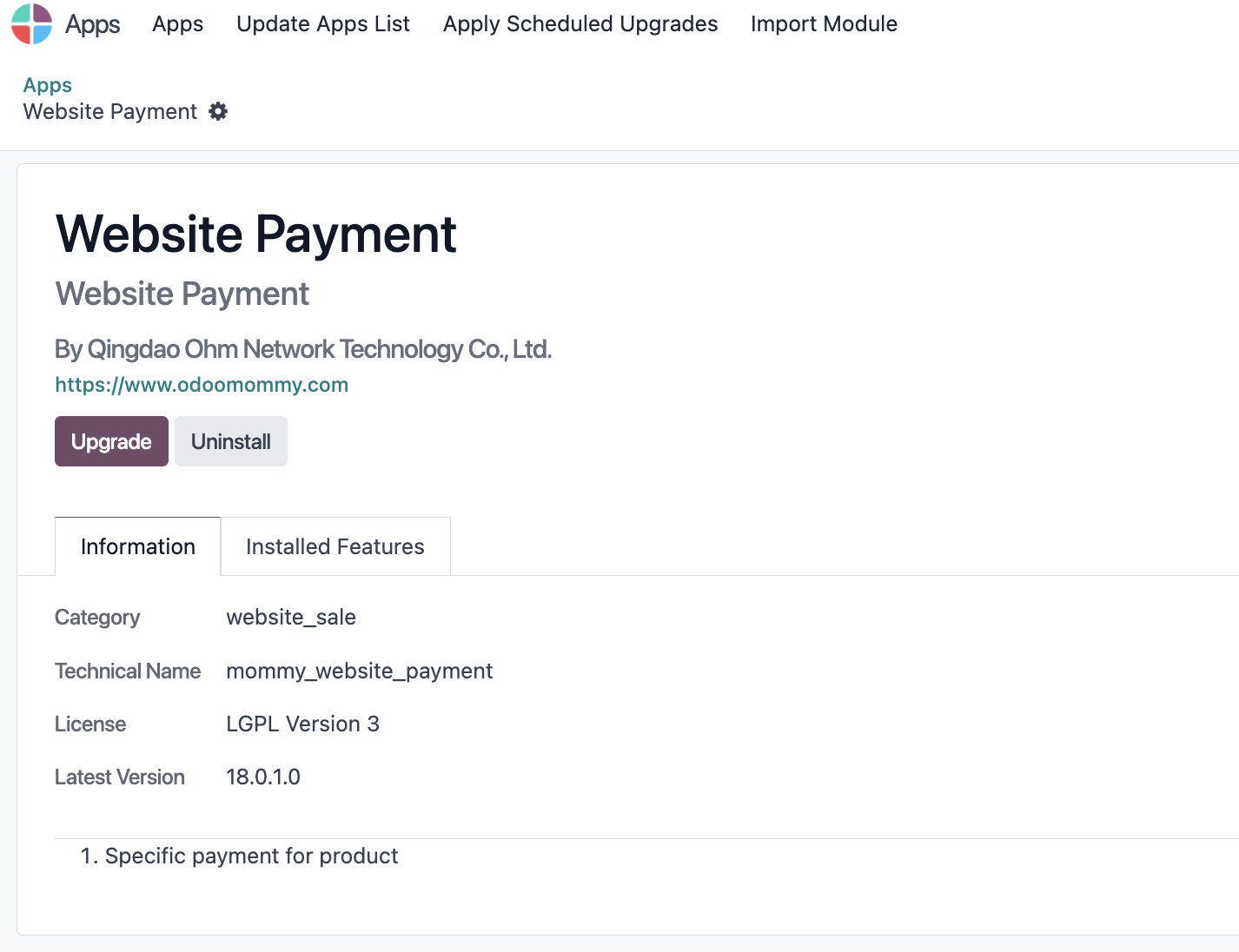
Install The Website Payment Module
Install the payment solution module first.
Specify Payment Methods On Products
On the target product, open the sales-related settings and define the supported payment methods.
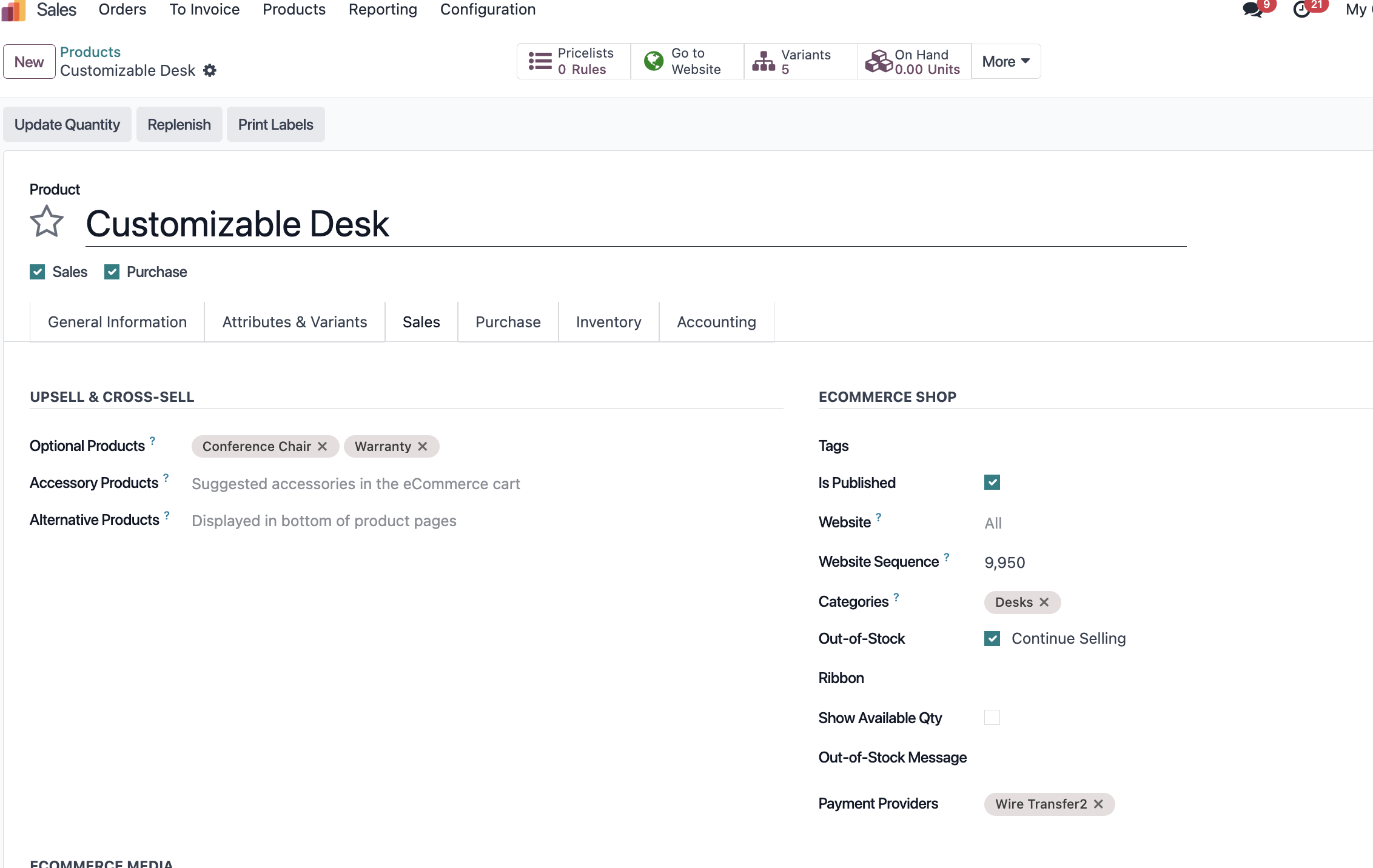
After payment methods are assigned, customers only see the specified payment methods when placing website orders for that product.
Mixed Payment Method Warning
If Product A is restricted to Payment Method P1 and Product B is restricted to Payment Method P2, and both products appear in the same order, Odoo displays a reminder asking the customer to place separate orders.
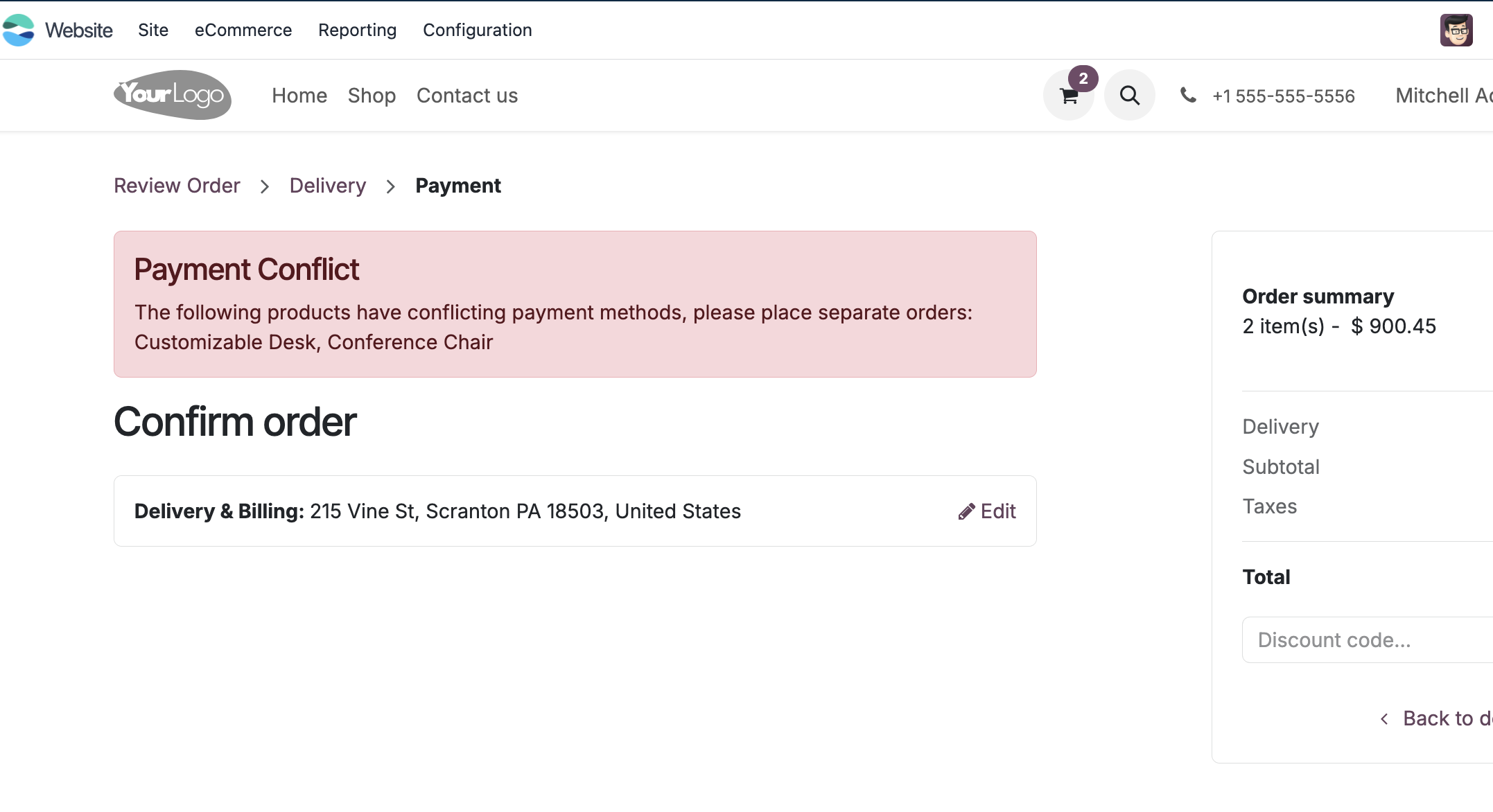
This keeps payment routing clear and avoids mixing products that should be settled through different payment channels.