JD Logistics
This chapter explains how to use the JD Logistics plugin developed by Qingdao Ohm Network Technology to connect Odoo with JD Logistics.
Preparation
First, register as a self-developed merchant on the JD Logistics Open Platform and complete certification and contract signing.
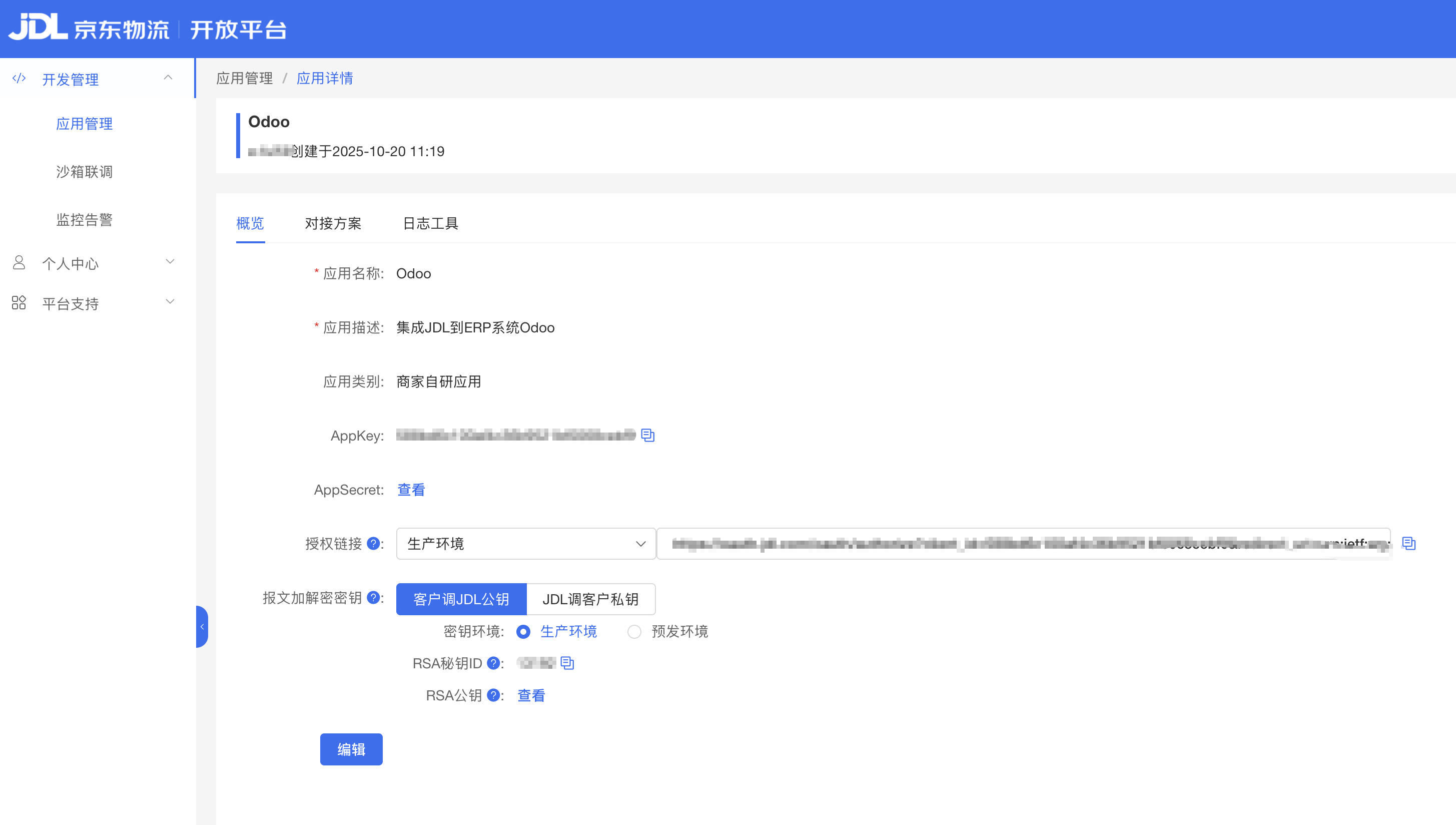
After onboarding, obtain the following parameters:
| Parameter | Description |
|---|---|
| Seller ID | Merchant ID. |
| APPKEY | Application key. |
| APPSECRET | Application secret. |
| Customer Code | JD platform customer code, also called Qinglong code. |
After obtaining these parameters, install the JD Logistics module in Odoo.
Connect Odoo
Install the JD Logistics module.
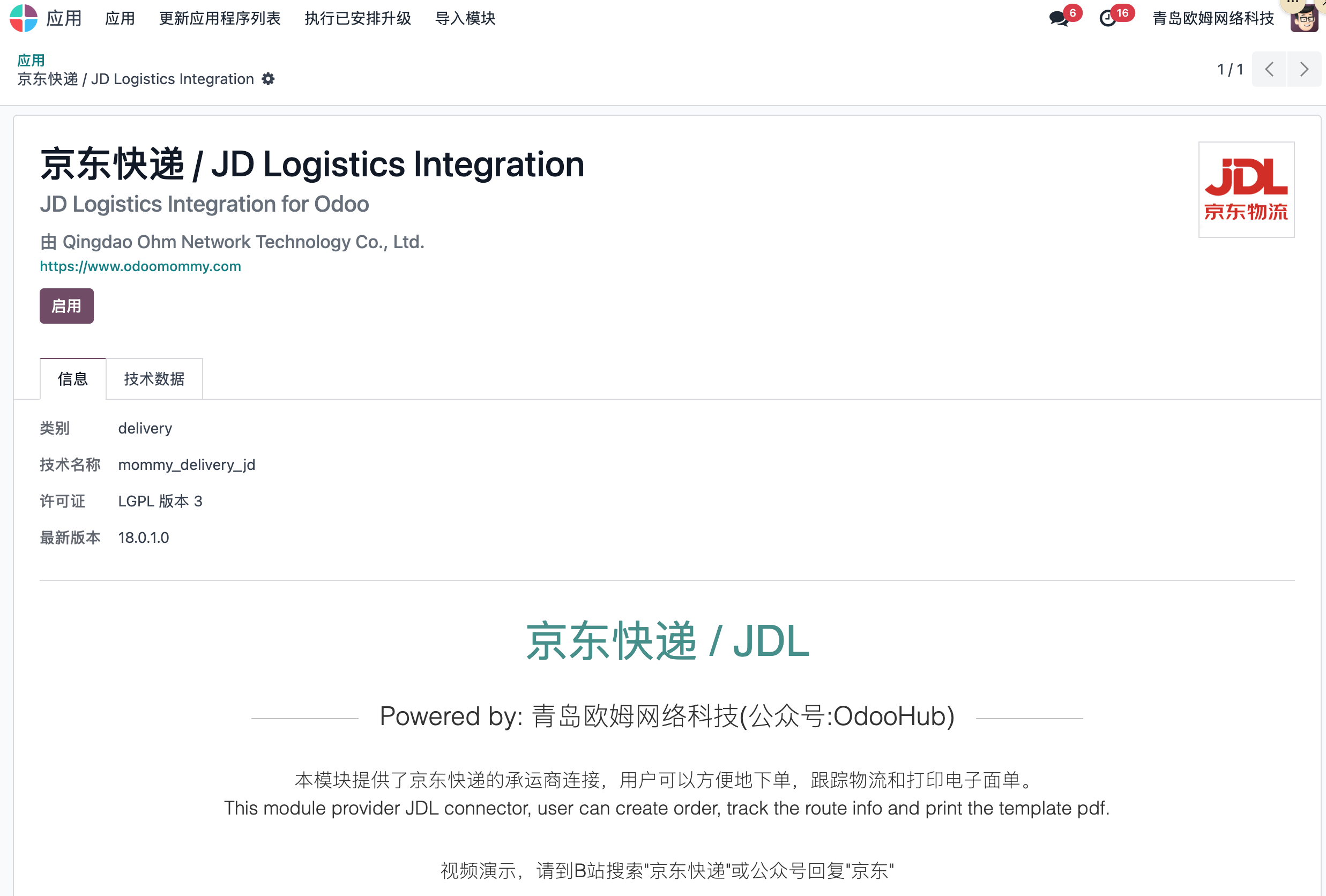
Activate it to complete installation.
JD Logistics Configuration
Go to Inventory > Configuration > Delivery Methods and create a JD Logistics delivery method. Select JDL as the provider.
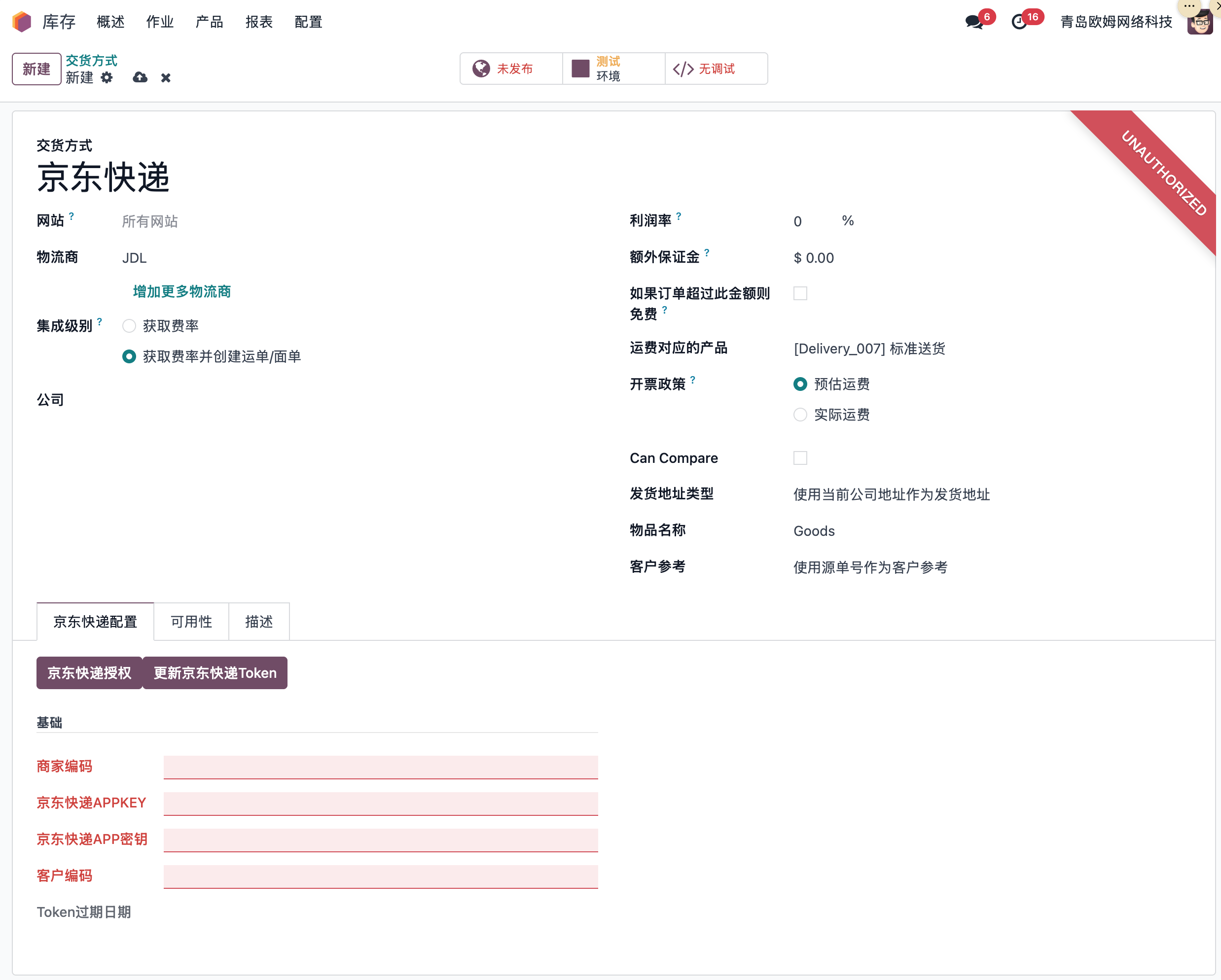
Key configuration fields:
| Field | Description |
|---|---|
| Seller ID | Merchant ID obtained earlier. |
| JD Logistics APPKEY | APPKEY. |
| JD Logistics Secret | APPSECRET. |
| Customer Code | Contracted customer code / Qinglong code. |
Complete Authorization
After configuration, click the JD Logistics authorization button. Odoo redirects to the JD Logistics official website.
Log in with the merchant account. Odoo returns automatically after authentication.
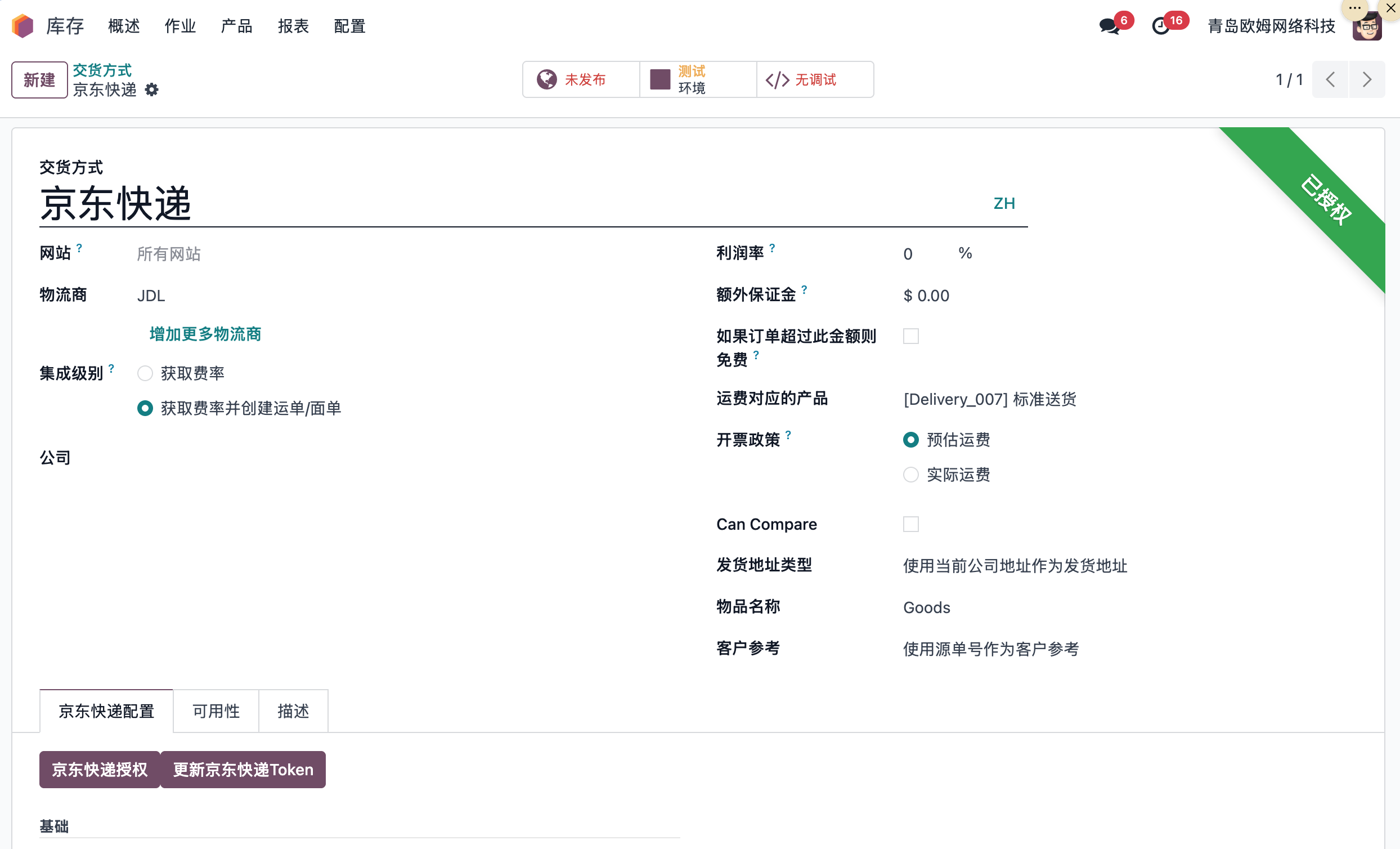
JD Logistics access token is valid for one year, and refresh token is valid for one year and one month. Refresh before expiration.
Rate Estimation
Select JD Logistics as the carrier on a sales order and click rate estimation.
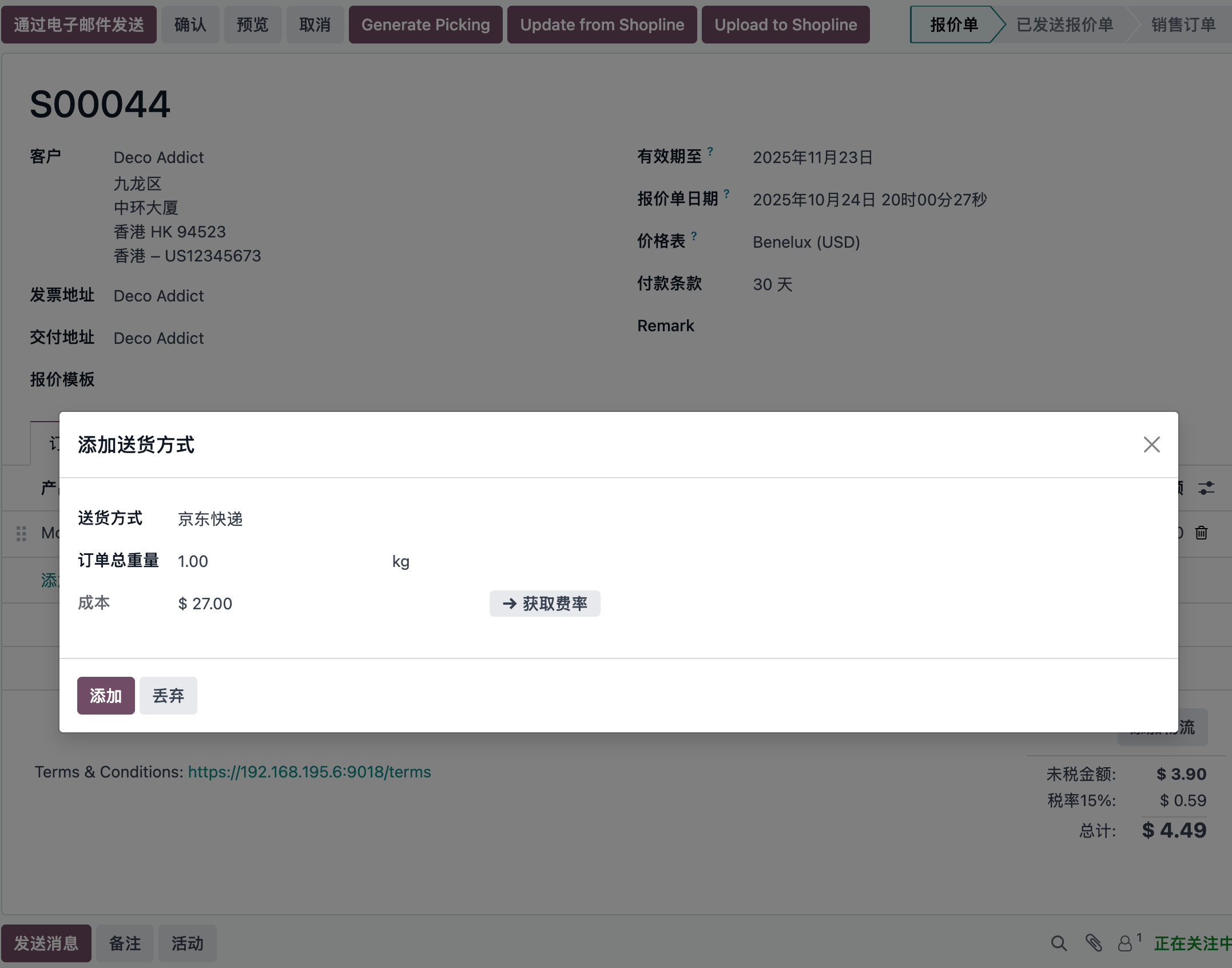
Ship And Generate Electronic Waybill
Confirm the sales order, then validate the delivery order.
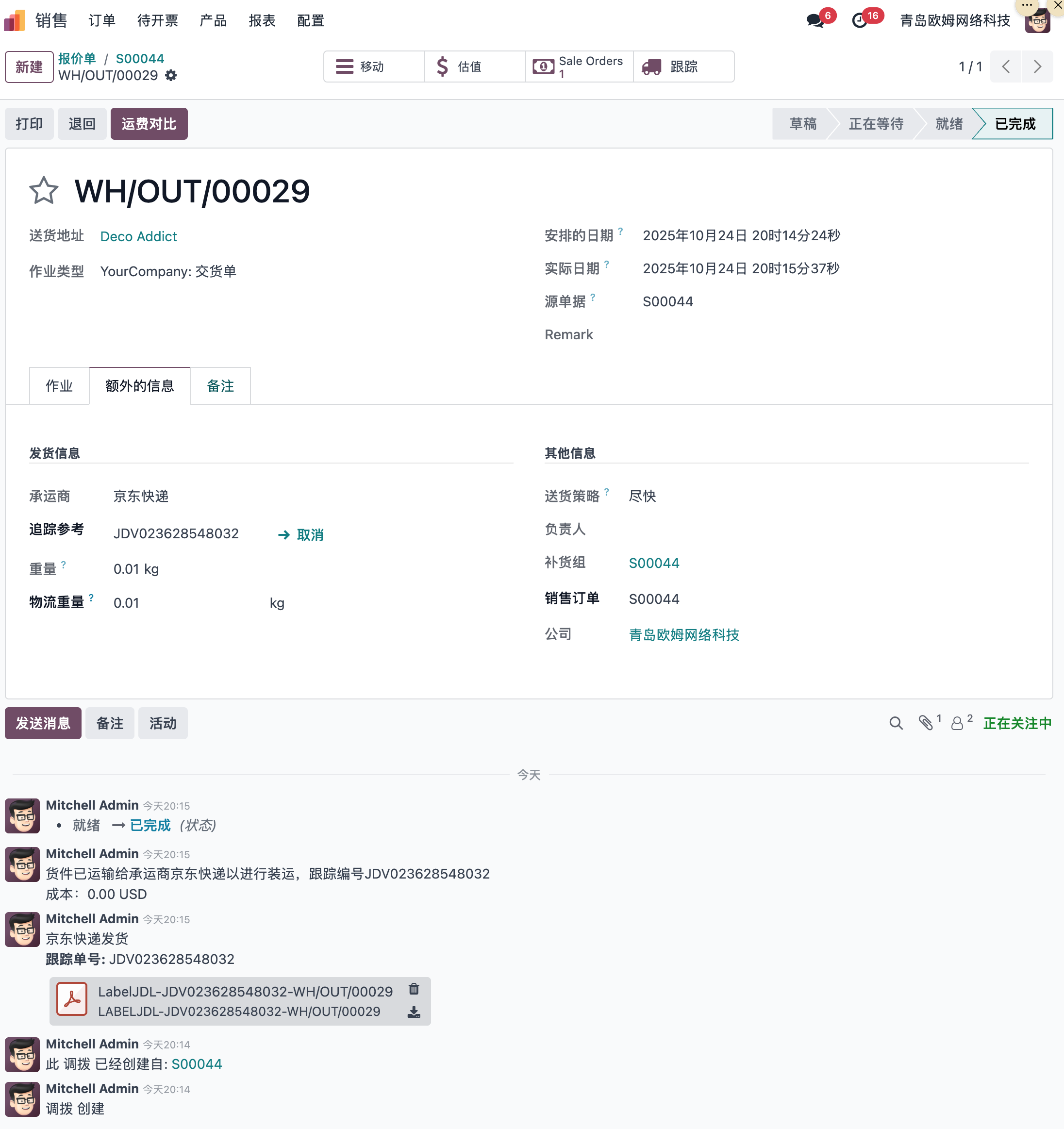
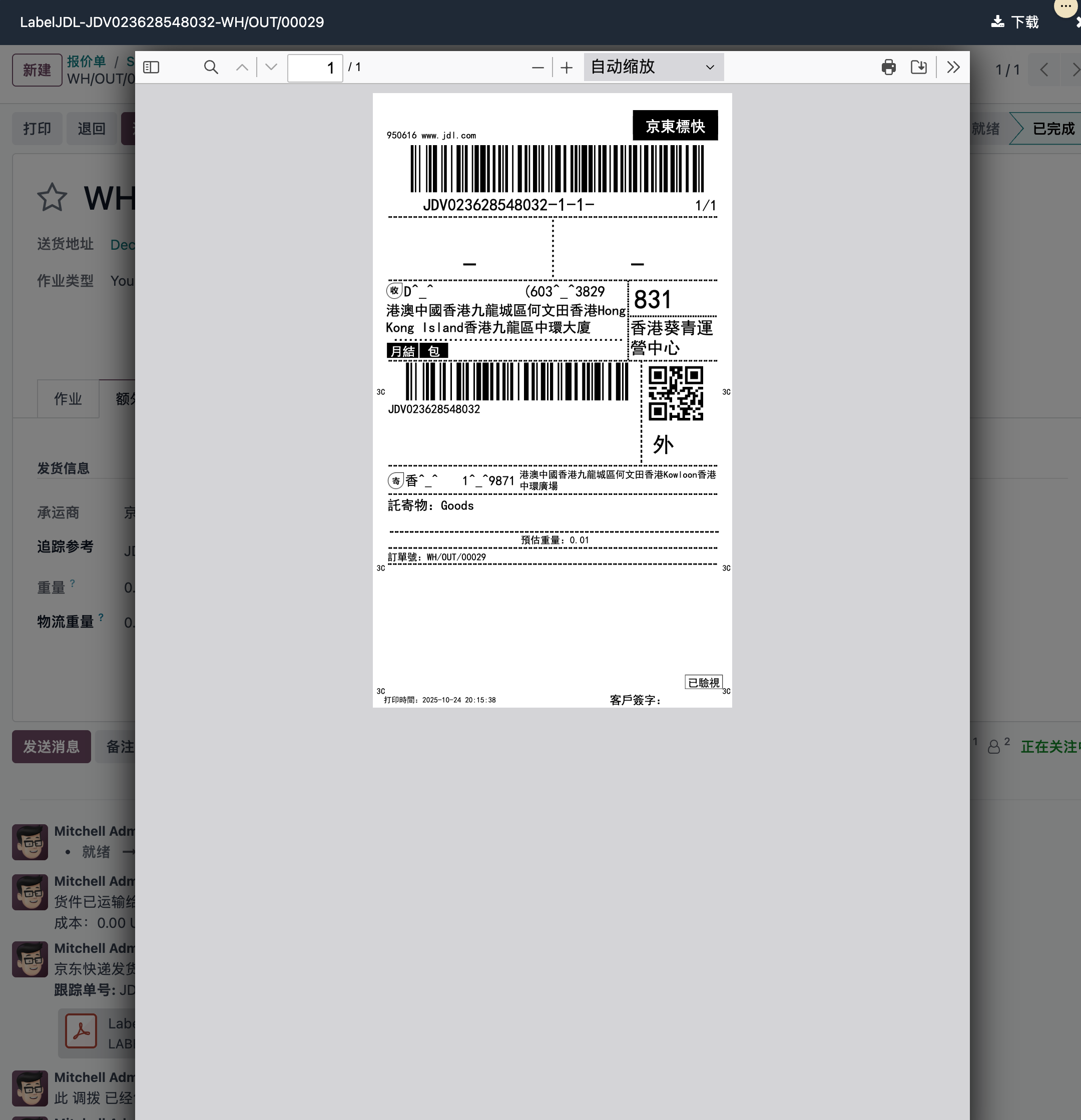
Print the electronic waybill attached to the chatter and place it on the package.
Cancel Shipment
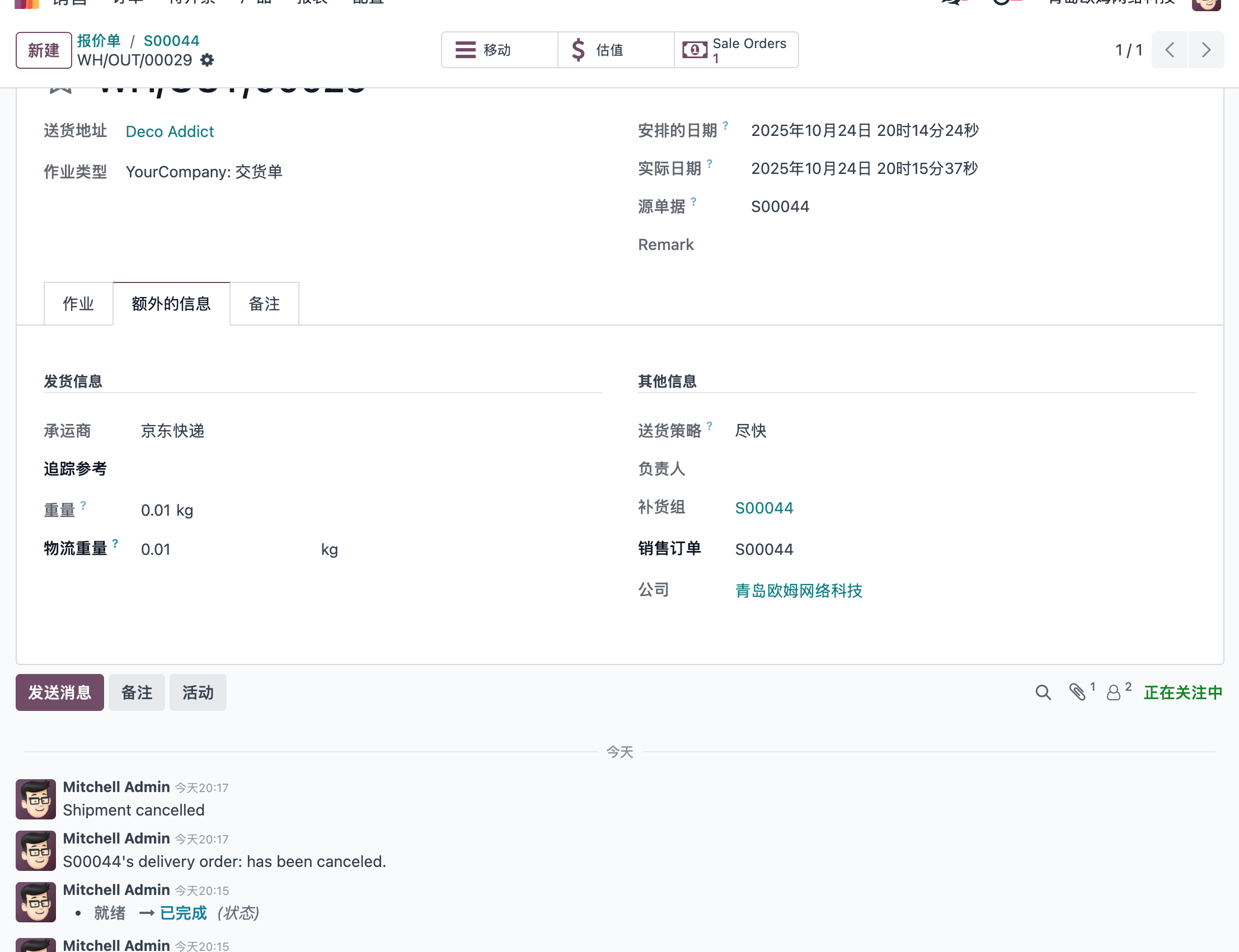
If the shipment should not be sent, click the cancel button on the delivery order to cancel the JD Logistics shipment.
Tracking
Click the tracking smart button on the delivery order to query shipment information on the JD Logistics website.

This chapter introduced JD Logistics integration for Odoo delivery operations.